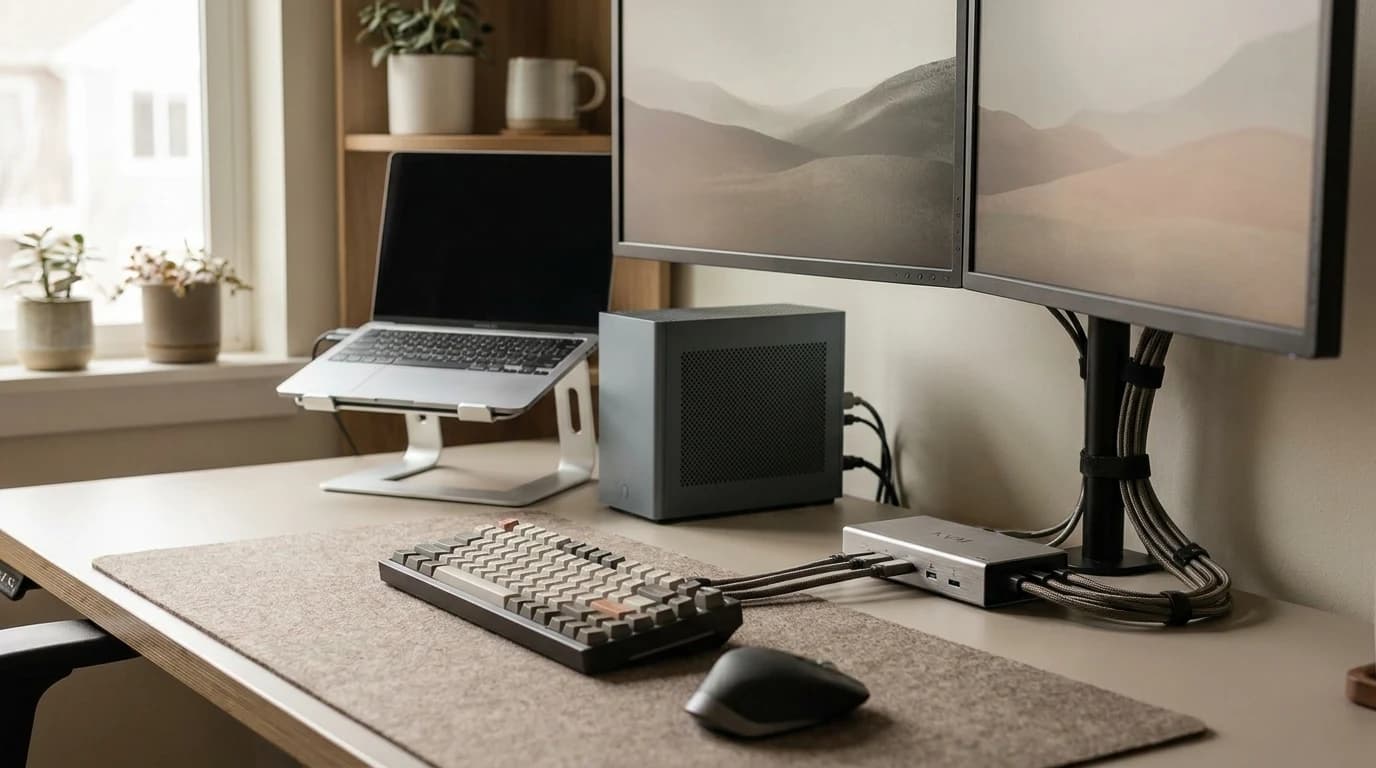
KVM Switch vs Docking Station: Which One Your Desk Needs
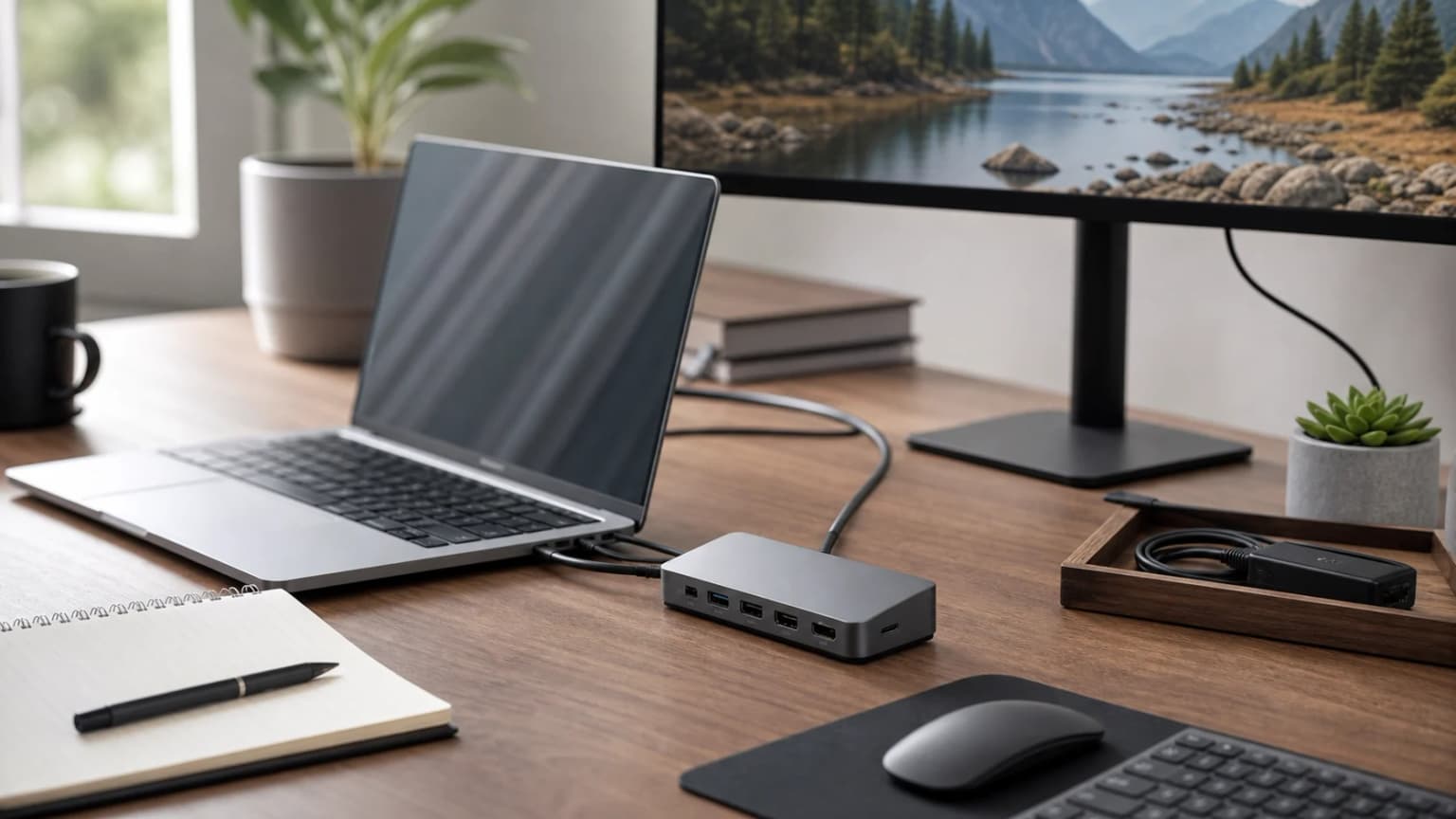
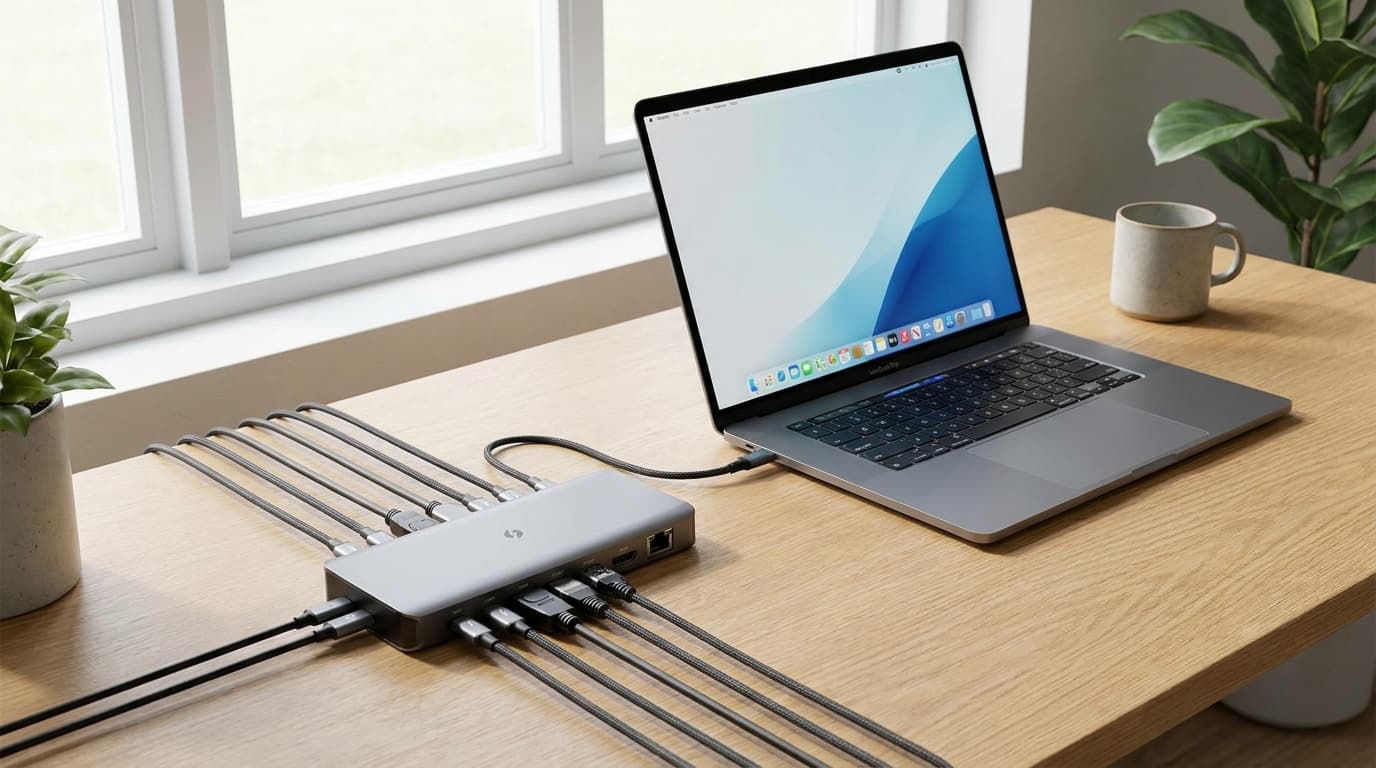
A dock connects one computer to many things; a KVM lets two computers share one desk. Match your setup to the right box and dodge four common traps.
WFH Lounge Blog
Research-backed buying guides, product comparisons, and work-from-home setup advice.
Showing 1–7 of 7 guides tagged #docking-stations

A dock connects one computer to many things; a KVM lets two computers share one desk. Match your setup to the right box and dodge four common traps.

Monitor flicker is four different faults: a weak signal chain, PWM dimming, variable refresh rate or a driver. Match what you see to one fast test.

A pink monitor is usually a cable, a dock or a color setting, not a dead panel. Test in this order, then run the self-test that tells you which it is.

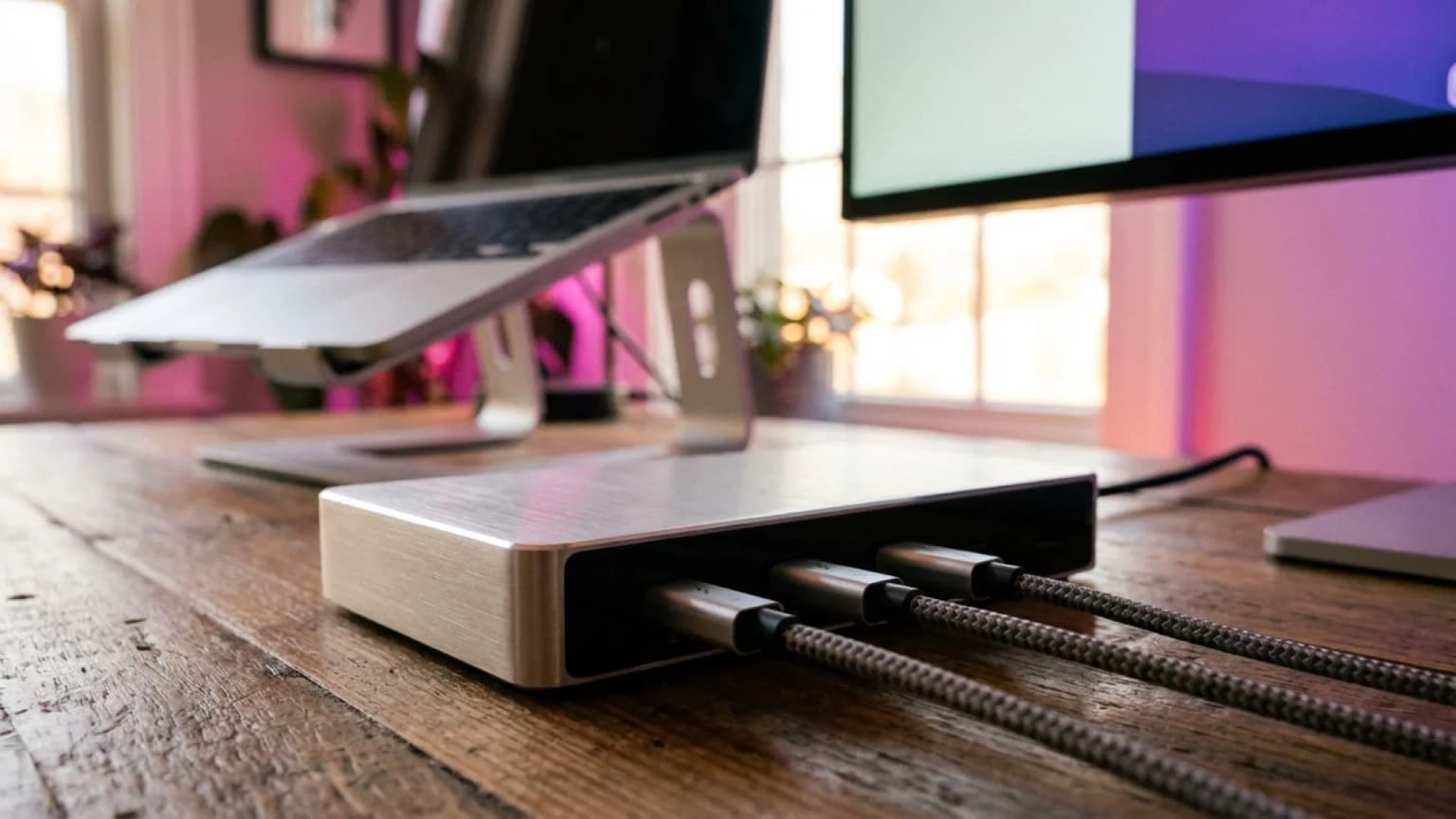
When the $400 CalDigit TS4 earns its premium — and when a $150 USB-C or Thunderbolt dock does the same WFH job. Decision matrix and what to buy instead.

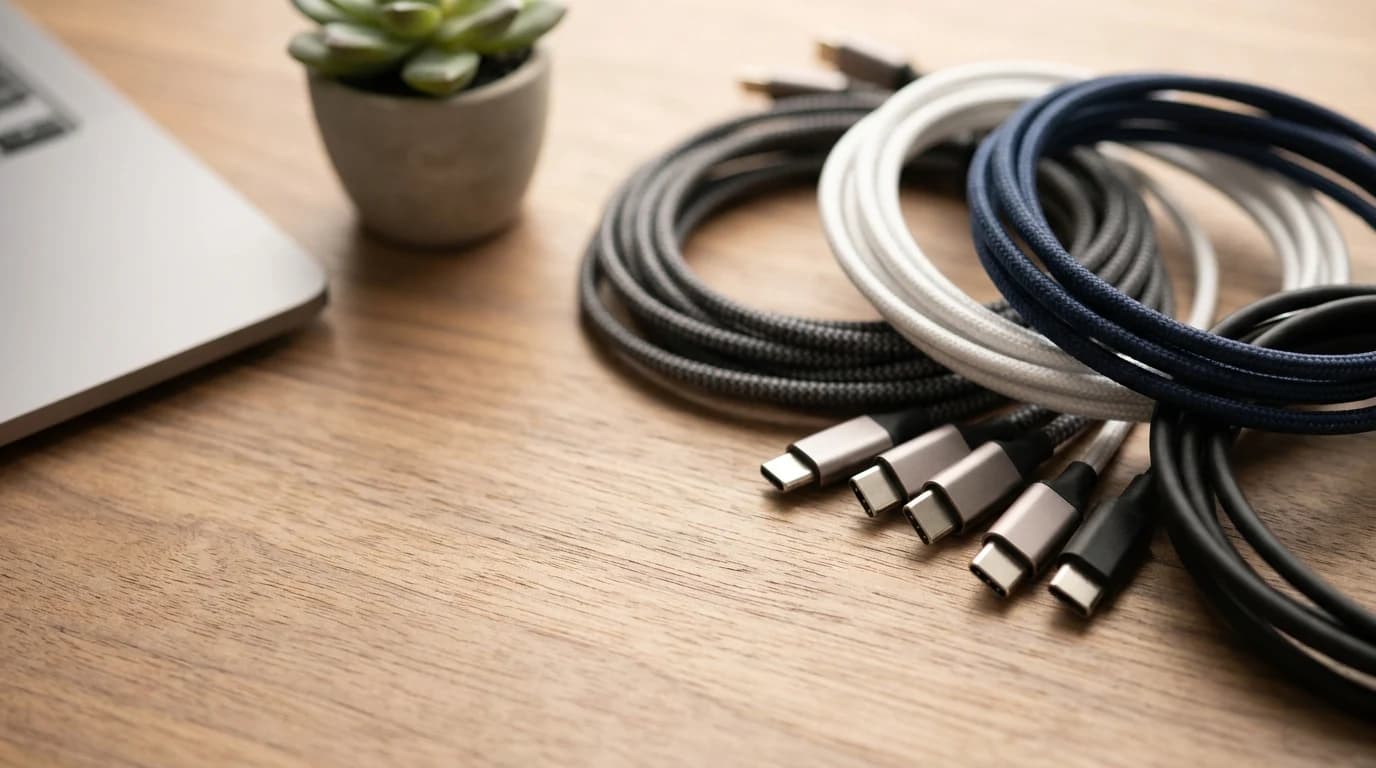
Same connector, wildly different cables. Why one charges but won't drive your monitor — and how to read the power, data, and video spec on it.

The 7 best docking stations for WFH multi-monitor setups in 2026, ranked. CalDigit TS4 wins for most, TS5 Plus for TB5 hosts, Anker 555 for travel.

6 Thunderbolt hubs and docks ranked for WFH in 2026. The CalDigit TS4 is our #1 pick; the $199.95 Plugable TBT-UDM is the best-value Thunderbolt 4 dock.