Dell vs LG Monitors for WFH 2026: Which Brand Wins?
Dell wins on docking and build — its UltraSharp USB-C/Thunderbolt hubs dock a laptop with one cable. LG wins on value and panel variety. For most WFH buyers, Dell UltraSharp is the safer pick.
The Verdict
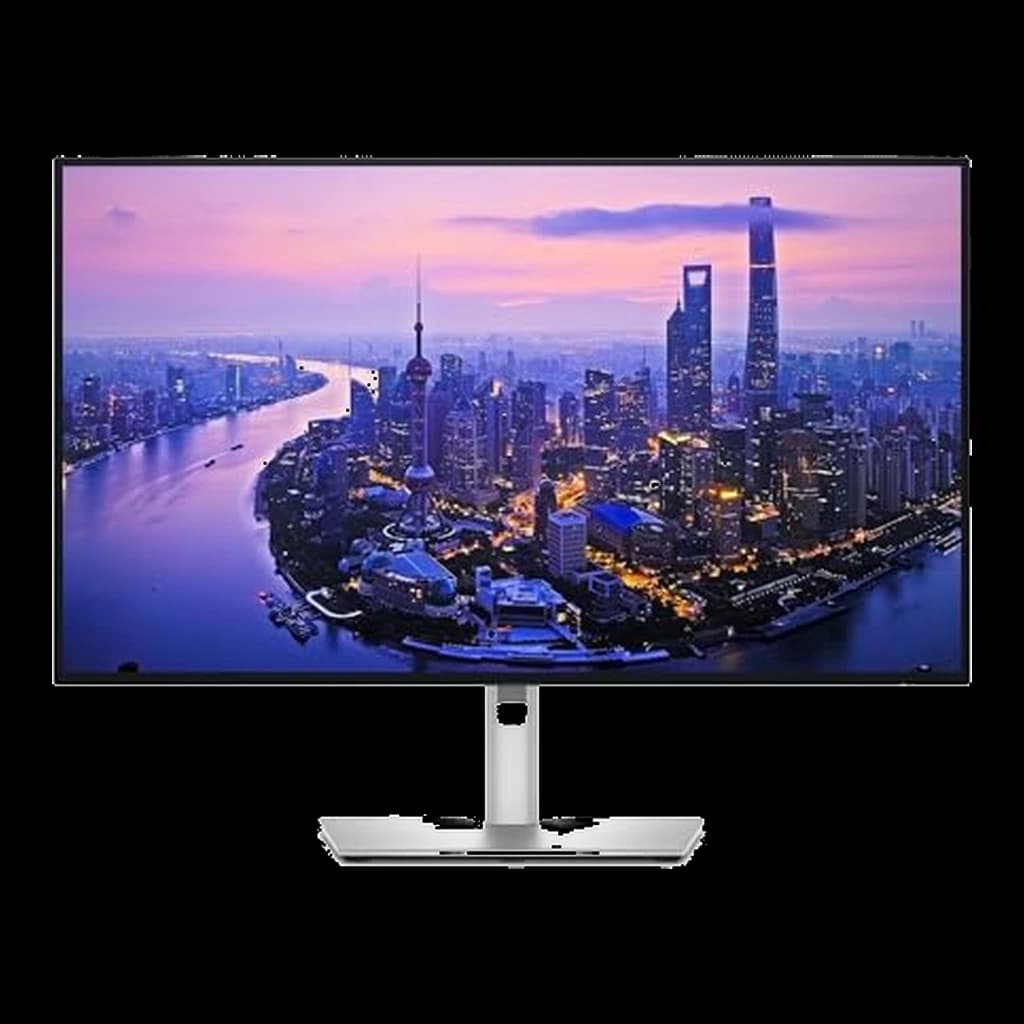 #1 Owner rating | 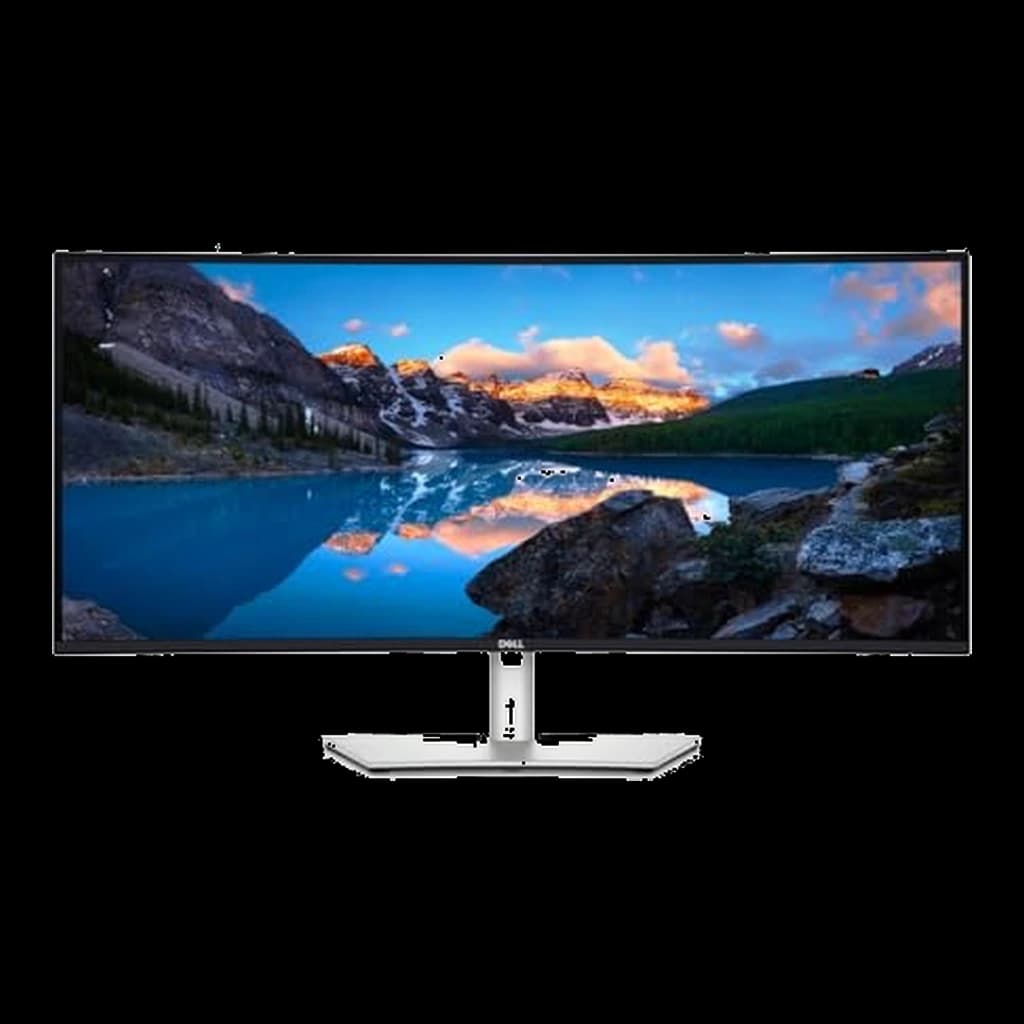 #2 Owner rating | 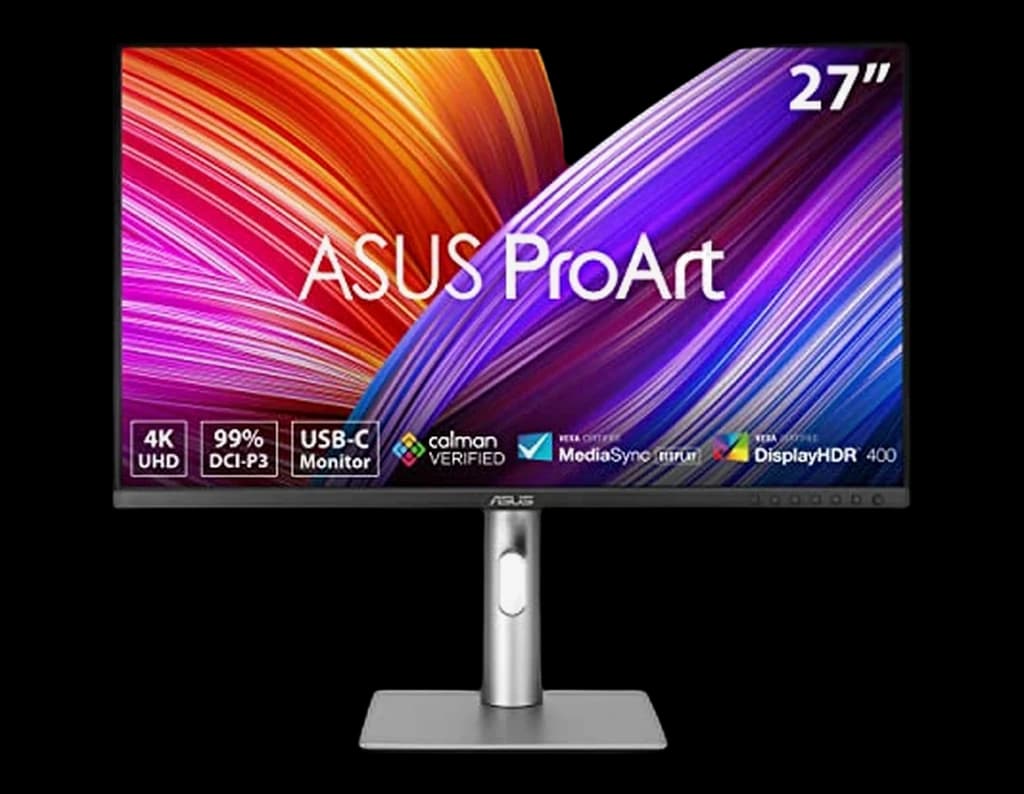 #3 Owner rating | 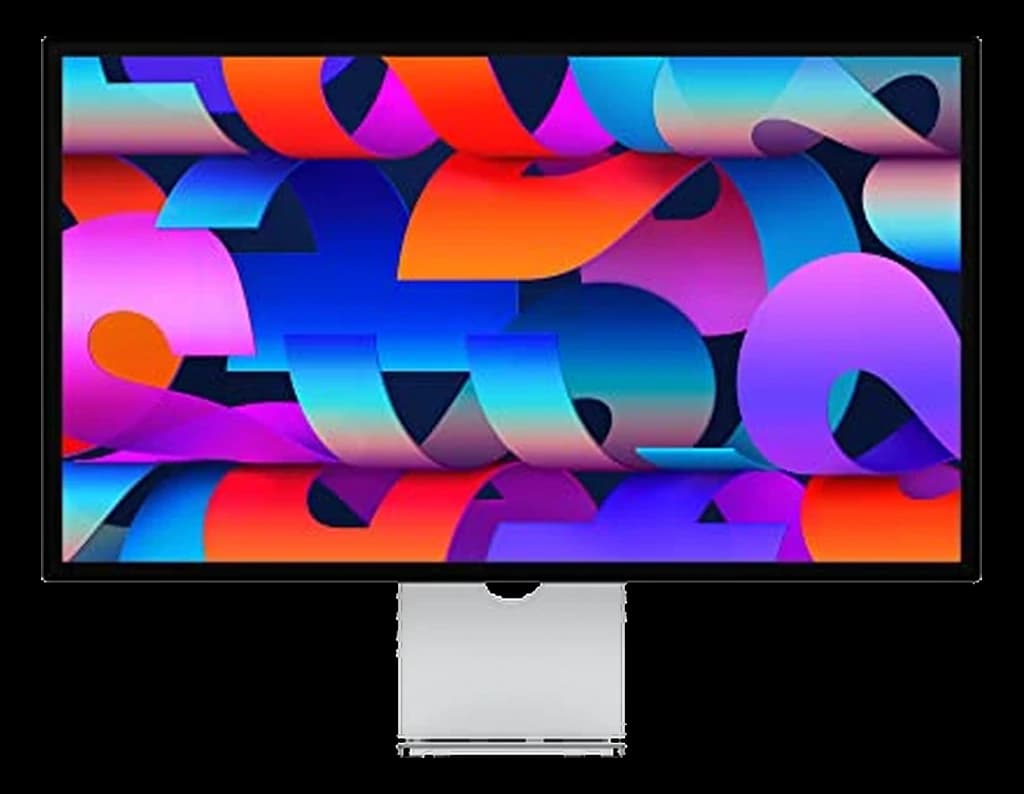 #4 Owner rating | 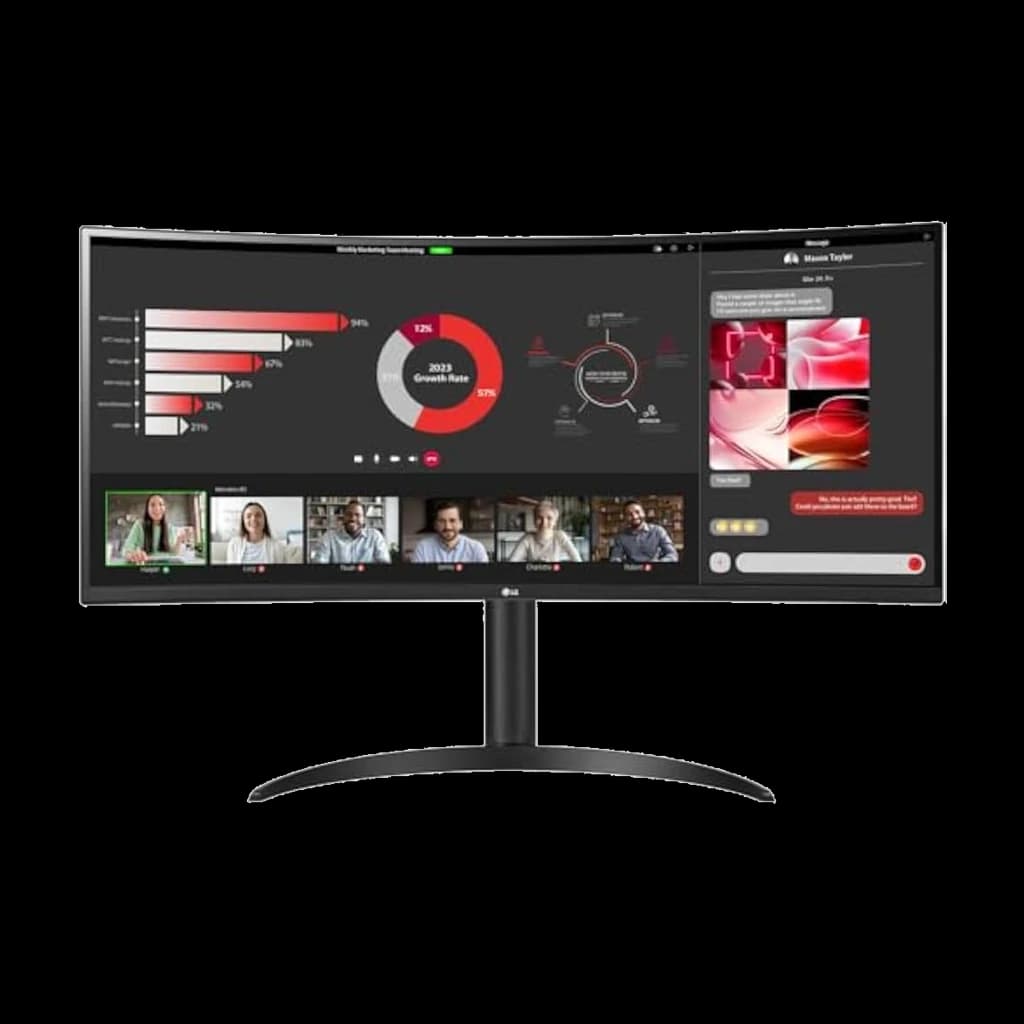 #5 Owner rating | 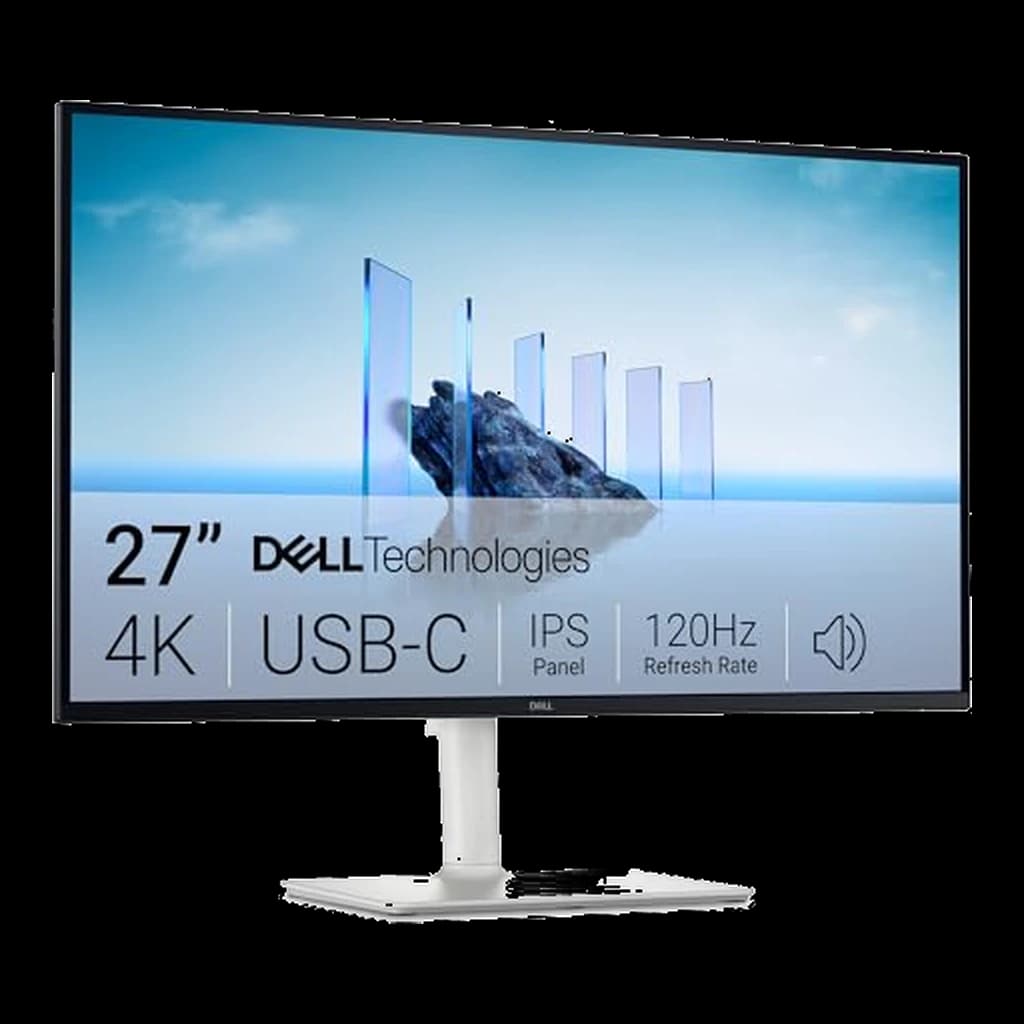 #6 Owner rating | 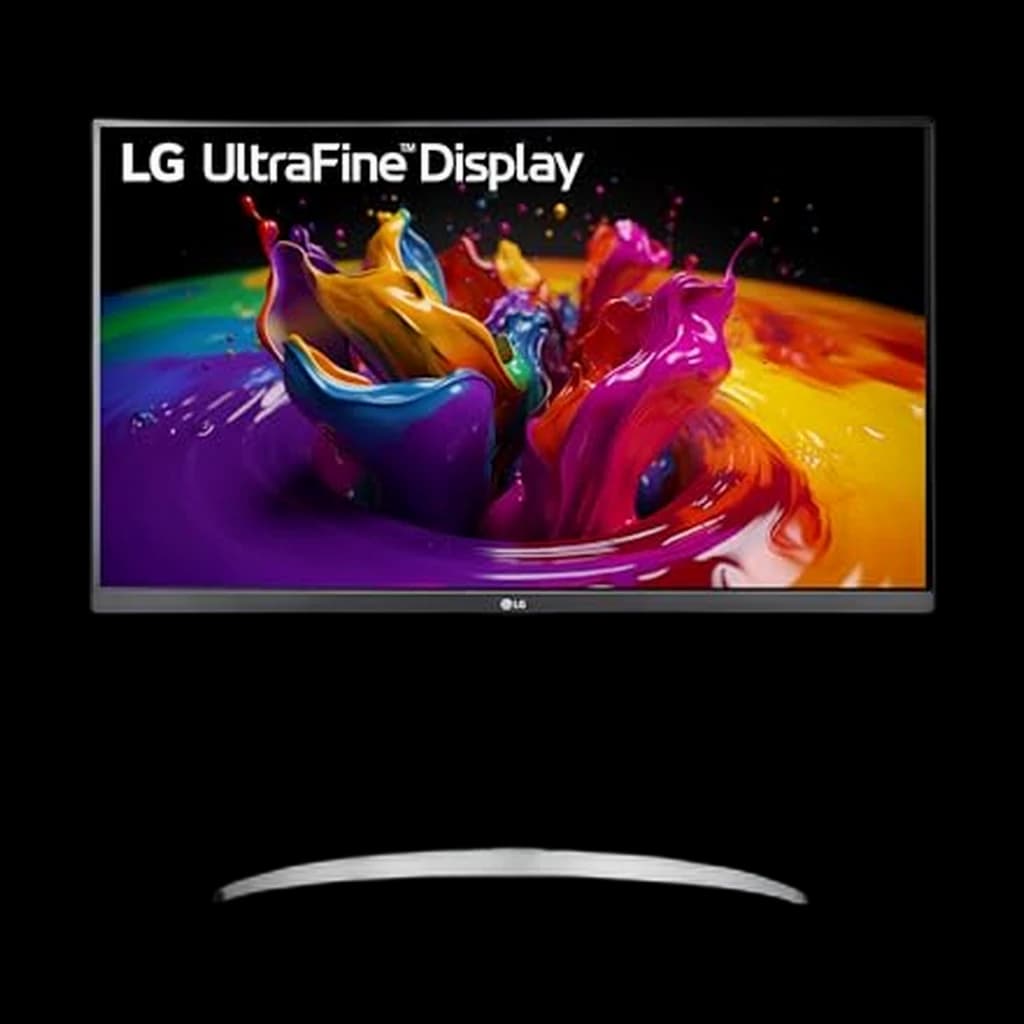 #7 Owner rating | |
|---|---|---|---|---|---|---|---|
| Price | $639Buy on Amazon | $765.09Buy on Amazon | $399Buy on Amazon | $1,599Buy on Amazon | $383Buy on Amazon | $349.99Buy on Amazon | $375Buy on Amazon |
| Verdict | The new productivity benchmark — 4K, 120Hz, Thunderbolt 4, 140W charging in one cable. | Ultrawide done right for desks — Thunderbolt dock, 120Hz, IPS Black contrast. | Color-accurate 4K at a price that undercuts every other ProArt-class display. | Native 5K Retina that pairs cleanly with Mac mini and MacBook with one Thunderbolt cable. | Same 34" 3440×1440 IPS form factor as the older 34WP88C-B but with 100Hz refresh and a sharper price — the budget ultrawide that doesn't feel dated. | 4K, 120Hz, and 65W USB-C charging for about $350 — the value benchmark for 27-inch 4K. | The LG counter-pick — 4K IPS with 96W USB-C and an ergonomic stand for a third less than the Dell hub monitors |
| Buyer sentiment | Connectivity Image Quality Ergonomics Buyers praise connectivity, image quality, ergonomics. Based on 100 user mentions | Monitor Quality Productivity USB Connectivity Size Buyers praise monitor quality, productivity, usb connectivity and size. Mixed feedback on picture quality and performance. Based on 84 user mentions | Quality Color Accuracy Picture Quality Value for money Buyers praise quality, color accuracy, picture quality and value for money. Mixed feedback on functionality and brightness. Based on 368 user mentions | Display Quality Image Quality Color Quality Appearance Buyers praise display quality, image quality, color quality and appearance. Mixed feedback on value for money. Based on 53 user mentions | Quality Screen Size Value for money Reliability Buyers praise quality, screen size and value for money. Mixed feedback on picture quality. Some flag reliability. Based on 38 user mentions | Display Quality Picture Quality Value for money Connectivity Buyers praise display quality, picture quality, value for money and connectivity. Mixed feedback on functionality. Based on 470 user mentions | Performance Appearance Reliability Brightness Buyers praise performance and appearance. Mixed feedback on picture quality and usb connectivity. Some flag reliability and brightness. Based on 156 user mentions |
| Resolution | 3840x2160 (4K UHD) | 3440x1440 (WQHD) | 3840x2160 (4K UHD) | 5120x2880 (5K) | 3440×1440 (WQHD) | 3840x2160 (4K UHD) | 3840x2160 (4K UHD) |
| Refresh Rate | 120Hz | 120Hz | 60Hz | 60Hz | 100Hz | 120Hz | 60Hz |
| Panel | 27" IPS Black | 34" curved IPS Black | 27" IPS | 27" IPS Retina | 34" Curved IPS | 27" IPS | 27" IPS |
| Connectivity | Thunderbolt 4 (140W PD), HDMI 2.1, DisplayPort 1.4, USB-C, 2.5GbE | Thunderbolt 4 (90W PD), HDMI, DisplayPort, USB hub, Ethernet | USB-C (96W PD), 2x HDMI 2.0, 2x DisplayPort 1.4 | Thunderbolt 3 (96W PD), 3x USB-C | USB-C (65W PD), HDMI ×2, DisplayPort | USB-C 65W PD (DisplayPort 1.4 Alt Mode) + 2x HDMI 2.1 — no DisplayPort socket | USB-C (96W PD), 2x HDMI 2.0, DisplayPort 1.4 |
| Stand | Tilt / swivel / pivot / height (full ergonomic) | Tilt / swivel / height | Tilt / swivel / pivot / height | Tilt only (height-adjust upgrade available) | Tilt / height adjustable | Tilt / swivel / pivot / height | Tilt / swivel / pivot / height |
| Pros |
|
|
|
|
|
|
|
| Cons |
|
|
|
|
|
|
|
* Prices checked Oct 2, 2026 and may vary. Check the latest price on Amazon.
We research — never hands-on. How we research →
Key Takeaways
Dell UltraSharp vs LG UltraFine for WFH in 2026. Dell wins on color and warranty, LG on price and Mac integration. Who picks which, by use case.
As an Amazon Associate I earn from qualifying purchases. Product prices and availability are subject to change.
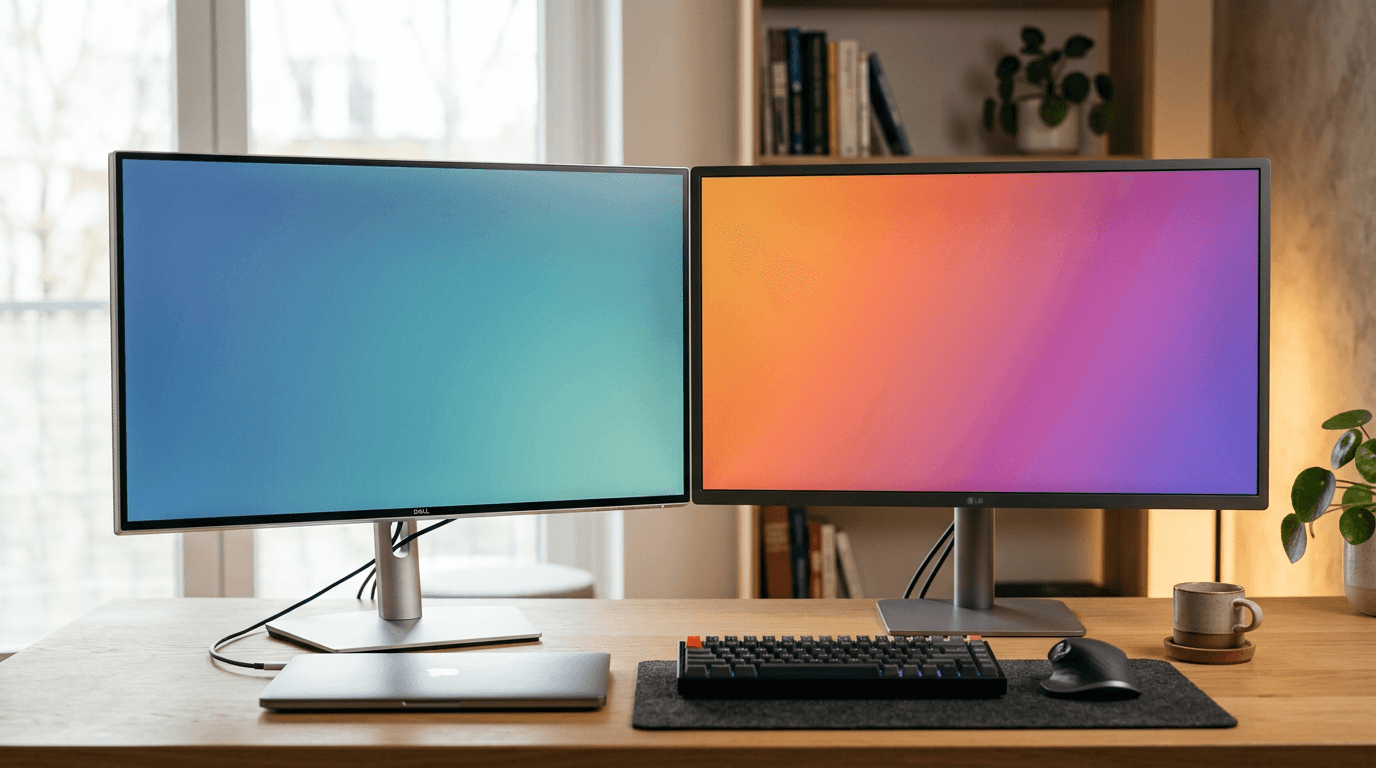
Both make excellent WFH monitors. Dell wins for all-in-one USB-C hub functionality and, at current prices, budget 4K. LG wins for OLED and vertical formats.
What the Research Says About Dell vs LG Monitors
The Dell-vs-LG comparison reduces to two engineering philosophies: Dell engineers monitors as enterprise IT equipment (3-year warranty default, advanced exchange, dead-pixel policy at 1+); LG engineers them as consumer electronics (1-year standard warranty, more aggressive panel risk for better consumer specs at the same price). Both make excellent panels — the differences appear at year three, not week one.
What the data does support:
- Warranty cost-of-ownership. Dell's 3-year warranty plus Advance Exchange (replacement ships before you return the original) saves substantial downtime in a WFH context. LG's standard 1-year is fine for a home buyer but lower for someone whose income depends on the monitor working.
- Color accuracy at the factory. Dell UltraSharp panels ship with delta-E < 2 calibration certificates by default; LG matches on UltraFine line but inconsistent on consumer (-W, -B) lines. For design or color-critical work, certificates matter.
- Panel sourcing overlap. Both brands use LG Display IPS panels for many SKUs — the panel itself is often identical. The difference is the controller board, firmware, calibration, and warranty wrapper.
What the research does not support: that one brand is "more reliable" overall. We have not found published field-failure data that separates the two brands on 3-year defect rates, and neither publishes one. Panel-lottery variance is bigger than brand variance.
Brand-Level Comparison
| Dell U-series | LG UltraFine/UltraGear | |
|---|---|---|
| Best strength | USB-C hub integration | Panel variety (OLED, DualUp) |
| Value 4K with USB-C | Dell S2725QC (~$330) ✓ | LG 27UP850-W (~$430) |
| OLED option | No | LG 27GR95QE-B ✓ |
| Vertical format | No | LG DualUp 16:18 ✓ |
| USB-C hub | Excellent (TB4 on U-series) | Basic on most models |
| Warranty | 3 years + Advanced Exchange | 1 year (standard consumer) |
| IPS Black | ✓ (U2724DE) | No equivalent |
The Dell Case: Buy Once, Use for a Decade
Dell's U-series (U2724DE, U2422DE, etc.) are built around one idea: the monitor as your dock. The U2724DE has:
- Thunderbolt 4 / USB-C 90W charging
- 4× USB-A downstream ports
- DisplayPort out for daisy-chaining
- IPS Black panel (3× higher contrast than standard IPS)
You plug one cable from your MacBook into the monitor and everything — power, peripherals, display — just works. For a sit-stand desk user who disconnects and reconnects daily, this is a significant quality-of-life feature.
Best Dell picks:
| Model | Size | Key feature | Price |
|---|---|---|---|
| U2724DE | 27″ 1440p | IPS Black + TB4 hub | ~$476 |
| U2422DE | 24″ 1440p | TB4 hub, compact | ~$380 |
| S2722QC | 27″ 4K | USB-C 65W, budget | ~$280 |
The LG Case: Better Panel Options
LG has options Dell simply doesn't offer:
LG DualUp 28MQ780-B — the 16:18 "tall" monitor that shows far more content vertically than a 16:9. Extraordinary for coding and document work, though the Amazon listing has been unavailable for a while, so treat it as hard to buy rather than a live recommendation.
LG 27GR95QE-B OLED — WOLED panel with near-perfect blacks. No IPS blooming, near-zero input lag. Worth considering if color accuracy or contrast quality matters.
LG 27UP850-W — the value 4K IPS with 96W USB-C, around $375. The default recommendation when someone wants 4K without premium pricing.
Best LG picks:
| Model | Size | Key feature | Price |
|---|---|---|---|
| 27UP850-W | 27″ 4K | Value 4K IPS, 96W USB-C | ~$375 |
| DualUp 28MQ780 | 28″ 16:18 | Tall format, dev favorite | ~$500 |
| 27GR95QE-B | 27″ OLED | Perfect blacks | ~$600 |
| 34WN80C-B | 34″ ultrawide | IPS ultrawide, USB-C | ~$780 |
How to Choose
→ Dell if you want one cable from laptop to monitor and a built-in hub. The U2724DE is the best single-cable WFH monitor available.
→ LG if you want 4K under $300, an OLED panel, the tall DualUp format, or an ultrawide. LG's panel variety is unmatched.
→ Either if you're buying a straight 27″ 4K IPS monitor — quality is roughly equal at equivalent price points. Our best 27-inch monitors for work ranking puts picks from both brands head-to-head.
What to Skip Comparing Dell vs LG
- Comparing on panel spec alone. Many SKUs share LG Display panels. The controller board, OSD, and connectivity differ more than the panel.
- Buying without checking input lineup. Dell U-series typically gets you DP + HDMI + USB-C + USB hub. LG monitors at the same price often skip one of these. Verify input mix matches your laptop docking flow.
- Buying the cheapest 27-inch from either brand. Sub-$250 in either brand means you're sacrificing stand adjustability or input mix or panel uniformity. The sweet spot is $280–$450 for desk-grade.
- Ignoring USB-C PD wattage. 65W is the minimum for a 13–14" laptop charge. Below 65W you need a second power brick.
Products referenced in this guide
For quick reference, the products tied to this guide are the Dell UltraSharp U2725QE 27" 4K Thunderbolt Hub ($629), the Dell UltraSharp U3425WE 34" Curved Thunderbolt Hub ($748.99), the ASUS ProArt PA279CRV 27" 4K HDR ($399), and the Apple Studio Display 27" 5K ($1,599).
Other products referenced here include the LG 34WR55QC-B 34" Curved UltraWide WQHD ($383) and the Dell S2725QC 27" 4K USB-C 120Hz ($349.99).
Frequently Asked Questions
Is Dell or LG better for color-sensitive creative work?
Both offer factory-calibrated options. Dell's U-series comes with a calibration report; LG's UltraFine series targets designers. For serious color work (print, professional photo editing), go calibrated regardless of brand.
Which has better build quality?
Dell U-series monitors are built for commercial environments — the stands are more adjustable and more robust. LG's budget monitors have flimsier stands. On the premium end, build quality is comparable.
Do Dell and LG monitors work well with Mac?
Both work well. Dell's Thunderbolt models support Apple Silicon natively. LG's UltraFine 4K/5K were originally co-designed with Apple — excellent macOS integration.
Should I buy a monitor arm with either brand?
The Dell U-series stand is already excellent (height, tilt, pivot, swivel). Most LG stands are average. If you buy an LG without a premium stand, budget ~$170 for the Ergotron LX arm.
Sources & Research
Your next step
Ready to pick a monitor?
Hilly Shore Labs
Editorial TeamWFH Lounge is published by Hilly Shore Labs. Every recommendation is built by synthesizing ergonomic research, manufacturer specs, expert reviews from outlets like Wirecutter, RTINGS, and The Verge, and aggregated long-term owner sentiment from thousands of verified buyers.
All product reviews are independently researched. Our recommendations are based on ergonomic guidelines, manufacturer specifications, and verified buyer sentiment. See our methodology.