Best 27-Inch Monitor 2026: Dell S2725QC + 8 More Ranked
The 27-inch to buy for most desks: the Dell S2725QC — 4K, 120Hz and 65W USB-C at $329.99. Step up to the UltraSharp U2725QE only if you need a Thunderbolt dock.
Our #1 Pick
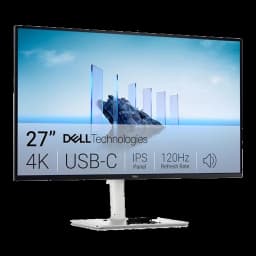
Dell S2725QC 27" 4K USB-C 120Hz
4K at 27 inches, 120Hz, and 65W USB-C charging for about $330. RTINGS names it the value pick among work monitors; in our own Amazon order data it is the 27-inch monitor readers go on to buy. The Dell UltraSharp U2725QE is the upgrade if you need a Thunderbolt hub.
Fits: laptops that charge on 65W USB-C (an Air or 14" Pro); no DisplayPort socket — USB-C or HDMI 2.1- Genuine 4K UHD at 120Hz for buttery scrolling
- 65W USB-C delivers single-cable laptop charging
- 99% sRGB and AMD FreeSync Premium for sharp text and smooth motion
Price checked Oct 8, 2026 — verify the live price on Amazon.
Also Great
Best value 4K: LG 27UP850N 4K USB-C ($398) — UltraSharp-class 4K, 96W USB-C and KVM for well under UltraSharp money.
Buy on AmazonBest budget: LG 27U631A-B ($169.99) — 27-inch 1440p IPS at 100Hz for the price of a monitor arm.
Buy on Amazon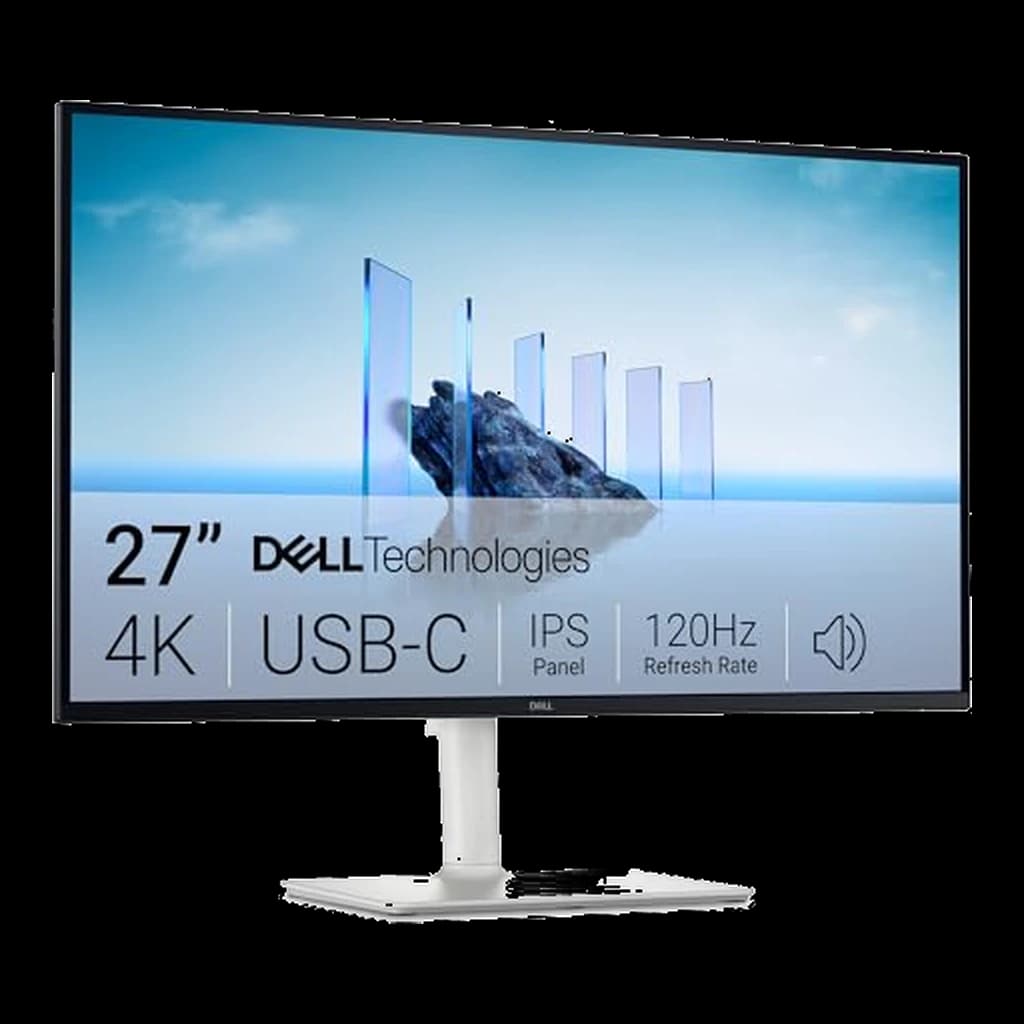 #1 Owner rating |  #2 Owner rating | 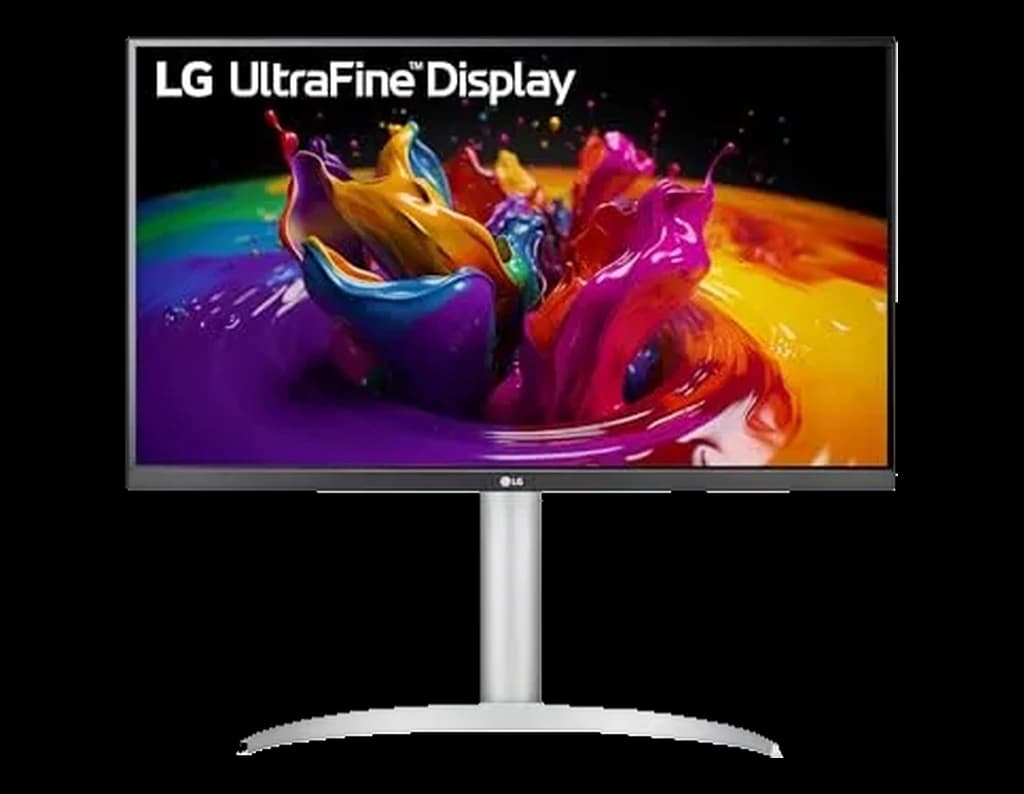 #3 Owner rating | 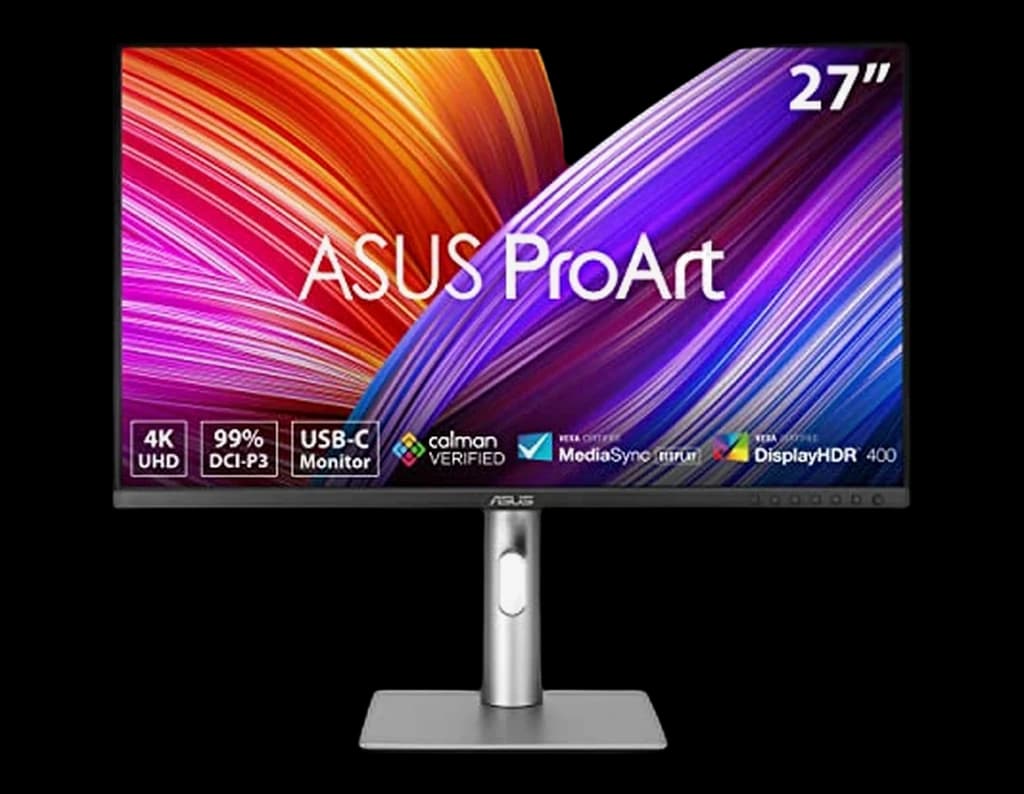 #4 Owner rating | 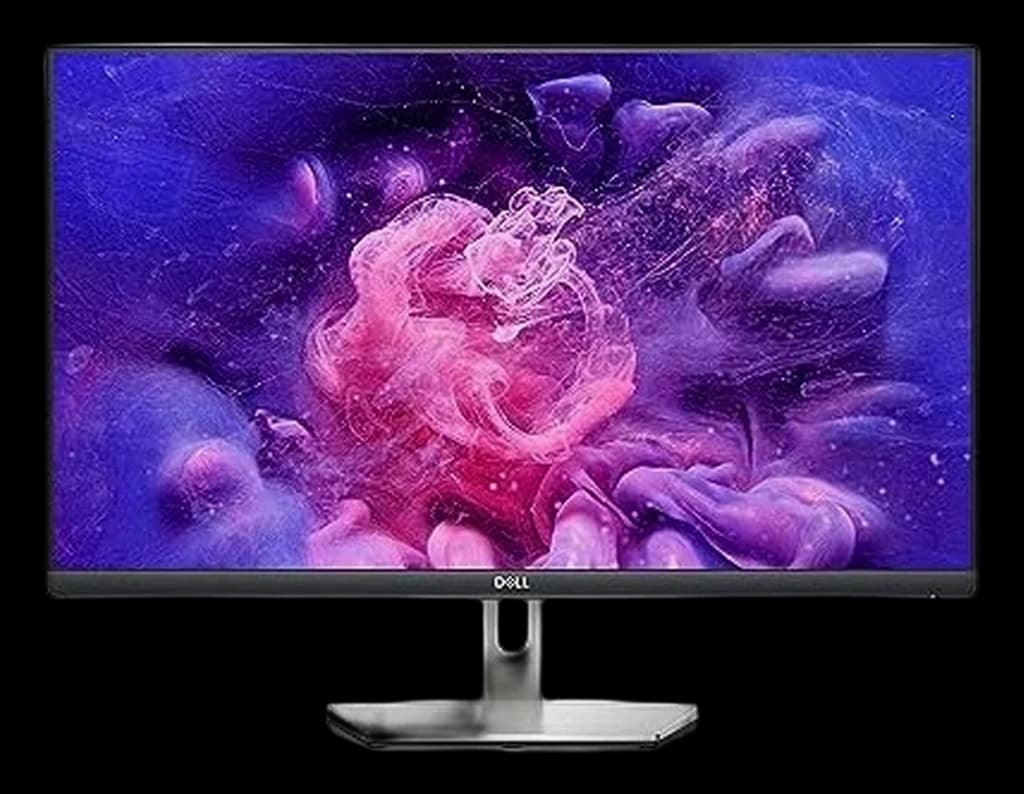 #5 Owner rating | 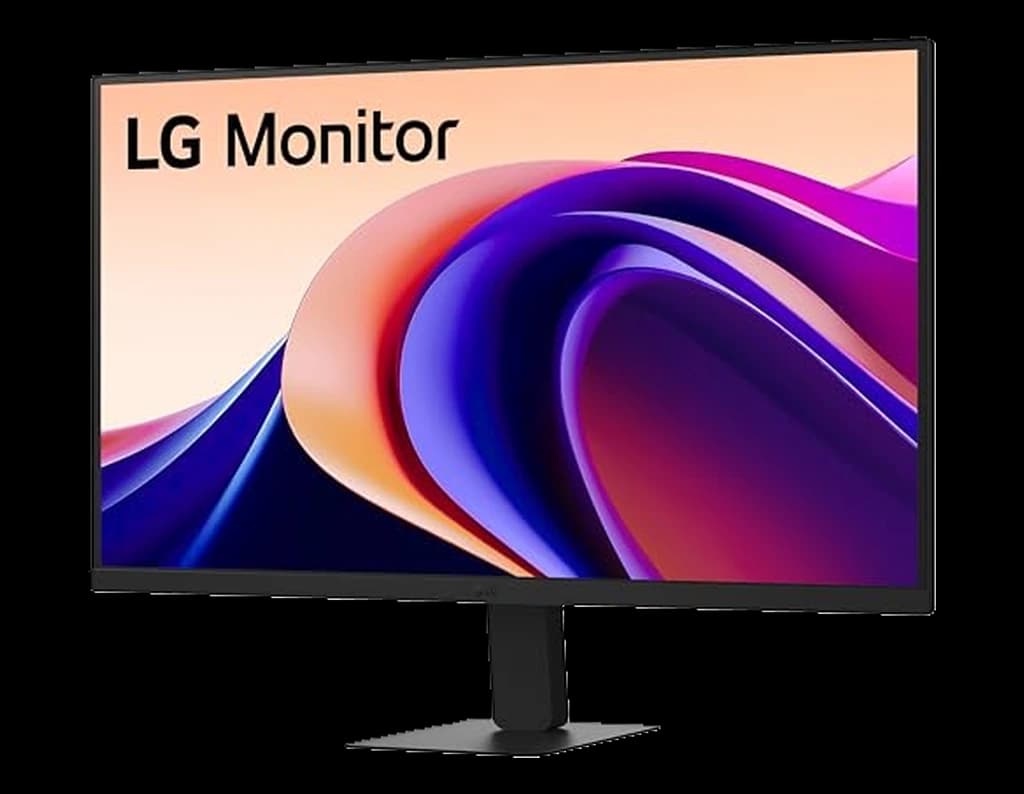 #6 Owner rating | 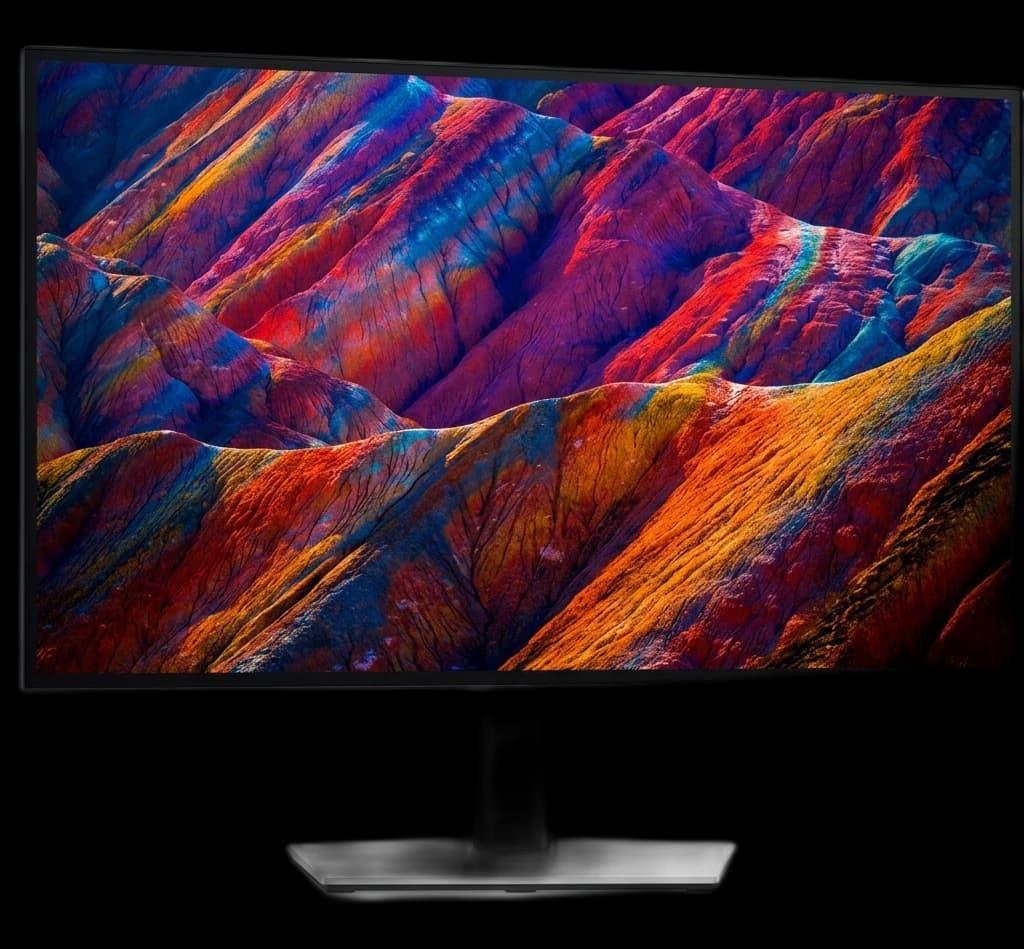 #7 Owner rating | 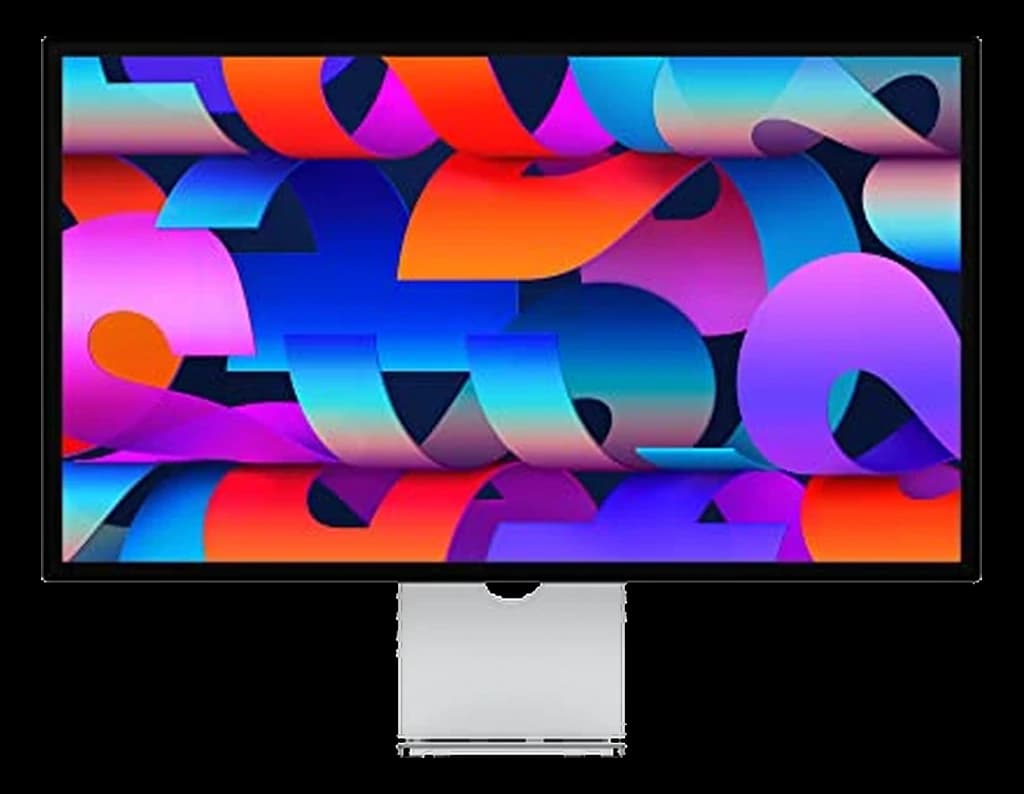 #8 Owner rating | |
|---|---|---|---|---|---|---|---|---|
| Price | $358.74Buy on Amazon | $628.88Buy on Amazon | $398Buy on Amazon | $399Buy on Amazon | $259.54Buy on Amazon | $169.99Buy on Amazon | $470.99Buy on Amazon | $1,599Buy on Amazon |
| Verdict | Best for most WFH desks — 4K, 120Hz and 65W USB-C for about $330, and the monitor our readers actually buy | The new productivity benchmark — 4K, 120Hz, Thunderbolt 4, 140W charging in one cable. | The best-value 4K USB-C 27-inch monitor — Dell-UltraSharp-class specs (95% DCI-P3, 96W USB-C, KVM) for around $400 instead of $700. | The value pick for creative work — a Calman-verified, factory-calibrated 27-inch 4K panel with 99% DCI-P3 and 96W USB-C for around $400, cheaper than the Dell. | The best budget USB-C 27-inch monitor — a 1440p IPS panel with 65W single-cable charging and a height-adjustable stand for around $260. | Best budget pick — QHD IPS with 100Hz for well under $200. | The pick for 120Hz smoothness at 1440p — the U2723QE's little sibling with a built-in KVM, USB-C 90W charging, and IPS Black contrast. | Native 5K Retina that pairs cleanly with Mac mini and MacBook with one Thunderbolt cable. |
| Buyer sentiment | Display Quality Picture Quality Value for money Connectivity Buyers praise display quality, picture quality, value for money and connectivity. Mixed feedback on functionality. Based on 470 user mentions | Connectivity Image Quality Ergonomics Buyers praise connectivity, image quality, ergonomics. Based on 100 user mentions | Monitor Quality Color Quality Value for money Brightness Buyers praise monitor quality, color quality and value for money. Mixed feedback on picture quality and usb-c connectivity. Some flag brightness. Based on 161 user mentions | Quality Color Accuracy Picture Quality Value for money Buyers praise quality, color accuracy, picture quality and value for money. Mixed feedback on functionality and brightness. Based on 368 user mentions | Rated 4.6★ across 361 reviews | Image Quality Value for money Functionality Buyers praise image quality, value for money and functionality. Mixed feedback on quality and reliability. Based on 47 user mentions | Display Quality Ports Buyers praise display quality and ports. Mixed feedback on connectivity. Based on 25 user mentions | Display Quality Image Quality Color Quality Appearance Buyers praise display quality, image quality, color quality and appearance. Mixed feedback on value for money. Based on 53 user mentions |
| Specs |
|
|
|
|
|
|
|
|
| Pros |
|
|
|
|
|
|
|
|
| Cons |
|
|
|
|
|
|
|
|
* Prices checked Oct 2, 2026 and may vary. Check the latest price on Amazon.
We research — never hands-on. How we research →
Worth the upgrade
The 27-inch endgame is the Studio Display: 5K resolution at 218 PPI renders text the way the budget panels here simply can't. At well over twice the price of our top pick it's not for everyone — but it's the one 27-inch monitor you'll never replace for sharpness reasons.
Key Takeaways
The best 27-inch monitor for home office work in 2026: 8 ranked from $170 to 5K, plus what to replace a Dell U2723QE or LG 27UK500-B with.
As an Amazon Associate I earn from qualifying purchases. Product prices and availability are subject to change.
You have two tabs open: a $170 LG and a $629 Dell that look like the same screen in the thumbnail. One says 1440p and 100Hz. The other says 4K, IPS Black, Thunderbolt 4. Neither page tells you which one you'll still like in year four.
Screen size is the easy part. Pixel density and USB-C wattage are the specs that decide whether one monitor replaces your whole desk setup — and neither is in the headline.
Twenty-seven inches is the size where three windows stop fighting each other. This guide ranks eight of them, from a $170 budget panel to a $1,504 5K. We synthesize Wirecutter, RTINGS, Monitors Unboxed, and Reddit r/monitors long-term owner threads; every pick cleared three bars:
- IPS panel — no VA, no TN
- At least 1440p resolution — 1080p at 27 inches is visibly soft for text
- A 4+ star aggregate across independent reviewers and 100+ verified owner reviews at the 6-month mark
Checked August 2026. The prices below are what we last saw. Pick 7 is explicitly a previous-generation UltraSharp, kept in the list because it is still widely sold, and the Apple Studio Display entry is the second-generation model Apple announced in March 2026.
Three Windows Fit at 27 Inches — That Is the Whole Argument
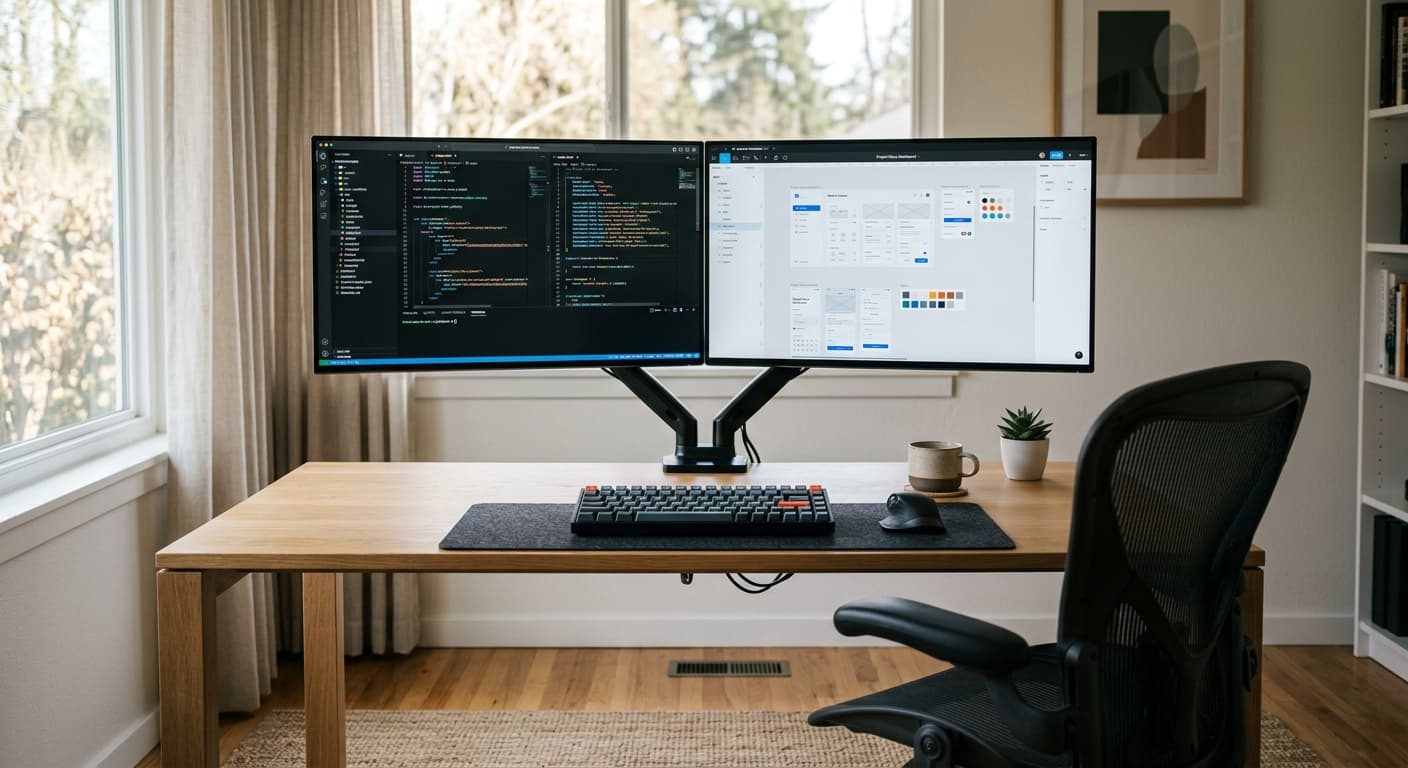
- Three windows fit side by side — an IDE, a browser and a terminal; or a spreadsheet, a doc and an email. 24-inch panels get cramped; 32-inch ones make you turn your head.
- 1080p looks soft at this size — 1440p (2560×1440) is the floor for crisp text; 4K (3840×2160) is sharper still but wants 150%+ scaling.
- It fits a 24–30-inch-deep desk — roughly 20–24 inches of viewing distance, which any standard WFH desk gives you.
Rule of thumb: at 27 inches, 1080p looks soft. 1440p is the floor for crisp text, and 4K is the upgrade you take for sharpness, not for extra room.
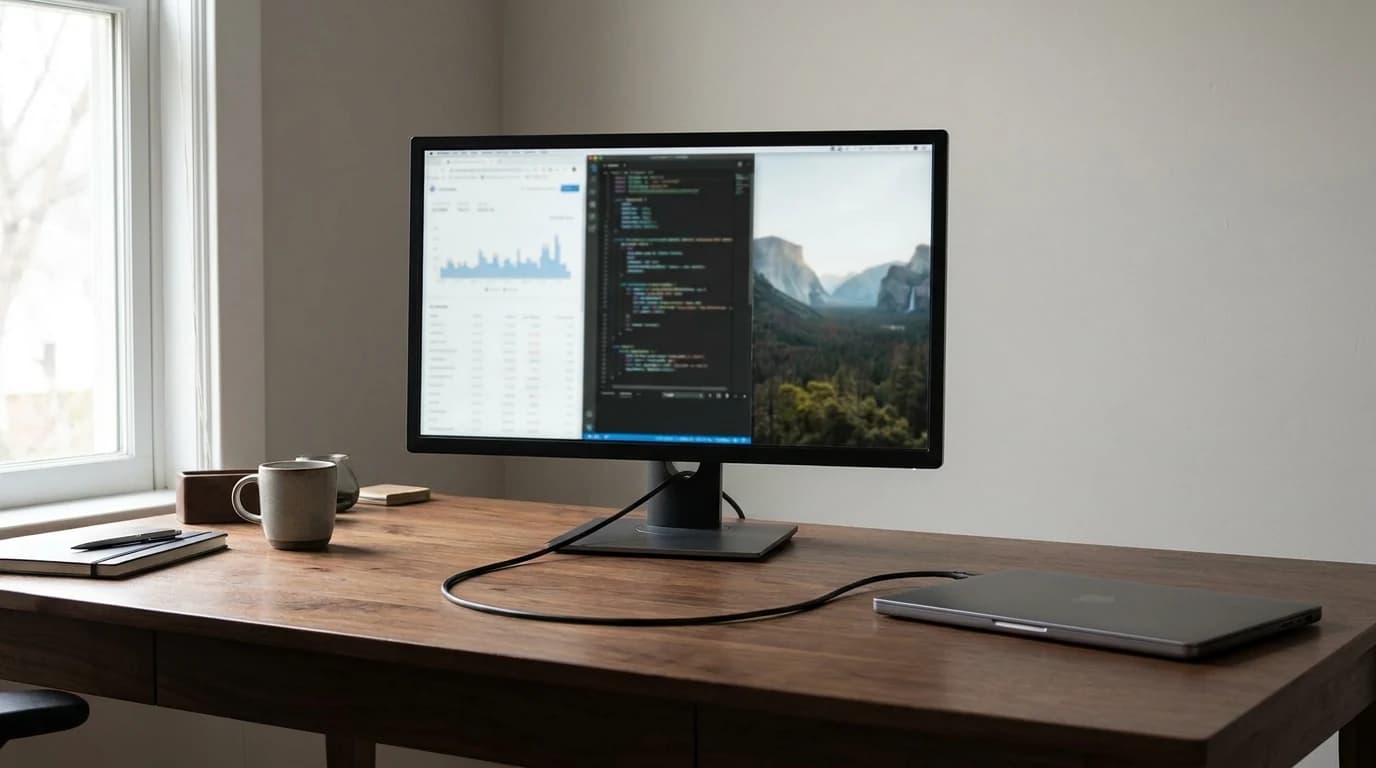
Buy a 27-inch monitor if:
- You run two or three windows side by side most of the day
- Your desk is 24–30 inches deep
- You want one screen to be enough
Skip 27 inches if:
- You need maximum horizontal space — get a 34-inch ultrawide
- You live in full-screen apps, where a 24-inch 1440p is fine
Pixel Density, Panel Type and Watts Decide This — Refresh Rate Doesn't
The American Academy of Ophthalmology recommends the top of the monitor at or slightly below eye level, 20–28 inches from the eye — squarely 27-inch territory for most desks. Three specs decide the next five years, and marketing downplays all three:
- Pixel density (PPI). 27-inch 1440p is ~109 PPI; 4K is ~163 PPI. Below 100 PPI text shows jaggies at office viewing distance — which is why 27-inch 1080p feels low-rent.
- Panel type — IPS, not VA. IPS holds color across viewing angles, which matters when you shift in and out of frame on calls. VA has better movie contrast but shifts when you tilt your head.
- USB-C Power Delivery wattage. 65W is the minimum to charge a 13-inch laptop while driving the display; 90W handles 14–16-inch MacBook Pros; 140W over Thunderbolt 4 covers anything. Below 65W you're carrying a second brick.
What single-cable docking actually fixes:
- One cable when you sit down — power, video, keyboard, mouse, ethernet
- The lid stays shut, so you use the better webcam and mic
- No separate dock to buy, power or update
What people expect it to fix and it doesn't:
- Driving a second display — most daisy-chain it at reduced refresh
- Charging a 16-inch workstation under load, where 90W only slows the drain
- Replacing a monitor arm — the stand still decides your neck angle
The trap: high refresh rates don't materially improve productivity. For documents, spreadsheets, and video calls, anything above 60Hz is preference, not function.
Pick the Resolution Tier First, Then the Model
Choose the tier first, then read only the picks inside it.
| Tier | Pick | Panel / PPI | USB-C power | Price band | Who it's for |
|---|---|---|---|---|---|
| Budget | LG 27U631A-B | 1440p IPS / ~109 | None | $150–$200 | One HDMI cable, tight budget |
| Budget dock | Dell S2722DC | 1440p IPS / ~109 | 65W | ~$260 | 13-inch laptop, one cable |
| Best overall | Dell S2725QC | 4K IPS / ~163 | 65W | ~$330 | Most desks — 4K and 120Hz at a 1440p price |
| Value 4K | LG 27UP850N or ASUS ProArt PA279CRV | 4K IPS / ~163 | 65–96W | $380–$450 | Sharp text or color work |
| Flagship dock | Dell U2725QE | 4K IPS Black / ~163 | 90–140W | $500–$700 | The monitor replaces the dock |
| Mac 5K | Apple Studio Display | 5K / ~218 | 96W+ | $1,500+ | macOS font rendering |
Our #1 Pick: Dell S2725QC 27-inch 4K 120Hz — Best for Most Desks
The Dell S2725QC 27" 4K USB-C 120Hz is the 27-inch we point most home offices at, and the one readers on this site go on to buy. It is a genuine 4K IPS panel at 120Hz with 99% sRGB and 65W USB-C, so a MacBook Air or a 14-inch Pro runs on one cable — for $329.99, about half what the docking UltraSharps cost. RTINGS lists it as the value pick among work monitors, and it carries 675 owner ratings at 4.8 stars, the strongest track record on this page.
What you give up against the UltraSharps below is contrast (1500:1 rather than IPS Black's ~3000:1) and the Thunderbolt hub. The stand is not one of them: Dell lists tilt, swivel, pivot and height adjustment for the S2725QC, with 5.12 inches of height travel. What it does not have is a physical DisplayPort socket, so video arrives over USB-C DisplayPort Alt Mode or one of the two HDMI 2.1 inputs.
- Good for: Almost everyone. 4K sharpness, 120Hz smoothness and single-cable charging at the price of a 1440p panel.
- Not good for: Two-machine desks that need a KVM, 16-inch MacBook Pros that want more than 65W, and setups that depend on a physical DisplayPort input.
1. Dell U2725QE UltraSharp 27-inch 4K Thunderbolt — Best Upgrade Pick
The Dell UltraSharp U2725QE 27" 4K Thunderbolt Hub is the reference WFH monitor of 2026. 4K IPS Black at 120Hz, Thunderbolt 4 at 140W, 2.5GbE passthrough, USB hub and KVM. The IPS Black panel reaches roughly 3,000:1 contrast — about triple a standard IPS — with none of VA's motion smearing. Around $629. It is also the only monitor on this page that supplies the full 140W over Thunderbolt 4: the LG 27UP850N tops out at 96W and the ASUS ProArt PA279CRV at 65W, both of which slow a 16-inch MacBook Pro's battery drain under load rather than charging it.
- Good for: Anyone who wants one screen that genuinely replaces a dock.
- Not good for: Competitive gamers, and anyone hoping to save on last year's U2723QE (pick 7 explains why that rarely works now).
Buying cue: when a monitor's USB-C port charges your laptop at its rated wattage, you're buying a dock that happens to have a screen. That's where the money goes.
2. LG 27U631A-B 27-inch 1440p — Best Budget Pick
The LG 27U631A-B 27" 1440p has been Wirecutter's budget recommendation for two generations. 1440p IPS, 100Hz, 99% sRGB, HDMI + DisplayPort, tilt-only stand. Around $169.99. The stand is its one real weakness — budget a $100 arm or a $30 riser for ergonomic height.
- Good for: First-time WFH buyers, students, anyone on a $500 total setup budget.
- Not good for: Mac users who want USB-C power delivery — there is no USB-C on this one.
3. Dell S2722DC 27-inch 1440p USB-C — Best Budget USB-C Pick
The Dell S2722DC 27" 1440p USB-C is the USB-C upgrade over the LG. Same 1440p IPS panel, 75Hz, 99% sRGB, plus 65W USB-C for a single-cable MacBook Air / Pro 14-inch, and a height-adjustable stand. Around $259.97 — about $90 over the LG for one-cable convenience and a far better stand. For a MacBook Air on a single cable, the S2722DC is the cheapest way to get there on this list: its 65W USB-C port charges the laptop while driving the panel, which the $169.99 LG 27U631A-B cannot do at all, because it has no USB-C port.
- Good for: MacBook users who want single-cable laptop docking at a budget price.
4. LG 27UP850N 27-inch 4K USB-C — Best Value 4K With 96W USB-C
The LG 27UP850N 27" 4K USB-C is the value route to 27-inch 4K with real docking. 4K IPS, 95% DCI-P3, 96W USB-C, KVM, ergonomic stand. Around $429.99 — less premium than the UltraSharp, much cheaper, near-identical on paper.
- Good for: Buyers who want 4K and enough USB-C power (96W) for a 15- or 16-inch laptop on one cable, without paying UltraSharp prices.
5. ASUS ProArt PA279CRV 27-inch 4K HDR — Best for Color Work
The ASUS ProArt PA279CRV 27" 4K HDR targets creative pros but suits anyone who wants accurate color. 4K IPS, 100% sRGB, 95% DCI-P3, Calman-verified factory calibration (Delta-E under 2), 65W USB-C, ergonomic stand. Around $399 — the best out-of-the-box color here under $600.
- Good for: Photographers, designers, and anyone whose work gets judged on color.
- Not good for: Users who need the Dell's KVM switch or 140W power delivery.
6. Dell U2724DE UltraSharp 27-inch 1440p 120Hz — Best 120Hz at 1440p
The Dell U2724DE UltraSharp 27" 1440p 120Hz is the UltraSharp experience at 1440p: IPS Black, 120Hz, Thunderbolt 4 at 90W, KVM and USB hub. Around $475.99. You trade 4K sharpness for 120Hz smoothness — sensible for older laptops that struggle to drive 4K cleanly.
- Good for: Anyone who wants UltraSharp docking and 120Hz but doesn't care about 4K.
7. Dell U2723QE UltraSharp 27-inch 4K — Superseded, Buy the U2725QE Instead
The Dell UltraSharp U2723QE was our top pick until the U2725QE replaced it, and it's still a good monitor: 4K IPS Black at 60Hz, 90W USB-C, hub, ethernet, KVM. Buying one new is the problem. When we re-checked in October 2026, the remaining new-condition U2723QE listings on Amazon came from third-party resellers, priced above the successor — more money for 60Hz instead of 120Hz. We no longer link it.
- Good for: Owners working out what replaces theirs — the comparison table below maps it port by port.
- Not good for: Buying new in 2026. The U2725QE (pick 1) costs less and doubles the refresh rate.
8. Apple Studio Display 27-inch 5K — Best for Mac Users
The Apple Studio Display 27" 5K — the second generation, announced March 3, 2026 — is a 5120×2880 panel at roughly 218 PPI with six-speaker audio, a 12MP Center Stage camera and two Thunderbolt 5 ports that Apple rates at up to 96W of charging power. It is also the only 27-inch pick here with a webcam built in, which is the real argument for it on a Mac desk: one cable, and the laptop lid can stay shut without downgrading your camera. Around $1,503.76 — expensive, with the best macOS font rendering and built-in webcam here. For everyone else, the U2725QE is most of the quality at 40% of the price.
- Good for: Mac-only users with an Apple-ecosystem budget.
Replacing a Dell U2723QE (or an Older UltraSharp)?
"Dell UltraSharp U2723QE alternatives" is a common search that lands here, and the answer splits in two: the U2725QE is the like-for-like successor, the S2725QC the cheaper monitor most of them need. Every cell below is read off Dell's product pages, checked September 6, 2026.
| U2723QE (what you have) | U2725QE (successor) | S2725QC (value option) | |
|---|---|---|---|
| Resolution / refresh | 3840x2160 at 60Hz | 3840x2160 at 120Hz | 3840x2160 at 120Hz |
| Panel | IPS Black, 2000:1 | IPS Black, 3000:1 | IPS, 1500:1 |
| Laptop charging | 90W USB-C, DisplayPort 1.4 Alt Mode | Up to 140W EPR over Thunderbolt 4 | 65W USB-C, DisplayPort 1.4 Alt Mode |
| Hub / daisy-chain | USB-A and USB-C hub, DisplayPort out | USB-A and USB-C hub, DisplayPort out, Thunderbolt 4 downstream (15W) | 2 USB-A plus 1 USB-C downstream (15W) |
| Ethernet | RJ45, 1GbE | RJ45, 2.5GbE | None |
| Video inputs | HDMI, DisplayPort 1.4, USB-C | DisplayPort 1.4, HDMI, Thunderbolt 4 | USB-C plus 2x HDMI 2.1, no DisplayPort input |
| Stand | Height, pivot, swivel, tilt | Tilt, pivot, swivel, height (5.91-inch range) | Tilt, swivel, pivot, height (5.12-inch range) |
What you gain on the U2725QE: double the refresh rate, 3000:1 contrast instead of 2000:1, 140W of charging instead of 90W, 2.5GbE instead of 1GbE. Nothing comes off the port list, so a U2723QE desk transplants unchanged.
What you lose on the S2725QC: the IPS Black contrast, the Ethernet jack, the DisplayPort input and 25W of charging headroom. What you get back is roughly $300 against the U2725QE, at the same 4K resolution and the same 120Hz.
Rule of thumb: if the U2723QE was doing dock duty - one cable, wired ethernet, a second machine - replace it with the U2725QE. If it was only ever a screen, take the S2725QC.
LG 27UK500-B Alternatives
The other model people arrive here looking to replace. Per LG's spec sheet it is a 27-inch 4K IPS panel at 60Hz with two HDMI 2.0 inputs, one DisplayPort 1.4, a tilt-only stand and no USB-C port at all - that last omission is usually what starts the shopping.
- Keep 4K, gain single-cable docking: the Dell S2725QC (our #1 pick) matches the resolution, doubles the refresh rate to 120Hz, adds a tilt, swivel, pivot and height stand, and charges the laptop at 65W over the cable carrying the picture.
- Keep 4K, stay with LG: the LG 27UP850N (pick 4) is the in-family 4K upgrade, with USB-C docking.
- Only the price mattered: the LG 27U631A-B is the modern plain HDMI-and-DisplayPort panel, at 1440p rather than 4K.
FAQ: Common Questions About 27-Inch Monitors
What is the best 27-inch monitor for a home office?
The Dell S2725QC is the best 27-inch monitor for most home offices — a genuine 4K IPS panel at 120Hz with 99% sRGB and 65W USB-C charging for $329.99, and 675 owner ratings at 4.8 stars behind it. Step up to the Dell UltraSharp U2725QE at around $629 if you want the monitor to replace your dock: IPS Black contrast, Thunderbolt 4 at up to 140W, 2.5GbE and a KVM. On a tight budget the LG 27U631A-B is a real 1440p IPS screen for about $169.99, and Mac-only buyers with the budget open take the Apple Studio Display.
Is 1440p or 4K better at 27 inches?
Both are good; they trade different things. 1440p runs at 100% scaling for maximum usable area. 4K runs at 150–175%, giving roughly the same space with much finer text.
| 1440p at 27 inches | 4K at 27 inches | |
|---|---|---|
| Pixel density | ~109 PPI | ~163 PPI |
| Typical scaling | 100% | 150–175% |
| Usable workspace | Largest | About the same as 1440p |
| Text sharpness | Good | Noticeably better |
| Price floor | ~$170 | ~$300 |
Choose 1440p for maximum real estate on a budget; choose 4K if you read text all day. Put plainly: at 27 inches, moving from 1440p (~109 PPI) to 4K (~163 PPI) buys sharper text, not more desktop — once 4K is scaled to 150–175%, the usable workspace is about the same.
What refresh rate do I need for office work?
Sixty hertz is genuinely enough for documents, spreadsheets and video calls — refresh rate is the spec to spend last. 120Hz makes scrolling and window dragging visibly smoother, and 60Hz feels sluggish once you've adjusted, but it does not change what you can do with the monitor. Our #1 pick happens to include it: the Dell S2725QC runs 4K at 120Hz for $329.99.
Buying cue: pay for 120Hz when it costs under about 20% more than the 60Hz version of the same monitor. Above that, spend the money on resolution or the stand instead.
Should I buy a curved 27-inch monitor?
No. Curves on a 27-inch panel are mostly marketing — the edges already sit at roughly the same distance from your eyes. They genuinely help on 34-inch and wider ultrawides. Stay flat at 27.
What is the ideal monitor height for WFH?
The top of the screen should sit at or slightly below eye level when you're sitting with good posture (Cornell Ergonomics Lab guideline). Most included stands don't rise far enough.

What actually fixes screen height:
- A clamp-on monitor arm ($100–$180) — full range, and it frees the desk underneath
- A monitor riser or laptop stand ($30) — cheap, fixed, good enough for most desks
- Buying a monitor whose own stand has a height adjustment, not just tilt
What people try that doesn't work:
- Stacking books — unstable, and never quite the right height
- Raising the chair instead — your feet leave the floor and the problem moves to your legs
- Tilting the screen back to fake extra height — you gain glare, not ergonomics
How do I set up a new 27-inch monitor properly?
- Top edge at or just below eye level, roughly an arm's length away.
- Set scaling — 100% for 1440p, 150–175% for 4K — then restart any blurry apps.
- Turn brightness down to match the room; most panels ship far too bright.
- On USB-C or Thunderbolt, plug keyboard, mouse and ethernet into the monitor.
- Enable the KVM if you have a second machine and assign a switch shortcut.
Which 27-inch monitor should I buy for my job?
| If your day is mostly | Buy | Why |
|---|---|---|
| Documents, email, calls | Dell U2725QE | Sharp text, one cable, best webcam-height ergonomics |
| Spreadsheets on a budget | LG 27U631A-B | Maximum 1440p rows per dollar |
| Code on a MacBook | Dell S2722DC or LG 27UP850N | Single-cable docking at two different price points |
| Photo and design work | ASUS ProArt PA279CRV | Factory-calibrated color, Delta-E under 2 |
| Anything, on a Mac, budget open | Apple Studio Display | 218 PPI font rendering nothing else matches |
Is a 27-inch monitor big enough for work?
Yes — 27 inches is the size where three windows stop fighting each other, which is why it is the default recommendation for a single-screen desk. An IDE, a browser and a terminal fit side by side; so do a spreadsheet, a document and an email window. You only need more if your day is genuinely window-heavy, and then the answer is a 34-inch ultrawide, which adds horizontal space rather than pixels you have to turn your head to read. Going bigger at the same 16:9 shape mostly makes the interface larger, not the workspace wider.
Is a 27-inch monitor too big for my small desk?
Its footprint is roughly 24 × 8 inches with the stand, which fits any desk 30 inches wide or wider.
- Desk 30 inches or wider: the bundled stand is fine
- 24–28 inches wide: use a back-edge clamp arm so the stand doesn't eat depth
- Under 24 inches: wall-mount it, or drop to a 24-inch panel
See our standing desk for small apartment guide for compact desks that suit 27-inch screens.
Should I get a 4K monitor if my laptop can't drive 4K at 60Hz?
No. If your laptop can't output 4K at 60Hz, buy 1440p — cleaner output, cheaper monitor. Any MacBook from 2020 on, or a Windows laptop with USB-C/DisplayPort 1.4, handles 4K at 60Hz. 4K at 120Hz needs DisplayPort 1.4 with DSC or Thunderbolt 3/4.
Is a 27-inch monitor good for a dual-monitor setup?
Yes — two 27-inch screens gives roughly the horizontal space of a 49-inch super-ultrawide while letting you angle each panel independently. Put them on a dual-monitor arm to reclaim desk space and set both to height.
Buying cue: buy the second screen only after you've spent a month genuinely running two full-screen apps at once. Most people who want one actually want a monitor arm — our top pick is the Ergotron LX (full comparison).
27-inch or 32-inch for office productivity?
For most desks, 27 wins. At a 20–30-inch viewing distance a 27-inch 4K screen stays inside your field of view without head-turning, and stays crisp at 150% scaling. A 32-inch 4K spreads the same pixels over more area: bigger UI, less density, worse on a shallow desk. Unless you sit 30+ inches back, start at 27.
Dell S2725QC vs U2725QE — which should I buy?
Buy the S2725QC unless you need the monitor to be your dock. Both are 27-inch 4K panels at 120Hz, so the picture is closely matched; the roughly $300 difference buys the U2725QE's IPS Black contrast (about 3000:1 against 1500:1), Thunderbolt 4 with up to 140W of charging instead of 65W USB-C, 2.5GbE Ethernet, a DisplayPort input and a KVM. If you plug in one laptop and nothing else, none of that changes your day. If wired Ethernet, a 16-inch MacBook Pro under load, or switching between a work and a personal machine is part of your setup, the U2725QE earns the money.
The Short Answer: Buy the S2725QC Unless You Need the Dock
For most WFH buyers the Dell S2725QC is the right 27-inch monitor — 4K at 120Hz with 65W USB-C for $329.99. Step up to the Dell UltraSharp U2725QE ($629) when you want the monitor to be the dock. On a tight budget, the LG 27U631A-B is a serious 1440p screen for around $169.99. For 96W single-cable 4K at a mid-range price, take the LG 27UP850N; for color-critical work, the ASUS ProArt PA279CRV. Mac-only buyers with budget get the Apple Studio Display.
For the full home office context, see our Best WFH & Home Office Setup 2026. For ultrawide picks (34 inches and larger), see our best ultrawide monitors for WFH guide.
Where the Claims in This Guide Come From
- American Academy of Ophthalmology — Monitor placement and digital eye strain
- VESA DisplayHDR certification database
- USB-IF — USB Power Delivery specification overview
- RTINGS — Monitor panel-type test methodology
- Apple Newsroom — second-generation Studio Display announcement (March 3, 2026)
Keep Building the Rest of the Desk
- →Best WFH & Home Office Setup 2026the complete home office build-out
- →Best Monitors for Working From Homeall monitor sizes
- →Best Ultrawide Monitors for WFH34-inch and larger picks
- →Dell vs LG Monitors for Home Officebrand comparison
- →Best Monitor Arms for Mac Minimonitor arm picks
- →Monitorsbrowse our full monitor catalog
Your next step
Compare the full monitor lineup.
Hilly Shore Labs
Editorial TeamWFH Lounge is published by Hilly Shore Labs. Every recommendation is built by synthesizing ergonomic research, manufacturer specs, expert reviews from outlets like Wirecutter, RTINGS, and The Verge, and aggregated long-term owner sentiment from thousands of verified buyers.
All product reviews are independently researched. Our recommendations are based on ergonomic guidelines, manufacturer specifications, and verified buyer sentiment. See our methodology.