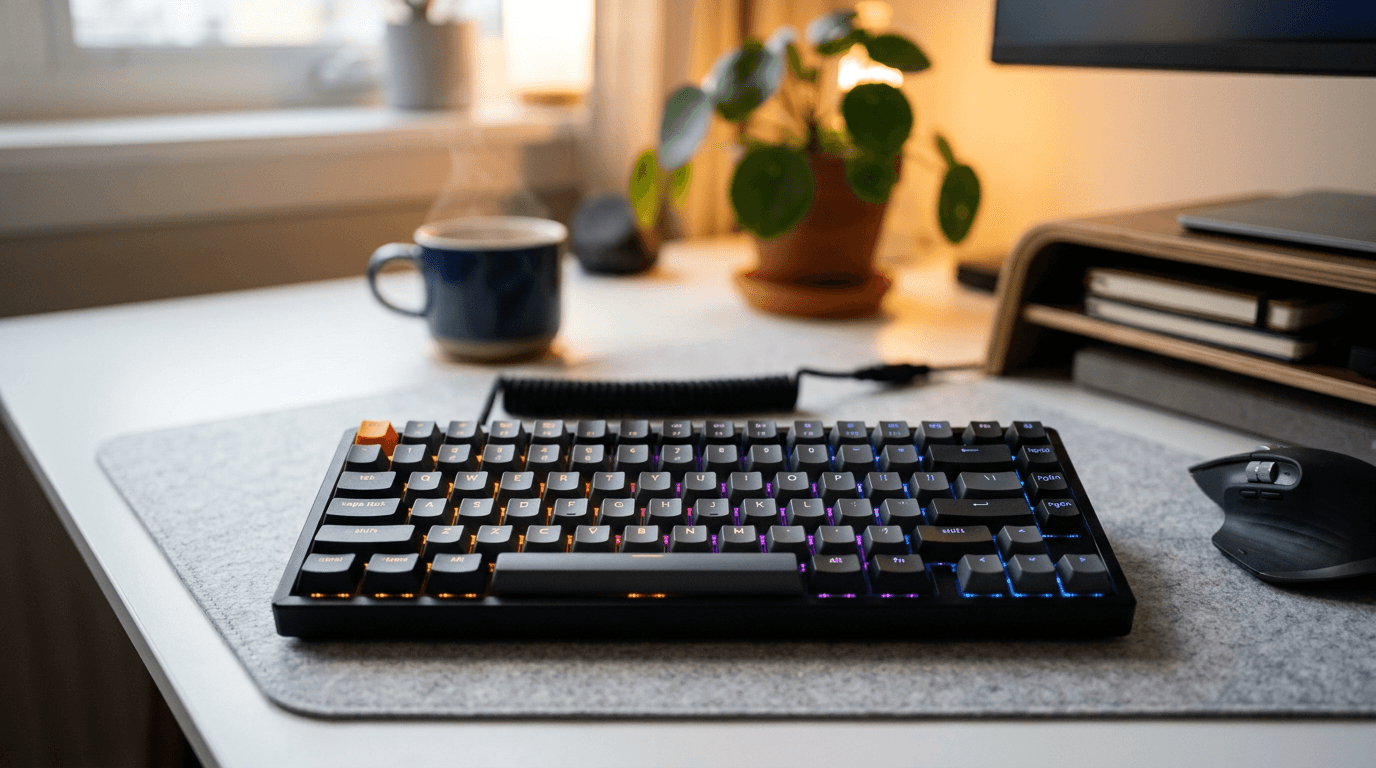
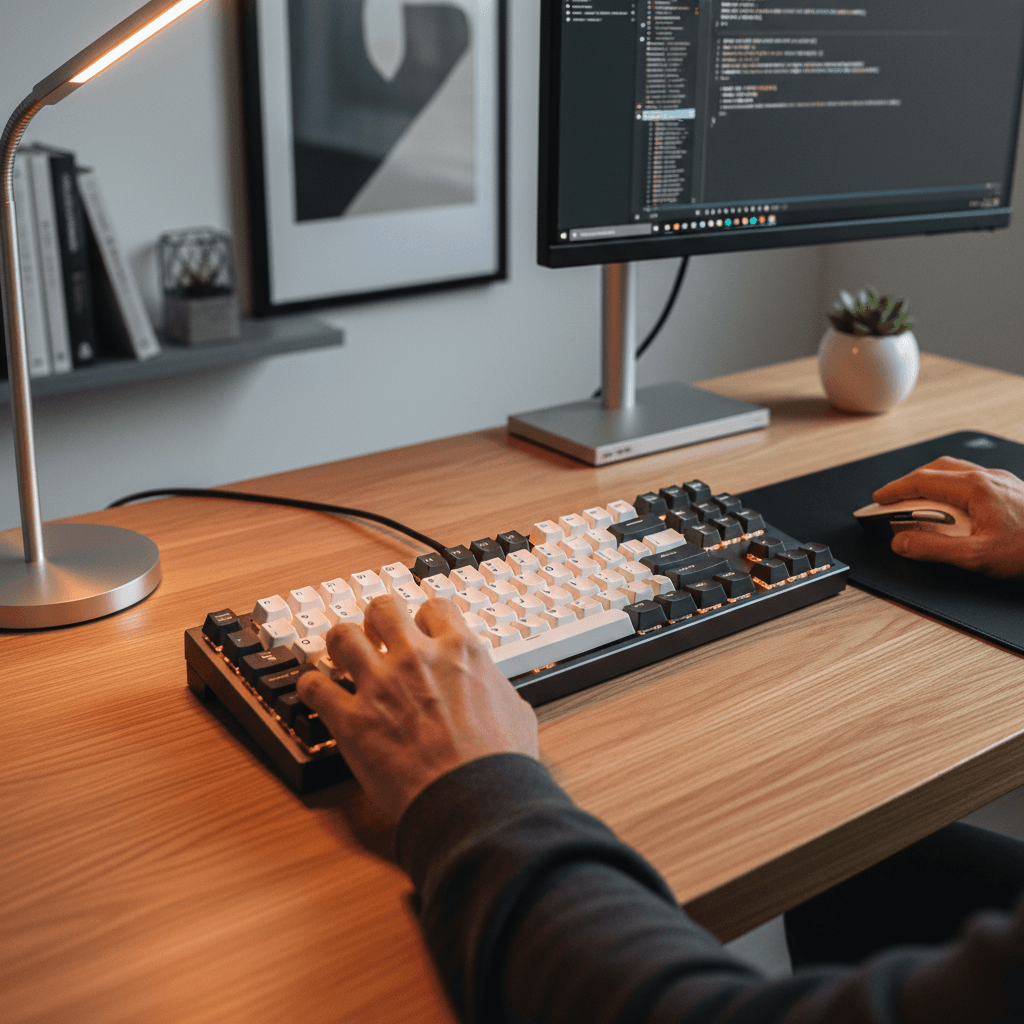
Keychron K2 vs K8 (2026): The K2 Wins for Most WFH Desks
The Verdict
KEYBOARDS · HEAD-TO-HEAD
Price comparison ticks use catalog prices; snapshot prices may differ.
We research — never hands-on. How we research →
Key Takeaways
Keychron K2 vs K8 for WFH in 2026: the K2's 75% layout wins for most desks; the K8's tenkeyless suits heavy typists. Full side-by-side verdict inside.
As an Amazon Associate I earn from qualifying purchases. Product prices and availability are subject to change.
Both are excellent hot-swap wireless mechanicals. The difference comes down to one thing: how much desk space you want to give up.
What the Research Says About 75% vs TKL Keyboard Layouts
The K2 (75%) vs K8 (TKL) choice is a layout-density decision with measurable ergonomic implications. Cornell's ergo group has tracked mouse-reach distance as a primary risk factor for shoulder strain — and full-size and TKL keyboards push the mouse further right than 75% layouts do. That's the underlying reason the K2 has a cult following.
What the data does support:
- 75% layouts reduce mouse-reach by ~3 inches vs full-size or TKL. For desk workers who mouse 5+ hours/day, that's a measurable shoulder-rotation reduction.
- Function row preserved on 75%. The K2's value over 60% layouts is that you don't lose the function row. F-key access matters for Excel, IDEs, and Mac shortcuts.
- TKL still wins for typists who use the arrow cluster heavily. Coders and writers who use End/Home/PgUp/PgDn constantly find the K2's compressed cluster less ergonomic. The K8 keeps the full edit cluster.
What the research does not support: that "fewer keys = faster typing." The keys you don't have are still keys you need — you've just moved them to a function layer. For typing-heavy users, the layer-shift adds keystrokes, not removes them.
At a Glance
| Keychron K2 Pro | Keychron K8 Max | |
|---|---|---|
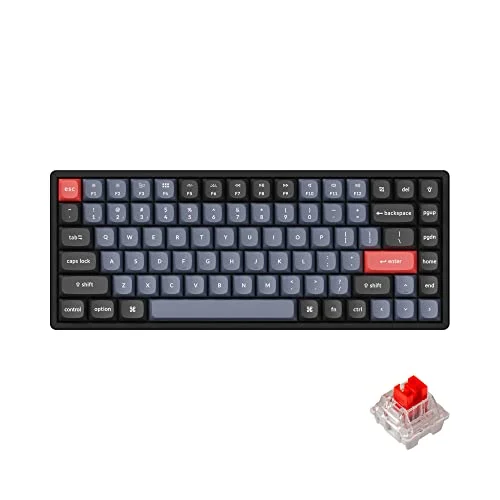
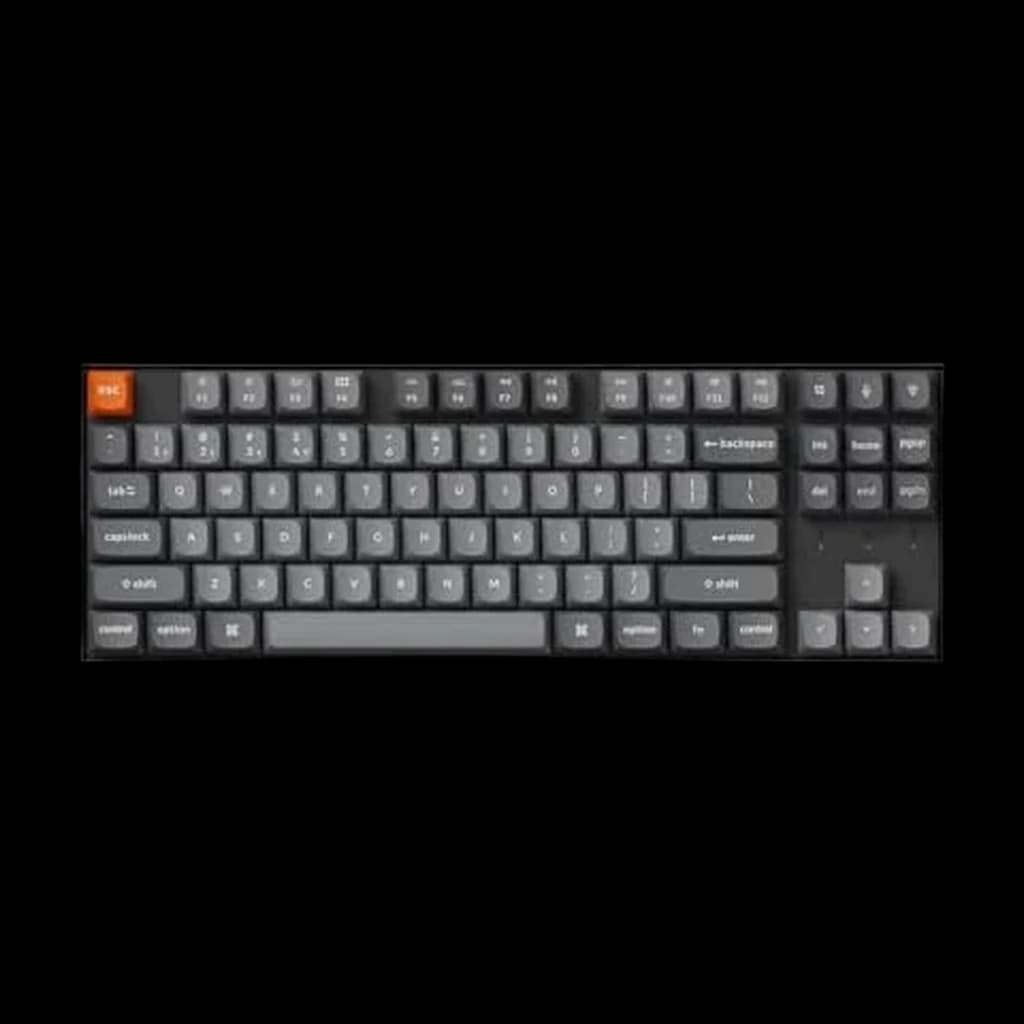
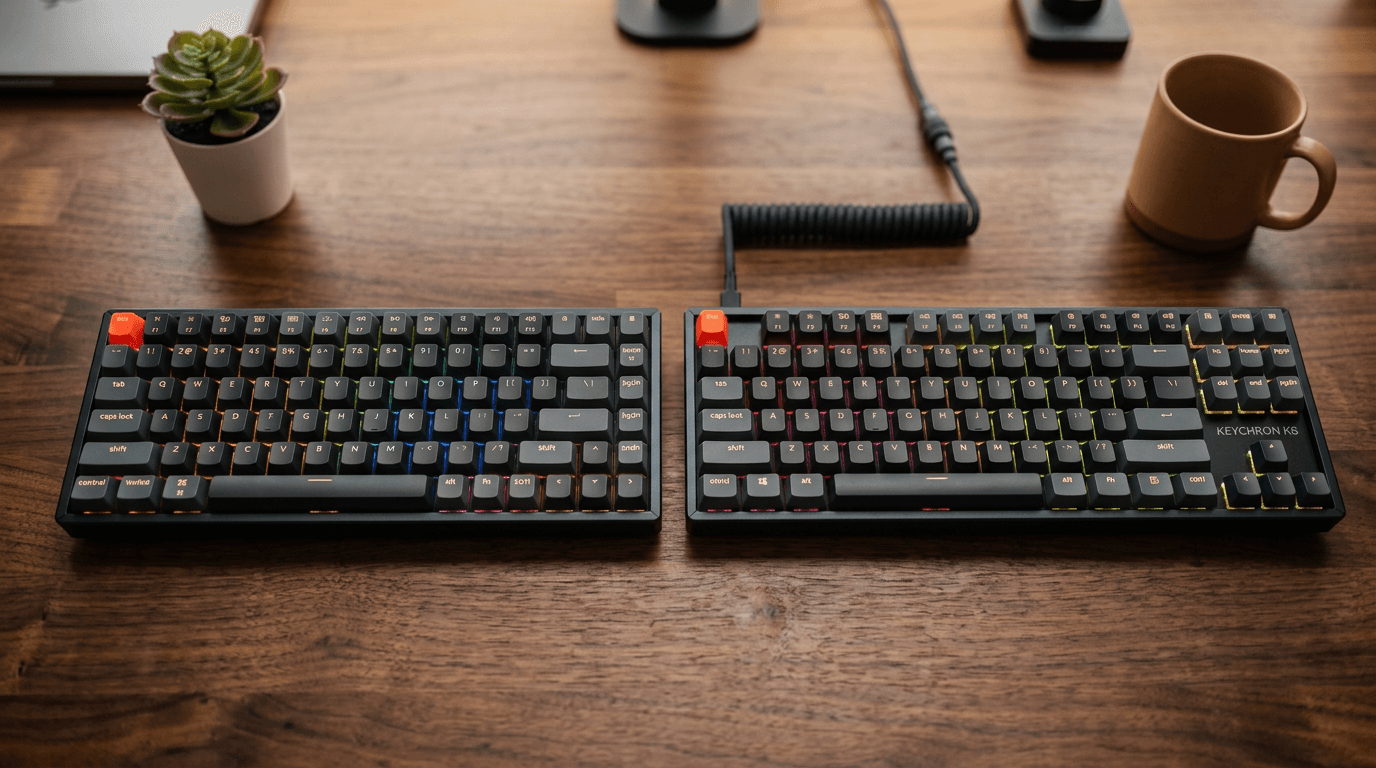
| Layout | 75% (84 keys) | TKL / 80% (87 keys) |
| Price | ~$120 | ~$71 |
| Arrow keys | ✓ (compressed into layout) | ✓ (full-size, separate cluster) |
| Function row | ✓ | ✓ |
| Numpad | ✗ | ✗ |
| Wireless | Bluetooth 5.1 + USB-C | Bluetooth 5.1 + USB-C |
| Hot-swap | ✓ | ✓ |
| QMK/VIA | ✓ | ✓ |
| Width | ~32 cm | ~36 cm |
The K2 Pro: Best for Tight Desks
The K2's 75% layout is the sweet spot for WFH: you keep every key you actually use (function row, arrows, Delete, Home, End) while cutting 4 cm off the width — enough to move your mouse to a much better position ergonomically.
Best for:
- Small or standing desks where mouse position matters
- Mac users (dedicated Mac layout available)
- Anyone upgrading from a compact laptop keyboard who wants a familiar feel
Watch out for: The arrow keys share a cluster with ?/, Shift, and Fn — takes a week to adjust if you're coming from full-size.
The K8 Max: Best for Full-Size Converts
The K8 is TKL (tenkeyless) — it drops the numpad but keeps everything else in full-size, traditional positions. If you've typed on a standard keyboard for 10 years, your muscle memory will feel right at home.
Best for:
- Heavy writers who rely on arrow key navigation
- People who find the K2's cramped arrow cluster frustrating
- Anyone who tried a compact board and hated relearning key positions
Watch out for: 4 cm wider than the K2, which pushes your mouse further right and can cause shoulder fatigue on small desks.
Both Are Equal On
- Build quality (aluminum frame, gasket-mounted)
- Switch options (Red, Brown, Blue, Banana at checkout)
- Hot-swap — change switches in minutes without soldering
- Battery life (~weeks on a charge)
- Mac and Windows compatibility out of the box
Which Should You Buy?
→ Get the K2 Pro if you're working on a desk under 120 cm wide or you use a monitor arm and want maximum mouse space.
→ Get the K8 Max if you type for hours every day, use arrow keys constantly, or you tried compact layouts before and hated them.
If you're unsure: the K2. The adjustment period is about a week, and you'll appreciate the space every day after.
What to Skip in the K2 vs K8 Decision
- Buying based on RGB alone. Both have RGB on the higher-end models. RGB is identical across the line — not a differentiator.
- Buying the cheaper non-Pro versions if you want hot-swap. Only the K2 Pro and K8 Max have hot-swappable switches. The base K2/K8 are soldered.
- Buying the K8 if your desk is under 24 inches deep. The TKL footprint pushes the mouse off the edge of compact desks. Measure first.
- Picking between them for "Mac vs Windows." Both have Mac/Windows toggles. Not a differentiator.
Frequently Asked Questions
Is there a noticeable difference in typing feel between K2 and K8?
Not really — same switches, same gasket mount, same build quality. The typing experience is identical; only the layout differs.
Can I use the Keychron K2 or K8 with an iPad?
Yes. Both connect via Bluetooth 5.1 and work with iPadOS. You'll need to remap a few keys with VIA if you want iPadOS-specific shortcuts.
Do both models have RGB backlighting?
Yes — both come in RGB backlit versions. There are also non-RGB versions (slightly cheaper) if you prefer a cleaner look or want to save battery.
Is the K2 really that much smaller than the K8?
About 4 cm narrower in practice. On a 140 cm desk that's barely noticeable; on a 100 cm desk it makes a real difference for mouse positioning.
Sources & Research
Your next step
Compare the full keyboard lineup.
Hilly Shore Labs
Editorial TeamWFH Lounge is published by Hilly Shore Labs. Every recommendation is built by synthesizing ergonomic research, manufacturer specs, expert reviews from outlets like Wirecutter, RTINGS, and The Verge, and aggregated long-term owner sentiment from thousands of verified buyers.
All product reviews are independently researched. Our recommendations are based on ergonomic guidelines, manufacturer specifications, and verified buyer sentiment. See our methodology.