Best Mechanical Keyboard Under $100 for WFH 2026: 6 Picks
The Keychron K2 is the keyboard to get under $100 — Mac-friendly layout, hot-swappable, 75% compact. The Royal Kludge RK84 at ~$57 is the value pick if you don't need Mac-specific keys. Skip the ultra-budget Redragon boards unless you're just curious what mechanical feels like — the switches don't age well.
Our #1 Pick
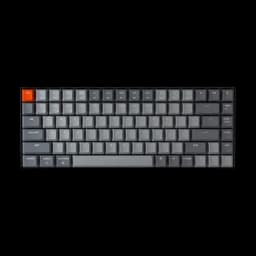
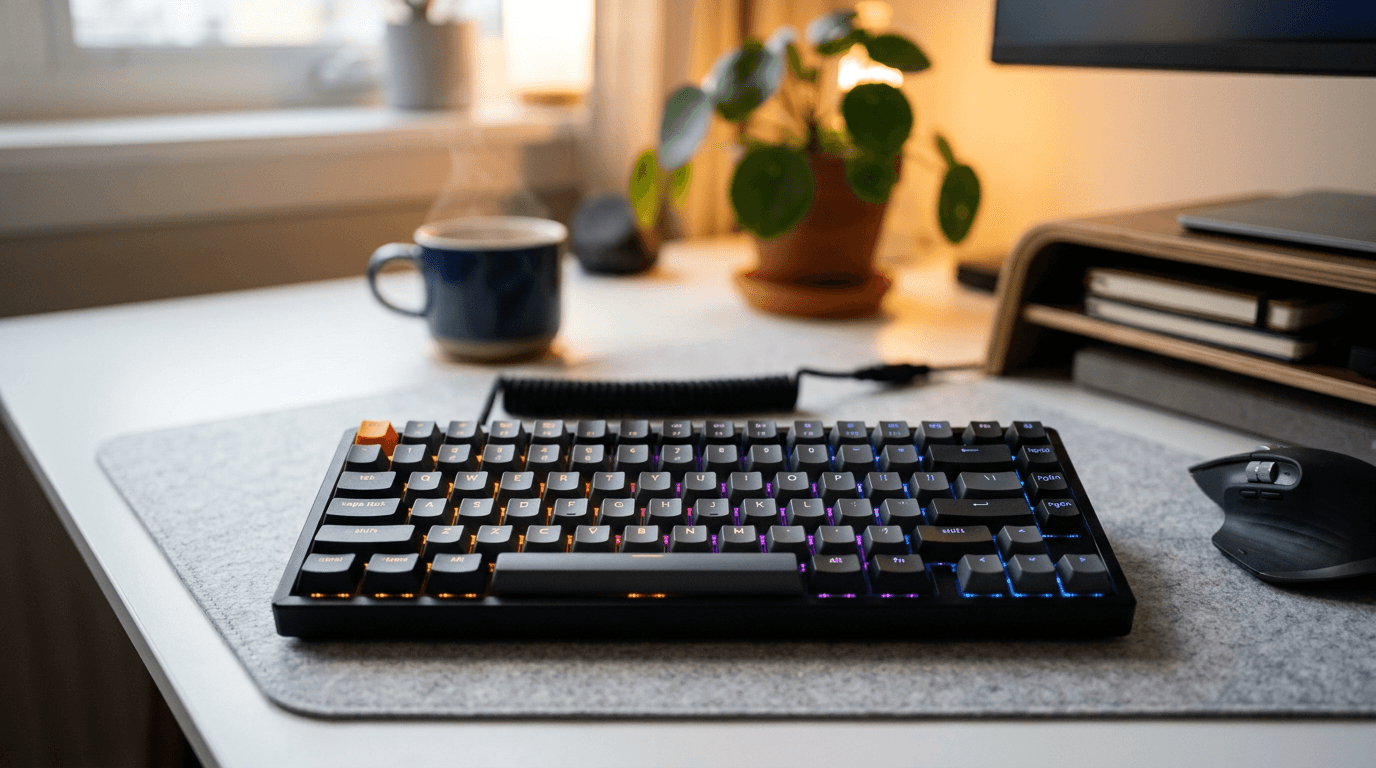
Keychron K2 V2 Wireless Mechanical Keyboard 84-key
75% layout, hot-swappable per Keychron, Bluetooth to three devices plus wired USB-C, sold by Keychron. Hits every mark under $100.
- Under $90, sold by Keychron
- Mac/Windows toggle on the side
- Bluetooth 5.1 (3 devices) or wired with USB-C
Price checked Oct 10, 2026 — verify the live price on Amazon.
Also Great
Quieter option: Logitech MX Keys S ($129.99) — Low-profile keys, quiet, multi-device — better if open-plan office noise is a concern
Buy on AmazonBudget mech: Redragon K552 Kumara ($36.99) — Tenkeyless, Cherry MX Red clones, solid build — best mechanical keyboard under $40
Buy on Amazon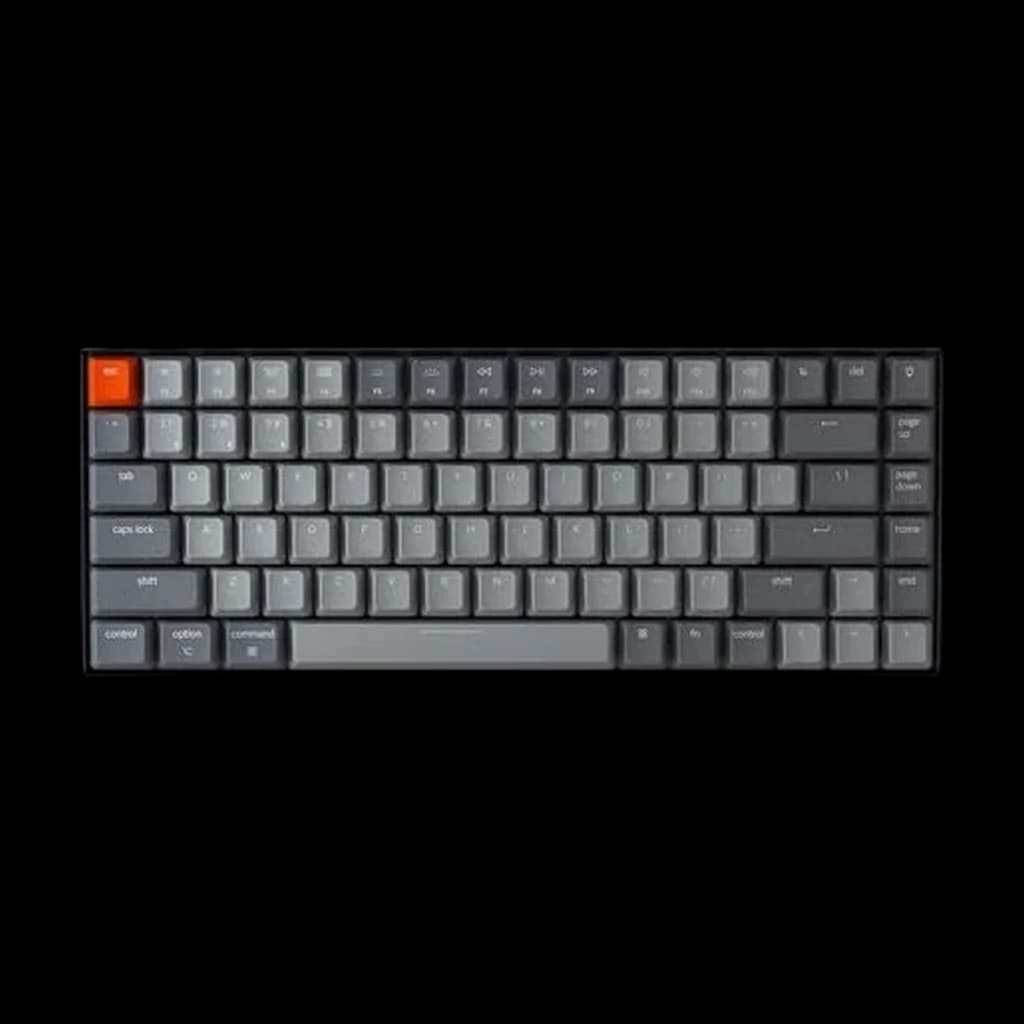 #1 Owner rating | 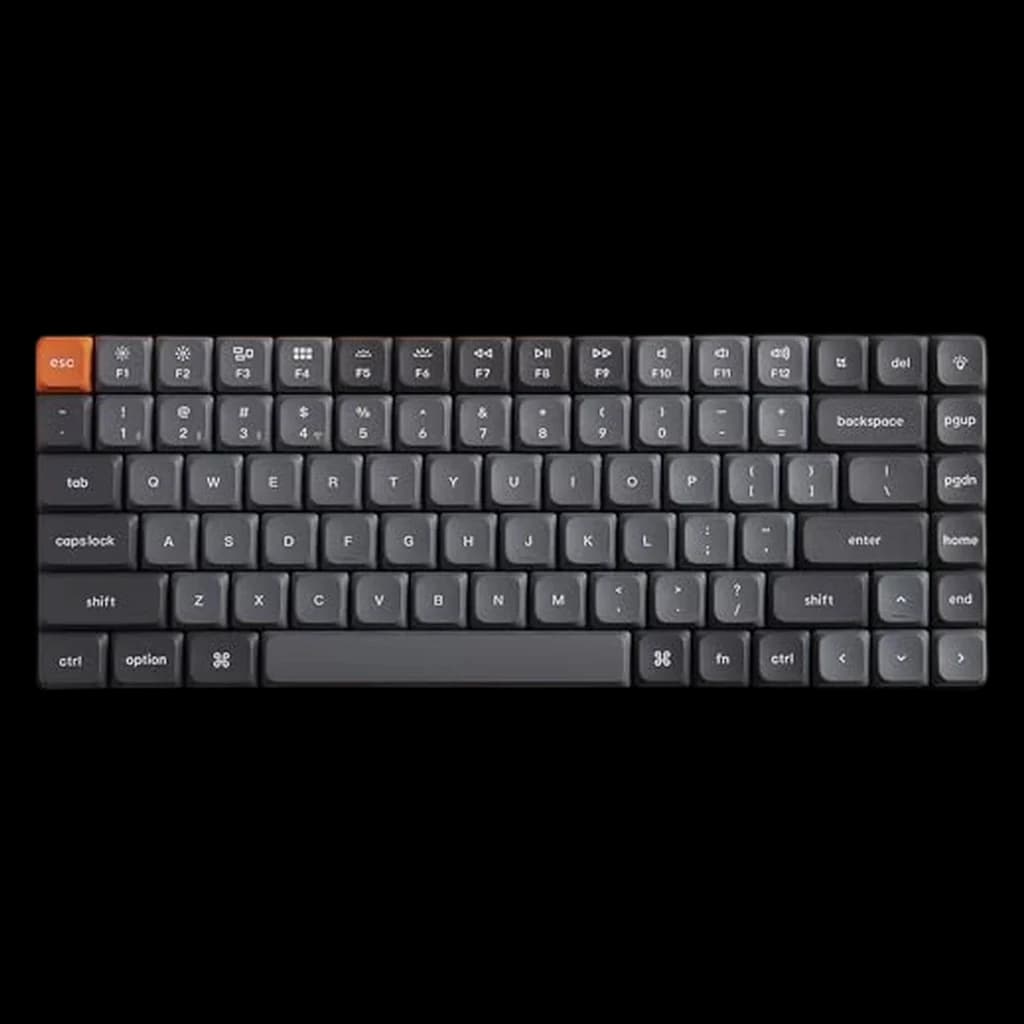 #2 Owner rating | 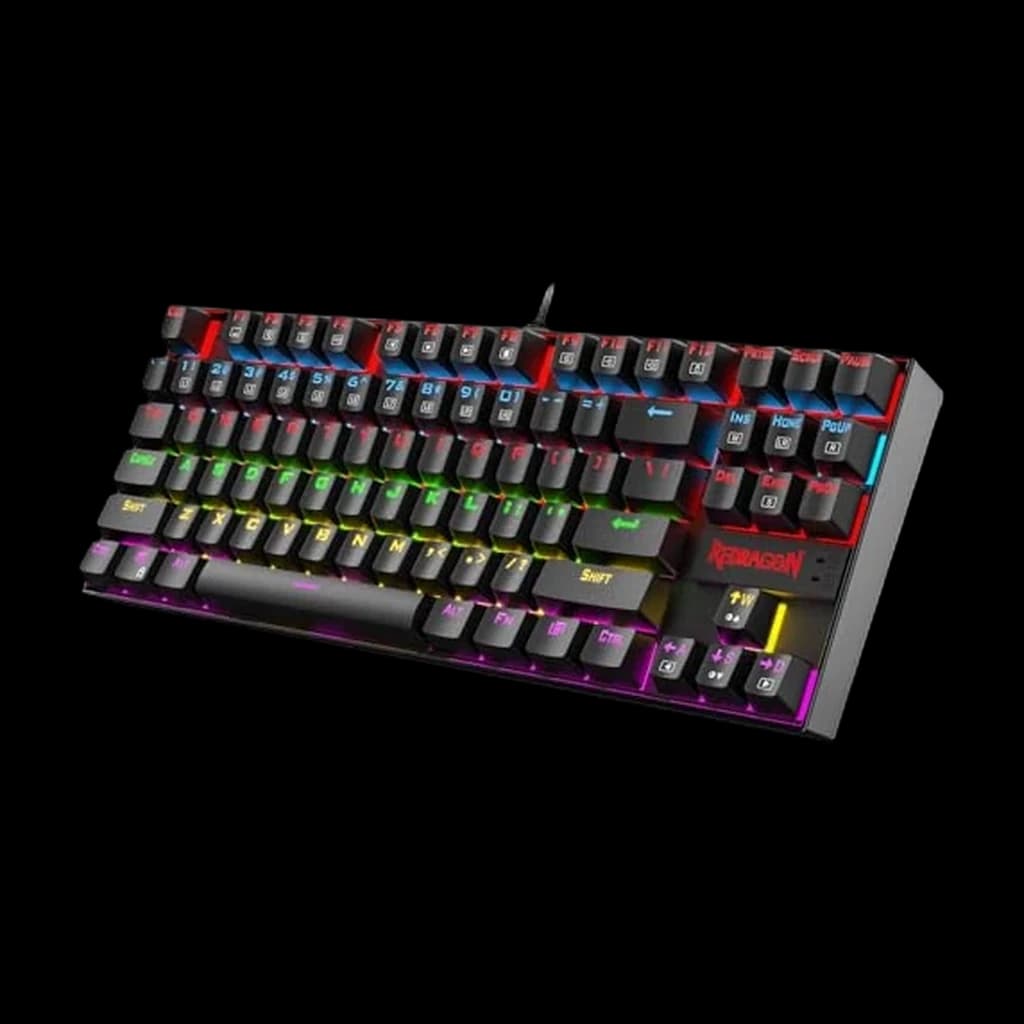 #3 Owner rating | 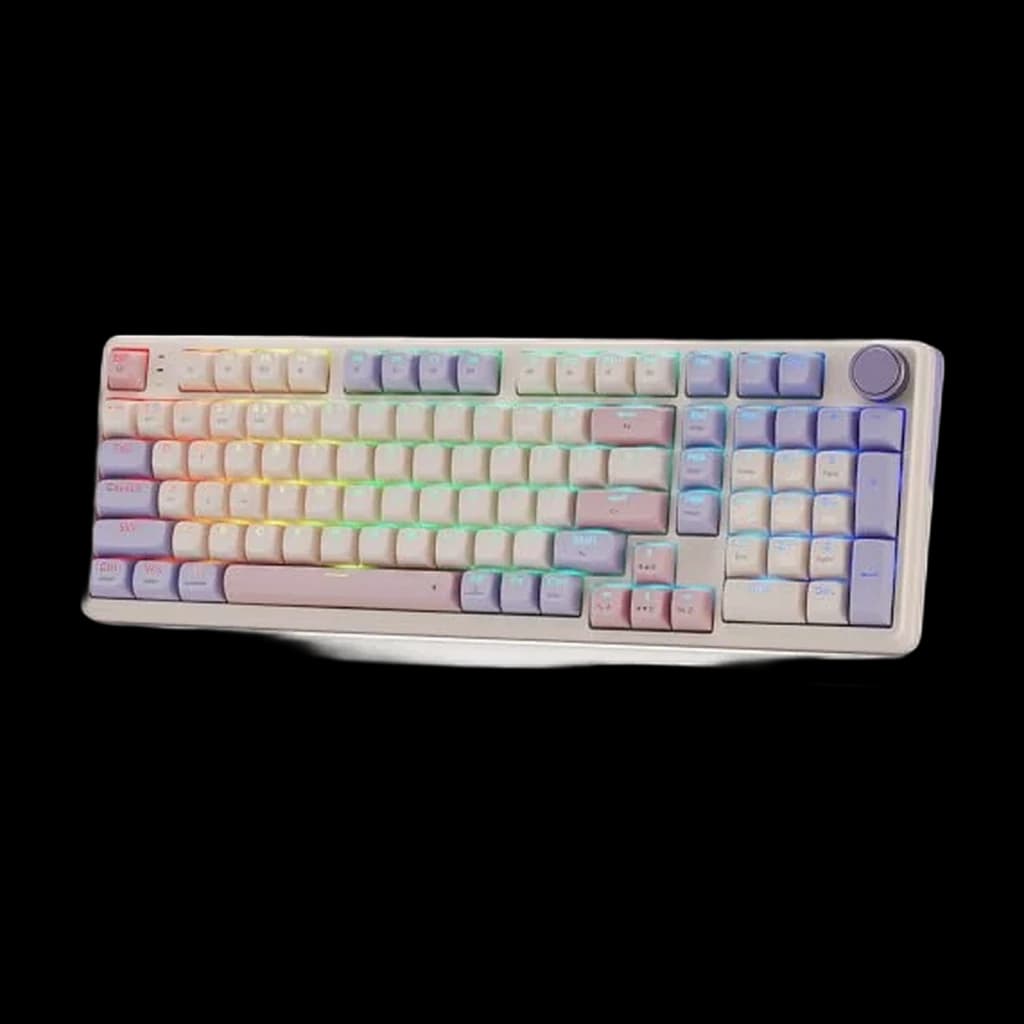 #4 Owner rating | |
|---|---|---|---|---|
| Price | $89.99Buy on Amazon | $36.99Buy on Amazon | $59.99Buy on Amazon | |
| Verdict | 75% compact wireless mechanical keyboard with a Mac/Windows toggle, Bluetooth 5.1 to three devices and wired USB-C. Sold by Keychron at $89.99 — comfortably inside this post's under-$100 line. | Thin as a laptop keyboard but with hot-swap mechanical feel | Ultra-budget starter | The gasket-mount option under $100, which is the build style enthusiast boards use to soften typing feel. Redragon state a tri-mode wireless connection and an 8000mAh battery. |
| Buyer sentiment | Quality Appearance Build Quality Typing Experience Reliability Bluetooth Connectivity Buyers praise quality, appearance, build quality and typing experience. Some flag reliability and bluetooth connectivity. Based on 73 user mentions | Sound Quality Tactile Feel Compact Size Build Quality Reliability Battery Life Buyers praise sound quality, tactile feel, compact size and build quality. Mixed feedback on bluetooth connectivity. Some flag reliability and battery life. Based on 369 user mentions | Keyboard Quality Value for money Tactile Feel Build Quality Buyers praise keyboard quality, value for money, tactile feel and build quality. Mixed feedback on reliability and sound quality. Based on 10,377 user mentions | Quality Sound Smoothness Color Buyers praise quality, sound, smoothness and color. Based on 112 user mentions |
| Specs |
|
|
|
|
| Pros |
|
|
|
|
| Cons |
|
|
|
|
* Prices checked Oct 10, 2026 and may vary. Check the latest price on Amazon.
We research — never hands-on. How we research →
Key Takeaways
Six mechanical keyboards under $100 ranked for WFH in 2026. Keychron K2 is the top pick, Royal Kludge RK84 the hot-swap wireless value play.
As an Amazon Associate I earn from qualifying purchases. Product prices and availability are subject to change.
Mechanical keyboards used to be a gamer-only thing — loud, clicky, office-hostile. That stopped being true around 2020. Modern mechanical boards with quiet tactile switches are actually quieter than most cheap membrane keyboards, and they feel dramatically better to type on for 6+ hours a day.
The sub-$100 market is where the deals live. Pay more than $100 and you're mostly paying for aesthetics, a fancier case, or custom keycaps. Here are the five mechanical keyboards worth buying under $100 for remote work.
How to Pick a Switch in 15 Seconds
Every mechanical keyboard lists its switch type. For remote work on video calls, the rule is simple:
- Red (linear, quiet) — smooth, no bump, quietest. Best for calls. Default recommendation.
- Brown (tactile, medium) — small bump halfway down. Classic "balanced" switch. Slightly louder than Red.
- Blue (clicky, loud) — loud audible click on every press. Do not buy for WFH. Your whole team will hear it on Zoom.
- Banana, Baby Kangaroo, Cream, Holy Panda — boutique tactile switches. Get these only if you've tried basic switches and want a hobby.
If you're unsure: buy Red. If you type all day and want a little feel: buy Brown. If you've never used a mechanical before: buy hot-swappable so you can change your mind later.
#1 Keychron K2 (V2) — Best Overall Under $100
Price: ~$89 · Switches: Red, Brown, Blue · Layout: 75% (compact with function row)
Keychron invented the modern Mac-friendly mechanical keyboard and the K2 is still the best sub-$100 starting point in the lineup. It's a 75% board — full function row, arrow keys intact, no numpad. Plastic case as standard (Keychron sells an aluminum-frame version), ABS keycaps. Bluetooth 5.1 to three devices, plus wired USB-C. Works equally well on macOS and Windows (flip a switch on the side).
Keychron lists the current Version 2 as hot-swappable. That lets you swap switches later without a soldering iron, which means you can try Red now and change to Brown in six months without buying a new keyboard.
Best for: Mac users, compact desk setups, first real mechanical keyboard. Skip if: You need a numpad daily (get the K4 instead).
#2 Royal Kludge RK84 — Best Value Under $80
Price: ~$65 · Switches: Hot-swappable · Layout: 75% wireless
If the Keychron K2 feels expensive, the RK84 is the same idea for less. 75% layout, hot-swappable sockets, three-mode connectivity (USB, 2.4GHz wireless, Bluetooth). The case is plastic instead of aluminum, so it feels lighter and less premium — but the switches and typing feel punch above the price.
The one catch: Royal Kludge's software is rough. Stick to the defaults or map through your OS.
Best for: Tight budget, dual-OS setup, you want hot-swap without paying Keychron prices. Skip if: Build quality matters more than features.
#3 Logitech MX Keys Mini — Best "Mechanical-Adjacent" for Pure Productivity
Price: ~$99 · Switches: Low-profile scissor (not true mechanical) · Layout: Compact, no numpad
Technically cheating on the "mechanical" label — this uses Logitech's tactile scissor switches, not Cherry-style mechanical switches. We're including it because for pure typing productivity in an open office or next to a sleeping partner, nothing else in this price range is this quiet.
Flow software lets it pair to three devices and switch with a keypress. Backlight adapts to ambient light. The typing feel is divisive: people either love the low travel or miss the clack.
Best for: Noise-sensitive environments, multi-device users, Apple loyalists. Skip if: You came here wanting an actual mechanical feel.
#4 Keychron C3 Pro — Best Full-Size Wired
Price: ~$44 · Switches: Red, Brown · Layout: TKL (tenkeyless)
The budget pick from Keychron. Wired-only, no RGB, no fancy case — but the switches and layout are identical to the $90+ boards. If you don't care about wireless or backlighting and just want a solid tenkeyless mechanical for under $50, this is it.
Best for: Wired-only setups, desks where a keyboard is a tool not a centerpiece. Skip if: You want Bluetooth or a numpad.
#5 Redragon K552 — Best Ultra-Budget (with Caveats)
Buy on Amazon · $36.99Price: $35–45 · Switches: Outemu Blue/Brown/Red · Layout: TKL
The Redragon K552 has no business being this good for the price. Metal top plate, full LED backlight, compact tenkeyless layout. It's what got a lot of people into mechanical keyboards in the first place.
Two real caveats: (1) the Outemu switches don't age as well as Cherry or Gateron — expect the feel to degrade after a year of heavy use, and (2) the "Blue" variant clicks loud enough to annoy your roommate through a closed door. Get the Brown or Red variant if you buy this.
Best for: Testing whether you even like mechanical keyboards before spending $90. Skip if: You expect this to last 5 years.
The 3 Mistakes People Make Buying a Mechanical Keyboard Under $100
-
Buying Blue switches for a WFH setup. Your teammates can hear them through Zoom. Red and Brown exist for a reason.
-
Overpaying for "gaming" features you'll never use. RGB, macro keys, and "6000Hz polling rate" are gaming marketing. None of them help you draft email.
-
Buying a 60% board as a first mechanical. 60% layouts remove arrow keys and the function row — you'll hate it for six weeks while you relearn muscle memory. Start with a 75% or TKL.
Products referenced in this guide
For quick reference, the products tied to this guide are the Keychron K2 V2 Wireless Mechanical Keyboard 84-key ($89.99) and the Keychron K3 V2 Ultra-Slim Wireless Mechanical Low-Profile ($63).
Frequently Asked Questions
Are mechanical keyboards OK for a shared home office or a bedroom setup? Yes, with Red or Brown switches. Blue switches are too loud for shared spaces.
Do I need to learn a new layout? No. A 75% or TKL mechanical keyboard has the same keys you already use, in the same places.
What about wireless lag on mechanical keyboards? The RK84 has a 2.4GHz wireless mode that's effectively indistinguishable from wired for typing; the Keychron K2 V2 is Bluetooth plus wired USB-C. Bluetooth has slight input delay but it's fine for office work (not competitive gaming).
Will my IT department approve a mechanical keyboard? Mechanical keyboards are standard USB HID devices. If your existing keyboard works, these will too. The one exception is some enterprise VPN tools that restrict wireless peripherals — in that case, use the USB-C cable.
Is it worth paying more than $100? Not for most people. Above $100 you're paying for a premium case (aluminum with weight), custom keycaps, boutique switches, or "enthusiast" features like per-key RGB. The typing experience at $90 and $190 is very close.
Bottom Line
Get the Keychron K2 with Red or Brown switches ($89) if you can stretch to it. If not, the Royal Kludge RK84 ($57) is a genuine bargain. Both are hot-swappable, which means you can change your mind about switches later without buying a new keyboard.
For specific picks above $100 and premium boards, see our best mechanical keyboards for WFH guide. For flat-layout productivity keyboards, see our Logitech MX Keys comparison.
Your next step
See the full keyboard field, all budgets.
Hilly Shore Labs
Editorial TeamWFH Lounge is published by Hilly Shore Labs. Every recommendation is built by synthesizing ergonomic research, manufacturer specs, expert reviews from outlets like Wirecutter, RTINGS, and The Verge, and aggregated long-term owner sentiment from thousands of verified buyers.
All product reviews are independently researched. Our recommendations are based on ergonomic guidelines, manufacturer specifications, and verified buyer sentiment. See our methodology.