Mechanical vs Membrane Keyboards for WFH 2026: Honest Take
Quick Answer
Mechanical for most WFH workers: the tactile feedback reduces typos and finger fatigue during long writing sessions, and modern low-profile mechanical switches (Keychron, Logitech MX Keys) are quiet enough for open-plan. Membrane only wins on price (sub-$30) and silence — if you're on calls constantly in a shared space, a quality membrane like the Logitech K380 is a legitimate choice.
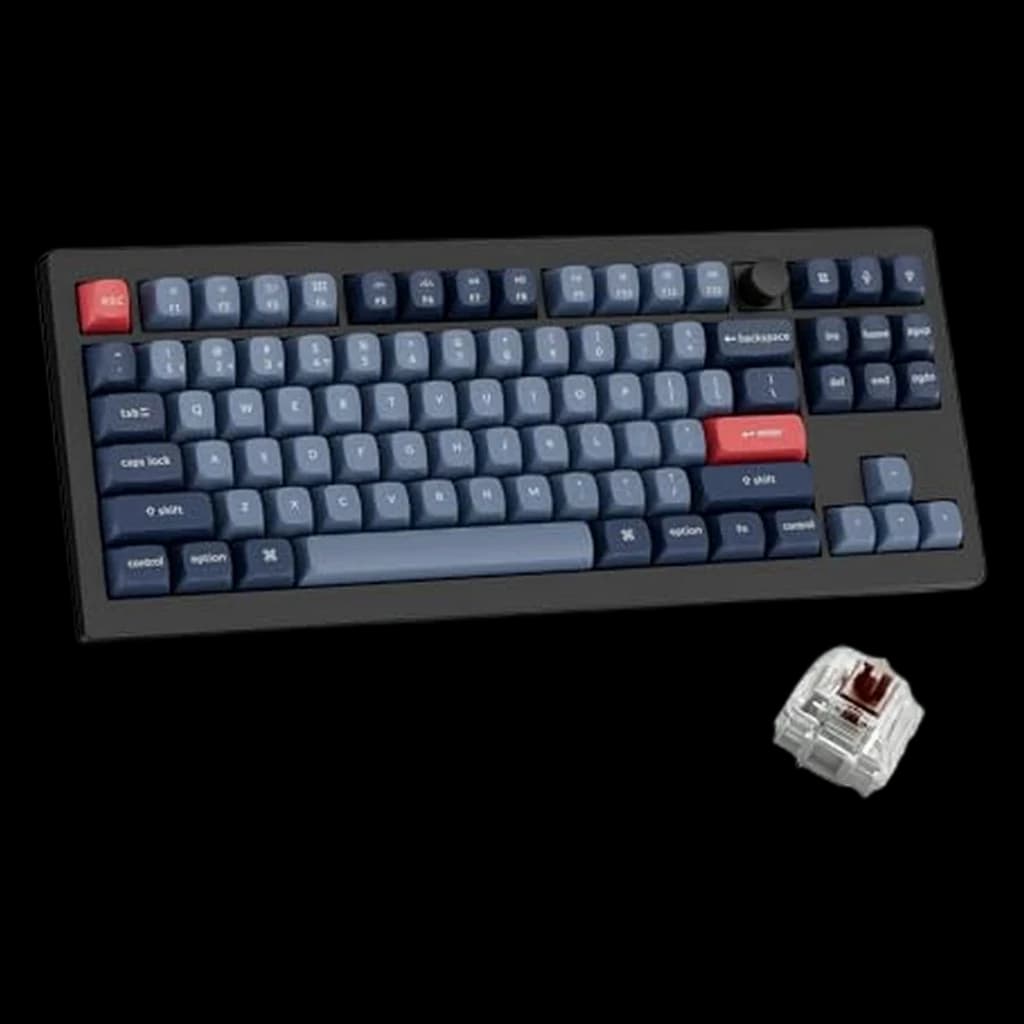 #1 Owner rating | 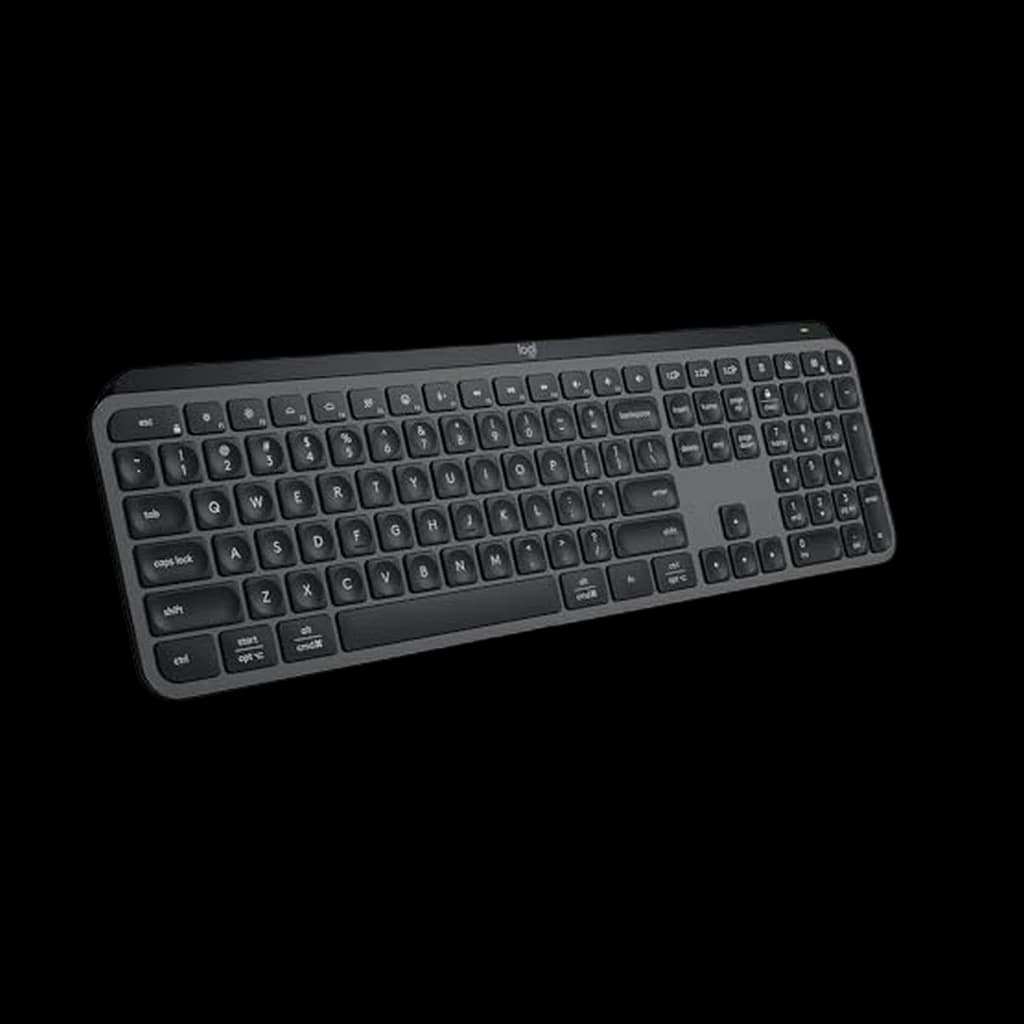 #2 Owner rating | 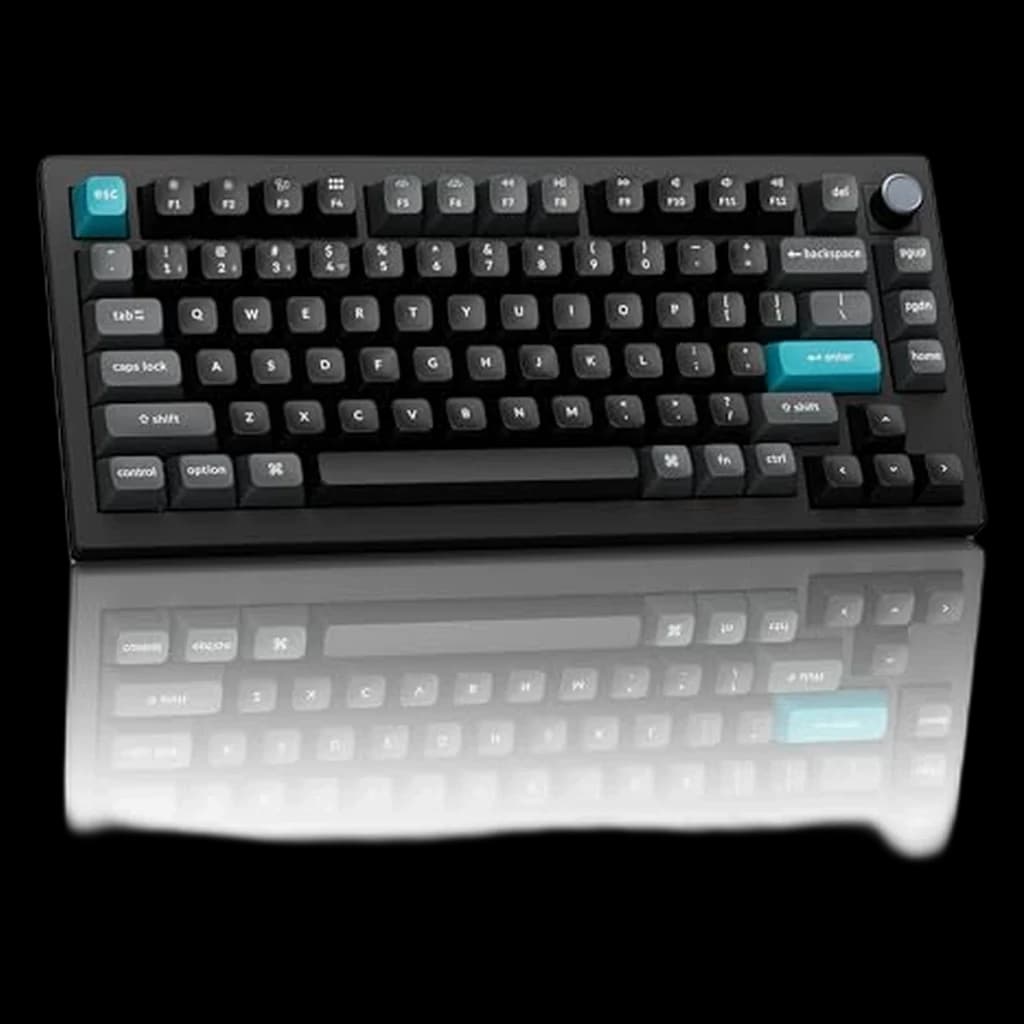 #3 Owner rating | 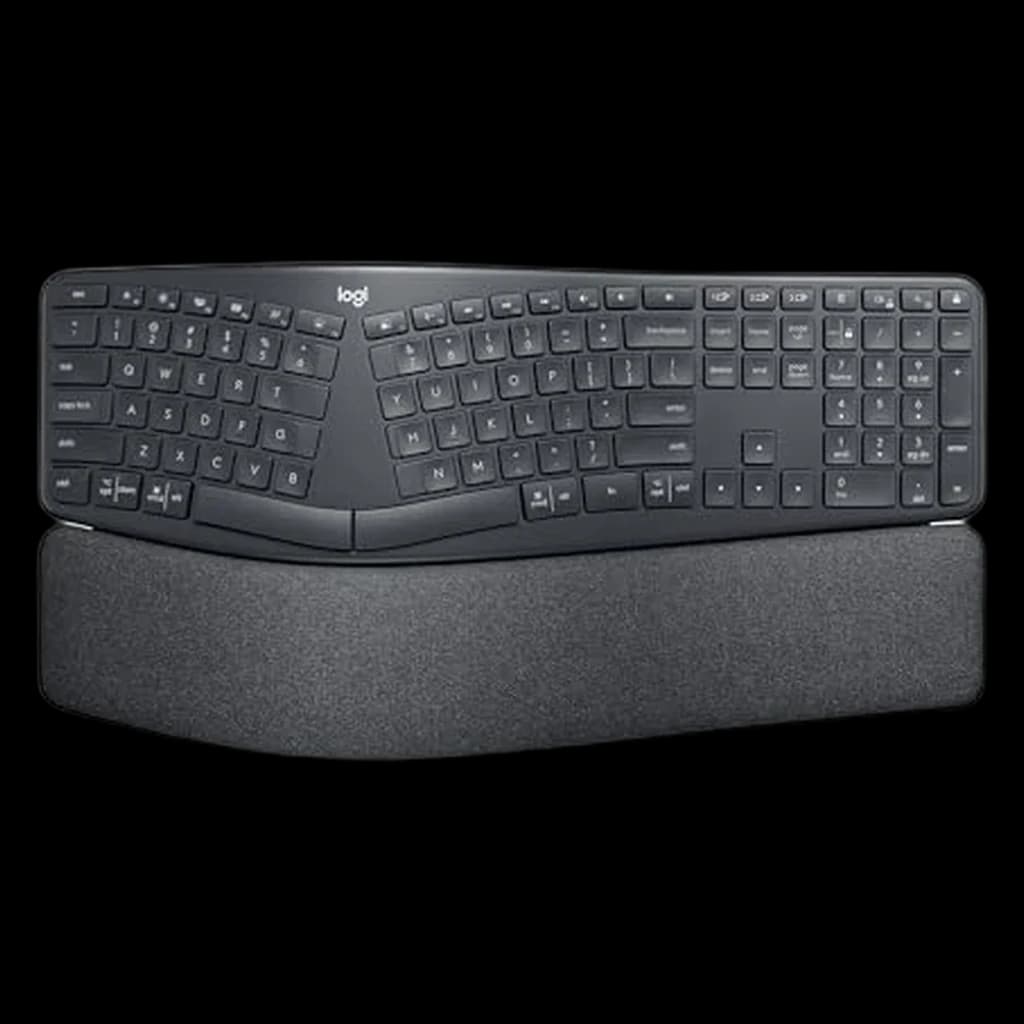 #4 Owner rating | 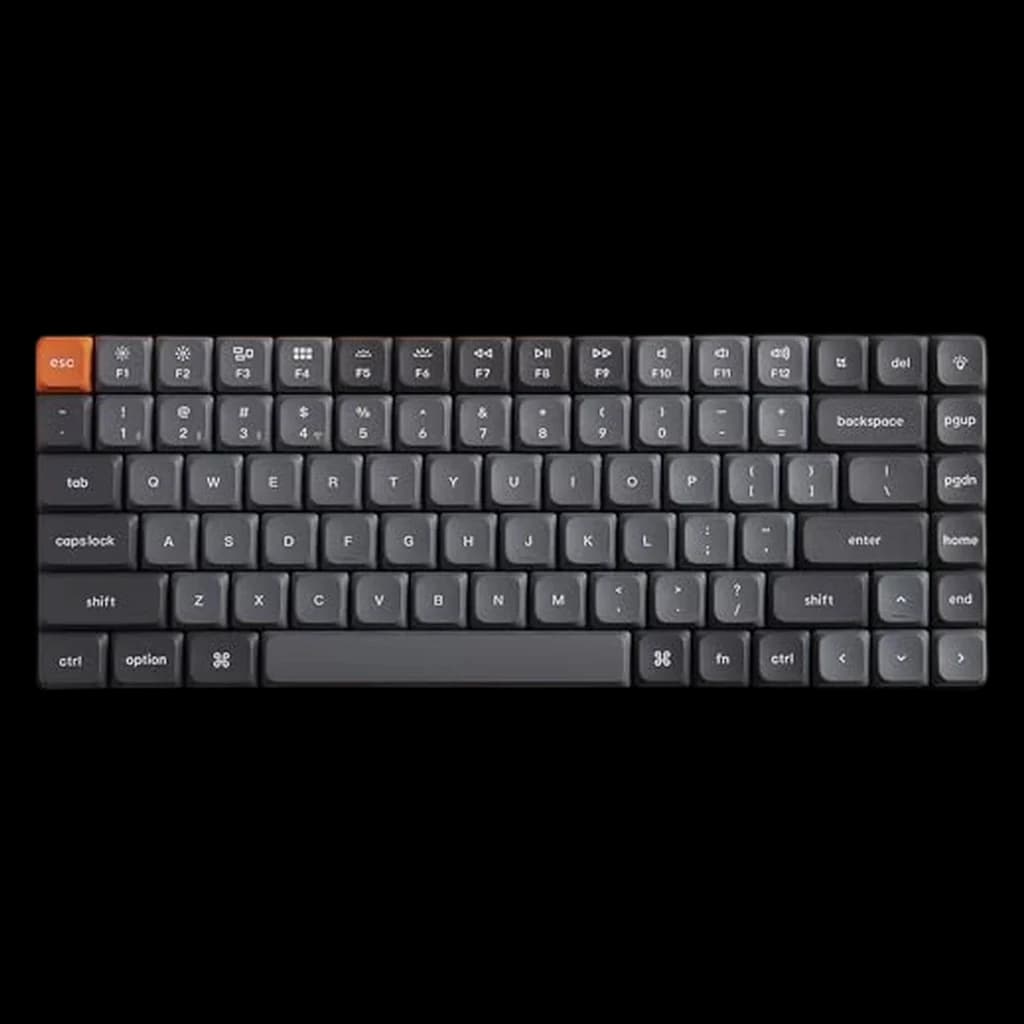 #5 Owner rating | 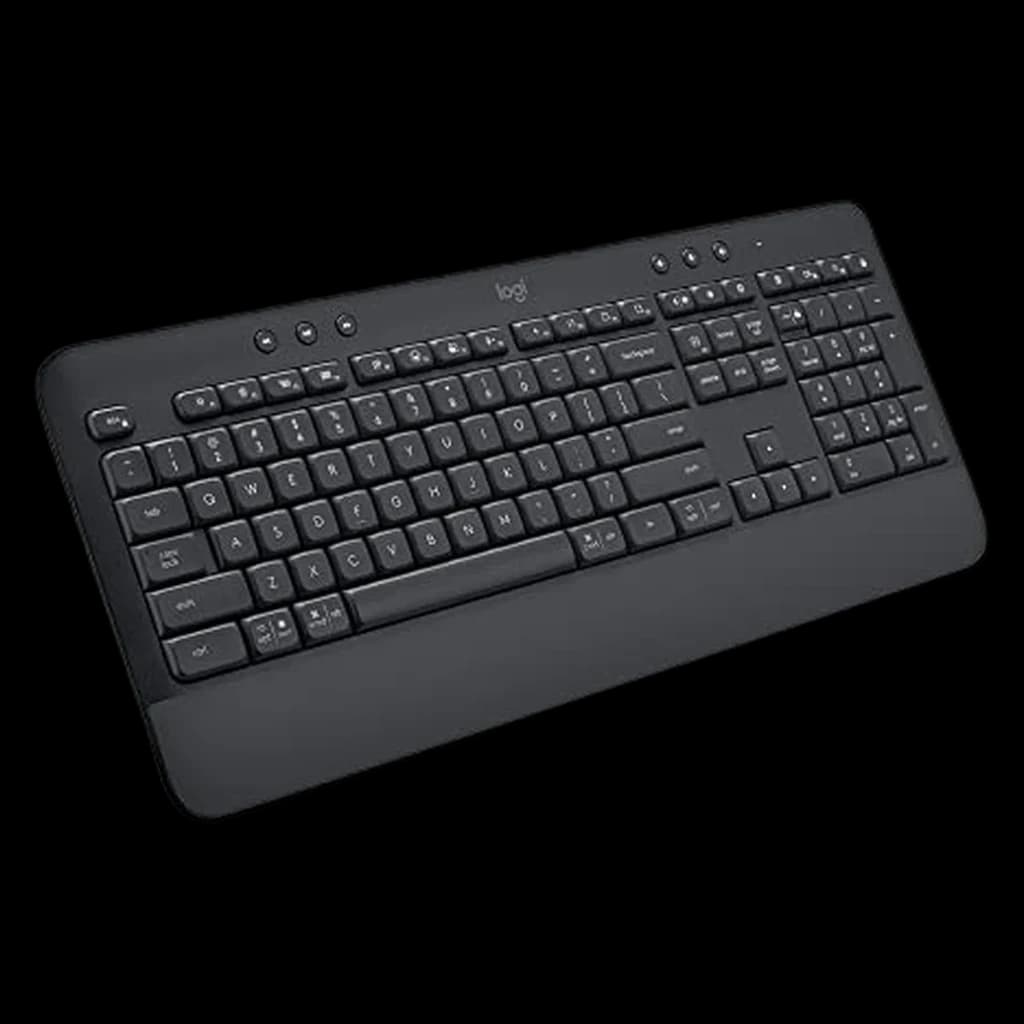 #6 Owner rating | |
|---|---|---|---|---|---|---|
| Price | $104.99Buy on Amazon | $129.99Buy on Amazon | $229.99Buy on Amazon | $149.99Buy on Amazon | $47.86Buy on Amazon | |
| Verdict | Wirecutter's top TKL pick — hot-swap, wireless, QMK, knob | Quietest full-size wireless option — near-silent on calls | Full-metal 75% powerhouse — 600h battery, ZMK, 8K polling | Ergonomist-certified — reduces wrist strain 25%, zero learning curve | Thin as a laptop keyboard but with hot-swap mechanical feel | Quiet, comfortable, lasts 3 years on batteries — zero fuss budget pick |
| Buyer sentiment | Quality Keyboard feel Value for money Versatility Reliability Buyers praise quality, keyboard feel, value for money and versatility. Some flag reliability. Based on 40 user mentions | Build Quality Key Feel Backlighting Quiet Buyers praise build quality, key feel, backlighting and quiet. Mixed feedback on connectivity and reliability. Based on 2,150 user mentions | Quality Buyers praise quality. Mixed feedback on tactile feel. Based on 10 user mentions | Quality Comfort Ergonomics Keyboard Feel Reliability Durability Buyers praise quality, comfort, ergonomics and keyboard feel. Mixed feedback on value for money and connectivity. Some flag reliability and durability. Based on 2,835 user mentions | Sound Quality Tactile Feel Compact Size Build Quality Reliability Battery Life Buyers praise sound quality, tactile feel, compact size and build quality. Mixed feedback on bluetooth connectivity. Some flag reliability and battery life. Based on 369 user mentions | Quality Noise Level Keyboard Feel Comfort Buyers praise quality, noise level, keyboard feel and comfort. Mixed feedback on reliability and bluetooth connectivity. Based on 460 user mentions |
| layout | 80% TKL (87 keys) | Full-size (US/ANSI) | 75% (82 keys, with programmable knob) | Full-size with numpad, curved split frame | 75% (84 keys) | Full-size with numpad |
| switches | Gateron Red / Brown / Banana (hot-swappable, 3-pin and 5-pin MX) | Scissor with membrane backing (low-profile, quiet) | Keychron K Pro Red / Brown / Banana (hot-swappable, 5-pin MX) | Scissor membrane (quiet) | Gateron Low-Profile Red / Brown / Blue (hot-swappable) | Quiet membrane |
| connectivity | 2.4 GHz (1000Hz polling), Bluetooth 5.1 (3 devices), USB-C wired | Bluetooth (3 devices) + Logi Bolt 2.4 GHz USB dongle | 2.4 GHz (8000 Hz), Bluetooth 5.1 (3 devices), USB-C wired | Bluetooth 5.0 (3 devices) + Logi Bolt USB dongle | 2.4 GHz, Bluetooth 5.1 (3 devices), USB-C wired | Bluetooth 5.0 (3 devices) + Logi Bolt USB dongle |
| battery | ~4000 mAh, several weeks per charge (backlight dependent) | USB-C rechargeable, ~10 days with backlight / 5 months without | 4000 mAh, up to 660h (BL off); ~3 months typical | 2x AA batteries, ~24 months typical use | Rechargeable, ~300h backlight off | 2x AA batteries, ~36 months typical use |
| build | Gasket mount, sound-absorbing foam, PBT double-shot keycaps | Aluminum top plate, slim profile | Full aluminum, double-gasket, multi-layer foam, PBT KSA keycaps | Curved split keyframe, 3-layer cushioned wrist rest (memory foam + firm foam + stain-resistant fabric) | Aluminum frame, low-profile body, double-shot PBT keycaps | Integrated cushioned palm rest, 2-tilt-angle legs |
| os_support | Mac, Windows, Linux (toggle switch + keycap set included) | Mac, Windows, Linux, iOS, Android | Mac, Windows, Linux | Mac, Windows | Mac, Windows, Linux | Mac, Windows, Linux, Chrome OS |
| tilt | — | — | — | 0°, -4°, -7° negative tilt options | — | — |
| Pros |
|
|
|
|
|
|
| Cons |
|
|
|
|
|
|
* Prices checked Oct 10, 2026 and may vary. Check the latest price on Amazon.
We research — never hands-on. How we research →
Key Takeaways
Mechanical or membrane for remote work in 2026? The real differences in comfort, sound, and longevity — plus who should actually skip mechanical entirely.

As an Amazon Associate I earn from qualifying purchases. Product prices and availability are subject to change.
The short answer: mechanical for most WFH workers, membrane if noise is your primary constraint.
The Core Differences
| Mechanical | Membrane | |
|---|---|---|
| Feel | Tactile bump or linear — distinct per keypress | Soft, mushy — less feedback |
| Sound | Depends on switch — can be quiet | Generally quieter |
| Lifespan | 50–100M keystrokes | 5–10M keystrokes |
| Price range | $50–$300+ | $15–$100 |
| Hot-swap | Available on many models | No |
| Customization | Switches, keycaps, layers | Almost none |
| Repairability | High — swap individual switches | Replace the whole board |
When Mechanical Wins
- If you type a lot: Tactile feedback tells your fingers when a keypress registered without bottoming out the key — reducing the force you apply over thousands of daily keypresses. Over an 8-hour day, that compounds into meaningfully less finger fatigue.
- If you're on calls but not in earshot of others: Modern low-profile mechanical keyboards (Keychron K2, Logitech MX Keys S) are barely louder than good membrane boards. The "mechanical = loud" stereotype applies to clicky switches (Blue), not linears or tactiles.
Best WFH mechanical keyboards:
- 🥇 Keychron K2 Pro (~$90) — hot-swap wireless
- 🥈 Logitech MX Keys S (~$130) — low-profile, quietest mechanical option
- 🥉 Keychron Q1 Pro (~$200) — premium gasket mount
When Membrane Wins
- Shared spaces and open-plan homes: If you're in a studio, your partner is on a call in the next room, or you're recording audio, a quality membrane is the more considerate choice. The Logitech K380 (~$40) is whisper-quiet and multi-device.
- Very tight budgets: Quality membrane keyboards start at $15–20. Quality mechanical keyboards start at $50+. If you're outfitting a temporary setup or buying a backup keyboard, membrane makes sense.
Best WFH membrane keyboards:
- 🥇 Logitech K380 (~$40) — best multi-device, quiet, compact
- 🥈 Microsoft Sculpt Ergonomic (~$80) — best for RSI prevention
- 🥉 Logitech MK470 combo (~$60) — full keyboard + mouse combo
The "Low-Profile Mechanical" Middle Ground
If you want mechanical feel without mechanical volume, low-profile switches (Keychron, Gateron LP) split the difference. The Logitech MX Keys S uses a mechanism closer to low-profile mechanical than traditional membrane — it's often the recommendation for open-plan workers who want an upgrade.
Products referenced in this guide
For quick reference, the products tied to this guide are the Keychron V3 Max TKL Wireless Mechanical Keyboard ($104.99), the Logitech MX Keys S Wireless Keyboard ($125.99), the Keychron Q1 Ultra 8K Wireless Mechanical Keyboard ($229.99), and the Logitech Ergo K860 Wireless Split Ergonomic Keyboard ($149.99).
Other products referenced here include the Keychron K3 V2 Ultra-Slim Wireless Mechanical Low-Profile ($63) and the Logitech Signature K650 Comfort Wireless Keyboard ($48.98).
Frequently Asked Questions
Are mechanical keyboards actually louder?
It depends entirely on the switch. Clicky (Blue, Green) = loud. Tactile (Brown) = moderate. Linear (Red, Speed Silver) = quiet. A linear mechanical keyboard in a normal WFH environment is often quieter than someone typing hard on a cheap membrane board.
Can I silence a mechanical keyboard?
Yes — o-rings (~$10) dampen the bottom-out sound significantly. Adding foam inside the case and using linear switches makes most mechanical keyboards neighbor-friendly.
Is typing speed different between mechanical and membrane?
Marginal for most people. The difference shows up in accuracy and fatigue over time, not raw speed. Most professional typists use mechanical; most speed records are set on mechanical boards.
How long do membrane keyboards last?
5–10 million keystrokes per key, which is typically 3–5 years of heavy daily use. Mechanical switches are rated for 50–100M — 10–20 years of the same usage. Mechanical isn't just a feel preference; it's a longevity investment.
Your next step
Going mechanical? Best boards under $100.
Hilly Shore Labs
Editorial TeamWFH Lounge is published by Hilly Shore Labs. Every recommendation is built by synthesizing ergonomic research, manufacturer specs, expert reviews from outlets like Wirecutter, RTINGS, and The Verge, and aggregated long-term owner sentiment from thousands of verified buyers.
All product reviews are independently researched. Our recommendations are based on ergonomic guidelines, manufacturer specifications, and verified buyer sentiment. See our methodology.