WFH Posture Fix: 5 Products That Actually Address Back Pain
Fixing WFH posture does not require spending thousands — a few targeted ergonomic products can eliminate back pain and transform your work comfort.
Quick Answer
Five targeted products fix most WFH posture damage without a four-figure spend: an ergonomic chair with real lumbar support, a laptop stand or monitor riser to bring the screen to eye level, a standing desk converter, a split keyboard, and a pressure-relief seat cushion. The chair and screen height do most of the work — start there.
Key Takeaways
Back pain from working at home usually starts with the setup, not discipline. Five ergonomic upgrades that address the root causes — and three that don't.
As an Amazon Associate I earn from qualifying purchases. Product prices and availability are subject to change.
A couple of years into full-time remote work, a familiar pattern shows up:
- Lower back ache by mid-afternoon
- A stiff neck in the morning
- Tension headaches
- More hunching in general — not just at the desk
Stretching routines, yoga videos and "posture reminder" apps all help at the margins, but they treat the symptom. The usual root cause is the setup: a dining chair, a laptop flat on the table, and a neck craned downward for eight hours a day.
Below are the five ergonomic products that address that root cause, ranked by how much difference they make — plus three popular ones that don't.
1. An Ergonomic Chair With Proper Lumbar Support
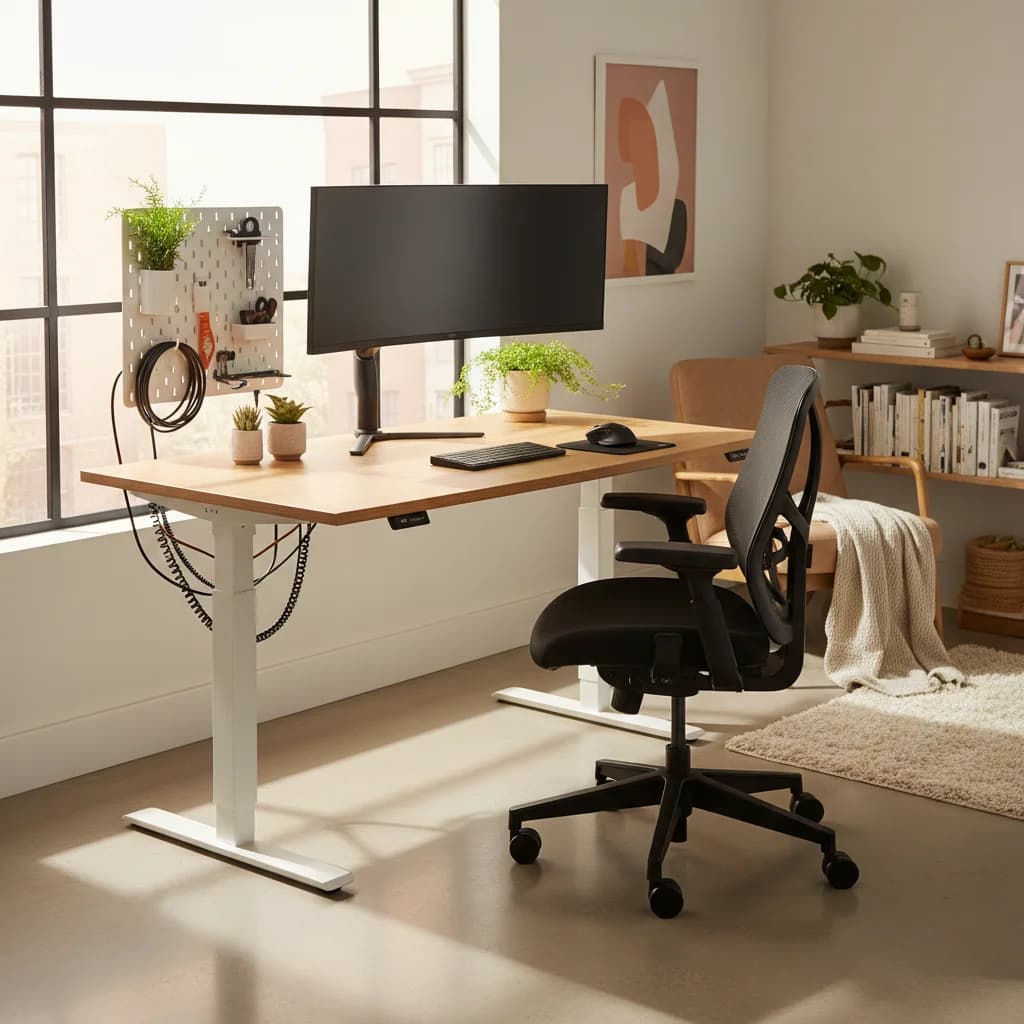
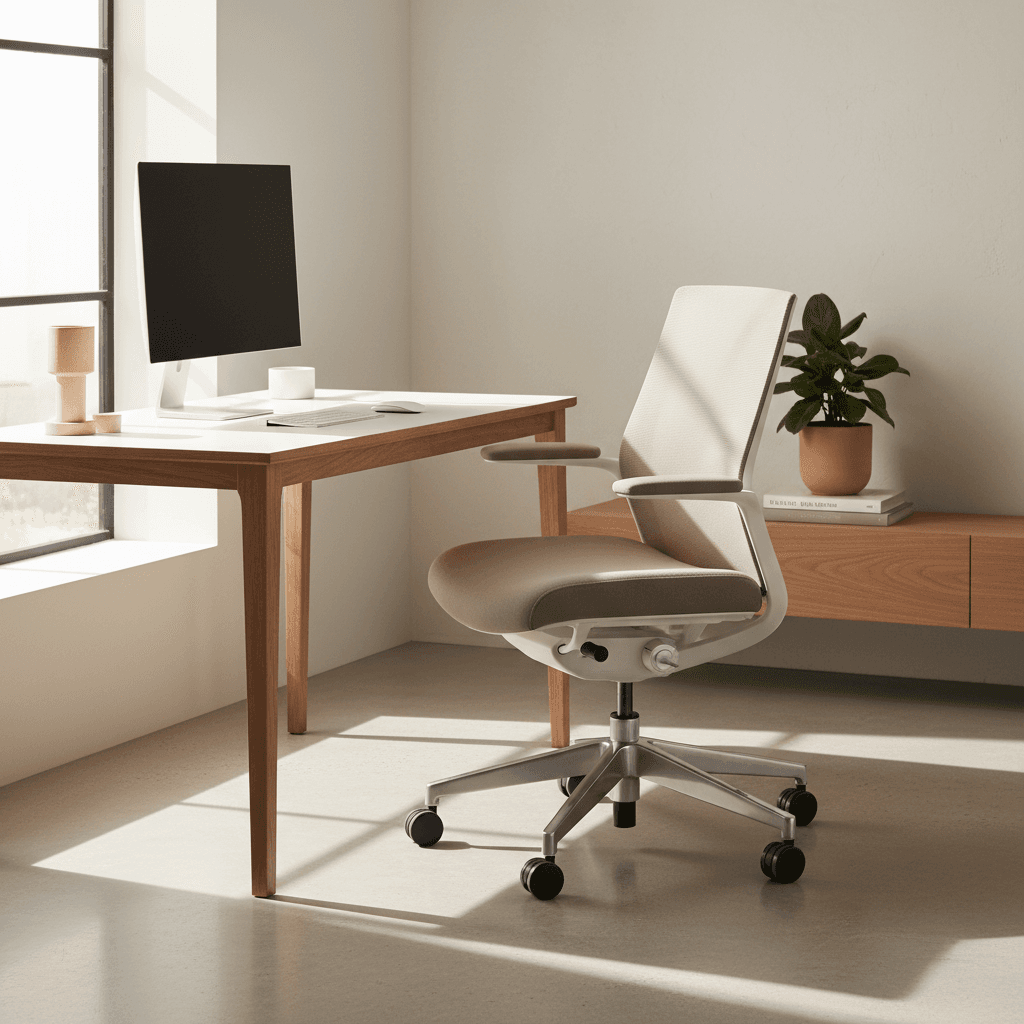
This is the single biggest upgrade available, and it is not close. Moving from a flat-backed dining chair to a proper ergonomic office chair with adjustable lumbar supportlumbar supportA chair feature (built-in curve, adjustable knob, or strap-on pillow) that supports the inward curve of the lower spine. Cornell ergonomics: lumbar support height should land roughly at your belt line, not higher. changes the load on your spine immediately.
The key features that matter are adjustable lumbar depth and height, seat depth adjustment, and armrests that can be positioned so your elbows rest at 90 degrees. You do not need to spend $1,500 on a Herman Miller (though they are great). There are excellent options under $500 that deliver the ergonomic essentials. We have a detailed roundup of the best ergonomic chairs under $500 that walks through exactly what to look for.
The specifications worth prioritizing are a mesh back for breathability, a waterfall seat edge that reduces pressure behind the knees, and a headrest for leaning back during calls.
What to look for:
- Adjustable lumbar, not just a fixed curve
- Adjustable seat depth
- At least 3 points of adjustability on the armrests
- A weight capacity appropriate for your body
2. A Laptop Stand or Monitor at Eye Level
This is the second big one. When your screen is at laptop-on-desk height, your neck flexes downward by 20-30 degrees for hours on end. That forward head posture puts up to 40 pounds of extra pressure on your cervical spine.
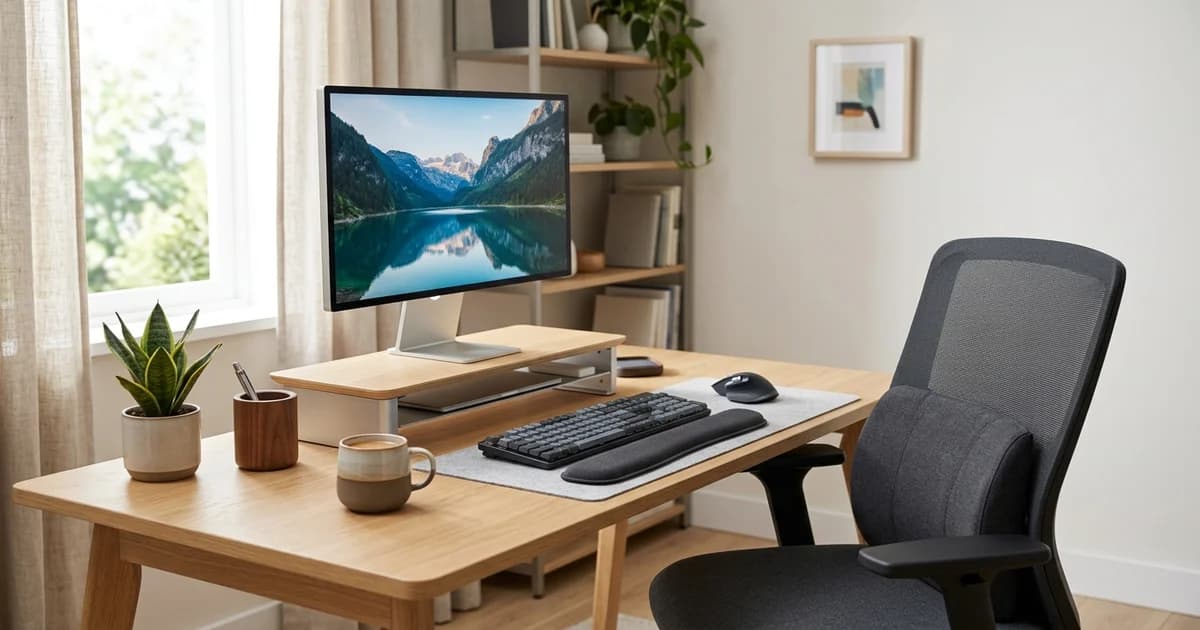
The cheapest fix is a simple aluminum laptop stand that raises the screen to eye level. It costs $25-40 and immediately fixes the neck angle. The tradeoff is that you need an external keyboard and mouse, since your laptop keyboard is now elevated.
A dedicated external monitor is the better long-term answer, adding screen real estate and finer height adjustment. But even just a laptop stand makes a dramatic difference. If you are looking at options, our laptop stand roundup covers the best ones.
The rule of thumb: The top of your screen should be at or slightly below eye level, and the screen should be about an arm's length away.
3. A Standing Desk Converter
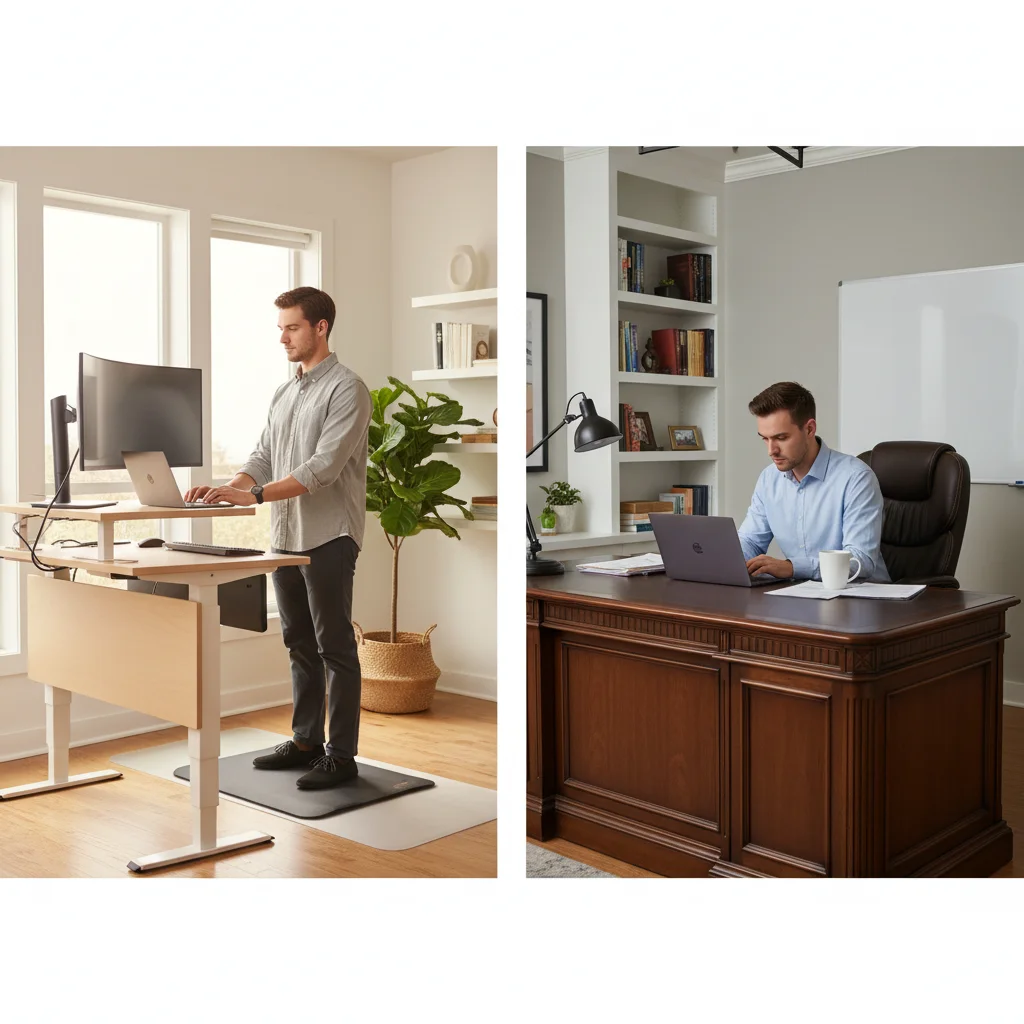
Standing desks deserve some skepticism — the research is genuinely mixed, and standing all day at a kitchen counter mostly produces sore feet. But the evidence does support alternating between sitting and standing, and that is what a converter makes practical.
The key insight is that you should not stand all day.
The ratio: research from the University of Waterloo puts the ideal at roughly 1:3 — for every hour, stand for 15-20 minutes and sit for 40-45 minutes.
The transition itself is what helps, because it engages different muscle groups and prevents the static loading that causes pain.
A standing desksit-stand deskA desk whose surface raises and lowers (electric or crank) so you can alternate sitting and standing through the day. Cornell ergonomics research recommends ~30-min sitting / ~10-min standing / ~2-min walking cycles, not all-day standing. converter sits on top of your existing desk and raises your monitor and keyboard to standing height with a pneumatic or gas-spring mechanism. The good ones transition smoothly in about 3 seconds, which means you actually use them instead of leaving them in one position.
A practical pattern is 2-3 standing hours across the workday, usually during calls and lighter tasks, with deep focus work done sitting. For the full breakdown on sitting versus standing, check our science-backed guide to standing desks.
4. An Ergonomic Split Keyboard
Most people overlook the keyboard as a posture factor, but it matters more than you think. A standard keyboard forces your wrists to angle inward (ulnar deviation) and your shoulders to narrow. Over time, this contributes to rounded shoulders and can cause wrist strain or even carpal tunnel symptoms.
A split ergonomic keyboard lets the two halves sit at shoulder width, which opens the chest and pulls the shoulders back toward a more natural position. The tenting feature (angling each half inward) puts your wrists in a neutral position, reducing strain.
Expect a genuine adjustment period: typing speed typically takes about two weeks to recover — but the postural change applies from day one.
5. A Seat Cushion With Pressure Relief
This one is easy to underrate. Even with a good chair, a pressure-relief seat cushion makes a difference over long sitting sessions. The ones worth buying use memory foam with a coccyx cutout that reduces pressure on the tailbone and promotes a slight forward pelvic tilt — which naturally encourages better spinal alignment.
Chair plus cushion works better than either alone. The chair provides structural support; the cushion fine-tunes pressure distribution. On heavy meeting days, that is the difference between ending comfortable and ending sore.
What Does Not Work
For balance, three popular fixes that do not address the root cause:
- Posture corrector braces. They pull your shoulders back while worn but do nothing to build actual muscle strength. Take one off and you slump straight back.
- Balance ball chairs. Theoretically they engage your core. In practice most people just slouch on the ball.
- Posture reminder apps. If your setup is wrong, no amount of reminders will fix it.
Building a Complete Ergonomic Setup
These five products work best together:
- The chair provides the foundation.
- The screen height fixes your neck.
- The standing desk adds movement variety.
- The keyboard opens your shoulders.
- The cushion handles pressure points.
Total cost for all five can be as low as $600-700 if you shop smart.
If you are building out your ergonomic setup from scratch, our ergonomic home office guide covers everything at every budget level.
The underlying point: posture is not about discipline — it is about environment. Set up your workspace correctly and good posture happens automatically.
Related Reading
Your next step
The chair is the foundation — start there.
Hilly Shore Labs
Editorial TeamWFH Lounge is published by Hilly Shore Labs. Every recommendation is built by synthesizing ergonomic research, manufacturer specs, expert reviews from outlets like Wirecutter, RTINGS, and The Verge, and aggregated long-term owner sentiment from thousands of verified buyers.
All product reviews are independently researched. Our recommendations are based on ergonomic guidelines, manufacturer specifications, and verified buyer sentiment. See our methodology.