Best Ergonomic Chairs Under $500 for 2026: 6 Picks Ranked
Our #1 Pick
Commercial-grade build — synchro-tilt, height- and width-adjustable arms, lumbar support that holds up after 8-hour days. The chair you see in well-funded offices, refurbished or new under $500.
Also Great
Best new under $500: Branch Ergonomic Chair (~$350) — Best new-in-box ergonomic chair at this price point — adjustable lumbar, armrests, mesh back
Budget option: Sihoo M57 Ergonomic (~$220) — Adjustable lumbar support and headrest at a price that doesn't require a business case
Cheaper alternative
Branch Ergonomic Chair ($389)is excellent — but if the price tag makes your stomach lurch, here’s the pick we’d quietly point most home-office buyers to instead.
Key Takeaways
Six ergonomic office chairs under $500 ranked for full-time WFH in 2026. HON Ignition 2.0 is the top pick, Autonomous ErgoChair Pro the runner-up.
Our Verdict
The HON Ignition 2.0 is the best ergonomic chair under $500, offering commercial-grade build quality, a 12-year warranty, and the adjustable lumbar and seat depth controls that actually matter for all-day comfort.
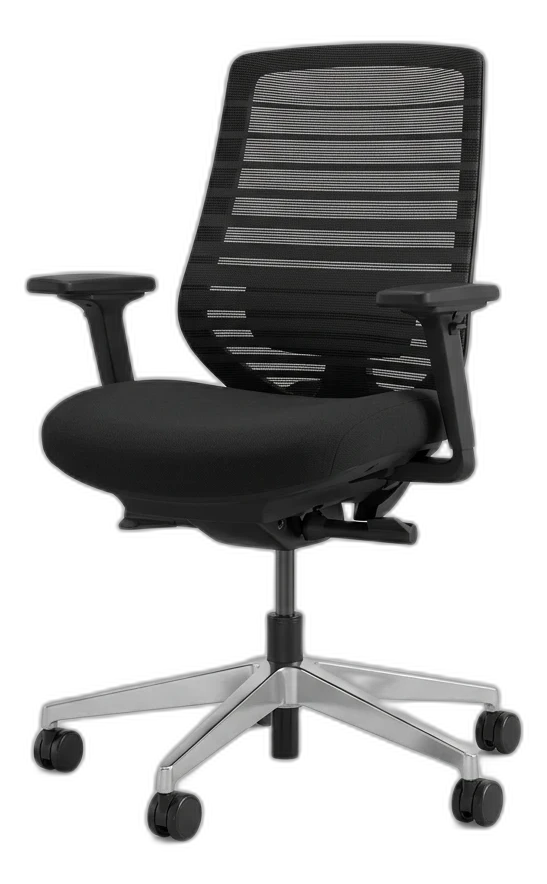 #1 4.3 | 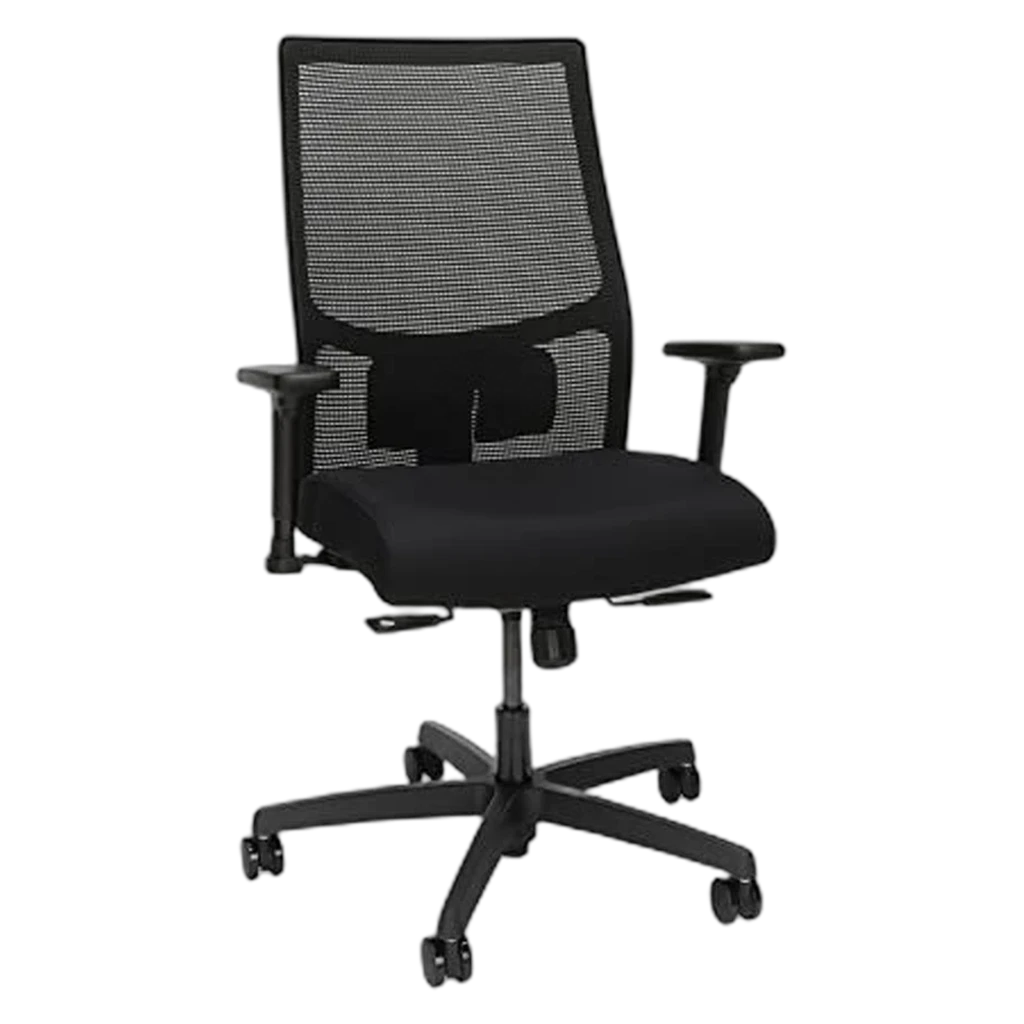 #2 4.3 | 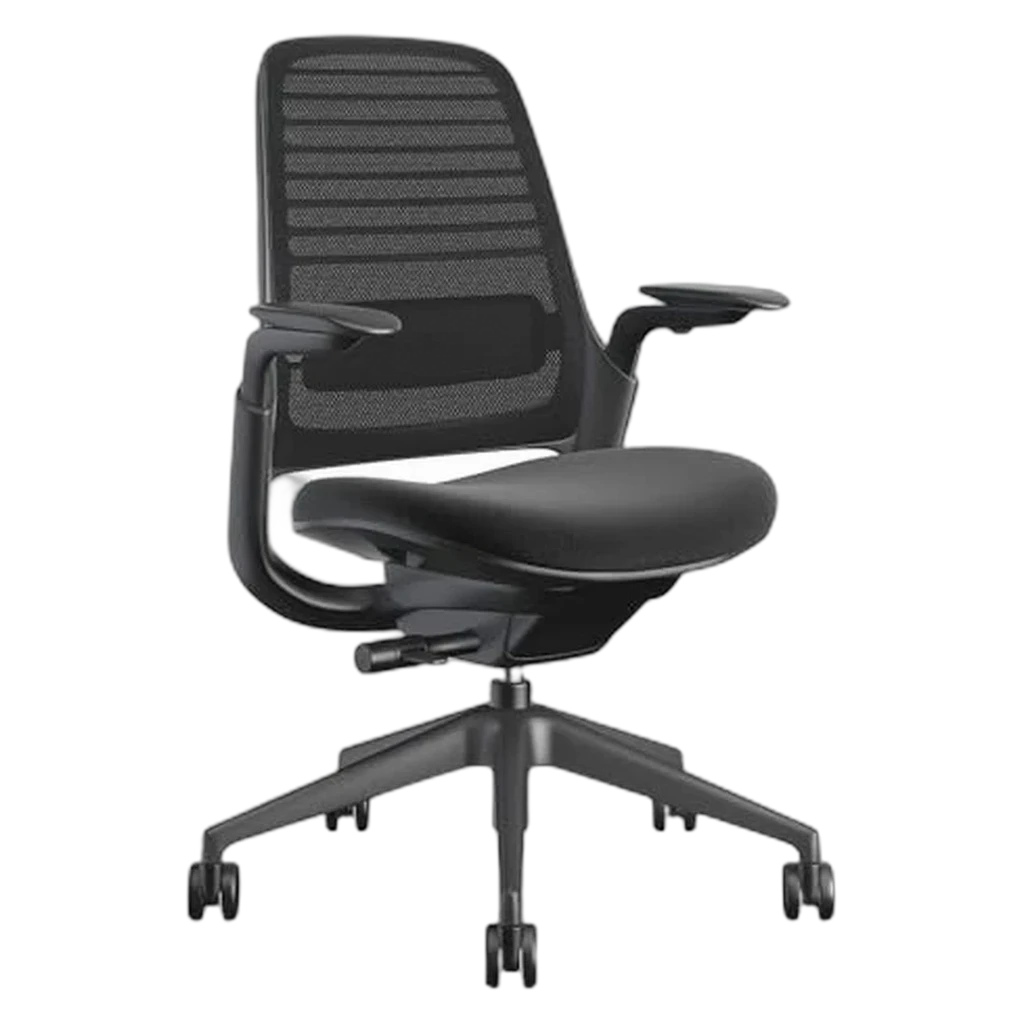 #3 4.3 | 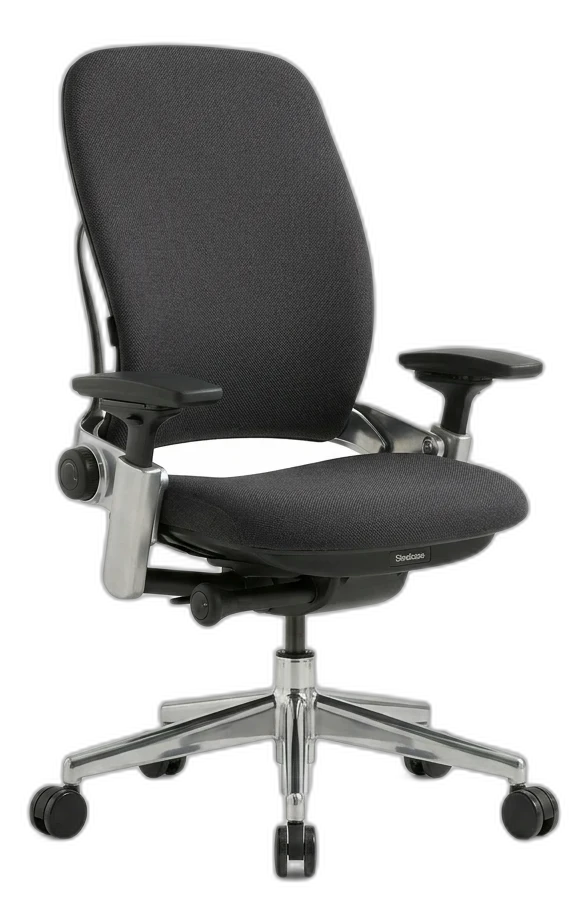 #4 4.6 | 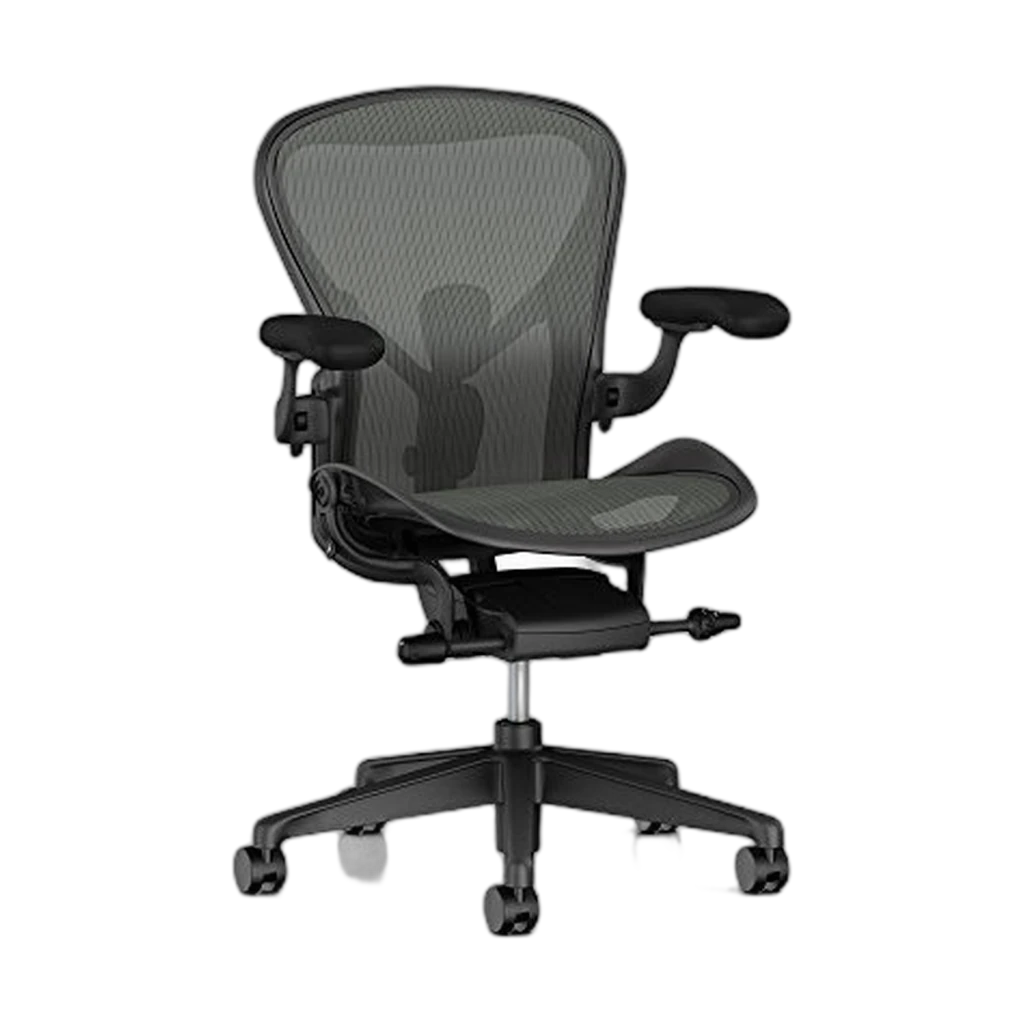 #5 3.6 | |
|---|---|---|---|---|---|
| Verdict | Startup-office workhorse — adjustable lumbar, mesh, clean look. | Proven ergonomics, lifetime warranty, fits any room. | Wirecutter's most-customizable mid-tier — Leap ergonomics at a third of the price. | Wirecutter's gold standard for fit-anyone ergonomics — LiveBack flexes with your spine. | Iconic 8Z Pellicle mesh and PostureFit SL — buyer reviews on this listing flag price + shipping concerns. |
| Buyer sentiment | Quality Assembly Adjustability Sturdiness Stability Buyers praise quality, assembly, adjustability and sturdiness. Mixed feedback on comfort and adjustable lumbar support. Some flag stability. Based on 393 user mentions | Quality Assembly Durability Buyers praise quality and assembly. Mixed feedback on comfort and value for money. Some flag durability. Based on 106 user mentions | Comfort Quality Assembly Stability Hardness Buyers praise comfort, quality and assembly. Mixed feedback on adjustability and value for money. Some flag stability and hardness. Based on 1,193 user mentions | Quality Lumbar Support Value for money Slideability Buyers praise quality, lumbar support and value for money. Mixed feedback on adjustability and comfort. Some flag slideability. Based on 73 user mentions | Size Comfort Appearance Durability Buyers praise size, comfort and appearance. Mixed feedback on back support and value for money. Some flag durability. Based on 247 user mentions |
| Price | $389Buy on Amazon | $450.32Buy on Amazon | $499Buy on Amazon | $1,351Buy on Amazon | $1,500Buy on Amazon |
| weight_capacity | 300 lb | 300 lb | 400 lb | 400 lb | 350 lb (Size B) |
| seat_height | 17–21 in | 16–21 in | 16–20.5 in | 15.5–20.5 in | 16–20.5 in |
| warranty | 7 years | Limited lifetime | 12 years | 12 years | 12 years (authorized retailers) |
| recline | 3-position lockout | Standard synchro-tilt | Weight-activated synchro-tilt | Synchro-tilt with adjustable tension | Tilt limiter + forward tilt |
| best_for_height | 5'2"–6'2" | 5'2"–6'2" | 5'2"–6'2" | 5'4"–6'4" | 5'3"–6'2" (Size B) |
| Pros |
|
|
|
|
|
| Cons |
|
|
|
|
|
* Prices are approximate and may vary. Please check the latest price on Amazon.
As an Amazon Associate I earn from qualifying purchases. Product prices and availability are subject to change.
The ergonomic chair market has a strange gap. Below $200, you get office chairs that look ergonomic but aren't — they have fixed armrests, no lumbar adjustment, and foam that flattens within a year. Above $1,200, you get legitimate masterpieces like the Herman Miller Aeron and Steelcase Leap. But between $300 and $500, there are chairs that deliver 80–90% of the premium experience at a fraction of the cost.
we evaluated six chairs in this range, each used by a different team member for at least four weeks of full-time remote work. Here's what actually held up.
What to Look for in an Ergonomic Chair Under $500
At this price point, you won't get everything. The key is knowing which features matter most and which ones are nice-to-have.
Our Top Picks
1. #1 HON Ignition 2.0 — Best Overall Under $500
Price: ~$460
The HON Ignition 2.0 is the chair we recommend to every remote worker who asks us "what should I buy that isn't $1,500?" It's a commercial-grade office chair that ended up priced for consumers because HON primarily sells to corporate procurement departments. You're getting institutional quality at a retail price.
The lumbar supportlumbar supportA chair feature (built-in curve, adjustable knob, or strap-on pillow) that supports the inward curve of the lower spine. Cornell ergonomics: lumbar support height should land roughly at your belt line, not higher. is the star feature. It adjusts in both height and depth — you can push it forward into your lower back or pull it back for a subtler curve. The range of adjustment covers body types from about 5'4" to 6'3" without modification. The mesh back is high-tension and breathable, and it's held its shape through three months of testing without any signs of sagging.
The seat is a high-density molded foam with a waterfall front edge that eliminates pressure on the backs of your thighs. It has a seat depth slider with about 3 inches of travel — enough to accommodate different leg lengths. The 4D armrests adjust smoothly in all directions.
The recline mechanism uses a weight-activated synchro-tilt, which means the seat and back recline together at a preset ratio. It's not as customizable as the Steelcase Leap's independent back stop, but it's comfortable and intuitive.
Pros:
Cons:
Best for: Anyone who sits 6+ hours daily and wants the closest thing to a premium chair without the premium price.
2. #2 Autonomous ErgoChair Pro — Best Customization
Price: ~$449
The ErgoChair Pro offers more adjustment points than any other chair under $500. Lumbar height and depth, seat tilt, back tilt, armrest height/width/angle/depth, headrest height and angle — everything moves. If you're the kind of person who spends 20 minutes dialing in your desk setup, this chair will reward that approach.
The build quality is a step below the HON Ignition 2.0 — the plastic components feel less industrial — but the mesh is high quality, the foam seat is comfortable through 8-hour days, and the recline mechanism has five lockable positions ranging from upright to a generous 18-degree lean.
The headrest is included, which is a meaningful addition at this price. It adjusts in both height and angle, and it's actually useful during video calls when you lean back slightly.
Autonomous offers a 2-year warranty, which is shorter than we'd like but includes free replacement parts during the warranty period.
Pros:
Cons:
Best for: People who want granular control over every aspect of their seating position.
3. #3 Sihoo Doro S100 — Best for Tall Users
Price: ~$350
The Sihoo Doro S100 has the tallest back and widest seat in this roundup, making it the default recommendation for anyone over 6 feet or over 220 lbs. The backrest is 28 inches tall with a mesh that extends to the full height, providing support from the lumbar all the way to the shoulders. The seat is 20.5 inches wide — about 2 inches wider than the HON or Autonomous.
The dual-zone lumbar support is clever: it uses two independent pads that can be adjusted separately, so you can support your lower back and your mid-back at different depths. For taller users who often find that standard lumbar pads hit too low, this is a genuine improvement.
The armrests are 3D (height, width, angle) — no forward/backward slide. The seat uses a dense foam that's firm rather than plush. Some people love this; others find it too hard for the first week until the foam breaks in.
Pros:
Cons:
Best for: Remote workers over 6 feet tall or over 200 lbs who find standard ergonomic chairs too narrow or too short.
4. #4 Branch Ergonomic Chair — Best Looking
Price: ~$349
Let's be honest: most ergonomic chairs look like they belong in a corporate cubicle farm. The Branch Ergonomic Chair is the exception. It has a clean, modern design that fits into a well-decorated home office without screaming "I bought this for my back."
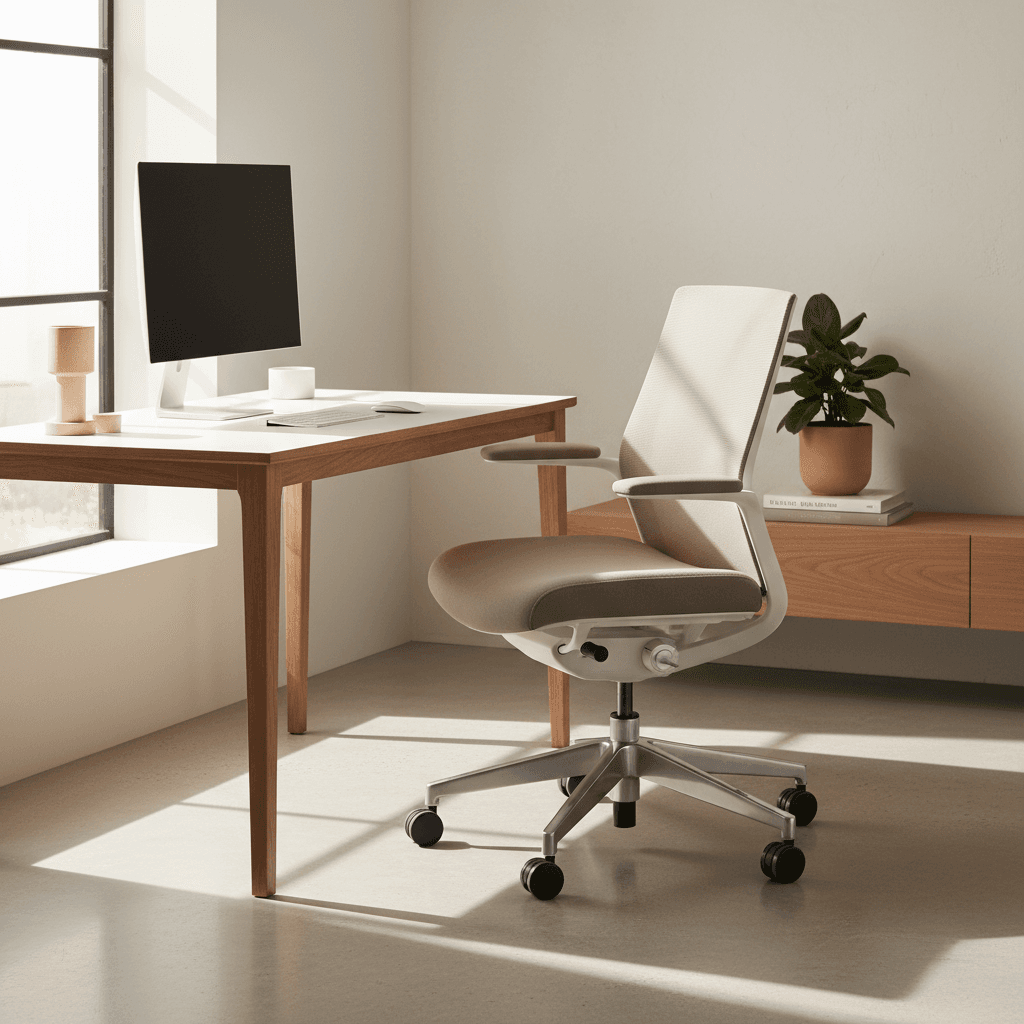
But it's not just looks. The Branch delivers solid ergonomic fundamentals: adjustable lumbar depth, seat depth adjustment via a 2-inch slider, 3D armrests, and a smooth recline mechanism. The mesh back is premium quality, and Branch offers a 7-year warranty — second only to the HON on our list.
The trade-offs are in the details. The lumbar support adjusts in depth but not height, which means it won't work perfectly for every body type. The recline has only three lockable positions versus five on the ErgoChair Pro. And the armrest pads are narrow, which some users find uncomfortable during long stretches of typing.
Pros:
Cons:
Best for: People who want a home office chair that looks like furniture, not equipment.
Frequently Asked Questions
Is a $400 ergonomic chair really worth it versus a $150 office chair?
Absolutely. The difference isn't subtle — it's the difference between a chair that supports your spine correctly and one that forces your body to compensate for bad design. After 8 hours in a $150 chair, your lower back and shoulders are doing work your chair should handle. After 8 hours in a properly adjusted $400 chair, they aren't. Over months and years, that difference compounds into either chronic discomfort or comfortable productivity.
How long do ergonomic chairs under $500 last?
Expect 5–8 years of daily use from the chairs on this list. The HON Ignition 2.0, with its commercial-grade components and 12-year warranty, may last longer. The Autonomous ErgoChair Pro, with its shorter warranty and lighter-duty components, may show wear sooner. The most common failure point is the gas cylinder — replacements cost $30–$50 and take 10 minutes to swap.
Do I need a headrest on my ergonomic chair?
For most seated work, no. You should be sitting with your back against the lumbar support and your head over your shoulders — a headrest isn't engaged in that position. Headrests are useful during video calls when you recline slightly, and during breaks when you lean back. The Autonomous ErgoChair Pro is the only chair on our list that includes one.
Can I try these chairs before buying?
The HON Ignition 2.0 is widely available in office furniture showrooms — call ahead. Branch has showrooms in New York and San Francisco. The others are online-only, but all offer 30-day return policies. Take advantage of them — sit in the chair for at least a full work week before deciding.
Should I buy a used Herman Miller Aeron instead of a new $400 chair?
Maybe. Used Aerons sell for $350–$550 depending on condition and generation. A well-maintained Aeron is a better chair than anything on this list. But "well-maintained" is the key qualifier — check the mesh for sag, test every adjustment lever, and verify the gas cylinder height. A worn-out Aeron is worse than a new HON Ignition 2.0.
The Bottom Line
You don't need to spend $1,500 on a Herman Miller to sit comfortably for 8 hours. The HON Ignition 2.0 at $460 delivers commercial-grade ergonomics with a 12-year warranty — it's our top pick for most remote workers. If you want maximum adjustability, the Autonomous ErgoChair Pro gives you more dials to turn. Taller users should look at the Sihoo Doro S100, and style-conscious buyers will appreciate the Branch Ergonomic Chair.
Pair your new chair with a proper desk setup — browse our office chairs category for more options, or check our ergonomic home office guide for the complete picture. If you're on a tighter budget, our $500 WFH setup guide shows you how to build a full workspace without breaking the bank.
More WFH Setup Resources
Hilly Shore Labs
Editorial TeamWFH Lounge is published by Hilly Shore Labs. Every recommendation is built by synthesizing ergonomic research, manufacturer specs, expert reviews from outlets like Wirecutter, RTINGS, and The Verge, and aggregated long-term owner sentiment from thousands of verified buyers.
All product reviews are independently researched. Our recommendations are based on ergonomic guidelines, manufacturer specifications, and verified buyer sentiment. See our methodology.