MX Master 3S vs MX Keys Mini 2026: Which to Buy?
The Verdict
KEYBOARDS · HEAD-TO-HEAD
Price comparison ticks use catalog prices; snapshot prices may differ.
We research — never hands-on. How we research →
Key Takeaways
MX Master 3S mouse vs MX Keys Mini keyboard for WFH in 2026. The mouse wins on daily impact — but here is exactly when the keyboard matters more.
As an Amazon Associate I earn from qualifying purchases. Product prices and availability are subject to change.
People search this comparison looking to choose one. Here's the thing: these are a mouse and a keyboard.
Not a versus: They don't compete — they're designed to be used together.
What Each One Actually Is
| MX Master 3S | MX Keys Mini | |
|---|---|---|
| Type | Mouse | Keyboard |
| Price | ~$100 | ~$80 |
| Connectivity | Logi Bolt + Bluetooth | Logi Bolt + Bluetooth |
| Multi-device | 3 devices | 3 devices |
| USB receiver | Shared (1 Logi Bolt) | Shared (1 Logi Bolt) |
| Battery | 70 days | 5 months (backlit off) |
| Best for | Power users, scrolling-heavy work | Compact typing, multi-device |
One receiver, both devices: One Logi Bolt USB receiver can run both devices simultaneously — meaning one USB port controls your keyboard AND mouse across up to 3 computers.
The MX Master 3S (Mouse)
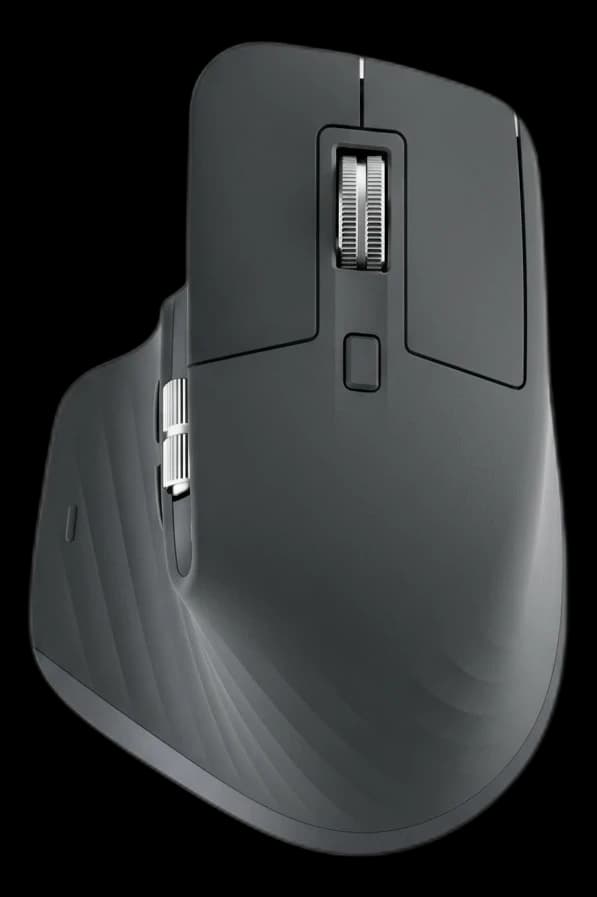
The best all-day productivity mouse available. The MagSpeed scroll wheel lets you flick through long documents at 1000 lines per second, then snaps to precise-click mode for spreadsheet work. The thumb button cluster handles app switching, back/forward, and gesture shortcuts.
Who it's for: Anyone who scrolls a lot, works across multiple apps, or wants a mouse that does more than point-and-click.
The MX Keys Mini (Keyboard)
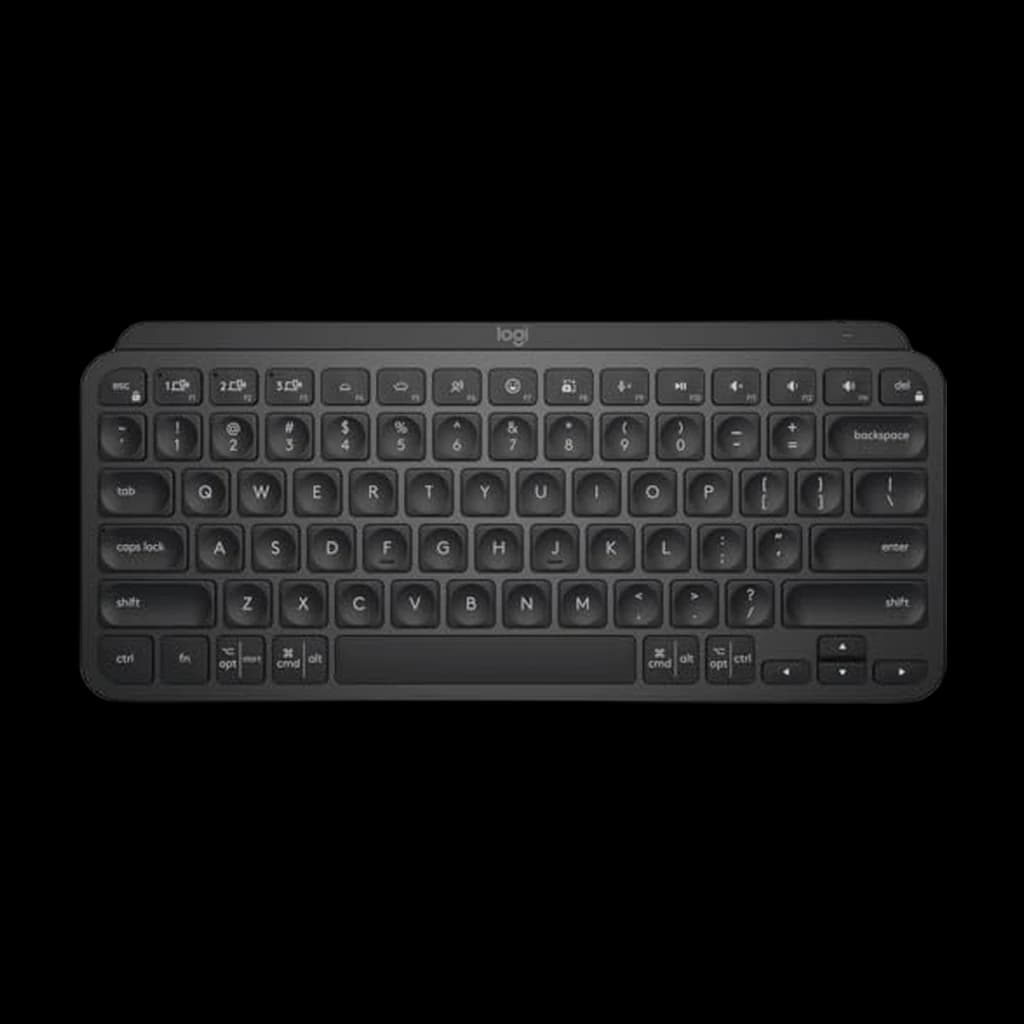
A slim, tenkeyless wireless keyboard with per-key backlighting that senses your hands and brightens automatically. Keys have a satisfying low-profile travel — not mechanical, but far better than most laptop keyboards. The mini layout drops the numpad and cuts down width significantly.
Who it's for: MacBook users at a desk, multi-device switchers, anyone who wants a quiet keyboard that doesn't look out of place in a café.
The Pair Together
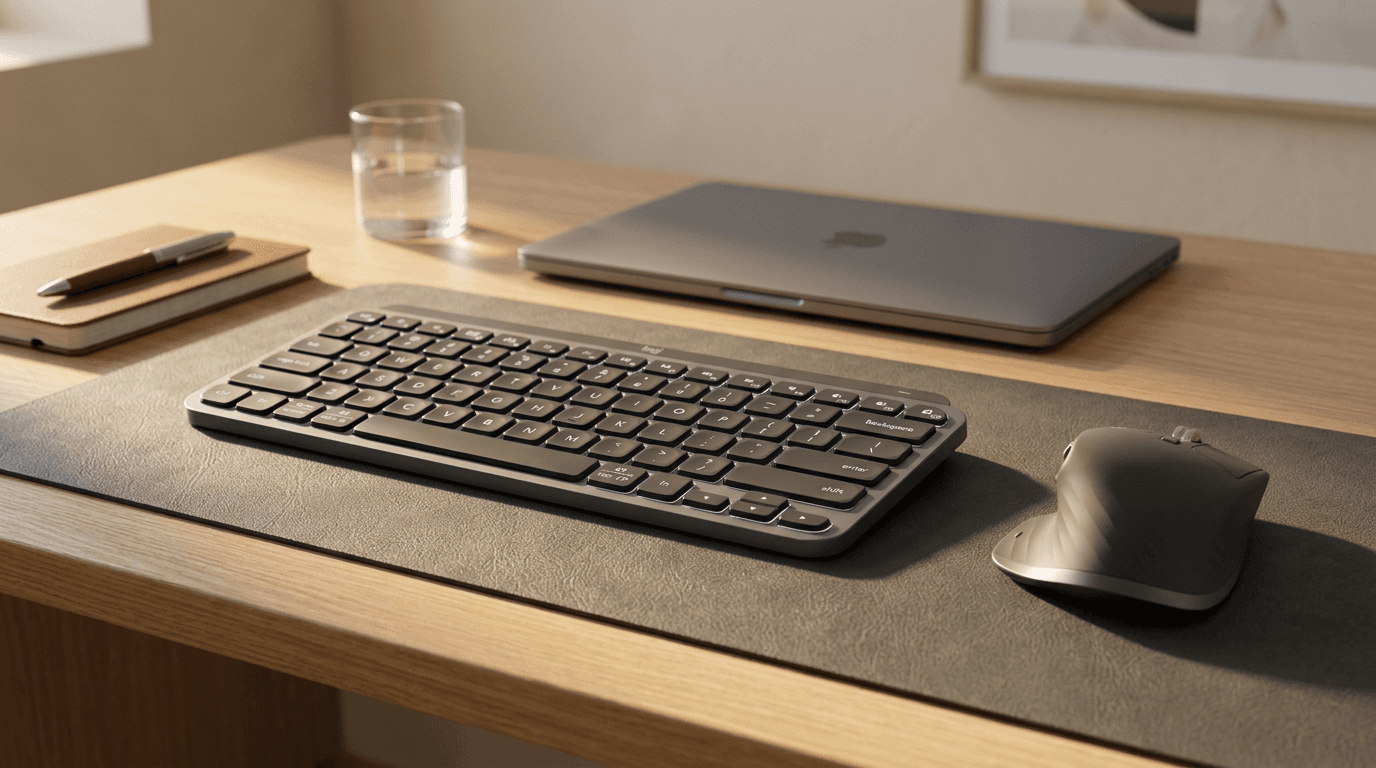
Logitech sells them as a combo (MX Keys Mini + MX Master 3S) and it's the most popular peripheral pairing for WFH Mac users. What they share:
- One Logi Bolt receiver to run both devices
- Same Flow software on both
- Same Easy-Switch buttons — 1/2/3 on both devices switch simultaneously
Total cost: ~$180 for the pair, or ~$160 if you catch either on sale.
If You Only Have Budget for One
- Prioritize the mouse. Most people are on a laptop keyboard that's tolerable. A better mouse (especially the scroll wheel) has a more immediate daily impact.
- Get the keyboard first only if you're typing 5,000+ words per day and your current keyboard is causing wrist strain.
Frequently Asked Questions
Can the MX Master 3S work without the MX Keys Mini?
Absolutely — they're independent products. Millions of people use the MX Master 3S with other keyboards (including Keychron, Apple Magic Keyboard, etc.).
Do they have to be the same color?
No. Both come in Graphite and Pale Gray/Rose. They don't need to match — but they look sharp when they do.
Is there a full-size version of MX Keys to pair with the Master 3S?
Yes — the Logitech MX Keys S (full-size, ~$100) has the same connectivity system and is a popular pairing for people who want dedicated arrow keys and a numpad.
Does Logi Options+ software work on both Mac and Windows?
Yes — Logi Options+ runs on both, and the per-device settings sync across computers via your Logitech account.
Your next step
Compare the full mouse lineup.
Hilly Shore Labs
Editorial TeamWFH Lounge is published by Hilly Shore Labs. Every recommendation is built by synthesizing ergonomic research, manufacturer specs, expert reviews from outlets like Wirecutter, RTINGS, and The Verge, and aggregated long-term owner sentiment from thousands of verified buyers.
All product reviews are independently researched. Our recommendations are based on ergonomic guidelines, manufacturer specifications, and verified buyer sentiment. See our methodology.