The $1,000 WFH Starter Kit 2026: 7 Picks That Hit 90%
Quick Answer
The $1,000 starter kit covers seven pieces that deliver about 90% of a premium setup: a $300-400 chair, $250-320 monitor, laptop stand, keyboard, mouse, webcam, and lighting. The chair and monitor take more than half the budget on purpose — they're the two items your body interacts with for eight hours a day.
Key Takeaways
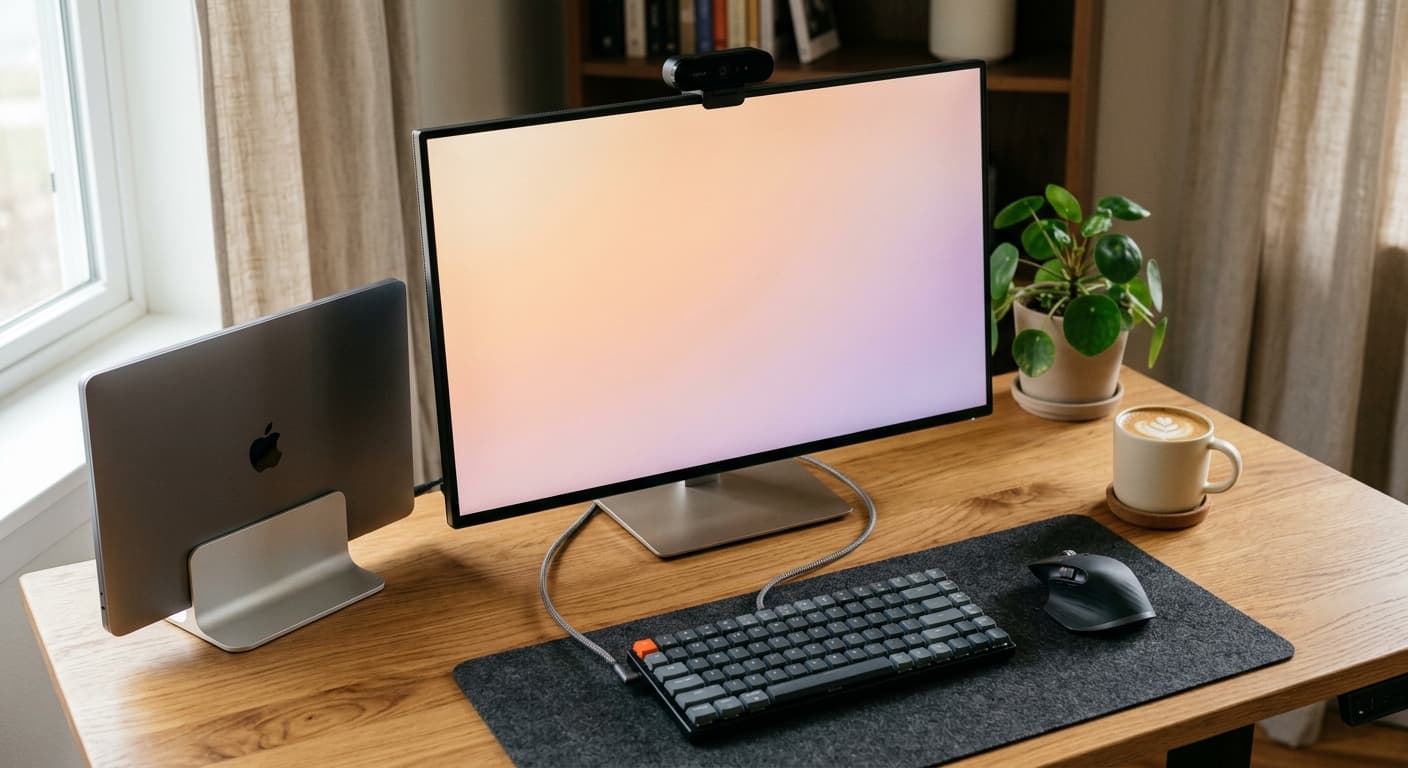
A 7-piece $1,000 WFH kit for 2026 covering chair, desk, monitor, keyboard, mouse, webcam, and lighting. Why it delivers 90% of a $3,000 setup.
As an Amazon Associate I earn from qualifying purchases. Product prices and availability are subject to change.
Most "starter kit" posts either come in at $2500+ (not starter) or skip the ergonomics entirely (not a kit). This one targets the actual sweet spot: $1000 all-in for a full-time remote worker who wants to not hate their back in six months.
We researched against Wirecutter, RTINGS, Cornell Ergonomics Lab guidelines, and long-term owner reviews on Reddit and Amazon. These aren't products we researched — they're the ones that show up as the "value" pick across multiple independent reviewers, with owner-feedback patterns that hold up after a year of real use.
The target: what $1000 should buy
For ~$1000 you should get:
- A real ergonomic chair (≥BIFMA X5.1 certified)
- A 27" 1440p monitor (big enough, sharp enough)
- A laptop stand (because your spine is not optional)
- A real keyboard + mouse (not the OEM combo)
- A webcam that makes you look professional
- Basic lighting
- Cable management
That's 7 things. Here's the breakdown.
1. The chair — $300–$400
Pick: Branch Ergonomic Chair (or the Sihoo Doro C300 if you have Prime and need to save)
This is the most important purchase in the kit: it is where the biggest temptation to cut corners lives. Don't.
The Branch Ergonomic Chair ($389 on Amazon) is the chair our readers buy most, and it lands inside this slot's $300–$400 range with what actually matters for ergonomic support: a height-adjustable lumbar you can also remove, seat-depth adjustment, 3D armrests, a BIFMA commercial-grade rating and a 7-year warranty, with Branch's customer service behind it (important for home-office buyers who can't try before they buy). It's rated to 275 lbs.
The Sihoo Doro C300 ($349.99; $299.99 Prime member price) is the alternative — about $50 cheaper than the Branch at the Prime price, about the same without it: 4D armrests, a seat-depth slider, a headrest in the box and a 330 lb rating, with a self-adaptive lumbar rather than one you set. If you can stretch past $400, the Branch Ergonomic Chair Pro ($449) adds 5D armrests and a lumbar that also moves in depth.
Why not the Herman Miller Aeron? Because it's $1200 and this is a $1000 kit. A refurbished Aeron ($500–$700) is worth considering if you can find one, but for a clean-setup buyer, the Sihoo or Branch covers 85% of what the Aeron does at a third of the price.
What to skip: Any chair under $200. The frames warp, the gas cylinders die, and the mesh sags within 18 months.
2. The monitor — $250–$320
Pick: Dell S2722QC (27" 4K) or LG 27QP60G (27" QHD IPS)
The choice here depends on whether you do any visual work (photo editing, design, color-critical tasks) or mostly code/docs/spreadsheets.
- For visual work — Dell S2722QC (27" 4K USB-C), $270–$320. Includes USB-C power delivery (60W), which lets you run your laptop off a single cable. RTINGS rates it highly for color accuracy in the sub-$400 range.
- For code, docs, and spreadsheets — LG 27QP60G (27" 1440p IPS), ~$250. 1440p is the sharpness sweet spot for text — 4K doesn't look meaningfully sharper at 27 inches from 24+ inches away (where your eyes should be), and it's harder on your GPU.
Skip: 24" 1080p monitors. You'll outgrow them in a month. The jump to 27" 1440p is the single biggest productivity win in the whole kit.
3. The laptop stand — $30–$60
Pick: Rain Design mStand or Lamicall
This is the cheapest piece of gear that matters most for your neck.
Your laptop screen needs to be at eye level, full stop. Cornell Ergonomics Lab's posture guidelines identify monitor height as the #1 predictor of neck strain in knowledge workers.
- Rain Design mStand ($45–$55): Aluminum, rock solid, elegant. The standard. Only problem: it's fixed height.
- Lamicall ($30): Foldable, adjustable, travel-friendly. Slightly less stable than the mStand but cheaper and more flexible.
Skip: Any laptop stand under $20. They wobble at full typing pressure and feel cheap in exactly the way that makes you not use them.
4. The keyboard — $75–$100
Pick: Keychron K2 or Logitech MX Keys S
The OEM keyboard that came with your laptop is fine for occasional use. It's not fine for 40 hours a week of typing.
- Logitech MX Keys S ($90–$110): Low-profile, backlit, wireless, pairs with three devices, and the keys are silent. It's the reference "productivity keyboard" for a reason. The typing feel is nothing special but every key is in the right place and it just works.
- Keychron K2 (about $90 — the kit pick): If you want mechanical without going full gaming-deck. Wireless, compact 75% layout. Better typing feel than the MX Keys, slightly louder (be kind to coworkers on calls).
Skip: Any "gaming" keyboard with RGB lights and a $200 price tag. You're not gaming.
5. The mouse — $50–$100
Pick: Logitech MX Master 3S
There's no serious competition here. The MX Master 3S is the reference productivity mouse. It has:
- A horizontal scroll wheel (essential for spreadsheets)
- A silent main click (the older 3 was clicky)
- 8 programmable buttons
- Bluetooth pairing with three devices
- USB-C charging
- All-day battery life
Wirecutter, RTINGS, and long-term Reddit owners all converge on it as the top productivity pick. If you hand-hurt easily, consider the smaller MX Anywhere 3S instead ($70).
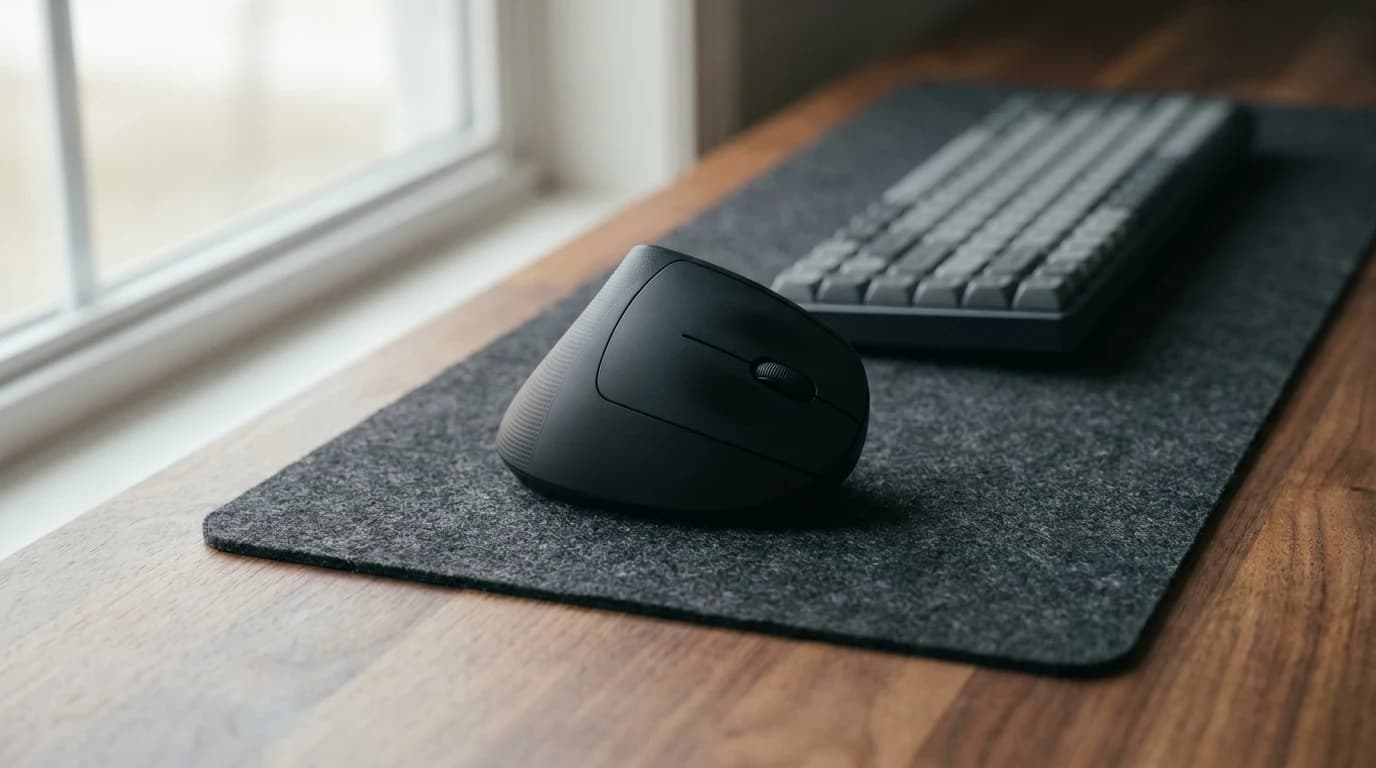
Skip: Any ergonomic "vertical" mouse under $40. They tend to feel awkward and track poorly on anything other than cloth mousepads. If you need vertical, go for the Logitech MX Vertical or Evoluent — but that's $80+ and above this kit's budget.
6. The webcam — $60–$100
Pick: Logitech C920 or Insta360 Link 2
Your laptop webcam is 720p and lit like a hostage video. Upgrading it is the single biggest change to how you come across on Zoom calls — more than any lighting or background upgrade.
- Logitech C920 ($60–$80): The cheap standard. 1080p, reasonable color, decent auto-exposure. It's been in production since 2012 and still dominates the sub-$100 category. The picks in our best webcams for video calls guide include newer options but nothing in this price range beats the C920 for reliability.
- Insta360 Link 2 ($100): If you can stretch budget, this is the most capable sub-$200 webcam. 4K sensor, AI tracking, dual microphones. Overkill for most people but worth the extra $40 if you're on calls 6+ hours a day.
Skip: Any sub-$30 webcam. The auto-exposure will ruin your life. Sub-$30 webcams consistently make faces look either washed-out or orange depending on the room lighting.
7. The lighting — ~$60
Pick: Logitech Litra Glow (upgrade: BenQ ScreenBar Halo 2)
The overlooked upgrade. A soft, adjustable light in front of you evens out the shadows on your face on video calls, whatever the room lighting is doing.
- Logitech Litra Glow ($58.60 — the kit pick): A compact LED key light that clips onto a flat-back monitor and runs off USB-C, with three brightness and three color-temperature presets (2700K–6500K) on physical buttons and a rated CRI of 95.
- Upgrade: BenQ ScreenBar Halo 2 ($199): Mounts on top of your monitor, lights the desk as well, auto-dims based on ambient light and doesn't glare on the screen. Worth it if you also want task light for paperwork — it takes the kit to about $1,133.
Skip: Ring lights. They're designed for selfie/portrait lighting and look weird in a regular office context. Go with a light bar or soft front-key lamp instead.
The math
| Item | Product | Cost |
|---|---|---|
| Chair | Branch Ergonomic Chair | $389 |
| Monitor | LG 27QP60G 27" 1440p | $250 |
| Laptop stand | Rain Design mStand | $50 |
| Keyboard | Keychron K2 | $90 |
| Mouse | Logitech MX Master 3S | $85 |
| Webcam | Logitech C920 | $70 |
| Lighting | Logitech Litra Glow | $58.60 |
| Total | $992.60 |
That's $992.60 at today's prices (the Branch was $389 on Amazon when we checked on October 8, 2026), so the kit lands under $1,000 with about $7 to spare. Prefer the quieter, low-profile MX Keys S ($100)? That takes it to about $1,003. With Prime, the Sihoo Doro C300 at its $299.99 member price ($349.99 regular) saves about $89 on the chair. Choosing the BenQ ScreenBar Halo 2 ($199) over the Litra Glow takes it to about $1,133. Or wait for Amazon or Best Buy sales on the chair and monitor — usually 10–15% off during Q2 and Q4 sales.
What $1000 won't buy you
Let's be honest about what's missing from this kit:
- A standing desk. Adds $350–$500. You can add it later if you realize you want it (most people don't).
- A premium chair. The Branch is 85% of the way there. The remaining 15% costs $800+.
- An external microphone. Your laptop mic + a good headset is fine for most calls.
- Monitor arm. A good one costs $80–$150. Your monitor's included stand is fine for now.
- A second screen. Arguable. A cheap second 1080p monitor ($120) is a massive productivity upgrade if you want to push the budget. Consider it after you've lived with the single 27" for a month.
Order of assembly
If you're buying this kit, do it in this order:
- Chair first, in isolation. Use it with your existing setup for a week. If it's wrong, return it. This is the most personal purchase.
- Monitor + laptop stand next. These fix your posture immediately.
- Keyboard + mouse next. Easy to swap if you don't like them.
- Webcam + lighting last. These are the smallest impact on daily comfort but the biggest impact on how you present on video.
Frequently asked questions
Is $1000 enough for a full-time WFH setup? Yes, if you choose the right pieces. Under $1000 starts forcing real compromises (cheap chair, single small monitor). Over $2000 has clear diminishing returns per our WFH setup budget framework.
Should I buy everything at once or piece by piece? Piece by piece, in the order above. Most people who buy everything on day one end up with at least one item they regret. Spreading it over 4–6 weeks lets you test each upgrade in isolation.
What if I only have $500? Cut in this order:
- Skip the Litra Glow
- Skip the MX Master (use your current mouse)
- Drop the MX Keys for a basic $30 wireless combo
Keep the chair, monitor, laptop stand, and webcam — those are the non-negotiables. See our $500 WFH setup guide for that specific budget.
Is this kit good for Mac users? Yes — the Dell S2722QC has USB-C with 60W power delivery, which charges most MacBook Airs and 14" MacBook Pros with a single cable. The MX Keys and MX Master both support seamless device switching, which is especially useful if you juggle a work MacBook and personal Mac.
What about a standing desk? Skip it for the first kit. You can add a sit-stand converter (~$150) or full standing desk (~$400) after you've lived with the setup for a few months. Most people overestimate how much they'll actually stand.
Can I get this kit on Amazon?
Bottom line
The $1000 kit isn't about getting the "best" version of every category — it's about getting the right version of the category that matters. A real chair, a big-enough monitor, inputs that don't fight you, a webcam you don't hate. Everything past that is optimization.
For a deeper dive on any single piece, see our category guides: best ergonomic chairs under $500, best monitors for home offices, best laptop stands, and the $500 WFH setup guide for tighter budgets.
Buying this setup through a business?
If you’re self-employed and expensing the build, a free Amazon Business account is worth opening before you order — business-only pricing on the same gear, and itemized invoices instead of a pile of personal receipts to reconcile later.
- Free to open — no Prime or membership required
- Business-only pricing + quantity discounts on office gear
- Itemized invoices with tax detail, so write-offs are painless at filing time
Your next step
Ready to build it? Pick the anchor pieces first.
Hilly Shore Labs
Editorial TeamWFH Lounge is published by Hilly Shore Labs. Every recommendation is built by synthesizing ergonomic research, manufacturer specs, expert reviews from outlets like Wirecutter, RTINGS, and The Verge, and aggregated long-term owner sentiment from thousands of verified buyers.
All product reviews are independently researched. Our recommendations are based on ergonomic guidelines, manufacturer specifications, and verified buyer sentiment. See our methodology.