Best Smart Plugs for WFH 2026: 7 Picks That Pay Off
Our #1 Pick
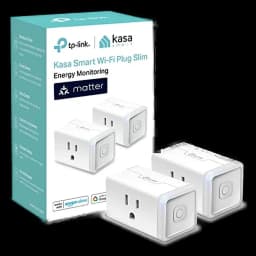
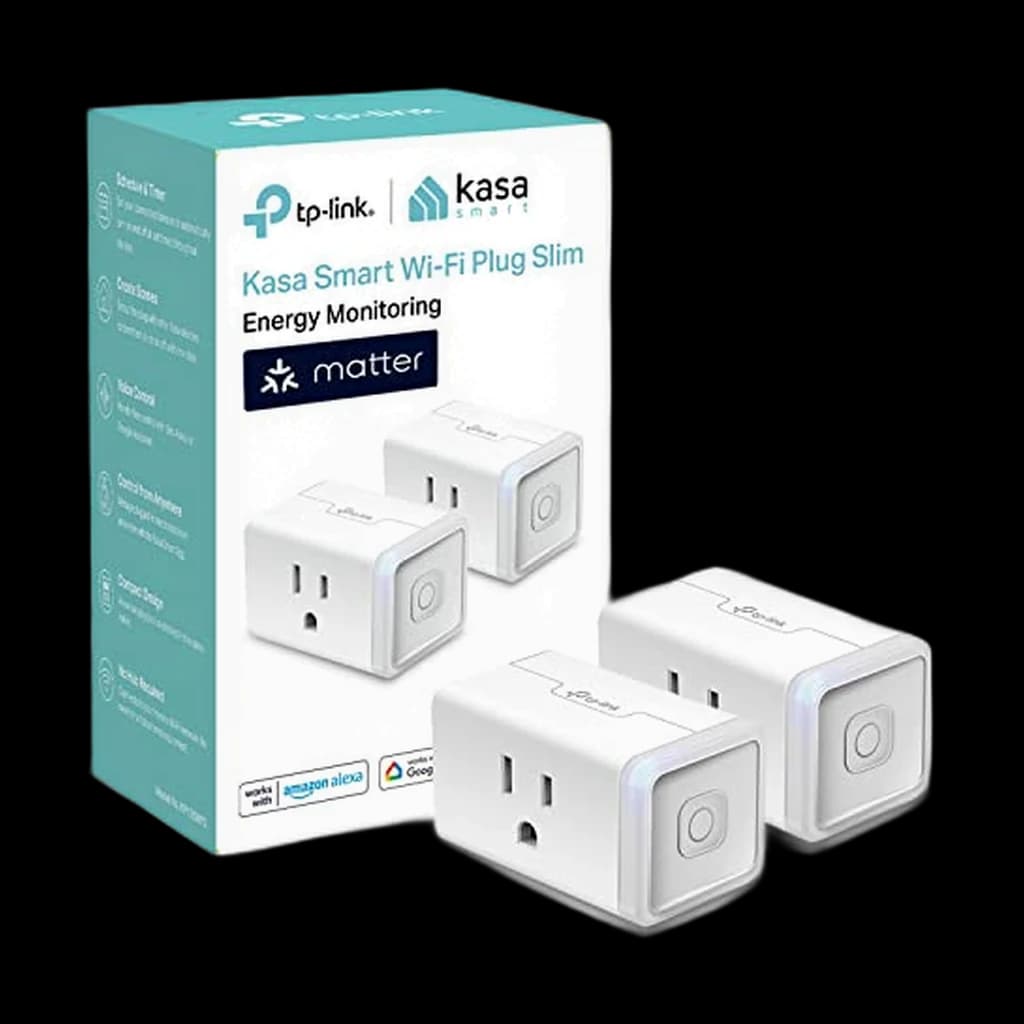
Kasa Matter Smart Plug w/ Energy Monitoring (KP125M, 2-Pack)
TP-Link's first Matter smart plug with real energy monitoring - works natively across Apple Home, Google Home, Alexa, and SmartThings without a hub, and exposes the phantom load that justifies the purchase.
- Native Matter support works across Apple Home, Google Home, Alexa, and SmartThings without a hub
- Real-time and historical energy monitoring in the Kasa app
- Compact design does not block the second outlet on a duplex receptacle
Price checked Oct 17, 2026 — verify the live price on Amazon.
 #1 Owner rating | 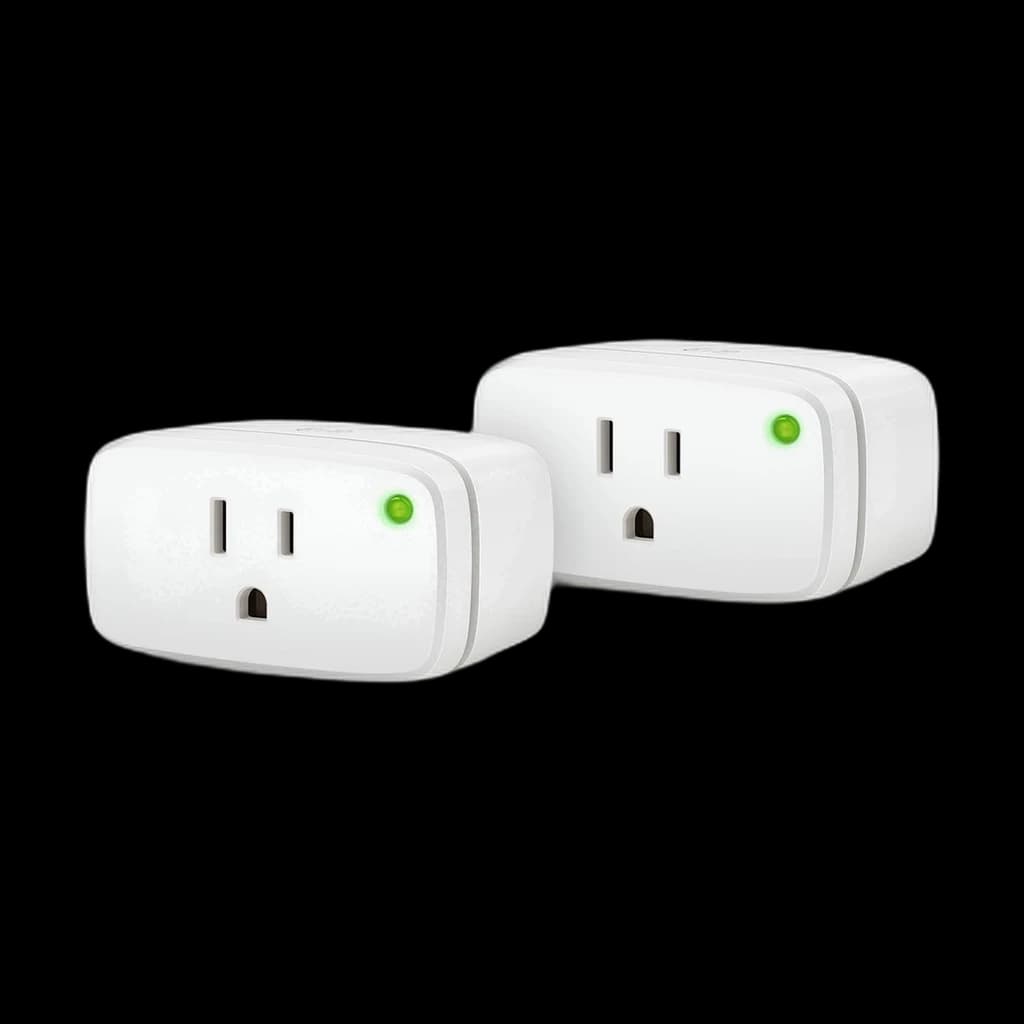 #2 Owner rating | 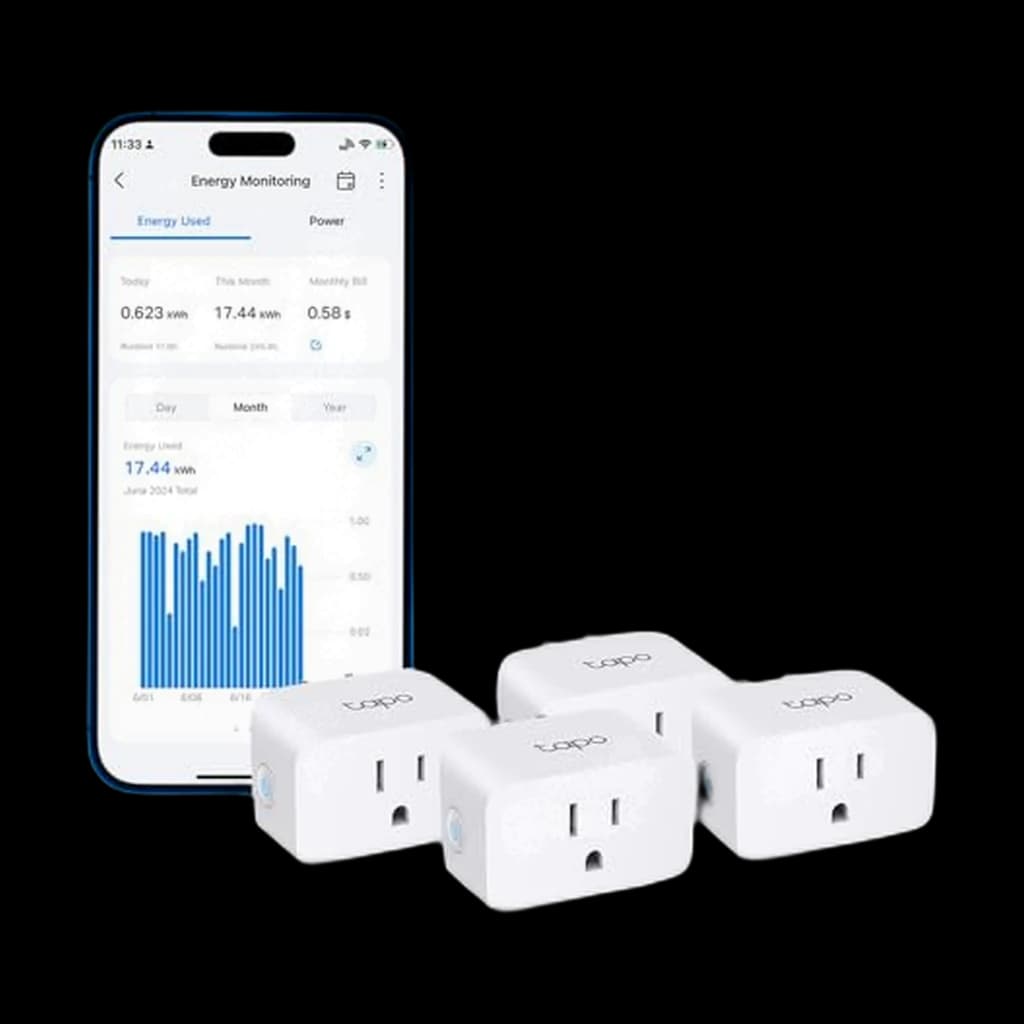 #3 Owner rating | 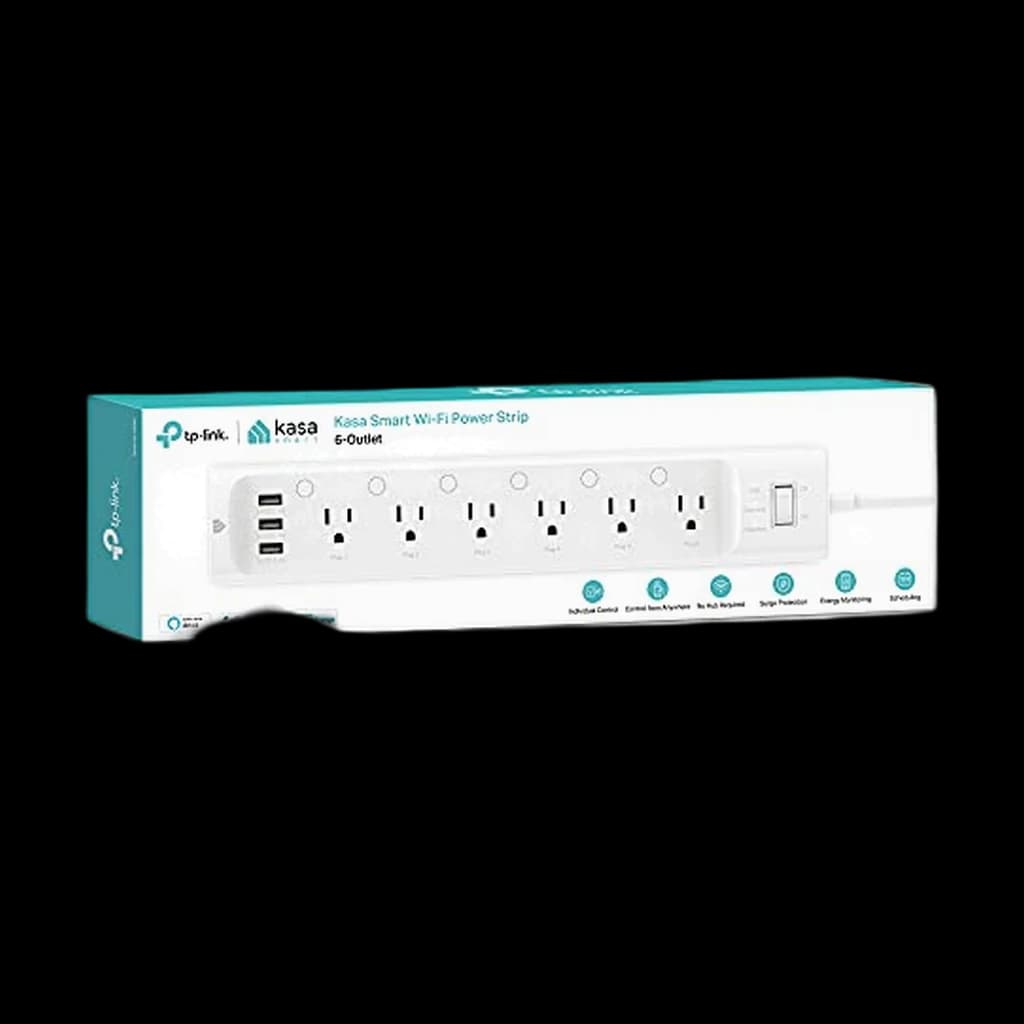 #4 Owner rating | 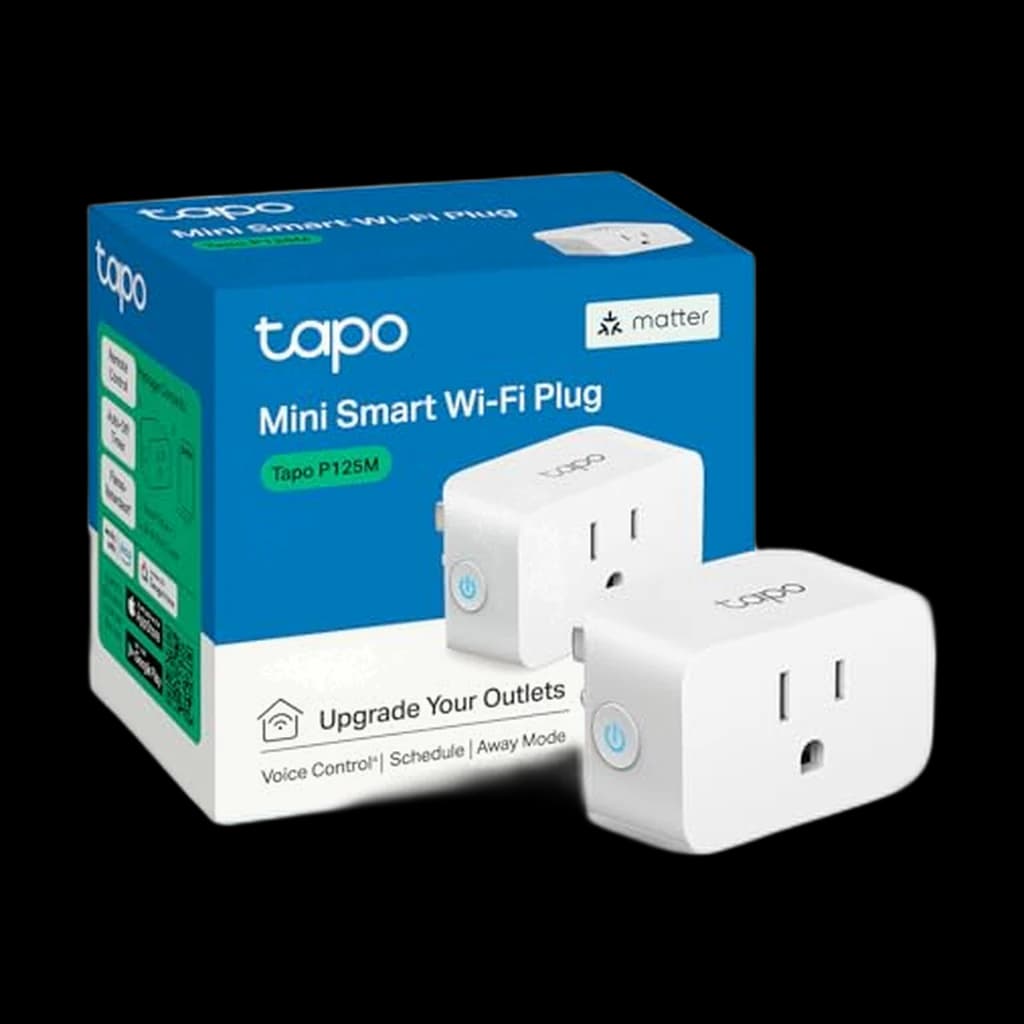 #5 Owner rating | |
|---|---|---|---|---|---|
| Price | $29.99Buy on Amazon | $69.95Buy on Amazon | $27.99Buy on Amazon | $29.99Buy on Amazon | $11.99Buy on Amazon |
| Verdict | Best overall - Matter plus real energy monitoring at a sane price | Premium Thread-based pick with the most granular energy data, sold as a 2-pack. | Cheapest cost per plug with real energy monitoring | All-in-one for a busy desk - 6 outlets, 3 USB, surge, per-outlet metering | Cheapest single-pack Matter plug from a name brand |
| Buyer sentiment | Setup Value for money Smart Functionality Connectivity Buyers praise setup, value for money and smart functionality. Mixed feedback on reliability and compatibility. Some flag connectivity. Based on 735 user mentions | Rated 4.3★ across 328 reviews | Reliability Easy To Set Up Quality Energy Monitoring Size Buyers praise reliability, easy to set up, quality and energy monitoring. Mixed feedback on compatibility and connectivity. Some flag size. Based on 1,145 user mentions | Setup Quality Ease Of Use Individual Control Buyers praise setup, quality, ease of use and individual control. Mixed feedback on connectivity and compatibility. Based on 1,348 user mentions | Setup Quality Value for money App Usability Connectivity Buyers praise setup, quality, value for money and app usability. Mixed feedback on reliability and compatibility. Some flag connectivity. Based on 1,176 user mentions |
| Protocol | Matter over Wi-Fi | Matter over Thread | Wi-Fi | Wi-Fi | Matter over Wi-Fi |
| Capacity | 15A / 1800W | 15A / 1800W | 15A / 1800W | 15A / 1875W | 15A / 1800W |
| Energy Monitoring | Yes | Yes | Yes | Yes (per outlet) | No |
| Ecosystems | Apple, Google, Alexa, SmartThings | Apple, Google, Alexa, SmartThings | Alexa, Google, SmartThings | Alexa, Google | Apple, Google, Alexa, SmartThings |
| Pack | — | 2 plugs | — | — | — |
| Pros |
|
|
|
|
|
| Cons |
|
|
|
|
|
* Prices checked Oct 17, 2026 and may vary. Check the latest price on Amazon.
We research — never hands-on. How we research →
Key Takeaways
The 7 best smart plugs and power strips for WFH 2026 - Kasa KP125M wins overall, Eve Energy for HomeKit purists, Kasa KP303 strip for multi-device desks. Plus the phantom-load math that justifies the buy.
As an Amazon Associate I earn from qualifying purchases. Product prices and availability are subject to change.
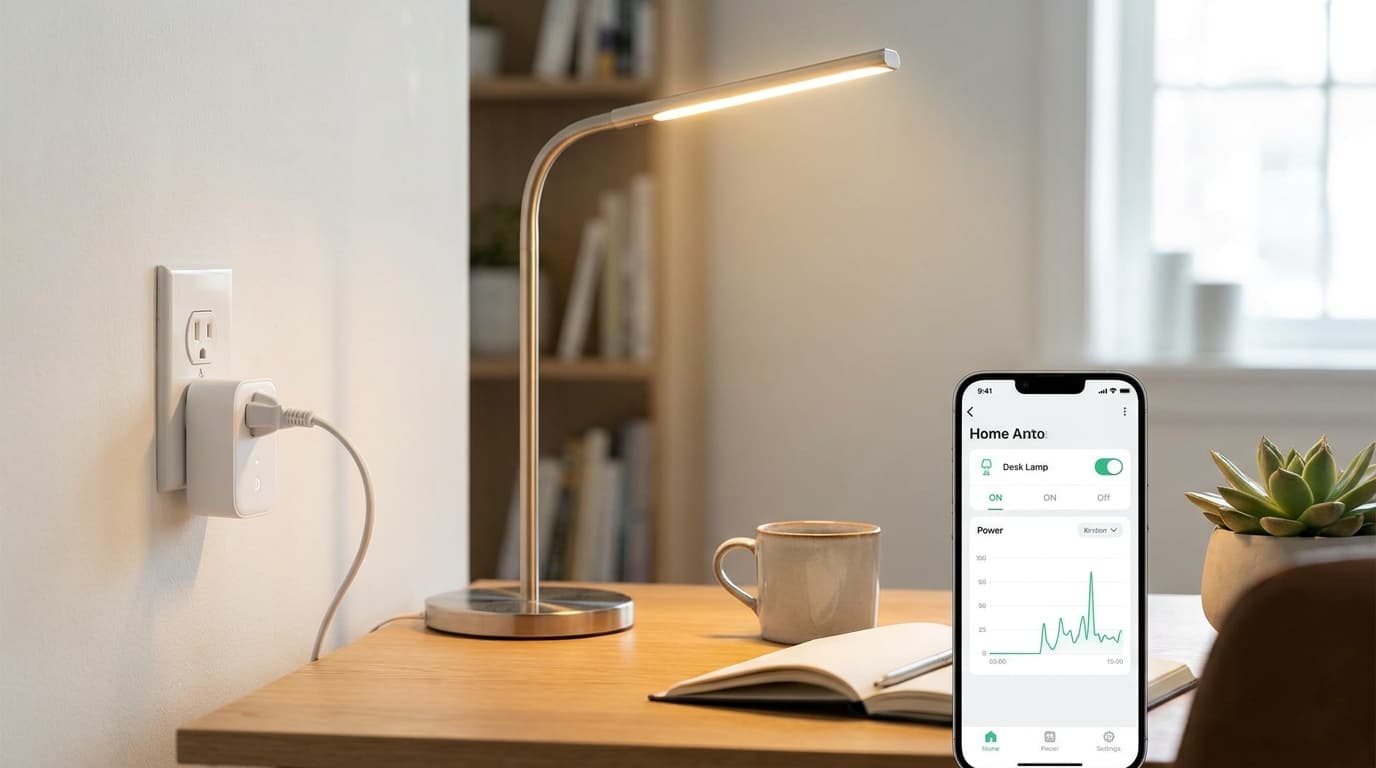
A smart plug looks like a $15 novelty for turning a lamp on with your voice, but on a WFH desk it earns its keep through two unsexy jobs: scheduling and energy monitoring. Most loaded WFH desks idle at 25-80W of phantom draw 24/7 - the docking station that never sleeps, the second monitor in standby, the always-on speaker, the printer, the chargers. The US Department of Energy estimates standby and idle loads account for 5-10% of total US household electricity use, and at average US residential rates that is roughly $35-112 per desk per year you are paying to power devices that are not doing anything.
A single smart plug with energy monitoring exposes which device is the offender.
The actual case for a desk smart plug: one scheduled overnight cut typically pays the plug back inside three months. Voice control is a bonus.
This guide cuts through the 200-product Amazon mess. We cross-referenced Wirecutter's 2026 smart plug review, PCWorld and Engadget current rankings, the long-running r/homeautomation and r/HomeKit consensus threads, and the Connectivity Standards Alliance Matter spec to figure out which plugs are worth a desk slot in 2026. Seven made the cut.
Decide in 30 seconds
| If you... | Pick |
|---|---|
| Want one plug that works across Apple, Google, Alexa, and SmartThings | Kasa KP125M Matter |
| Use Apple Home and have a Thread border router | Eve Energy (Matter) |
| Need to outfit an entire desk on a budget | Tapo P115 4-Pack |
| Have 3-4 desk devices and want surge protection too | Kasa KP303 Power Strip |
| Want the cheapest single Matter plug to try | Tapo P125M |
| Want Matter plus energy monitoring on a budget | Meross Matter Smart Plug |
| Already live in Alexa and want set-and-forget | Amazon Smart Plug |
How we picked
Every plug on this list had to clear three bars:
- A 15A / 1800W rating - the US standard for any desk load including a space heater.
- A 4+ star aggregate rating across a meaningful sample of long-term owners.
- A vendor with a track record of shipping firmware updates.
We disqualified anything that depended exclusively on a no-name cloud server or shipped without local control as a fallback. We also prioritized Matter compatibility where the price gap was reasonable, since Matter plugs work natively across Apple Home, Google Home, Alexa, and SmartThings without locking you to one ecosystem.
For energy monitoring claims, we checked that the plug reports both real-time wattage and historical kWh in its native app, not just runtime. Every plug labeled energy-monitoring on this list reports both.
1. Best Overall: Kasa Matter Smart Plug KP125M (2-Pack)
Buy on Amazon · $29.99The Kasa Matter Smart Plug KP125M was TP-Link's first Matter-certified smart plug, and it remains the best balance of cross-ecosystem support, real energy monitoring, and price in 2026. Native Matter means one plug pairs with Apple Home, Google Home, Alexa, and SmartThings simultaneously without separate apps or hub bridges. The energy monitoring tracks both real-time wattage and historical kWh, which is what you need to find phantom load. The compact form factor does not block the adjacent outlet on a duplex receptacle.
The one caveat: Matter setup requires an existing Matter controller, which means an Apple TV 4K, HomePod mini, Echo (4th gen or later), or Nest Hub (2nd gen). If you do not already have one of those, the Tapo P115 below is the better budget pick.
- Specs: Matter over Wi-Fi (2.4GHz). 15A / 1800W. Real-time and historical energy monitoring. Compact mini form factor.
- Good for: First-time Matter buyers, multi-ecosystem households, anyone serious about tracking desk phantom load.
- Not good for: Setups without an existing Matter controller.
2. Best Premium: Eve Energy (Matter, Thread) 2-Pack
Buy on Amazon · $69.95The Eve Energy (Matter, Thread) is the premium pick for two specific reasons. First, it runs on Matter over Thread instead of Wi-Fi, which means it does not consume Wi-Fi airtime and runs on a dedicated low-power mesh that gets stronger as you add more Thread devices. In dense networks (city apartments, busy households) Thread tends to be noticeably more reliable than Wi-Fi smart plugs. Second, Eve's energy monitoring is the most granular on the market - accurate enough that owners regularly catch failing refrigerator compressors and dying laptop chargers from the kWh logs.
The Eve Energy also offers full local control with no Eve cloud, no registration, and no telemetry, which is the strictest privacy stance of any plug on this list.
The trade-off: Amazon sells it as a 2-pack ($69.95), so the price per plug is higher, and you need a Thread border router (Apple TV 4K, HomePod mini, Echo 4th gen or later, or Nest Hub 2nd gen) to use it.
- Specs: Matter over Thread. 15A / 1800W. Granular real-time and historical energy monitoring. 100% local control.
- Good for: Apple Home households with a Thread border router, privacy-conscious buyers, people who want the most accurate energy data available.
- Not good for: Houses without a Thread border router, anyone unwilling to pay the premium.
3. Best Budget Energy Monitoring: TP-Link Tapo P115 (4-Pack)
Buy on Amazon · $27.99The TP-Link Tapo P115 is the cheapest brand-name way to put energy monitoring on every device at a desk. The 4-pack works out to roughly $8 per plug, real-time and historical wattage logs work as well as any plug here, and the Tapo app is fast and reliable. The compact mini form factor does not block adjacent outlets.
The trade-off is no Matter support, which means you control these through the Tapo app or via Alexa / Google Home bridge integrations. If you are committed to a single ecosystem and just want metering everywhere on a budget, this is the answer.
- Specs: Wi-Fi (2.4GHz). 15A / 1800W. Real-time and historical energy monitoring. Compact mini form factor.
- Good for: Outfitting an entire desk or apartment, single-ecosystem households, anyone whose primary goal is energy data not voice control.
- Not good for: Multi-ecosystem households who want one plug to work everywhere.
4. Best Smart Power Strip: Kasa Smart Power Strip KP303
Buy on Amazon · $29.99Once you pass two or three controlled devices on one desk, individual smart plugs get unwieldy and you start running out of wall outlets. The Kasa Smart Power Strip KP303 collapses three smart plugs, two USB ports, and a real surge protector into one device. Each of the three outlets is individually controllable, so you can schedule the lamp on at sunrise and kill the printer at midnight from the same strip. The two USB ports are always on, which is what you want for a phone dock. ETL-certified surge protection covers the whole strip, which is something most single smart plugs do not offer.
Kasa's six-outlet HS300 was the long-running answer here, but it has been discontinued — the KP303 is the current strip in the line. It is Wi-Fi only with no Matter support, controlled through the Kasa app or via Alexa / Google Home bridges.
- Specs: Wi-Fi (2.4GHz). Three individually controlled outlets, two always-on USB ports, ETL-certified surge protection. No hub required.
- Good for: Desks with three or four controlled devices, surge-prone regions, people who want one device instead of three plugs.
- Not good for: Desks needing six controlled outlets, anyone who wants per-outlet energy metering, multi-ecosystem households needing native Matter.
5. Cheapest Single Matter Plug: TP-Link Tapo P125M
Buy on Amazon · $11.99The TP-Link Tapo P125M is the cheapest single-pack Matter plug from a name brand. At roughly $14, it is the lowest-friction way to test whether Matter compatibility actually matters for your setup before committing to a multipack. Compact mini form factor, full Matter support across Apple Home, Google Home, Alexa, and SmartThings, and TP-Link's reasonably reliable firmware update record.
The gotcha: no energy monitoring. If you want both Matter and metering on a budget, jump to the Meross below or step up to the Kasa KP125M. The P125M is purely for scheduling and voice control.
- Specs: Matter over Wi-Fi (2.4GHz). 15A / 1800W. No energy monitoring. Compact mini form factor.
- Good for: First-time Matter trial, single-device control like a desk lamp or fan.
- Not good for: Anyone who wants energy monitoring (use the KP125M or Meross instead).
6. Budget Matter Plus Energy Monitoring: Meross Matter Smart Plug
Meross is the underdog Matter brand that is worth knowing about when Kasa or Tapo are out of stock or on a price spike. The Meross Matter Smart Plug delivers both Matter compatibility and real energy monitoring at a budget price, with the same 15A / 1800W rating and a compact form factor. The Meross app supports local control without forced cloud account registration.
The trade-off is Meross is a smaller brand than TP-Link with a thinner long-term firmware support track record. For a primary smart-home backbone, prefer Kasa or Eve. For a secondary desk plug or a backup, the Meross is solid.
- Specs: Matter over Wi-Fi (2.4GHz). 15A / 1800W. Real-time and historical energy monitoring. Compact form factor.
- Good for: Backup picks, secondary desks, anyone who wants Matter plus metering at the lowest price.
- Not good for: Primary smart-home backbone where multi-year vendor support matters.
7. Easiest Alexa-Only Pick: Amazon Smart Plug
The Amazon Smart Plug is the set-and-forget answer if your house already runs entirely on Echo devices. Setup is genuinely the easiest of any plug on this list - power it on and your Alexa app discovers it automatically without any extra app installs. Massive review base (462,000+ ratings) and years of proven reliability.
The limitations are real and intentional: no Apple Home support, no Google Home support, no Matter, and no energy monitoring at all.
If your household is committed to Alexa and you just want a reliable plug that always works, this is fine. For any other situation, the Kasa KP125M is the better answer.
- Specs: Wi-Fi (2.4GHz). 15A / 1800W. No energy monitoring. Compact form factor.
- Good for: Alexa-only households, gift purchases for relatives who use Echo.
- Not good for: Multi-ecosystem households, anyone who wants energy monitoring.
Setting up smart plugs the right way
A few patterns from the r/homeautomation and r/HomeKit consensus threads worth applying when you set these up:
- Put the docking station on a smart plug first. Even MacBook docks pull 5-12W in standby, and a scheduled overnight hard-off is the single highest-ROI plug on most WFH desks.
- Use energy monitoring before you set any schedules. Run the plug for a week and look at the kWh log to find your actual phantom load. The schedule writes itself once you can see the data.
- Skip smart plugs for anything safety-critical. Space heaters, medical devices, refrigerators with insulin, and aquarium pumps should all stay on a normal outlet. Smart plugs occasionally lose connection or get scheduled wrong.
- For desks with 5+ devices, consider the power strip route from day one. It is cleaner than five plugs daisy-chained in a power strip, and you get surge protection for free.
Frequently asked questions
What does Matter actually do for me? Matter is a 2023 industry standard that lets one smart plug work natively across Apple Home, Google Home, Alexa, and SmartThings without separate apps, hubs, or per-ecosystem reconfiguration. If you might switch phones, move households, or share a home with someone on a different ecosystem, Matter saves real friction. The Connectivity Standards Alliance maintains the spec.
Do I need a hub for Matter plugs? You need a Matter controller, which most modern voice assistants already are: Apple TV 4K, HomePod mini, Echo (4th gen and later), and Nest Hub (2nd gen). If you have any of those, you have a Matter controller. Thread plugs (Eve Energy) additionally need a Thread border router, which the same devices already provide.
Is energy monitoring on smart plugs accurate? For name-brand plugs from TP-Link Kasa, Tapo, Eve, and Meross, accuracy is within 1-2% of true draw, which is fine for finding phantom load and identifying hungry devices. For utility-grade billing accuracy you would need a calibrated meter, but no smart plug is for that.
Will a smart plug brick if the company goes out of business? For cloud-only plugs without local control, yes. This has happened multiple times in the smart home space. All plugs on this list either run on Matter (which is a local protocol) or offer local control through their native app, so they continue to work without the vendor cloud.
Can I put a space heater or refrigerator on a smart plug? The plugs on this list are all rated 15A / 1800W, which is enough capacity for a space heater.
But you should not: smart plugs occasionally lose connection or schedule wrong, and a heater that turns on unattended is a fire risk. Same logic applies to refrigerators, aquarium pumps, and medical devices.
Do these work on 5GHz Wi-Fi? No. Every Wi-Fi smart plug on this list is 2.4GHz only. This is not a defect - 2.4GHz has better range and wall penetration than 5GHz, which matters for plugs scattered around a house. Most modern routers broadcast both bands; the plug just picks the 2.4GHz one.
What is the actual phantom load on a typical WFH desk? DOE estimates standby loads are 5-10% of household electricity use. For a loaded WFH desk specifically (docking station, second monitor, speakers, printer, chargers), real-world energy-monitoring data from r/homeautomation users shows 25-80W of constant idle draw. At average US rates that is $35-112 per year per desk being spent to power devices that are not in active use.
Bottom line
For most WFH desks, the right answer is the Kasa KP125M Matter as a primary pick (Matter plus real energy monitoring at a fair price), or the Eve Energy if you are deep in HomeKit and have a Thread border router. The Tapo P115 4-Pack is the best budget answer if you want metering on every device. The Kasa KP303 power strip consolidates three desk devices into one unit with surge protection, now that the six-outlet HS300 is discontinued. Skip no-name $5-per-plug multipacks - the cloud dependency is a ticking time bomb.
For the rest of the desk ergonomics that pair with these, see our best laptop stands for WFH 2026 and best USB-C hubs for WFH guides.
Your next step
Smarter power, bigger picture.
Hilly Shore Labs
Editorial TeamWFH Lounge is published by Hilly Shore Labs. Every recommendation is built by synthesizing ergonomic research, manufacturer specs, expert reviews from outlets like Wirecutter, RTINGS, and The Verge, and aggregated long-term owner sentiment from thousands of verified buyers.
All product reviews are independently researched. Our recommendations are based on ergonomic guidelines, manufacturer specifications, and verified buyer sentiment. See our methodology.