Best Smartwatches & Fitness Trackers for WFH 2026: 7 Picks
Our #1 Pick
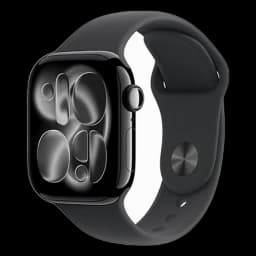
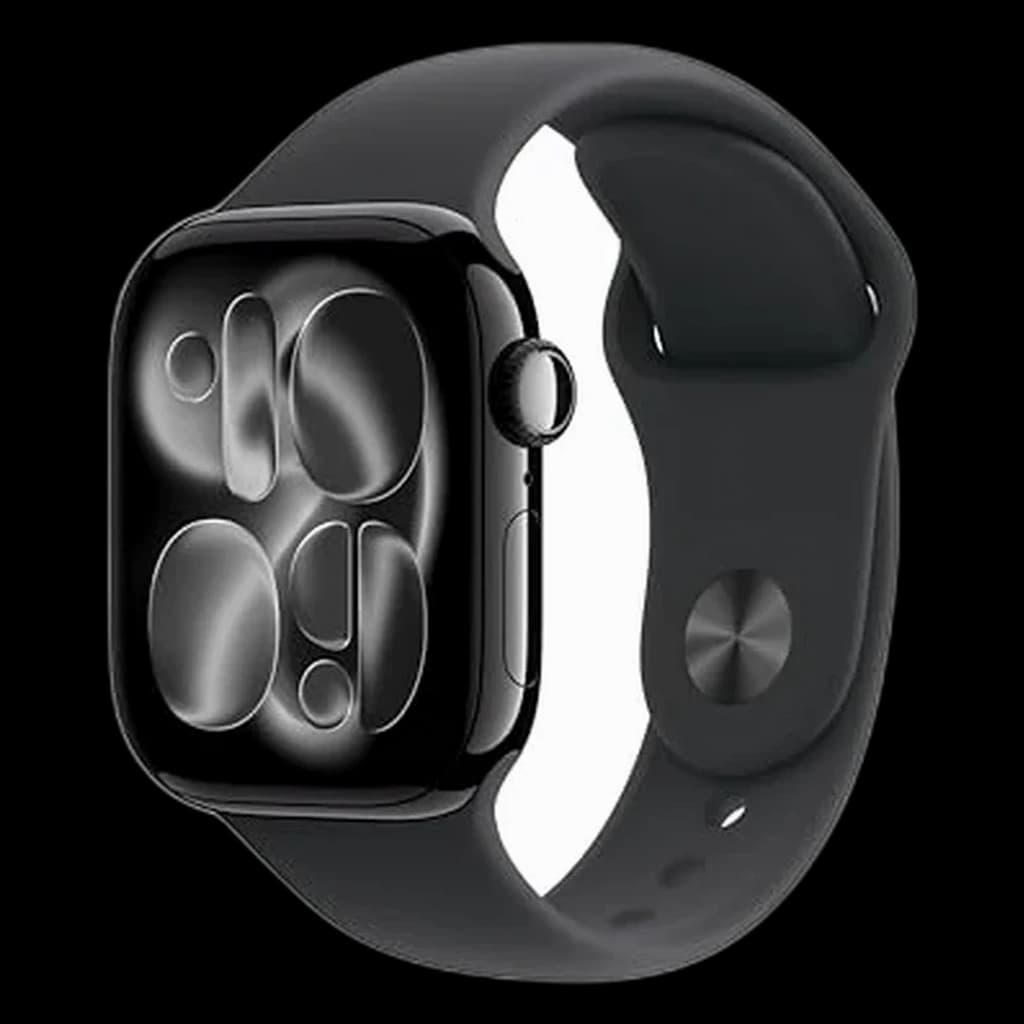
Apple Watch Series 12
The deepest WFH integration available on iPhone - Stand reminders, Focus modes, full iMessage and calendar mirroring, and ECG-grade heart tracking, with hypertension notifications and a 24-hour battery that finally covers a full workday plus overnight sleep tracking.
- Hypertension notifications + sleep score
- 5G cellular option, fast charging (up to 12 hours in 15 minutes)
- 24-hour battery, wide-angle always-on display
Price checked Oct 17, 2026 — verify the live price on Amazon.
 #1 Owner rating | 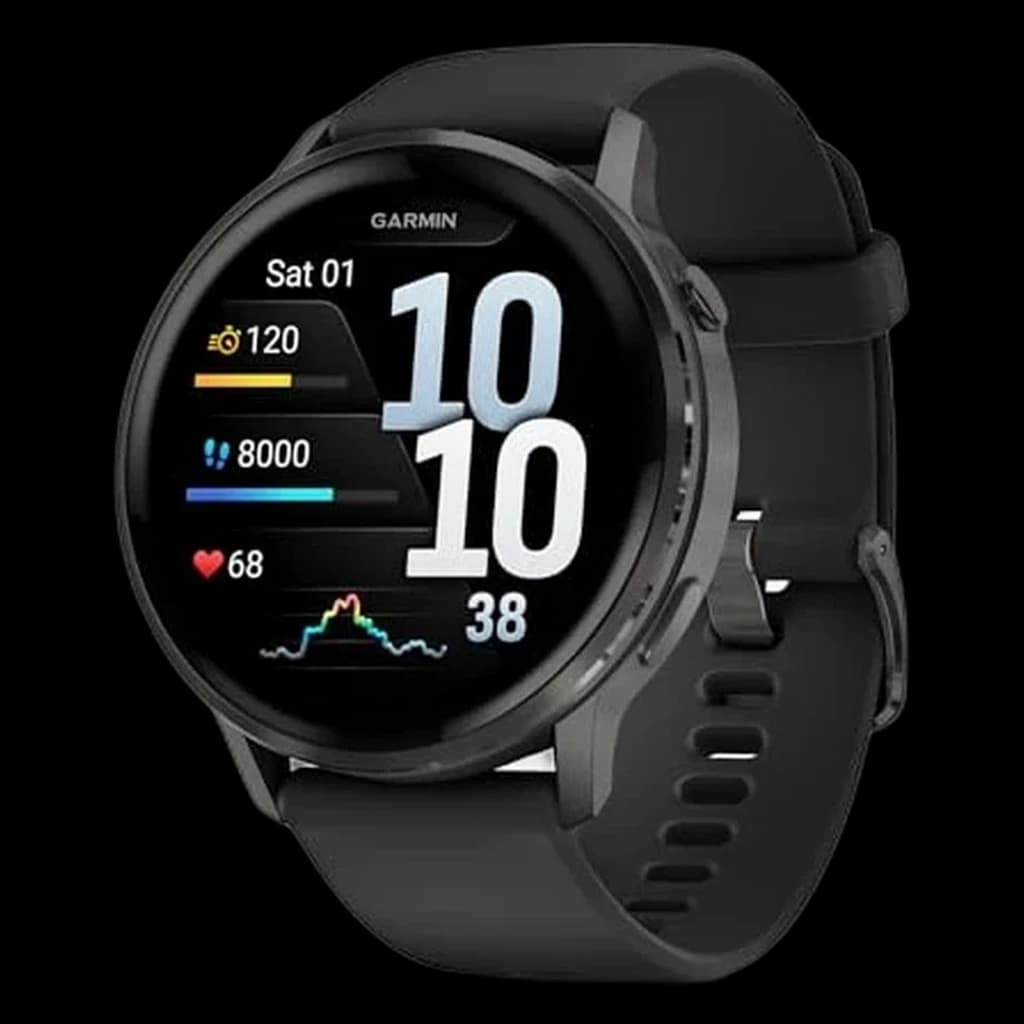 #2 Owner rating | 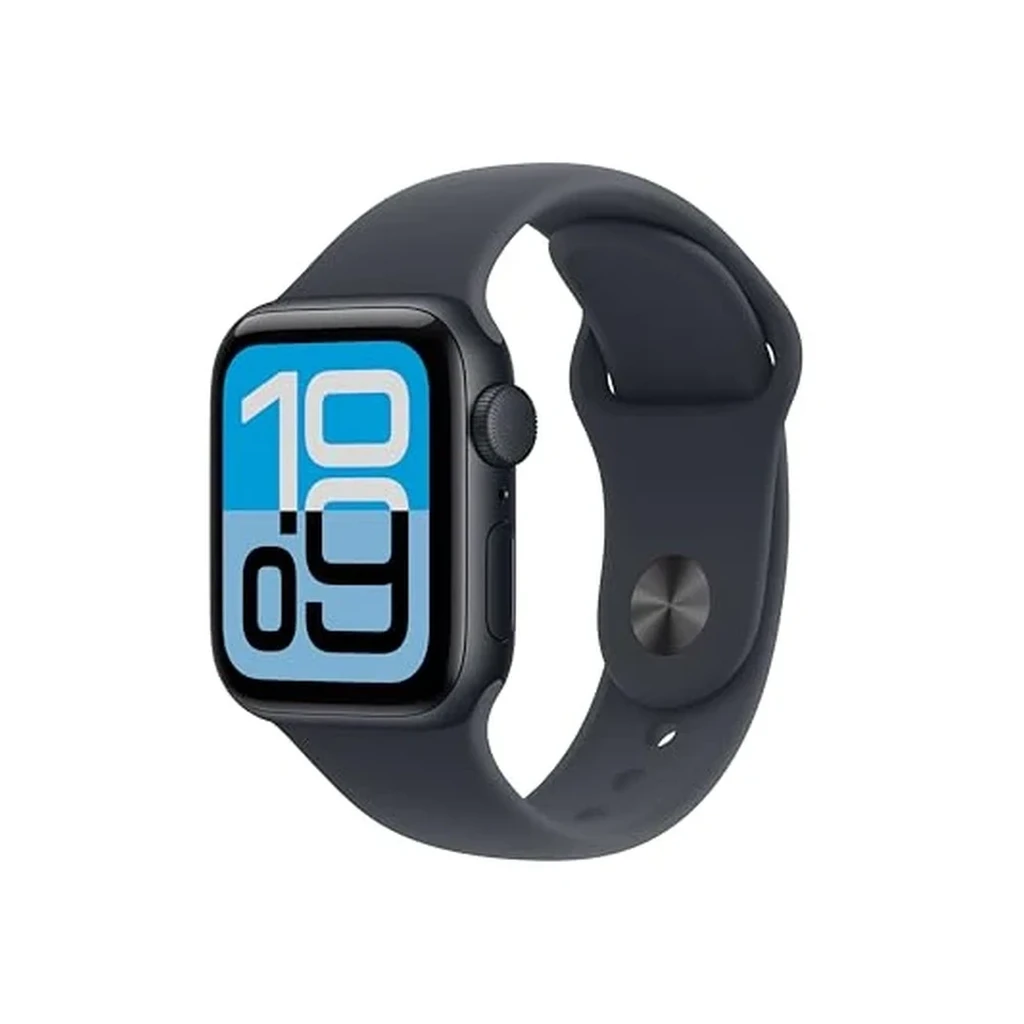 #3 Owner rating | 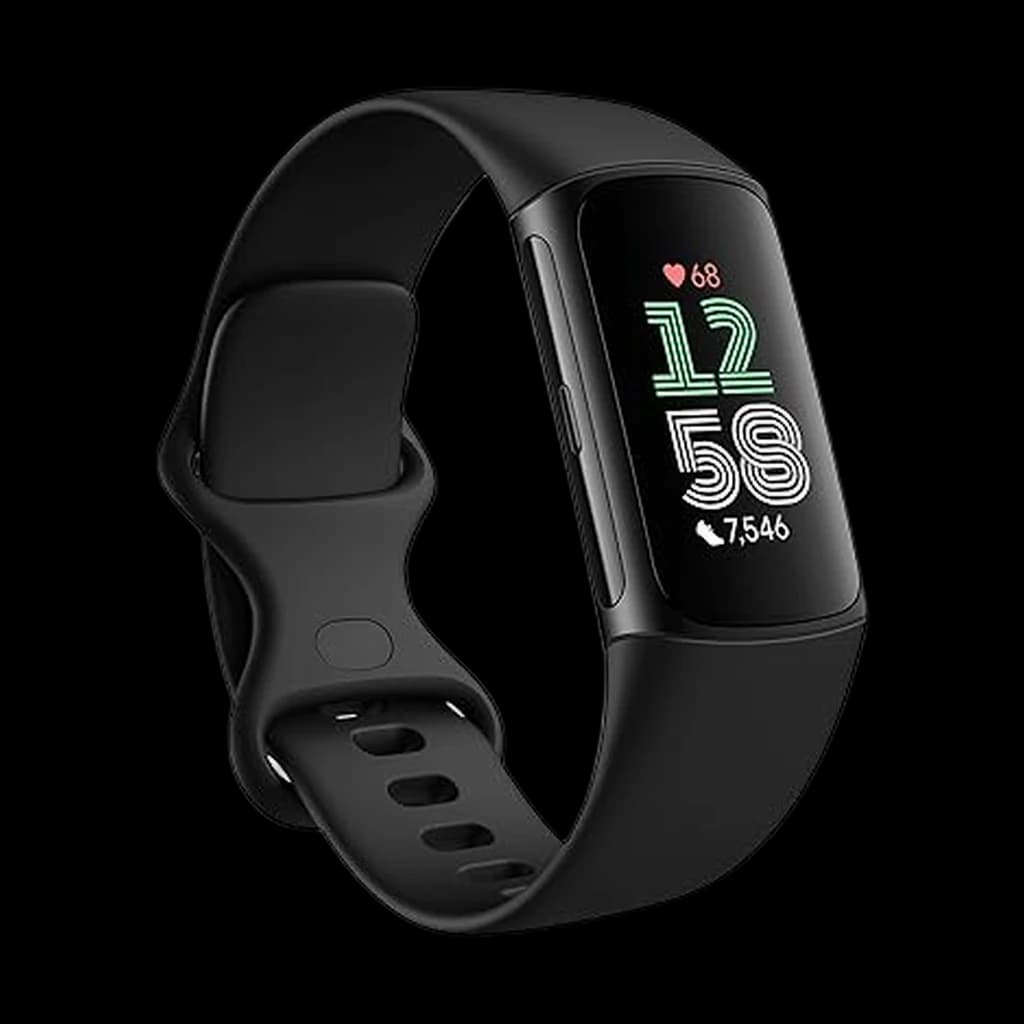 #4 Owner rating | 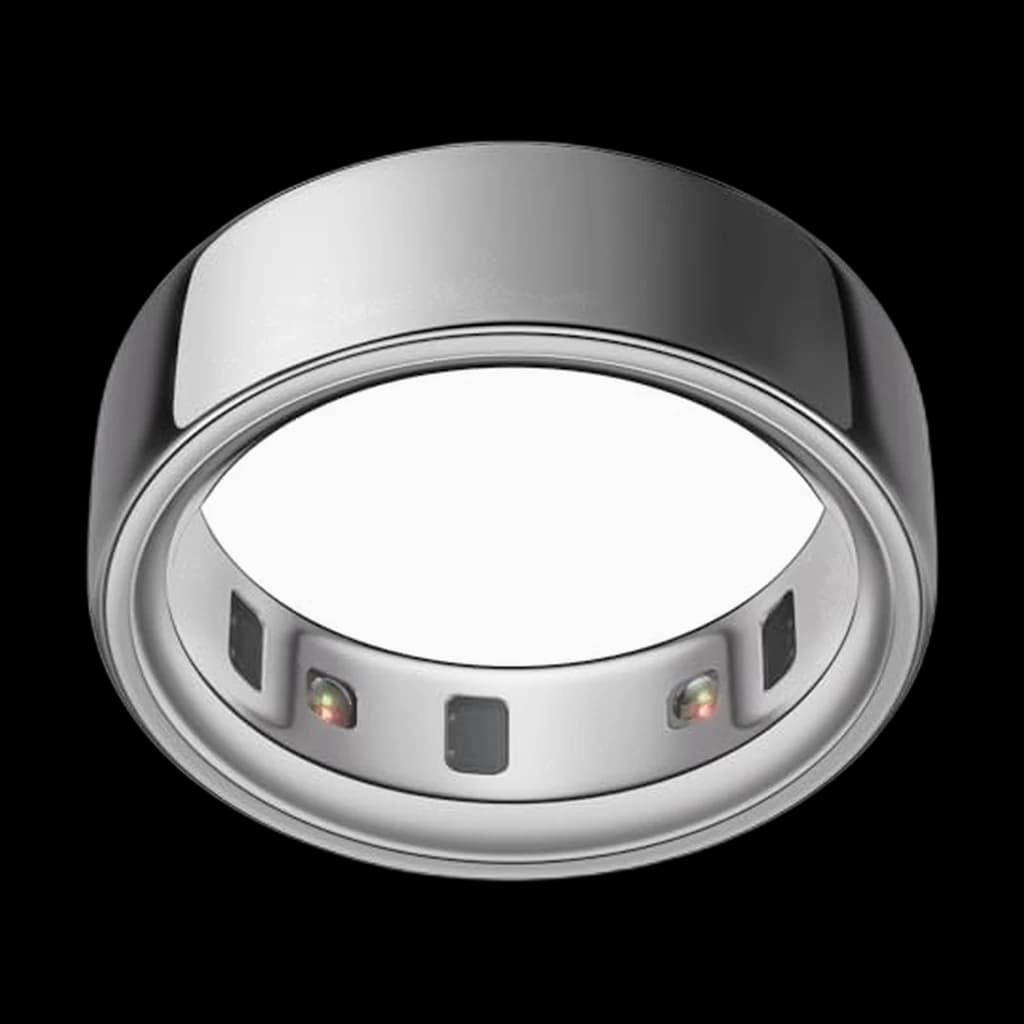 #5 Owner rating | |
|---|---|---|---|---|---|
| Price | $389.99Buy on Amazon | $549Buy on Amazon | $249Buy on Amazon | $132.50Buy on Amazon | $349Buy on Amazon |
| Verdict | The smartest watch for iPhone users in 2026 — a larger wide-angle always-on display and faster charging. | The fitness-first smartwatch with a 12-day battery that makes Apple Watch look thirsty. | The best value Apple Watch in 2026: adds always-on, sleep apnea notifications and temperature sensing for $249. | Slim band with sedentary alerts that disappears under a sleeve | Screen-free tracking for desk workers tired of notifications |
| Buyer sentiment | Appearance Functionality Value for money Fit Buyers praise appearance, functionality, value for money and fit. Based on 68 user mentions | Functionality Design Battery life Features Buyers praise functionality, design, battery life and features. Based on 295 user mentions | Quality Functionality Value for money Ease Of Use Buyers praise quality, functionality, value for money and ease of use. Mixed feedback on battery life and compatibility. Based on 936 user mentions | Durability Battery Life Mixed feedback on reliability and accuracy. Some flag durability and battery life. Based on 4,845 user mentions | Sleep Tracking Battery Life Functionality Value for money Buyers praise sleep tracking. Mixed feedback on quality and accuracy. Some flag battery life and functionality. Based on 3,009 user mentions |
| Display | Wide-angle always-on LTPO3 OLED, up to 2000 nits | 1.4-inch AMOLED 454x454 (45mm) | Retina LTPO OLED always-on (new for SE) | 1.04-inch color AMOLED | — |
| Battery | 24 hours (up to 38 hr Low Power) | Up to 12 days smartwatch / 23 hr GPS | 18 hours (up to 32 hr Low Power) | 7 days | Up to 8 days |
| GPS | Precision L1 GPS | Multi-band GNSS (GPS, GLONASS, Galileo) | Single-band | — | — |
| Health Sensors | ECG, blood oxygen, temperature, hypertension, sleep apnea | Elevate Gen5 HR, Pulse Ox, ECG, skin temp, sleep coach | Heart rate, sleep apnea, sleep score, wrist temp, fall/crash detection | HR, SpO2, ECG, EDA stress | HR, HRV, temp, SpO2 |
| Weight | 32.2 g (42mm aluminum, GPS) | 47 g | 26.3 g (40mm GPS) | — | — |
| Water Resistance | WR50 + IP6X | 5 ATM | WR50 + IP6X | 50 meters | 100 meters |
| Compatibility | iPhone 11 or later, iOS 27+ | iOS and Android | iPhone 11 or later, iOS 27 or later | — | — |
| Form Factor | — | — | — | — | All-titanium ring |
| Pros |
|
|
|
|
|
| Cons |
|
|
|
|
|
* Prices checked Oct 17, 2026 and may vary. Check the latest price on Amazon.
We research — never hands-on. How we research →
Worth the upgrade
If the watch is genuinely about training rather than notifications, the Venu 4 is the upgrade: multi-day battery and deeper recovery metrics, without the daily-charge tether that makes desk workers quietly abandon their smartwatch.
Key Takeaways
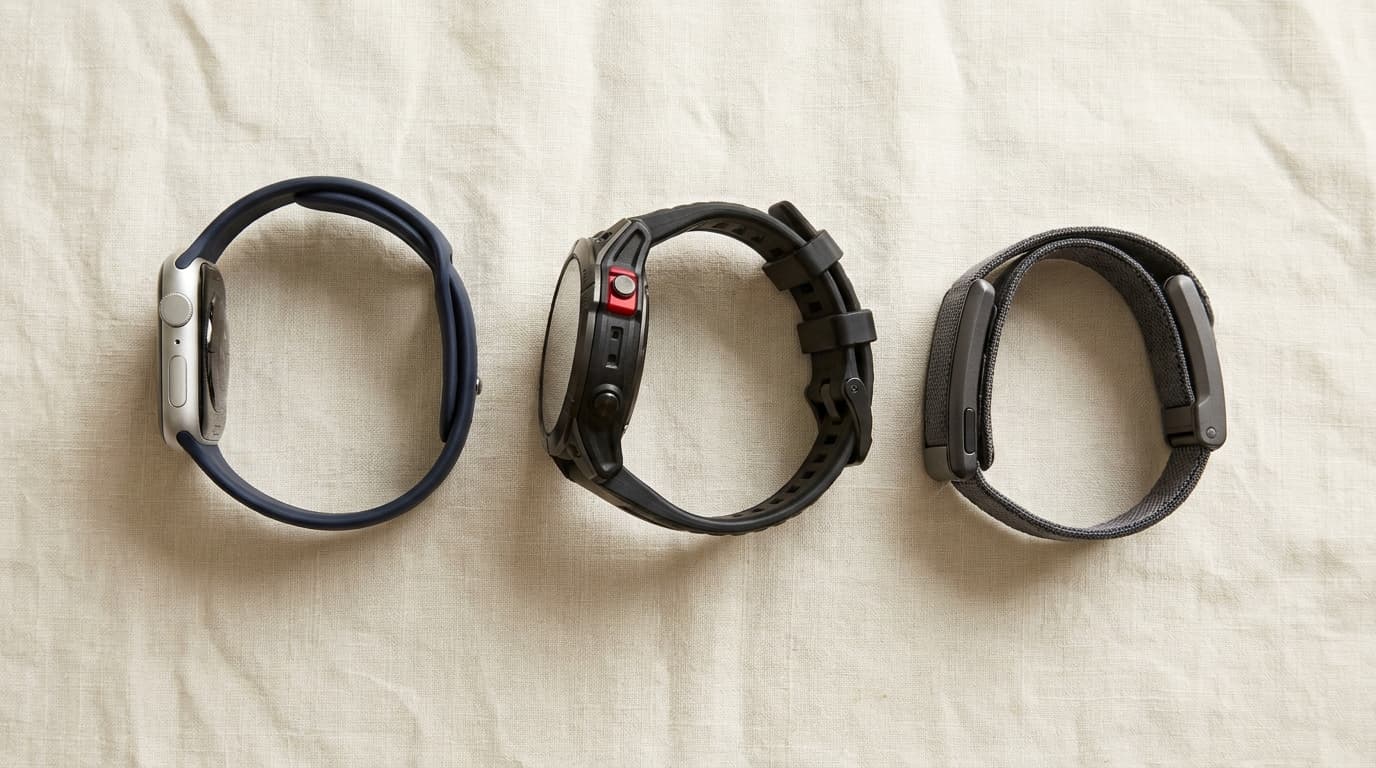
7 smartwatches and trackers for WFH desk workers: Apple Watch Series 12 wins on iPhone, Garmin Venu 4 cross-platform, Oura Ring 4 if you want no screen.
As an Amazon Associate I earn from qualifying purchases. Product prices and availability are subject to change.
Smartwatches and fitness trackers are sold on workout features. For a WFH desk worker, those are not the features that matter. The job a wearable actually does for someone sitting at a desk eight hours a day comes down to four things:
- Sedentary alerts
- Calendar and notification mirroring
- Sleep tracking
- Resting heart rate as a low-grade stress proxy
Pick the device by those criteria and the right answer becomes much clearer than the marketing pages suggest.
What we researched:
- Reviews: Wirecutter, Tom's Guide, and Wareable's 2025 and 2026 reviews
- Owner consensus: the long-running r/HomeOffice, r/Garmin, and r/AppleWatch threads
- Movement-reminder evidence: ACSM guidance and a 2024 npj Mental Health Research within-person study on cognitive effects of breaks
Seven devices made the cut.
Decide in 30 seconds
| If you... | Pick |
|---|---|
| Use an iPhone and want one wrist device for everything | Apple Watch Series 12 |
| Use an iPhone but want to spend less | Apple Watch SE 3 |
| Run cross-platform and want a ~12-day battery | Garmin Venu 4 |
| Want a Garmin without ECG at a lower price | Garmin Vivoactive 5 |
| Want a slim band that disappears under a sleeve | Fitbit Charge 6 |
| Want tracking with no screen on your wrist | Oura Ring 4 |
| Use a Pixel or Android phone and want Wear OS | Google Pixel Watch 5 |
How we picked
Every device on this list had to clear three bars:
- A working sedentary alert system that can be configured below the 60-minute default.
- Sleep tracking that does not require unrealistic charging schedules.
- Notification mirroring that handles calendar and at least one chat app reliably.
Workout-specific features were a tiebreaker, not a primary criterion - desk workers do not buy these devices for VO2 max accuracy.
We also pulled the ACSM position on movement breaks and the 2024 npj Mental Health Research within-person study on sedentary-break effects to confirm the WFH framing.
Timing is the whole point: the cognitive and affective benefit of a movement break only materializes when the break interrupts a sustained sit, not when it coincides with one.
1. Best for iPhone: Apple Watch Series 12
Buy on Amazon · $389.99If you carry an iPhone, the Apple Watch Series 12 is the most complete WFH device on the market. The integration depth is what matters: Focus modes carry over from the phone, calendar reminders with conference call links pop up on the wrist five minutes before a meeting, Slack and iMessage notifications mirror cleanly, and Stand reminders nudge you up if you tighten the interval below the default. The Series 12 has a larger wide-angle always-on display (up to 2000 nits) and carries hypertension notifications, sleep apnea detection, ECG, and 5G on cellular models.
Battery is finally less of a trade-off. The Series 12 runs up to 24 hours under typical load (38 in Low Power), and fast charging adds up to 12 hours in 15 minutes - enough to top up before bed so the watch covers sleep tracking through the night.
- Specs: Wide-angle always-on LTPO3 OLED, up to 2000 nits. Up to 24 hours. ECG, blood oxygen, temperature, sleep apnea + hypertension notifications. 5G on cellular. 50 meter water resistance. GPS + Wi-Fi.
- Good for: iPhone users who want one device for notifications, health tracking, and Focus integration.
- Not good for: Android users (does not pair), or anyone who wants a multi-day battery.
2. Best Cross-Platform: Garmin Venu 4
Buy on Amazon · $549The Venu 4 is what r/HomeOffice recommends to anyone on Android, anyone in a mixed-device household, or anyone who wants a wearable they do not need to charge nightly. Battery life is still the headline feature: up to 12 days in smartwatch mode (45mm) means over a week of uninterrupted sleep tracking between charges. The 1.4-inch AMOLED is bright enough to read in direct sunlight, the new full-metal case and built-in flashlight are genuine upgrades over the Venu 3, and the Move bar is fully configurable below the 60-minute default - the single most important setting tweak for any desk worker.
The Garmin Connect app is functional but feels utilitarian compared to Apple's or Fitbit's design. That trade-off is worth it for the battery and the cross-platform pairing.
- Specs: 1.4-inch AMOLED (45mm). Up to 12 days battery. ECG, SpO2, Body Battery, multi-band GPS. 5 ATM. iOS + Android.
- Good for: Android users, mixed-device households, anyone tired of nightly charging.
- Not good for: Buyers who want a polished consumer-grade health app experience.
3. Best Value iPhone: Apple Watch SE 3
Buy on Amazon · $249.00Wirecutter's top iPhone smartwatch pick. The SE 3 keeps the features that matter for a desk worker - Stand reminders, Focus mode handoff, sleep tracking, calendar and messaging mirroring - and this generation finally adds an always-on display, sleep apnea notifications, wrist temperature sensing, and fast charging. It still drops ECG and blood oxygen. At $249 it costs well under the Series 12. Crash detection and fall detection are still included, which makes it a reasonable pick for older parents and household members too.
- Specs: 1.57-inch always-on Retina OLED. 18 hours (fast charging). Heart rate, sleep apnea, temperature. 50 meters. GPS + Wi-Fi + optional 5G.
- Good for: First-time Apple Watch buyers, budget-conscious iPhone users, anyone who does not need ECG.
- Not good for: Buyers who want ECG, blood oxygen, or the largest display.
4. Best Cross-Platform Value: Garmin Vivoactive 5
The Vivoactive 5 is the Venu 4 minus the ECG and skin temperature sensor, with a smaller 1.2-inch display, at roughly two-thirds the price. The Move bar, sleep tracking, and 11-day battery are the same. For desk workers who want Garmin's hardware reliability and battery life without the premium tier, this is the value pick.
- Specs: 1.2-inch AMOLED. 11 days. HR, SpO2, body battery. 5 ATM. iOS + Android.
- Good for: Cross-platform buyers who do not need ECG, anyone wanting a Garmin under $300.
- Not good for: Users who want the larger Venu 4 display or skin-temp data.
5. Best Slim Band: Fitbit Charge 6
Buy on Amazon · $132.50The Charge 6 is the band that disappears under a long-sleeve shirt during a video call. It handles the WFH-relevant features - adjustable Reminders to Move, sleep tracking, continuous heart rate - with a 7-day battery and built-in GPS. Google Maps and Google Wallet on the wrist are surprisingly useful for after-work errands. The post-merger requirement of a Google account is the friction point; six months of Fitbit Premium is included and renews at a paid tier afterward.
- Specs: 1.04-inch AMOLED. 7 days battery. HR, SpO2, ECG, EDA stress. 50 meters.
- Good for: Anyone who finds a smartwatch too visible during meetings, runners, slim-wrist users.
- Not good for: Buyers who refuse to use a Google account.
6. Best Screen-Free: Oura Ring 4
Buy on Amazon · $349The Oura Ring 4 is the wearable for desk workers who already get enough notifications. It tracks sleep, readiness, resting heart rate, and skin temperature with no screen on your wrist, no buzz during meetings, and nothing visible on a Zoom call. Battery runs about 8 days. The all-titanium build is durable enough for daily use, and the platform supports both iOS and Android.
The catch is the membership: about $5.99 per month after the first month free, on top of the upfront ring price.
- Specs: All-titanium ring. 8 days battery. HR, HRV, temp, SpO2. 100 meter water resistance.
- Good for: Knowledge workers tired of notifications, owners who want sleep and HRV data without a watch.
- Not good for: Buyers who want on-device feedback or refuse subscription costs.
7. Best for Pixel and Android: Google Pixel Watch 5
The Pixel Watch 5 is the Wear OS pick for Android households. It runs Wear OS 7 and carries Google's full health sensor set - heart rate, ECG, SpO2, skin temperature, and a cEDA sensor for body-response (stress) tracking. The 41mm model's always-on AMOLED LTPO display peaks at 3,000 nits. Google rates battery at up to 30 hours with the always-on display (48 in Battery Saver), and the Quick Charge Dock reaches about 50% in roughly 15 minutes with a 30W adapter (sold separately) - still the same nightly-charge bucket as the Apple Watch, but a short morning top-up covers sleep tracking.
- Specs: 41mm, 31.0 g. Always-on AMOLED LTPO, up to 3,000 nits. Up to 30 hours (48 in Battery Saver). ECG, SpO2, skin temp, cEDA. Dual-frequency GPS. 5 ATM + IP68. Wi-Fi model (no LTE). Android 12 or newer.
- Good for: Pixel phone owners, Android users who want polished smartwatch integration.
- Not good for: iPhone users (it does not pair), or buyers who need multi-day battery life.
Setting up the device correctly
A wearable on its own does not improve a WFH day.
The single most important configuration step: tighten the sedentary alert threshold below the 60-minute default that ships on both Garmin and Apple. At 60 minutes, the alert lands after the focus block is already over.
r/Garmin owners commonly recommend 45 to 50 minutes; the 2024 npj Mental Health Research within-person study found that the cognitive and affective benefit of a movement break only materializes when the break interrupts a sustained sit.
The ACSM Sit Less, Move More guidance reinforces the same conclusion: light-intensity activity throughout a sedentary day is part of a complete approach to health, and the value comes from the interruption pattern, not the total minutes moved.
Frequently asked questions
Apple Watch or Garmin for WFH? Apple Watch if you carry an iPhone - the integration with calendar, Focus modes, and iMessage is unmatched on a third-party device. Garmin if you run Android, mixed-device, or want multi-week battery life so sleep tracking is uninterrupted.
Is a smartwatch worth it for someone who does not work out? For a desk worker, the sedentary alert system, sleep tracking, and notification triage are the value features. Workout tracking is a bonus, not the reason. Pick the device by those criteria.
Why is the Move bar set to 60 minutes by default? Garmin's default mirrors a guideline from the early 2010s. Current research and r/Garmin consensus both recommend tightening the threshold so the prompt arrives during a focus block rather than after one. 45 to 50 minutes is the most common owner recommendation.
Should I buy an Oura Ring instead of a watch? If the friction with smartwatches is the screen on your wrist during meetings or the constant notifications, yes. The ring tracks the same sleep, HRV, and resting heart rate signals without the on-wrist real estate. The trade-off is a paid monthly membership and no on-device feedback.
Can I use a Garmin with iPhone? Yes. Garmin Connect pairs with both iOS and Android. Notification mirroring and calendar event display work on both, but the integration depth is lower than Apple Watch on iPhone - you do not get Focus mode handoff or full iMessage handling.
Do I need to charge a smartwatch overnight? Apple Watch and Pixel Watch 5 typically require a charge every day or two. Most owners switch to a 30-minute morning charging window so the watch covers sleep tracking. Garmin Venu 4, Vivoactive 5, Charge 6, and Oura Ring 4 all run multi-day batteries and skip this scheduling problem.
Is the Apple Watch SE worth it over the Series 12? For most WFH desk workers, yes. The features that matter - Stand reminders, Focus modes, calendar mirroring, sleep tracking - are identical, and the SE 3 now adds an always-on display too. The Series 12 still holds ECG, blood oxygen, hypertension notifications, and 5G. If those matter to you, get the Series 12. If not, the SE 3 is the simpler option, but Amazon has only used units right now, so buy it new from Apple or another retailer.
Products referenced in this guide
For quick reference, the products tied to this guide are the Apple Watch Series 12 (GPS, 42mm) ($389.99), the Garmin Venu 4 (45mm) ($549.99) and the Fitbit Charge 6 ($132.50). The Apple Watch SE 3 is only sold used on Amazon right now, so it isn't linked.
Other products referenced here include the Oura Ring 4 ($349) and the Google Pixel Watch 5 (41mm, Wi-Fi) ($399.99).
Bottom line
For most WFH desk workers, the right answer is the Apple Watch Series 12 if you carry an iPhone and want the deepest integration, the Garmin Venu 4 if you want cross-platform with a ~12-day battery, or the Oura Ring 4 if you want sleep and readiness tracking without anything on your wrist. Whichever you pick, tighten the sedentary alert below 60 minutes - that single setting is the biggest day-to-day lever the device gives you.
For the desk-side ergonomics that pair with a wearable's sedentary alerts, see our guide on the best laptop stands for WFH 2026. For more on the actual breaks themselves, see the best standing desks for home office 2026.
Your next step
Put the nudges to work — movement gear.
Hilly Shore Labs
Editorial TeamWFH Lounge is published by Hilly Shore Labs. Every recommendation is built by synthesizing ergonomic research, manufacturer specs, expert reviews from outlets like Wirecutter, RTINGS, and The Verge, and aggregated long-term owner sentiment from thousands of verified buyers.
All product reviews are independently researched. Our recommendations are based on ergonomic guidelines, manufacturer specifications, and verified buyer sentiment. See our methodology.