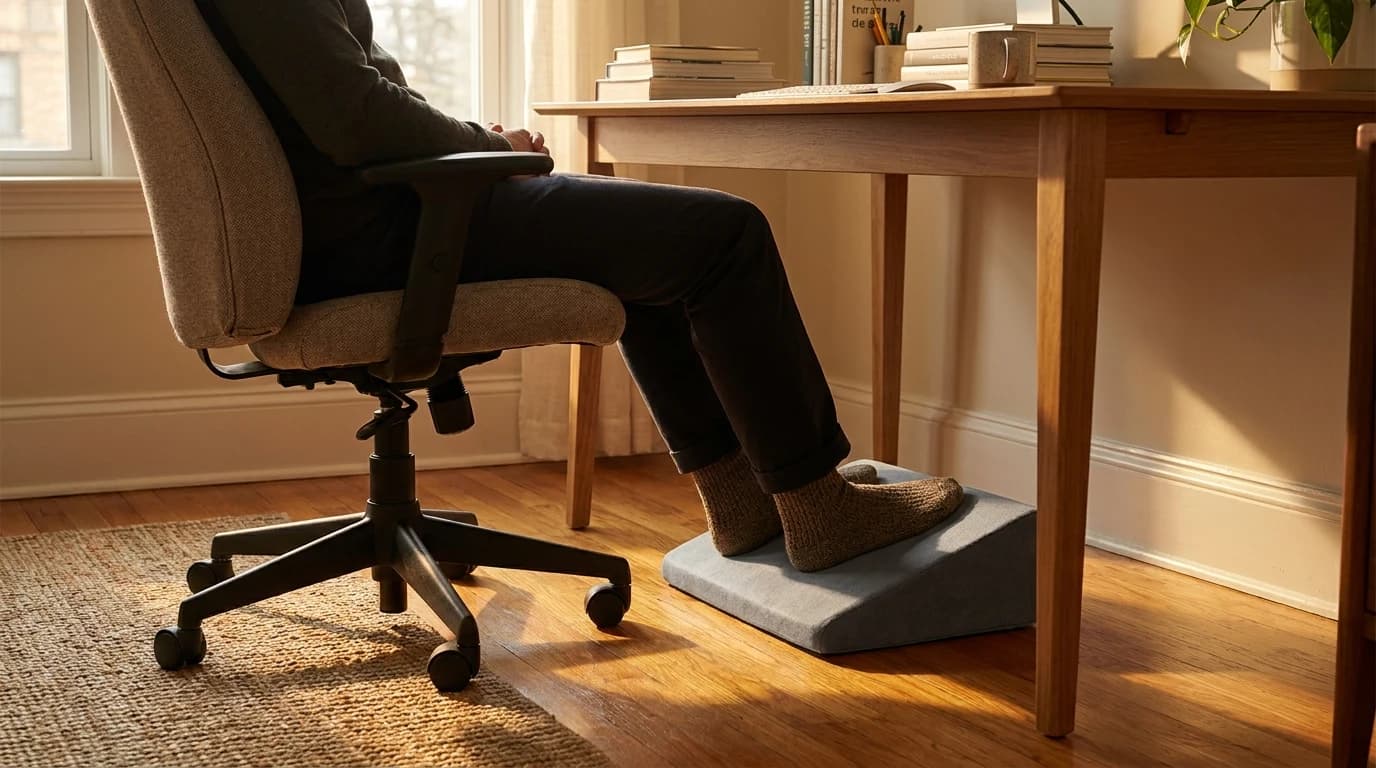
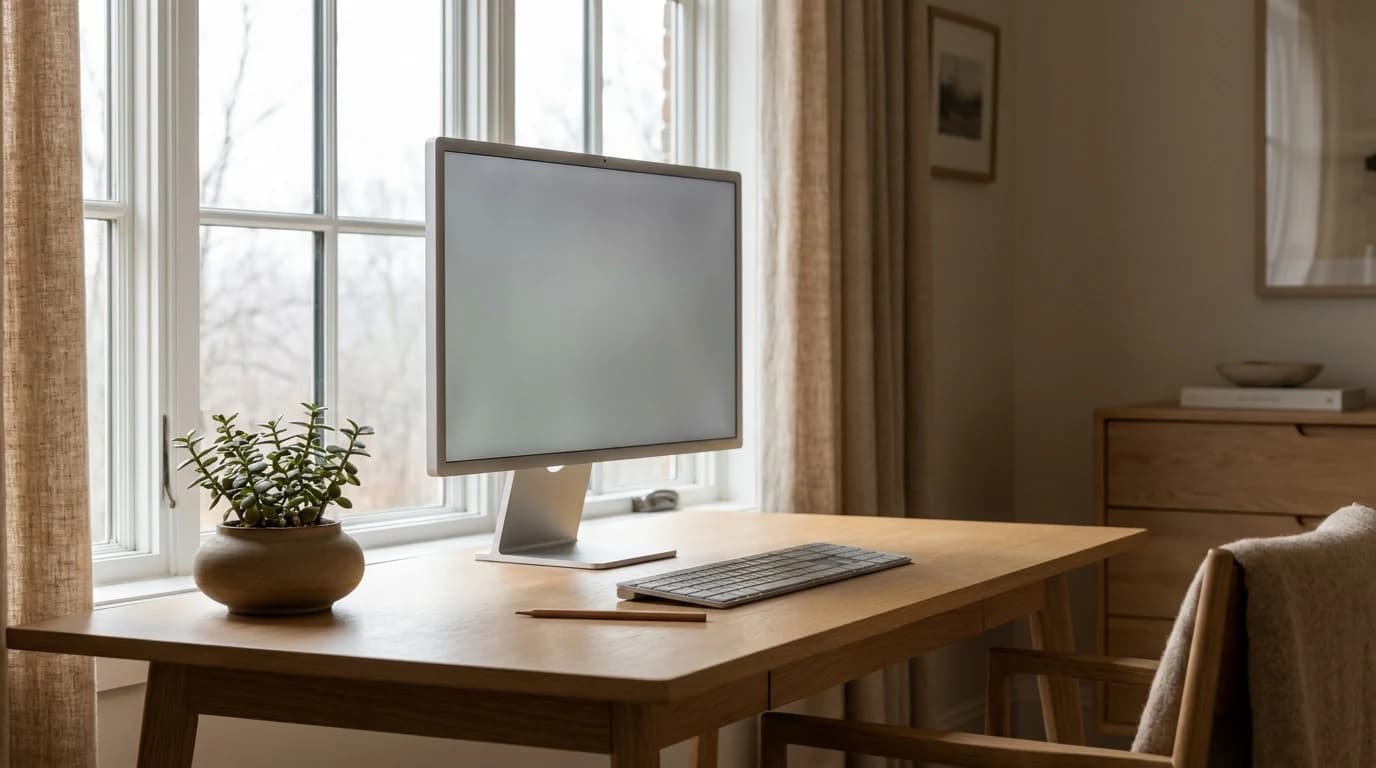
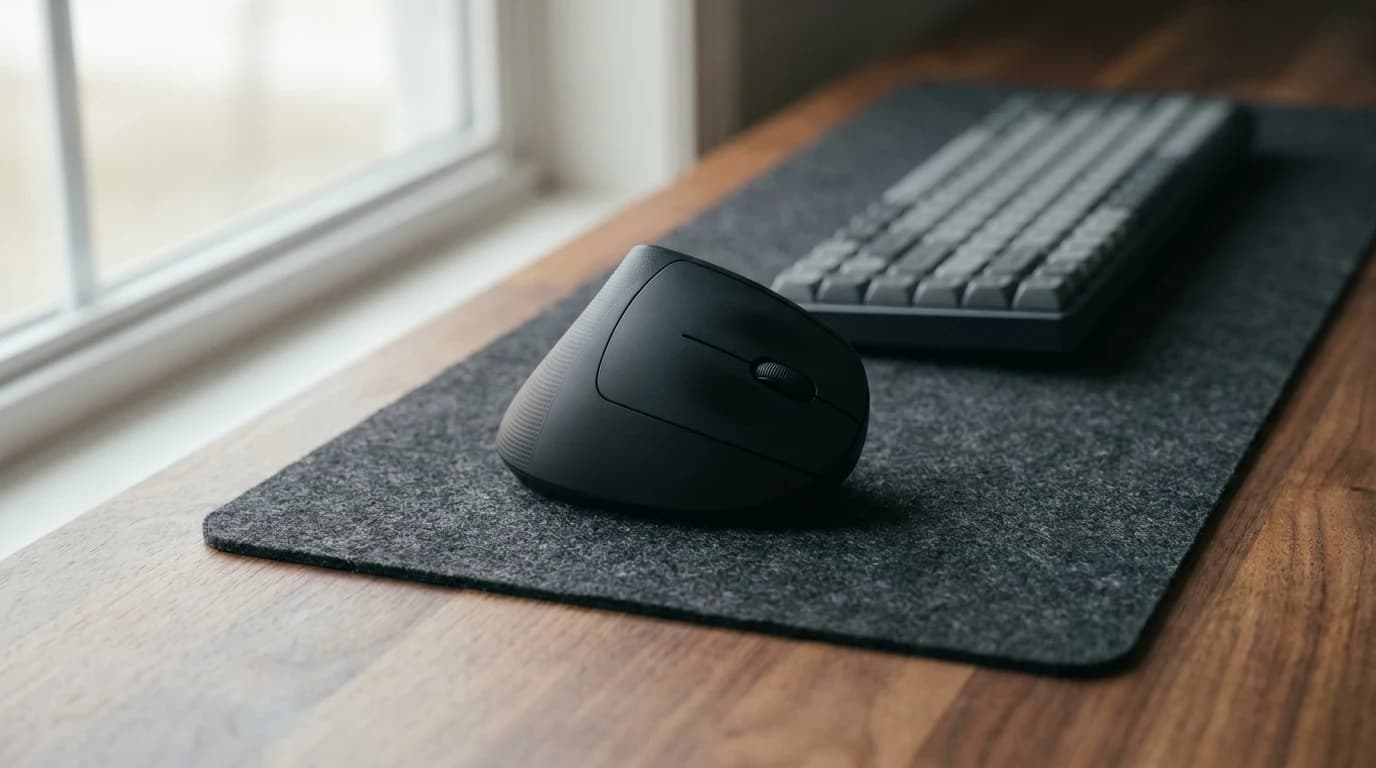
Best Laptop Stands for WFH 2026: 7 Picks for Real Desks
Our #1 Pick
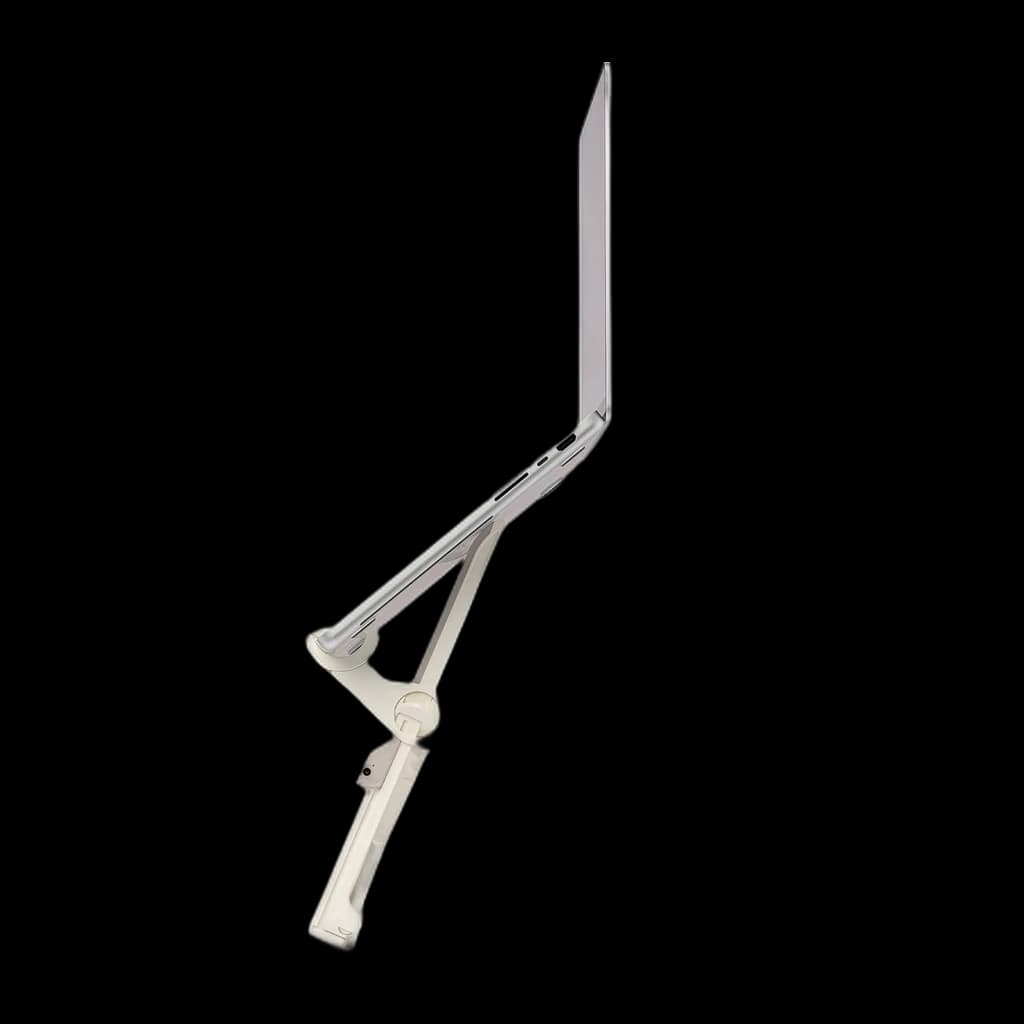
Roost V3 Plus Adjustable Portable Laptop Stand
Eleven height positions with a manufacturer-stated screen lift of 5-14 inches, quick-release adjustment, and the same fold-flat portability as the original V3 it replaces.
- Eleven selectable positions; manufacturer screen-lift range 5–14 inches
- Quick-release adjustment can be used with the laptop in place
- Folds to 1 × 1.5 × 13 inches; manufacturer lists 178 g
Price checked Oct 19, 2026 — verify the live price on Amazon.
 #1 Owner rating |  #2 Owner rating | 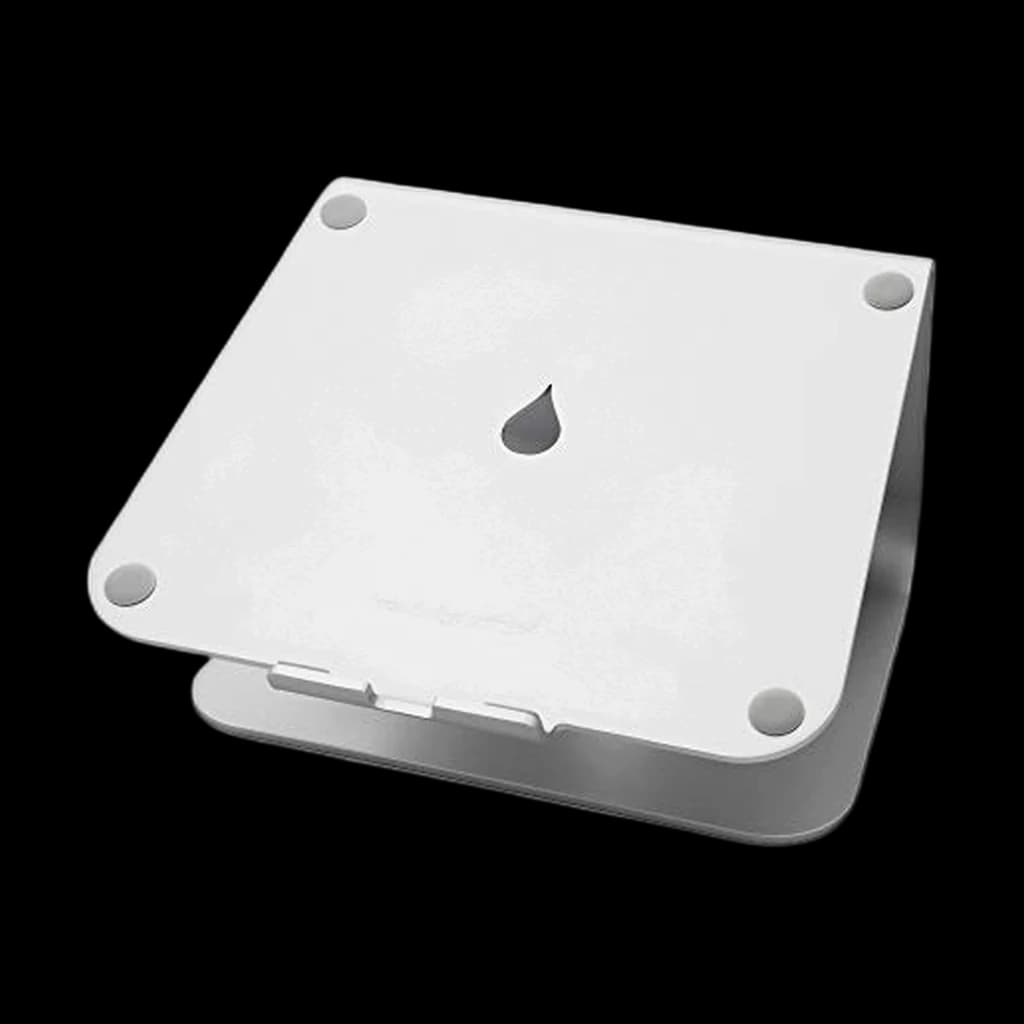 #3 Owner rating | 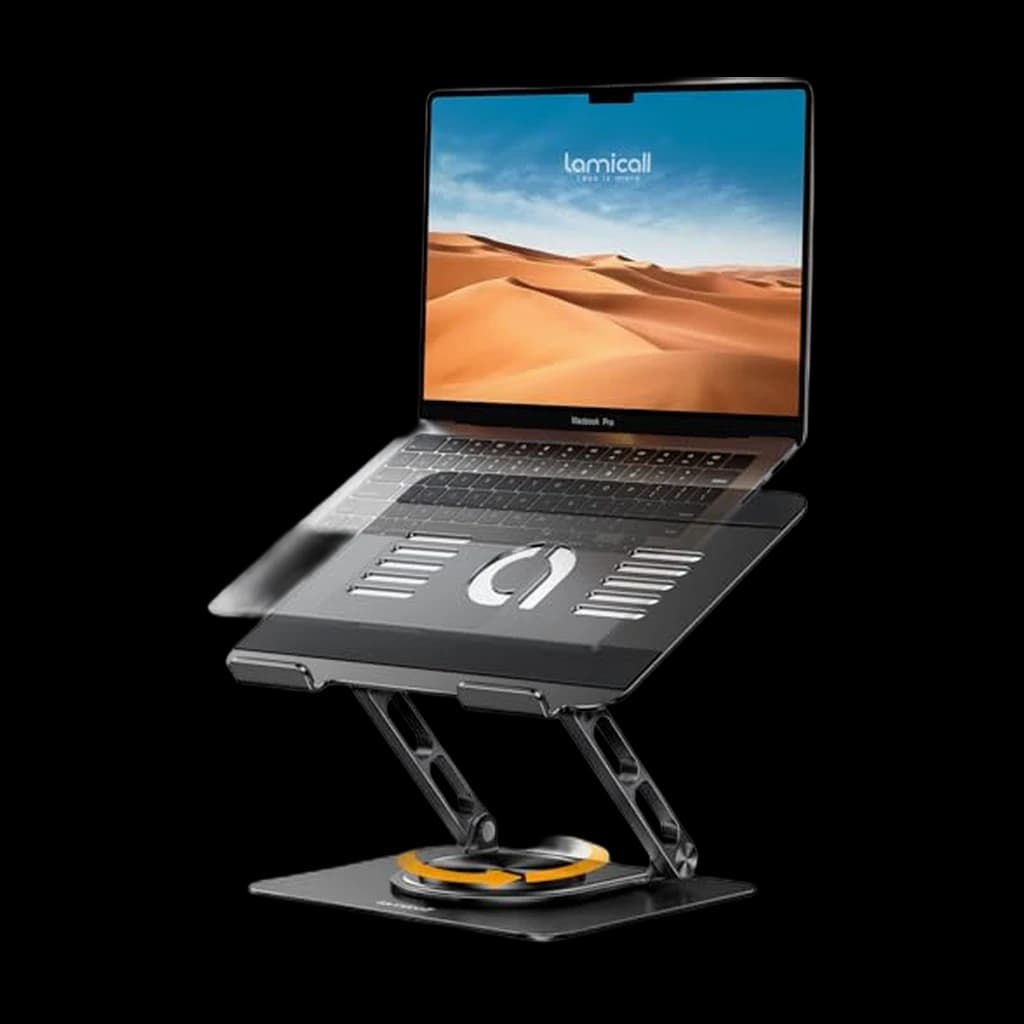 #4 Owner rating | 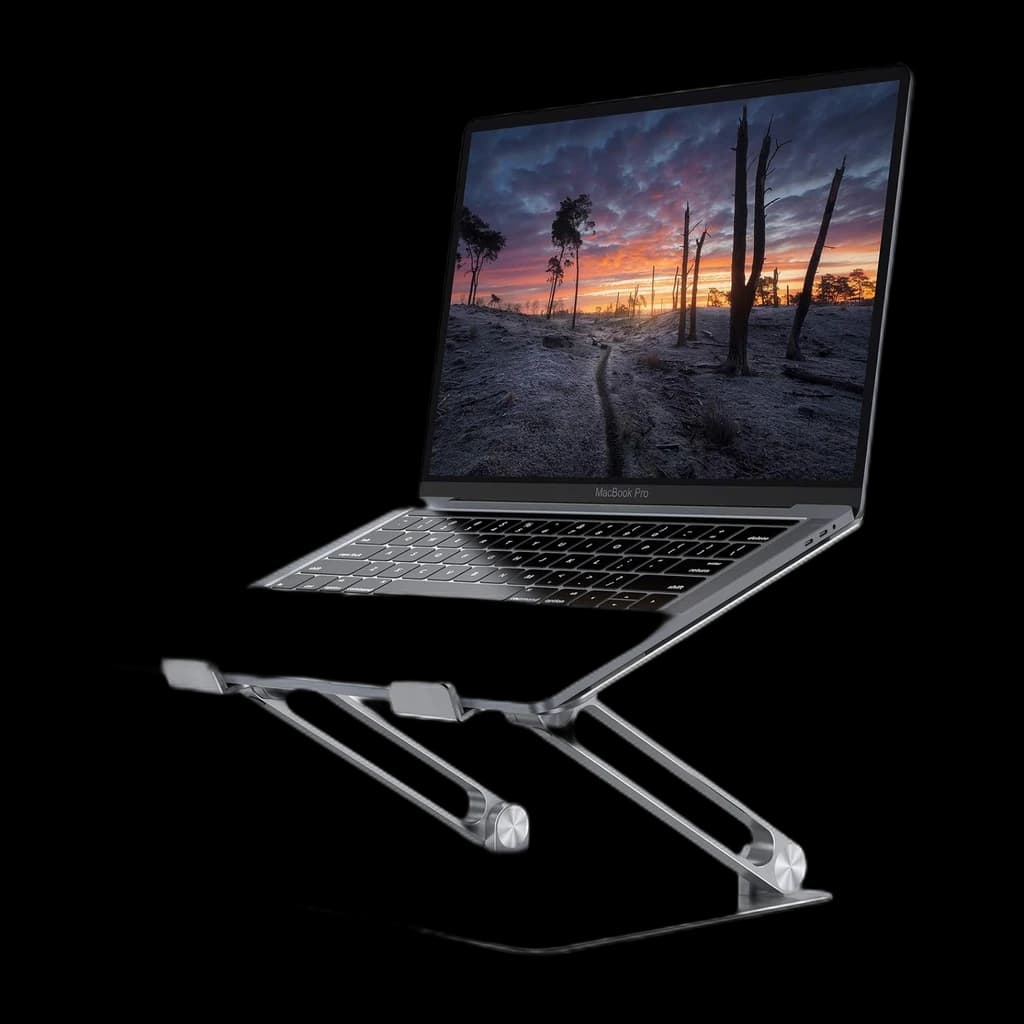 #5 Owner rating | |
|---|---|---|---|---|---|
| Price | $99.95Buy on Amazon | $89.95Buy on Amazon | $39.90Buy on Amazon | $33.99Buy on Amazon | $29.99Buy on Amazon |
| Verdict | Portable riser with eleven settings and quick-release adjustment | Portable laptop riser with seven height settings | The one-piece aluminum classic: a 5.9-inch lift with zero wobble and no moving parts, for a permanent desk setup. | Foldable aluminum riser with a 360-degree swivel base for turning the screen toward a colleague; Lamicall publishes no lift height for it. | Best-value laptop riser — fully adjustable aluminum stand with 10k+ five-star reviews |
| Buyer sentiment | Stability Build quality Lightweight Portability Value for money Buyers praise stability, build quality, lightweight and portability. Some flag value for money. Based on 93 user mentions | Stability Quality Portability Lightweight Buyers praise stability, quality, portability and lightweight. Mixed feedback on value for money. Based on 1,770 user mentions | Quality Design Sturdiness Ergonomics Buyers praise quality, design, sturdiness and ergonomics. Mixed feedback on value for money. Based on 5,918 user mentions | Rated 4.7★ across 1,666 reviews | Quality Sturdiness Functionality Adjustability Buyers praise quality, sturdiness, functionality and adjustability. Mixed feedback on stability. Based on 3,338 user mentions |
| Specs |
|
|
|
|
|
| Pros |
|
|
|
|
|
| Cons |
|
|
|
|
|
* Prices checked Oct 17, 2026 and may vary. Check the latest price on Amazon.
We research — never hands-on. How we research →
Key Takeaways
The 7 best laptop stands for WFH 2026 - Roost wins overall, mStand for fixed Mac setups, Lamicall budget. Plus the height mistake most buyers make.
As an Amazon Associate I earn from qualifying purchases. Product prices and availability are subject to change.
A laptop stand is the cheapest meaningful ergonomic upgrade you can make to a WFH setup, but most buyers pick the wrong one. The reason is almost always the same: people optimize for adjustability when they should be optimizing for height.
Height beats adjustability: a stand that adjusts through five positions but tops out at 5 inches of lift puts the screen below eye level for almost any adult sitting upright at a 29-inch desk. The neck still cranes downward. The upgrade did nothing.
This guide cuts through that. We researched the current top picks across Wirecutter's 2025 review, RTINGS-adjacent ergonomics writeups from The Verge and Tom's Guide, and the long-running r/workspaces and r/MacBookPro consensus threads, then cross-referenced ergonomic positioning guidance from Cornell University Ergonomics Lab and OSHA. Seven stands made the cut.
Decide in 30 seconds
| If you... | Pick |
|---|---|
| Carry a laptop between home, office, and a coffee shop | Roost Laptop Stand V3 |
| Have a fixed desk and want to use the laptop screen | Rain Design mStand |
| Want a portable for under $40 | Lamicall Adjustable Laptop Stand |
| Want a 360-degree swivel base for screen sharing | Lamicall STDL04 360 |
| Use a 16-inch or 17-inch laptop on a desk | Boyata Laptop Stand |
| Want a fixed-height open-arm design | Twelve South Curve |
| Want more height settings in a portable riser | Roost V3 Plus |
How we picked
Every stand on this list had to clear three bars:
- A maximum lift of at least 6 inches - the floor for true eye-level positioning at a typical desk for an average-height adult.
- A 4+ star aggregate rating across a meaningful sample of long-term owners.
- Material construction that holds firm under typing pressure.
We disqualified anything that wobbled visibly under normal keystrokes during researched owner reports - a laptop bouncing 1mm with every press is the single most-cited complaint in r/HomeOffice threads about cheap stands.
We also checked Cornell Ergonomics Lab's notebook computer workstation guidance to confirm each pick supports the recommended setup: top of screen at or just below eye level, viewing distance roughly arm's length, and external keyboard mandatory.
1. Best Overall: Roost Laptop Stand V3
The Roost Laptop Stand V3 is the original seven-position model. Roost specifies 6.5–12.5 inches of screen lift, a folded size of 1 × 1.5 × 13 inches and a weight of 178 g. Screen lift is the manufacturer's measure, not the height of a flat desktop platform.
- Good for: A portable setup where seven height positions are enough.
- Trade-off: It lacks the Plus model's quick-release adjustment.
2. Fixed-Desk Pick: Rain Design mStand
Buy on Amazon · $39.90The Rain Design mStand is a single-piece aluminum stand for a permanent desk. Rain Design lists a 5.9-inch stand height and confirms 16-inch MacBook Pro compatibility. Its one fixed height suits most seated desks. A cable opening keeps wiring behind the laptop.
Trade-off: there is no height adjustment, and the three-pound stand is less convenient for travel. It raises an open laptop screen; if you only work with the laptop closed, a screen-height riser may be unnecessary.
3. Best Budget: Lamicall Adjustable Laptop Stand
Buy on Amazon · $29.99The Lamicall Adjustable Laptop Stand has been the default r/HomeOffice answer to "what stand should I get under $40" for years, and the recommendation holds up. It's a Roost-pattern foldable made from glass-reinforced plastic instead of nylon, with six height settings up to roughly 7 inches of lift. The plastic feels less premium than the Roost, but the engineering is sound - owner reports going back 5+ years confirm it survives daily use.
The weakness is the maximum height. At 7 inches of lift, the Lamicall covers shorter and average-height adults but starts to fall short for users above about 6 feet seated at a tall desk.
- Specs: Glass-reinforced plastic. 5-7 inch range. 20 lb capacity. 11.6-15.6 inch compatibility. 8.8 oz.
- Good for: First-time buyers, students, anyone testing whether a stand actually helps before committing to a Roost.
- Not good for: Tall users, 16-inch and 17-inch laptop owners.
4. Best Rotating Base: Lamicall STDL04 360 Rotating Aluminum Laptop Stand
Buy on Amazon · $33.99The Lamicall STDL04 is the pick if you turn your screen toward someone several times a day. Its base rotates a full 360 degrees, so you can swing the screen toward a colleague or client without lifting the laptop, and the listing gives height and angle adjustment plus a fold-flat design for travel. Lamicall lists compatibility with 10- to 17.3-inch laptops, and the all-aluminum body has ventilation holes to help the laptop shed heat.
The one gap: Lamicall does not publish a lift height, product weight or load rating for this model, so it is the one stand here we cannot confirm against our 6-inch bar. Check that the top of the screen reaches eye level once it arrives.
- Specs: Aluminum alloy. Height and angle adjustable (lift not published). 360-degree rotating base. 10-17.3 inch compatibility. Folds flat.
- Good for: Screen sharing at the desk, 16- and 17-inch laptops, anyone who wants a swivel base without paying Roost money.
- Not good for: Tall users who need a guaranteed lift height before they buy.
5. Best for 17-inch Laptops: Boyata Laptop Stand
If you run a 16-inch or 17-inch laptop on a fixed desk, you want the Boyata Laptop Stand. The two-hinge aluminum design adjusts both height and tilt independently, the wide base supports clamshell-mode use with an external display, and silicone pads at every contact point keep both desk and laptop locked in place. At 2.4 lbs, this is not a stand you carry - it's a desk fixture, and it acts like one.
- Specs: Aluminum. Up to ~8 inch lift. 22 lb capacity. 10-17 inch compatibility. 2.4 lbs.
- Good for: Big-laptop users, dual-laptop households (work + personal swap), anyone who wants the most adjustment range under $50.
- Not good for: Travelers, minimalist desk setups.
6. Best Premium Fixed-Height: Twelve South Curve
The Twelve South Curve linked here is the original matte-black fixed stand. The selected listing describes approximately six inches of elevation. It is not Curve Flex, does not have two height settings, and does not include a MagSafe shelf.
Trade-off: check desk space and the resulting screen position before buying. Choose the open-arm design because it fits your desk, not because it promises substantially more lift than the mStand.
7. More Height Settings: Roost V3 Plus
Buy on Amazon · $99.95The Roost V3 Plus is a folding laptop riser with eleven positions. Roost lists 5–14 inches of screen lift, quick-release adjustment with the laptop in place, and support for 12–18-inch laptops. Its listed folded size and weight match the V3: 1 × 1.5 × 13 inches and 178 g.
It is not an origami panel, adhesive writing slope or full standing-desk converter.
- Good for: Buyers who need more height positions or frequent adjustment.
- Trade-off: It raises the laptop rather than a separate keyboard-and-mouse workspace; do not buy it as a replacement for a full desk converter.
Setting up the stand correctly
A stand alone does not fix WFH ergonomics. The research consensus from Cornell Ergonomics Lab, OSHA, and the Mayo Clinic agrees on three rules:
- Top of the screen at or just below eye level when sitting upright. For most adults at a standard 29-inch desk, this means roughly 6-7 inches of laptop lift.
- External keyboard and mouse are mandatory. Lifting the screen also lifts the laptop's keyboard, which moves the typing surface above the elbow-neutral height. Without an external keyboard you've made ergonomics worse, not better.
- Viewing distance approximately arm's length (20-30 inches for most users).
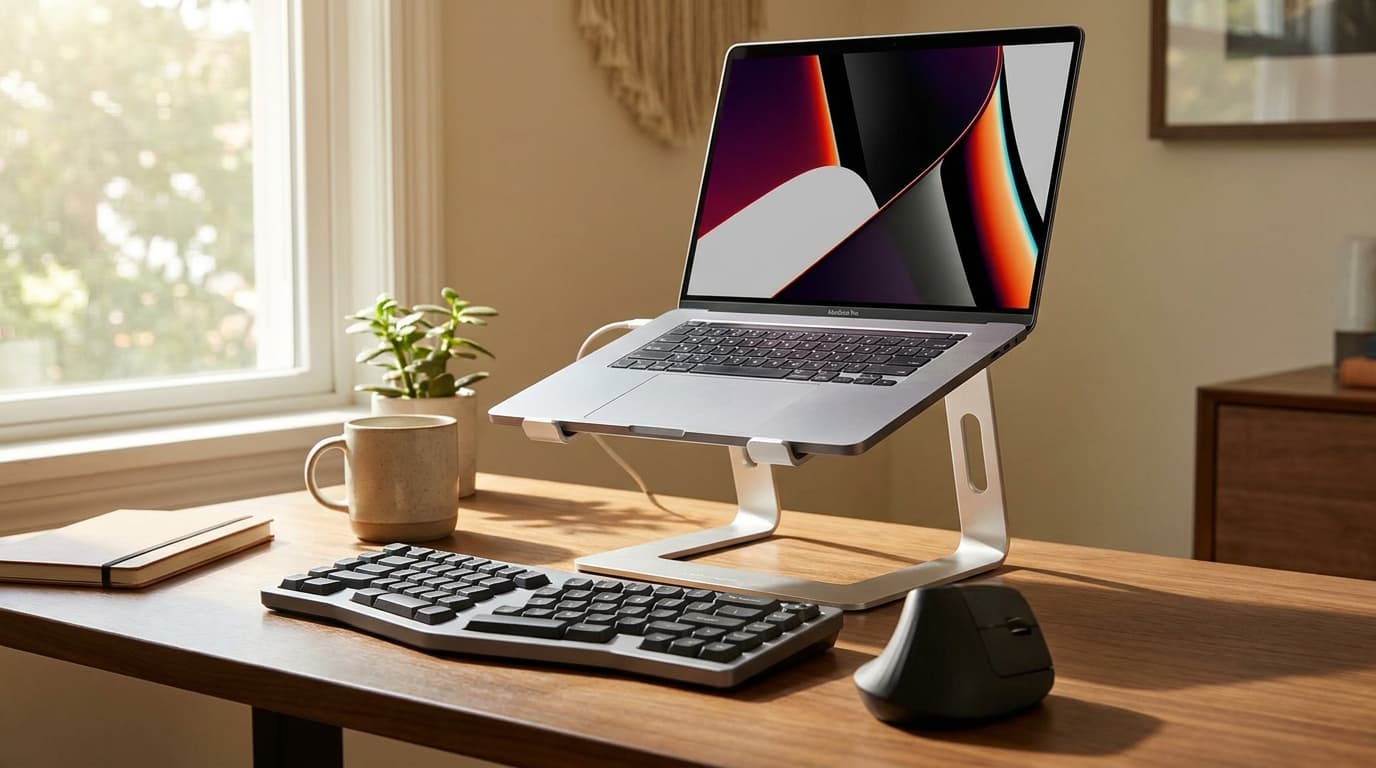
The stand is only half the upgrade: a $30 mechanical keyboard plus a basic wireless mouse turns a $40 stand into a complete ergonomic upgrade. Skip either one and the upgrade is incomplete.
Frequently asked questions
Do I really need a laptop stand? If you work from a laptop more than two hours a day, yes. Cornell Ergonomics Lab notes that notebook computer use without elevation creates a sustained neck flexion of 20-40 degrees, which is the primary contributor to WFH neck and shoulder pain. A stand fixes that - but only if paired with an external keyboard.
Roost vs Rain Design mStand - which one? Roost if your laptop moves between locations or if you're tall enough to need more than 6 inches of lift. mStand if your laptop never leaves the desk and you want zero moving parts.
Can I use a laptop stand without an external keyboard? It's a downgrade, not an upgrade. The screen is now at the right height but the keyboard is at the wrong one - your hands and shoulders pay the cost. Always pair a stand with an external keyboard and mouse.
Does a laptop stand help with overheating? Mostly yes. Open-frame stands (Roost, Rain Design mStand) keep airflow under the chassis. Solid risers don't. For high-thermal MacBook Pros, prefer an open-frame design.
What height should my laptop stand be? Cornell guidance: top of screen at or 0-2 inches below eye level when sitting upright. For most adults at a 29-inch desk that translates to roughly 6-7 inches of laptop lift, depending on torso height and laptop size.
Are cheap plastic risers ever fine? For ultra-light laptops in stationary use, occasionally. For anything heavier than a MacBook Air, the flex under typing pressure is a real problem that gets worse over time. Spend $30 minimum and get something with a metal frame.
Should I get an adjustable arm-mounted stand instead? Laptop arms exist (Vivo, Wali) but they're heavy, occupy desk-clamp space, and overcomplicate a problem a $40 fixed stand solves. Skip them unless you have a specific reason to float the laptop.
Bottom line
For most full-time remote workers, the right answer is the Roost Laptop Stand V3 if you carry a laptop between locations, or the Rain Design mStand if you're in a fixed-desk Mac setup. The Lamicall is the budget pick when you're testing whether a stand helps at all. Pair any of them with an external keyboard and mouse - without that, the upgrade does nothing.
For the ergonomics setup that actually prevents Year 1 back pain, see our guide on the 5 WFH setup mistakes that wreck your back. For the keyboard and mouse to pair with your new stand, see our best mechanical keyboards for WFH and best WFH mice guides.
Your next step
A raised laptop needs an external keyboard.
Hilly Shore Labs
Editorial TeamWFH Lounge is published by Hilly Shore Labs. Every recommendation is built by synthesizing ergonomic research, manufacturer specs, expert reviews from outlets like Wirecutter, RTINGS, and The Verge, and aggregated long-term owner sentiment from thousands of verified buyers.
All product reviews are independently researched. Our recommendations are based on ergonomic guidelines, manufacturer specifications, and verified buyer sentiment. See our methodology.