Best Standing Desks for Home Office 2026: 7 Picks $350+
Our #1 Pick
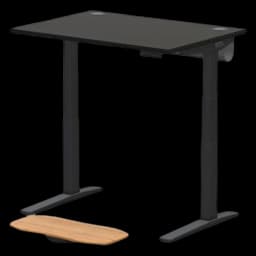
UPLIFT V3 Standing Desk
Dual-motor, 355lb capacity, anti-collision detection, and a programmable keypad for 4 height presets. The best standing desk under $500 that doesn't wobble at standing height.
- Lowest minimum height at 22.6" — fits users from 4'11" to 6'5"
- 355 lb capacity handles any dual-monitor WFH setup
- 15-year warranty covers frame, motors, and electronics
Price checked Sep 19, 2026 — verify the live price on Amazon.
Also Great
Premium pick: Uplift V2 Commercial ($900) — Best-in-class stability, lifetime warranty, massive customization options
Budget entry: Vari Electric Standing Desk ($595) — No-assembly design, ships fully built — best if you want it working in 5 minutes
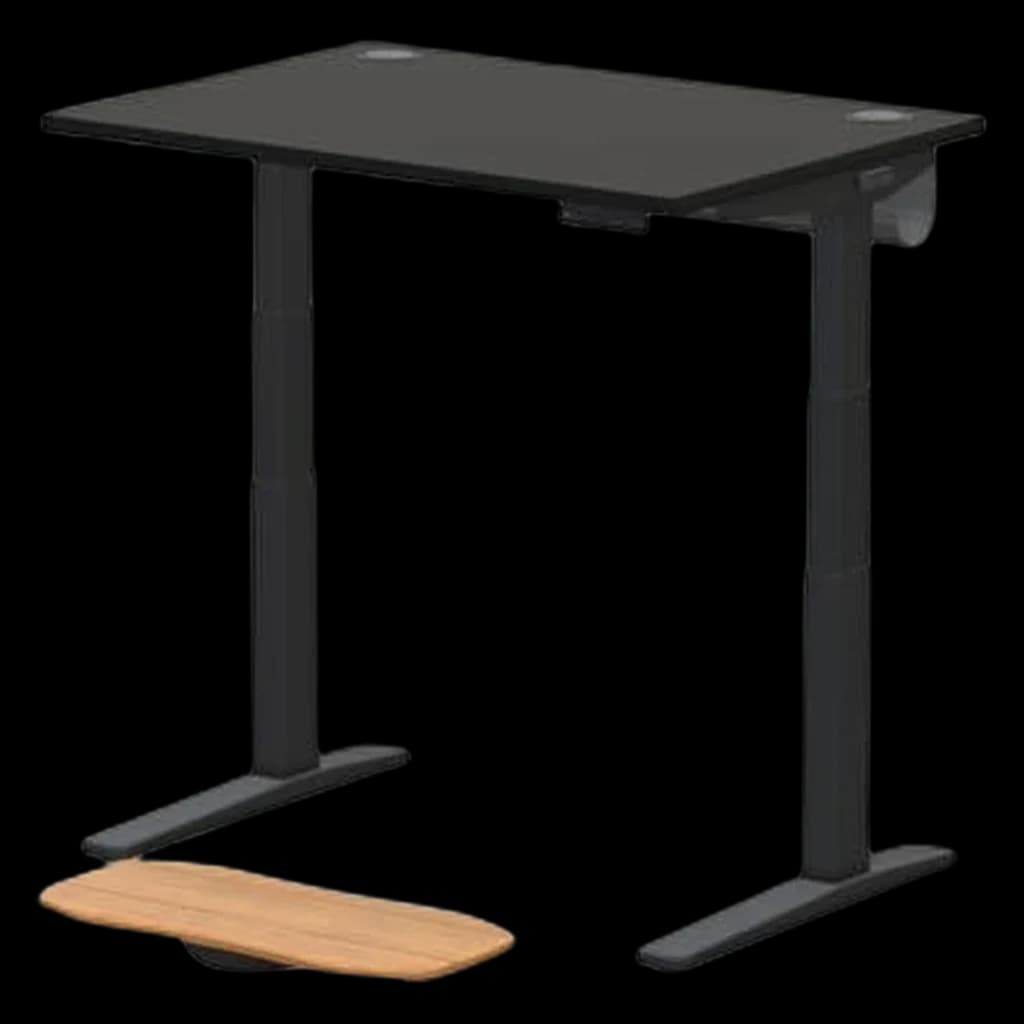 #1 4.6 |  #2 4.5 | 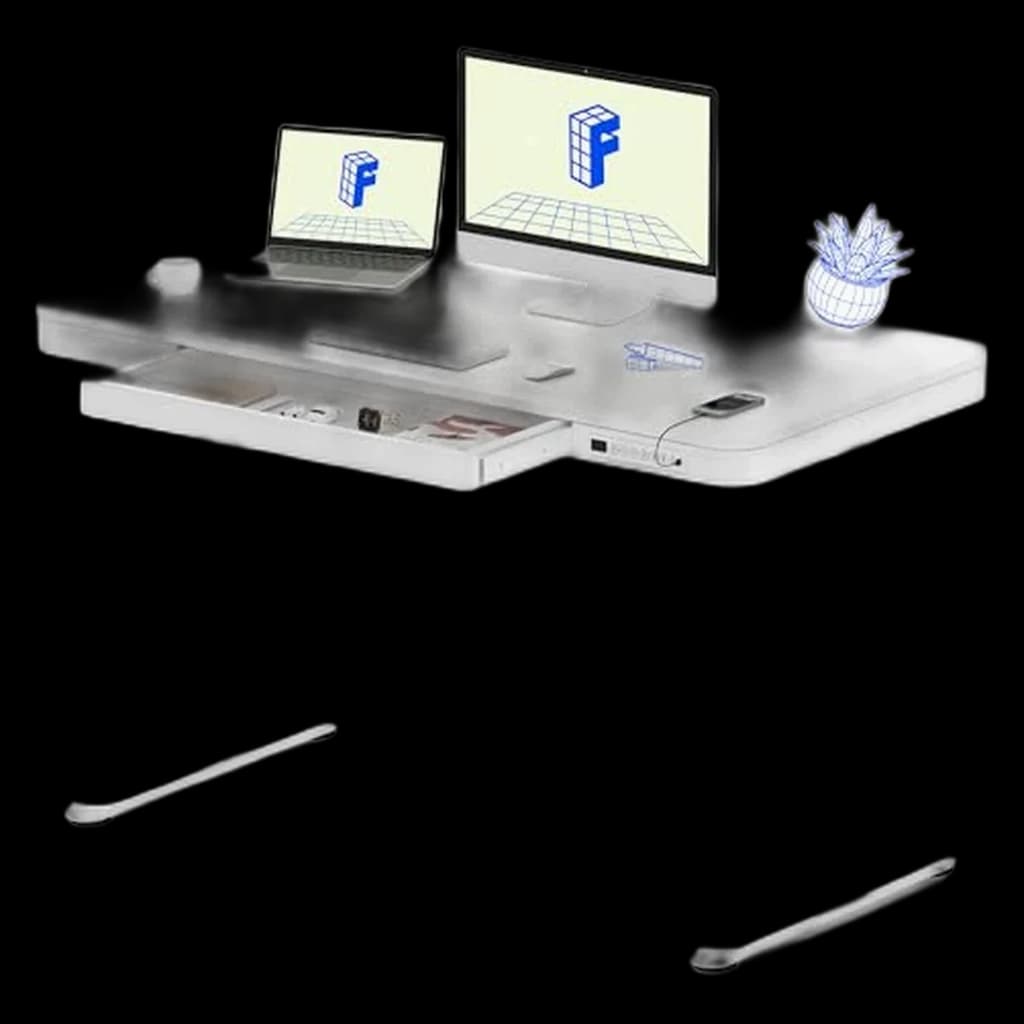 #3 4.4 | 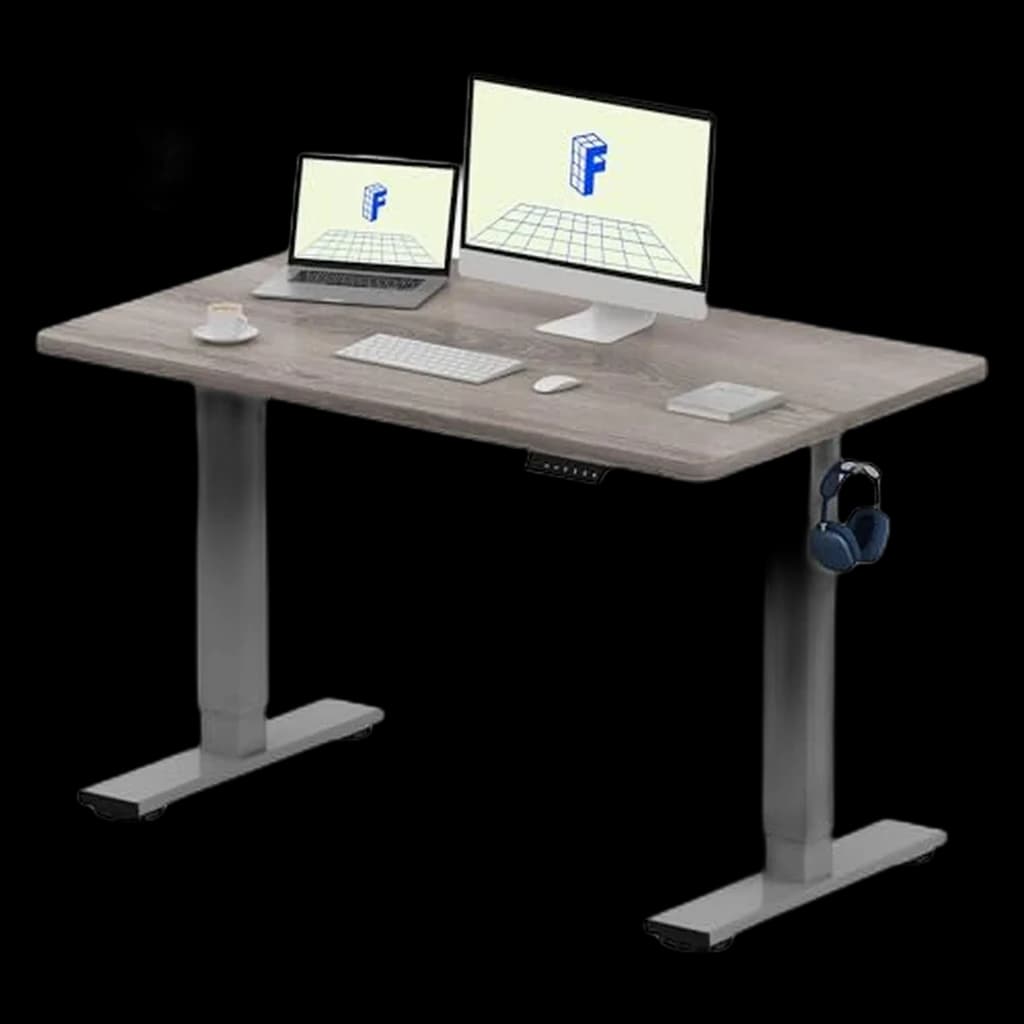 #4 4.5 | 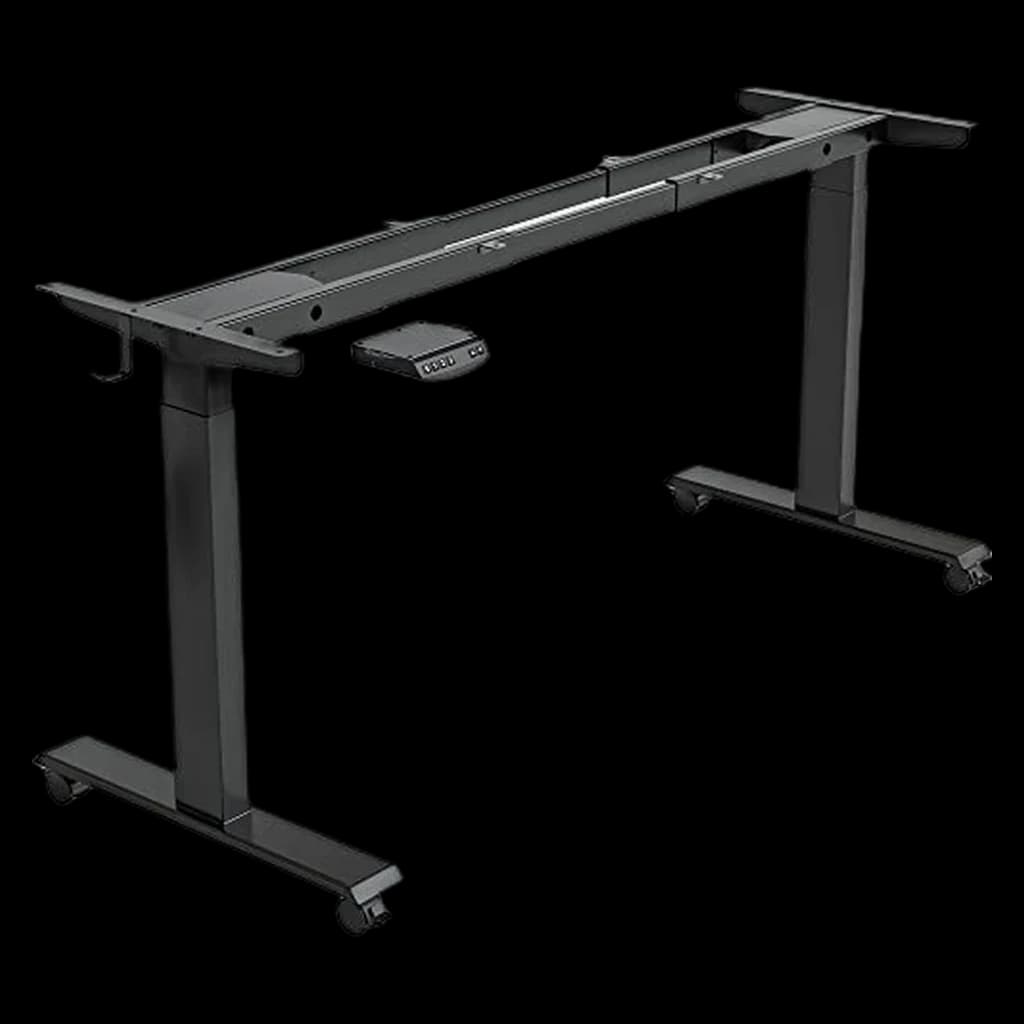 #5 4.5 | |
|---|---|---|---|---|---|
| Price | $648Buy on Amazon | $469.99Buy on Amazon | $239.99Buy on Amazon | $169.99Buy on Amazon | $109.99Buy on Amazon |
| Verdict | Most stable WFH desk at standing height with 15-year warranty | Best dual-motor value — commercial-grade specs under $500 | Best all-in-one — desktop, drawer, and USB charging built in | Most affordable dual-motor desk — solid starter for WFH budgets under $350 | Best corner desk option — triple motor prevents L-shaped torque wobble |
| Buyer sentiment | Quality Sturdiness Assembly Adjustability Buyers praise quality, sturdiness, assembly and adjustability. Based on 52 user mentions | Quality Appearance Value for money Functionality Buyers praise quality, appearance, value for money and functionality. Based on 292 user mentions | Assembly Quality Functionality Sturdiness Buyers praise assembly, quality, functionality and sturdiness. Based on 1,138 user mentions | Quality Sturdiness Assembly Value for money Buyers praise quality, sturdiness, assembly and value for money. Based on 664 user mentions | Assembly Quality Value for money Adjustability Buyers praise assembly, quality, value for money and adjustability. Mixed feedback on stability. Based on 3,805 user mentions |
| height_range | 22.6" - 48.7" | 22.8" - 48.4" | 28.3" - 47.6" | 28" - 47.6" | 27.5" - 47.2" |
| weight_capacity | 355 lbs | 355 lbs | 110 lbs | 154 lbs | 330 lbs |
| motor | Dual | Dual (3-stage) | Single | Single | Triple |
| preset_memory | 4 presets | 4 presets | 4 presets | 4 presets | 4 presets |
| noise_level | <48 dB | <45 dB | — | — | — |
| warranty | 15 years | 15 years | 5 years | 5 years | — |
| storage | — | — | Built-in drawer | — | — |
| usb_charging | — | — | USB-A + USB-C ports | — | — |
| shape | — | — | — | — | L-shaped corner |
| Pros |
|
|
|
|
|
| Cons |
|
|
|
|
|
* Prices checked Sep 19, 2026 and may vary. Check the latest price on Amazon.
We research — never hands-on. How we research →
Key Takeaways
Seven electric standing desks ranked for WFH in 2026. FlexiSpot E7 Pro is the top pick, Uplift V3 the premium winner. Stability compared.

As an Amazon Associate I earn from qualifying purchases. Product prices and availability are subject to change.
Electric standing desks have become the WFH default in 2026. Prices have dropped — a solid dual-motor sit-stand desksit-stand deskA desk whose surface raises and lowers (electric or crank) so you can alternate sitting and standing through the day. Cornell ergonomics research recommends ~30-min sitting / ~10-min standing / ~2-min walking cycles, not all-day standing. with a 60-inch laminate top now runs $350–$500, down from $700+ five years ago. This guide ranks the seven desks that consistently hold up over 2+ years of daily WFH use, with picks across budget, mid-tier, and premium tiers. For the full "what to look for" framework, see our standing desk buying guide.
We're a research-based site — we don't hands-on test every desk. We synthesize Wirecutter, RTINGS, The Wirecutter's long-term retests, and Reddit r/StandingDesks owner threads at the 1-year and 2-year marks. Every pick on this list had to clear three bars:
- Dual-motor lift — single-motor desks rack and fail faster
- 250 lb+ weight capacity
- 4+ star average at 100+ verified long-term reviews
How to Pick a Standing Desk
Before the picks, know what matters:
- Dual motors — single-motor desks are $50 cheaper and a decade less reliable. Skip them.
- Height range — 24"–50" covers users 5'0" to 6'6". If you're outside that, check the desk's stated range.
- Weight capacity — 250 lb minimum for a single monitor; 350 lb if you're running dual monitors + a monitor arm + a heavy desktop.
- Memory presets — programmable buttons for sit/stand positions. Non-negotiable if you'll actually alternate (nobody adjusts a manual dial mid-day).
- Collision detection — stops the desk if it hits a chair or a drawer. Worth the $20 upcharge.
- Top material — laminate is cheaper and more durable for spills; bamboo looks nicer and resists scratches better; solid wood is premium but heavier.
- Warranty — 5-year minimum on motors, 10-year on frame.
Our Top Picks
1. FlexiSpot E7 — Best Overall Value ($400–$500)
The E7 is the Corolla of standing desks — not flashy, but the right set of trade-offs at the right price. Dual motors, 48"–48.4" top range, 355 lb capacity, three memory presets, collision detection, and a 15-year frame warranty. FlexiSpot has become the volume leader in the category and owner reviews at the 2-year mark show consistently high satisfaction. The laminate top is fine; upgrade to the bamboo if you want a nicer surface.
- Good for: Most WFH buyers. 90% of people should buy this one.
- Not good for: Users over 6'2" (check the max height spec against your standing elbow height).
2. Uplift V3 — Best Premium Desk ($700–$900)
The Uplift V3 is the upgrade pick for people who want the best sit-stand experience without going full commercial. Dual motors, 25.3"–50.9" range (widest in the category), 355 lb capacity, advanced keypad with 4 presets and child lock, and a 15-year all-inclusive warranty. Uplift's bamboo top finish is noticeably better than FlexiSpot's, and their wire management kit is the cleanest we've seen for a consumer desk. Wirecutter's long-standing top pick.
- Good for: People willing to spend for quality, very tall users (50.9" max), and anyone who cares about the cable management story.
3. Vari Electric Standing Desk — Best Quick Setup ($595–$795)
Vari (formerly VariDesk) ships pre-assembled in 5 minutes — the desktop arrives pre-attached to the frame. For renters and people who hate furniture assembly, that's worth real money. Dual motors, 25"–50.5" range, 200 lb capacity (lower than the FlexiSpot/Uplift), four memory presets. The weight capacity is the main compromise.
- Good for: Renters, people with assembly trauma, single-monitor setups.
- Not good for: Heavy dual-monitor setups (200 lb cap gets thin once you add a desktop tower).
4. Branch Standing Desk — Best Design-Forward Pick ($599)
Branch took an Uplift-like platform and made it look like furniture you'd actually keep in a shared apartment living room. Dual motors, 27.5"–47.5" range, 275 lb capacity, four memory presets, and powder-coated frames in several colors (white, black, fog grey) that actually look good. Owner reviews praise the aesthetics and the quiet motors.
- Good for: Apartment WFH setups where the desk is visible from the rest of the home.
5. Jarvis Bamboo by Fully (Herman Miller) — Best Brand Trust ($550–$850)
Fully was acquired by Herman Miller in 2020 and the Jarvis is now the Herman Miller entry-point standing desk. Dual motors, 24.5"–50" range, 350 lb capacity, programmable keypad, and the bamboo top finish is genuinely premium. Longest-running model in this category — the Jarvis has been a Wirecutter favorite since 2016 — which means the long-term reliability data is the deepest on this list.
- Good for: Buyers who want Herman Miller backing at a reachable price.
6. IKEA Bekant / Trotten — Best Budget Pick ($250–$400)
The Bekant is IKEA's entry-level electric standing desk at $400; the Trotten is the manual-crank version at $250. Both have limitations — Bekant has a single motor and 155 lb capacity, Trotten requires ~17 crank rotations per foot of height change — but they're the cheapest way to get a sit-stand desk that isn't a converter. For first-time WFH buyers on a tight budget, they're acceptable.
- Good for: First-year remote workers on a $500 total setup budget.
- Not good for: Long-term use. Plan to replace in 2–3 years.
7. Uplift V2 Commercial — Best Pro-Grade Desk ($999–$1,200)
If you're doing this for a decade, the V2 Commercial is the upgrade over the standard V2. Dual commercial-grade motors (quieter and faster), 24"–50.9" range, 535 lb capacity, advanced collision detection, and heavier-duty crossbars. The frame is engineered for 8-hour daily use in commercial offices — not that you need that at home, but the margin means it simply won't wear out.
- Good for: Pro WFH setups, multi-monitor setups with heavy desktops, buyers who hate replacing furniture.
Standing Desk FAQ
How much should I spend on a standing desk?
$400–$500 gets you a dual-motor, memory-preset desk that lasts 5–10 years (FlexiSpot E7, Vari, Jarvis). Under $400, you're sacrificing dual motors, weight capacity, or warranty — fine for short-term but not great long-term. Over $700, you're paying for finish quality and warranty, not fundamental function. Most remote workers get the best value in the $500–$700 tier.
Is a dual-motor standing desk actually worth it?
Yes, unambiguously. Single-motor desks have one shaft driving both legs with a chain or crossbar linkage, which racks under uneven load (heavy monitor on one side) and wears faster. Dual-motor desks have independent motors in each leg that run in sync via electronics — smoother lift, less wear, longer life. The $50–$100 premium pays for itself in year two.
What height range do I need?
Measure your elbow height standing with good posture — that's your ideal standing desk height, give or take an inch. Most adults 5'4"–6'0" are fine with a 24"–50" range. Taller users (6'2"+) should specifically check that the desk's max height reaches their standing elbow height. Shorter users (under 5'2") should check the minimum.
Do I need a standing desk if I have a regular desk?
Not necessarily — a $150 standing desk converter sitting on a regular desk gives you 80% of the sit-stand benefit at 25% of the cost. The downsides are added visual clutter, a wobbly top deck, and a permanent loss of some desk surface area. If you'll actually alternate sitting and standing multiple times a day, a proper standing desk is worth it. If you'd only stand occasionally, a converter is the smarter buy. See our best standing desk converters guide for picks.
How often should I stand during the workday?
Cornell Ergonomics Lab guidance is roughly 20 minutes sitting, 8 minutes standing, 2 minutes walking per half hour. In practice, most remote workers end up alternating in 30–60 minute blocks rather than tight intervals.
The key insight: the benefit comes from changing postures, not from standing specifically. Sitting all day is bad; standing all day is also bad; alternating is the point.
What about a compact standing desk for a small apartment?
Compact standing desks (48"–55" wide, 24"–26" deep) fit in most small apartments. See our full picks in best standing desk for small apartment. The FlexiSpot EN1 is the most-recommended compact pick, at 48" × 24" with a 154 lb capacity.
Products referenced in this guide
For quick reference, the products tied to this guide are the UPLIFT V3 Standing Desk ($648), the FlexiSpot E6 Bamboo Standing Desk ($329.99), the FlexiSpot Comhar EG8 ($199.99), and the FlexiSpot EN1 ($169.99).
Other products referenced here include the FEZIBO 40x24 Electric Standing Desk ($109.99).
The Bottom Line
- Most WFH buyers: the FlexiSpot E7 — the best balance of features, price, and long-term reliability.
- Want a meaningfully nicer desk: upgrade to the Uplift V3 with the bamboo top, if you have the budget.
- Hate assembly: get the Vari.
- On a tight first-year-remote budget: the IKEA Bekant is acceptable as a stopgap you'll replace in two years.
And if you're starting from scratch, don't forget the rest of the setup — see our Best WFH & Home Office Setup 2026 guide for the complete build-out across chair, monitor, and peripherals.
Related Guides
Your next step
Complete the standing setup.
Hilly Shore Labs
Editorial TeamWFH Lounge is published by Hilly Shore Labs. Every recommendation is built by synthesizing ergonomic research, manufacturer specs, expert reviews from outlets like Wirecutter, RTINGS, and The Verge, and aggregated long-term owner sentiment from thousands of verified buyers.
All product reviews are independently researched. Our recommendations are based on ergonomic guidelines, manufacturer specifications, and verified buyer sentiment. See our methodology.