What's the best WFH gear under your budget?
Pick a category, set a ceiling, and see every pick we rank that fits — with the price we last verified on Amazon. Ranked by our WFH Score, not by price.
5 picks in Monitors under $400
ranked by WFH Score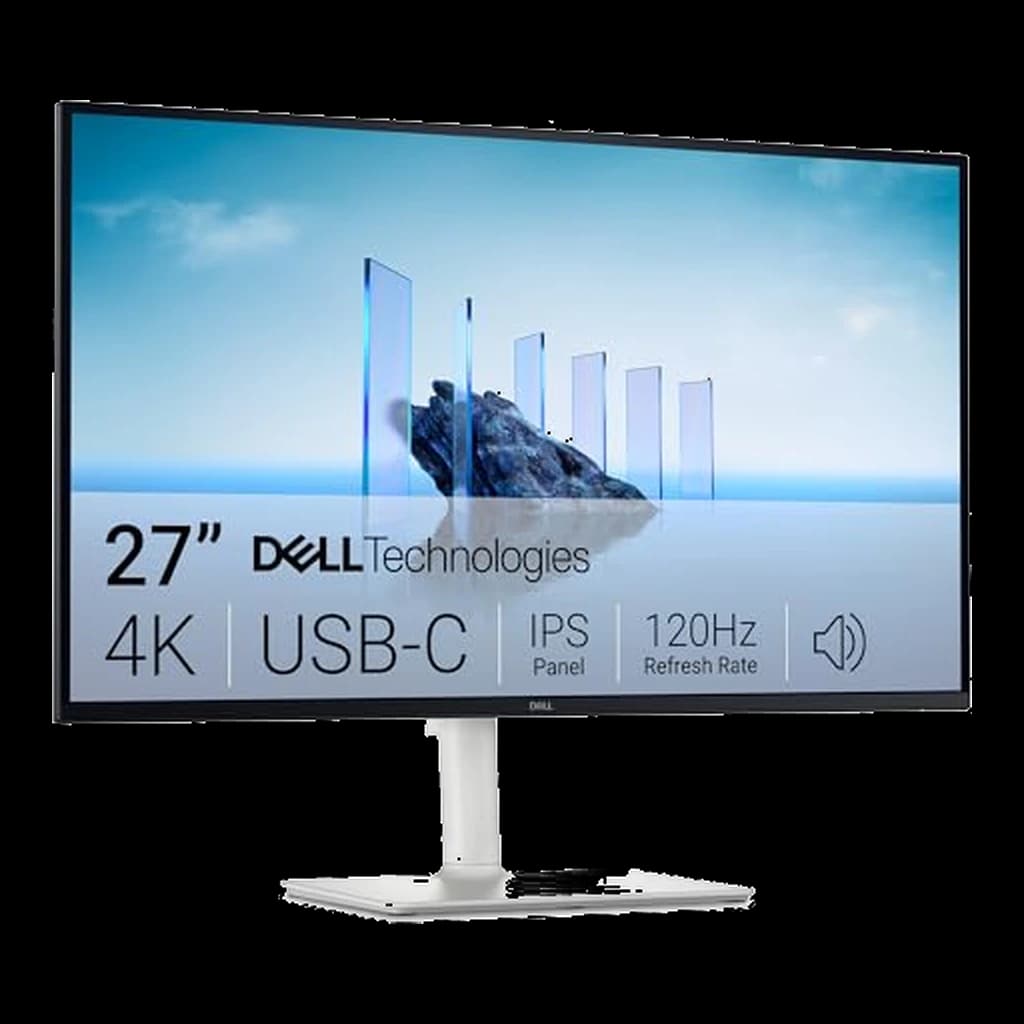 87#1 in MonitorsDell S2725QC 27" 4K USB-C 120Hz
4K, 120Hz, and 65W USB-C charging for about $300 — the value benchmark for 27-inch 4K.
$249.99 · 4.4★ · 911Check on Amazon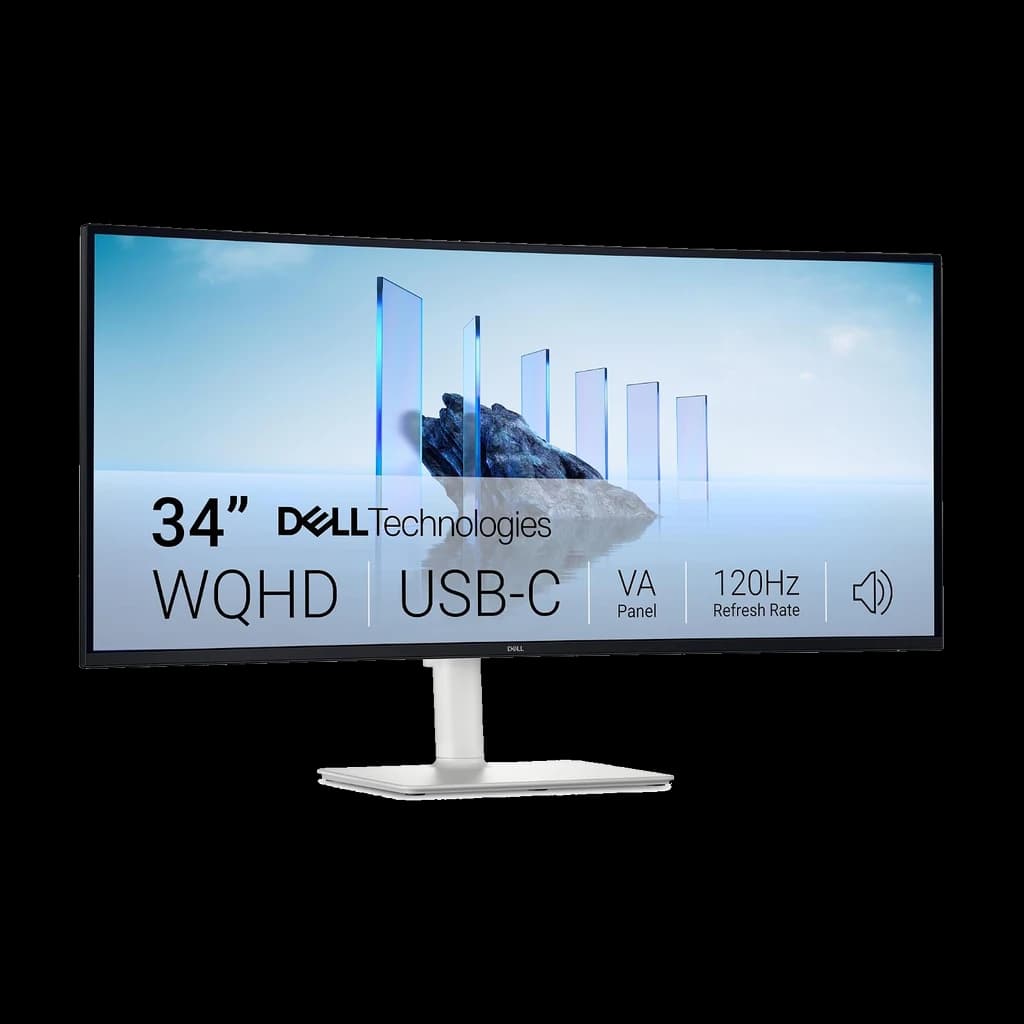 78#2 in MonitorsDell S3425DW 34" Curved
Best value ultrawide for most WFH desks — 120Hz curved VA with USB-C
$309.99 · 4.4★ · 648Check on Amazon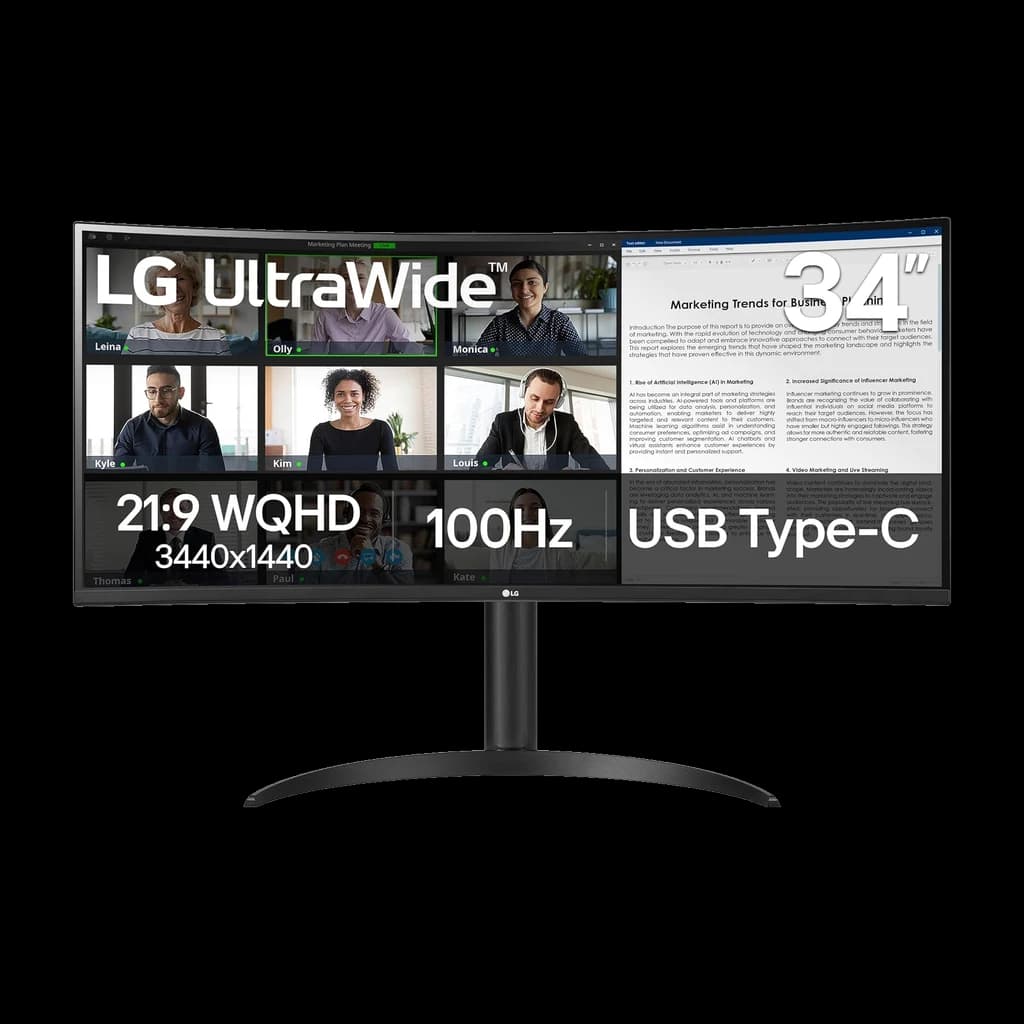 84#3 in MonitorsLG 34WR55QK-B 34" Curved UltraWide WQHD
The cheapest 34-inch ultrawide on this page, sold by Amazon for about $260 during its Black Friday sale: 3440 x 1440, USB-C with 65W charging and a height-adjustable stand. It runs at 100Hz rather than the Dell S3425DW's 120Hz, but adds a DisplayPort socket the Dell does not have.
$259.99 · 4.7★ · 258Check on Amazon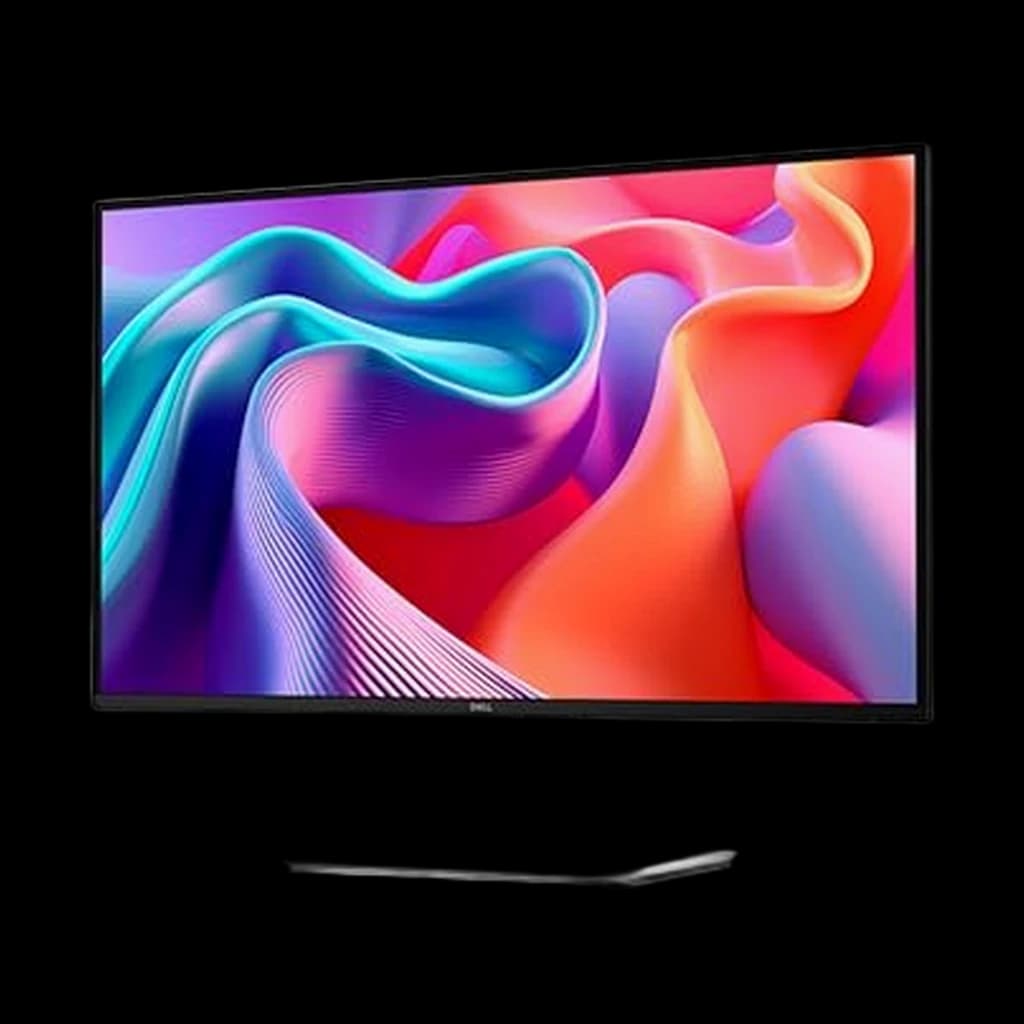 86#4 in MonitorsDell 27 Plus QHD S2725DSM 27" 144Hz
The budget seat on this page: a 27-inch 1440p IPS at 144Hz with a fully adjustable stand and Dell's TUV 4-star eye-comfort rating. It gives up USB-C and a hub to the pricier picks, so it suits a desktop or a laptop that already has a dock.
$159.99 · 4.6★ · 299Check on Amazon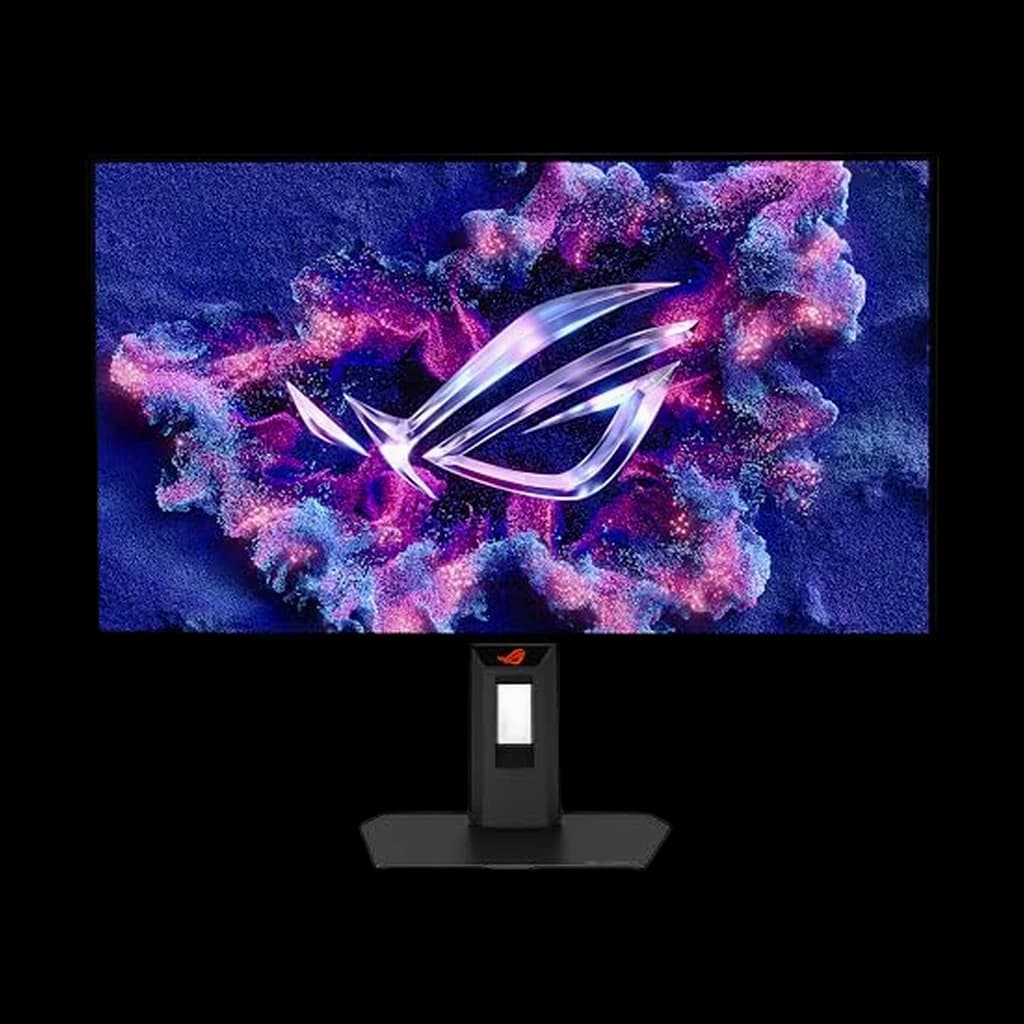 85#5 in MonitorsASUS ROG Strix OLED XG27AQDMG Gen 2 (XG27AQDMGR)
The pick for a desk that does focused work by day and gaming after hours: a glossy 1440p OLED at 240Hz with per-pixel contrast that IPS panels cannot match. It suits people who want OLED depth and fast motion more than the extra sharpness of 4K text.
$379 · 4.5★ · 180Check on Amazon
Prices are the ones we last verified and can move; the product page shows the current figure. Rankings come from the same research-backed scoring as our category pages — see how we score.