An external hard drive and an external SSD solve different problems, and buying the wrong one is the most common mistake in this category. An SSD is fast working storage - the disk you edit video from or run a project off. A hard drive is cheap bulk capacity, and its job is backup: the second copy that exists so a laptop failure is an inconvenience rather than a catastrophe. If you want speed, buy an SSD. If you want terabytes per dollar, buy what is on this page.
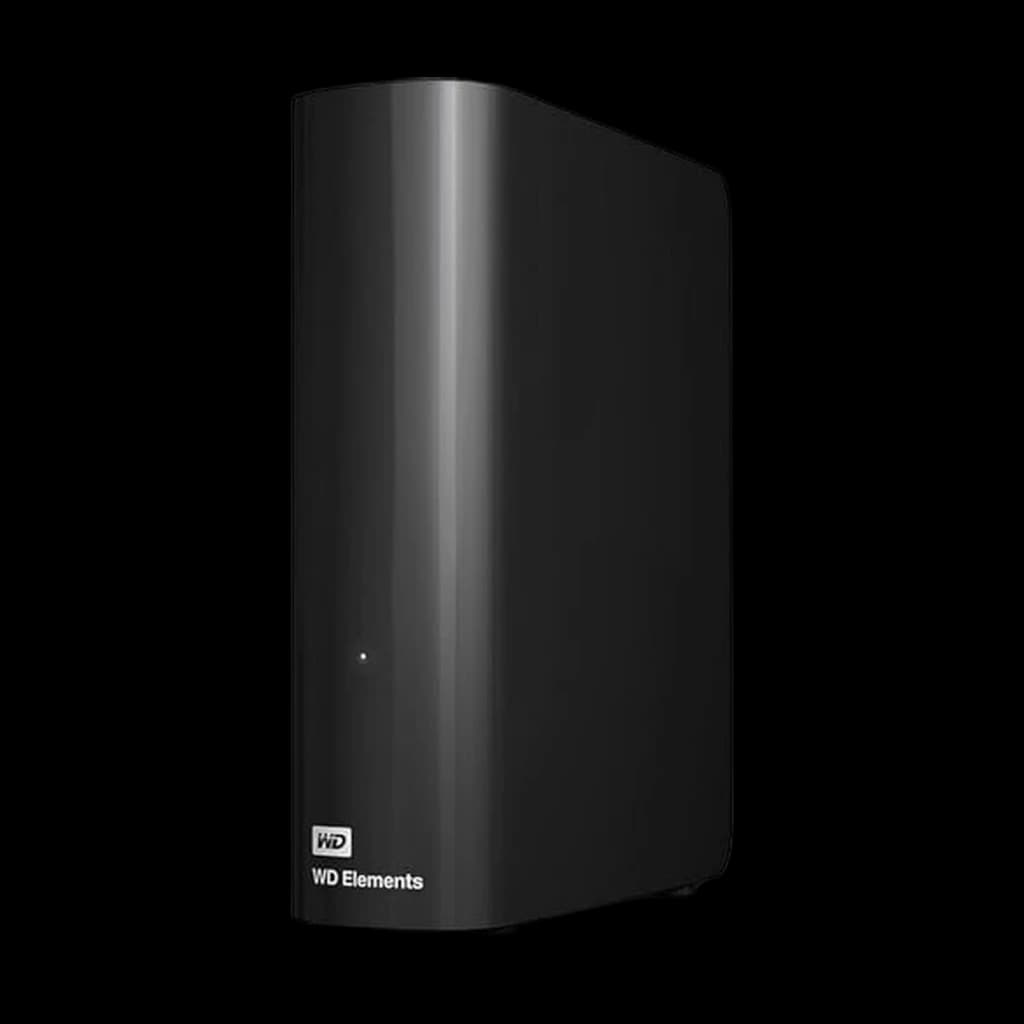
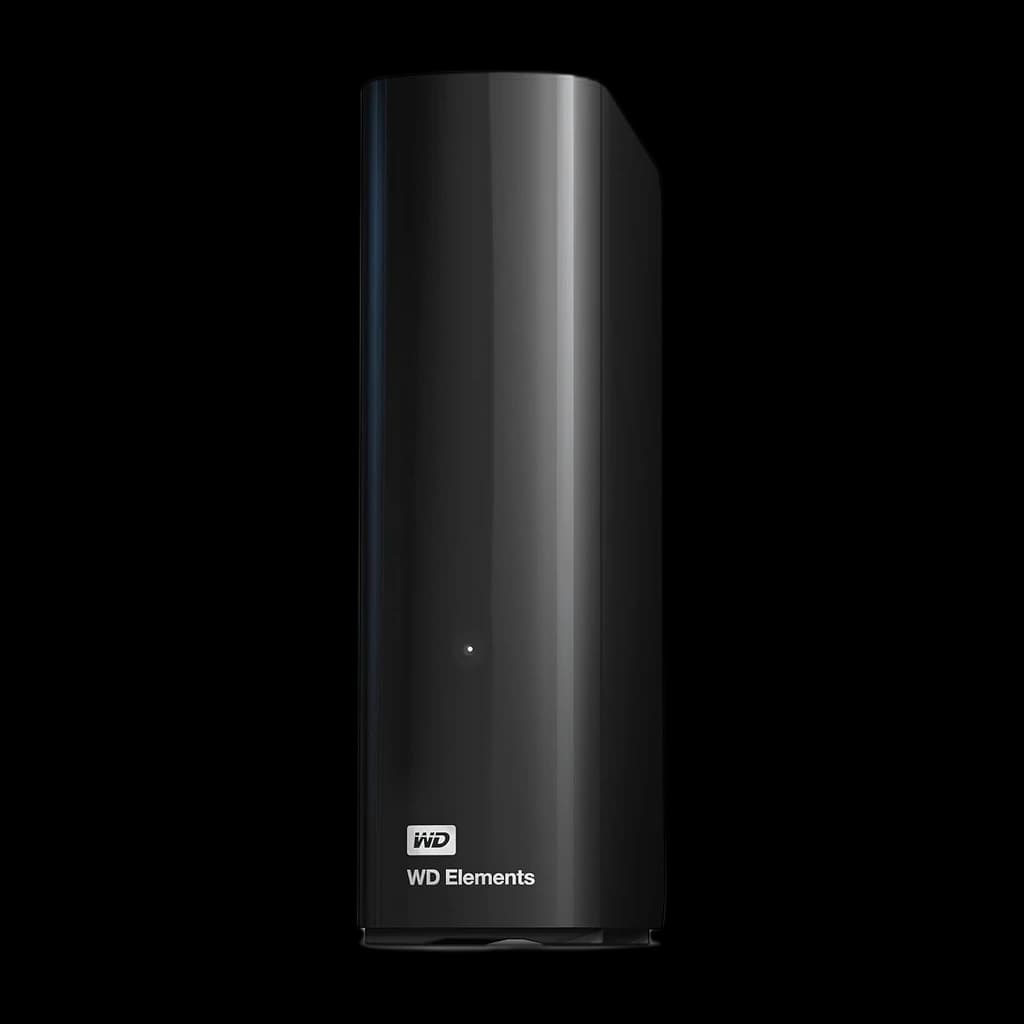
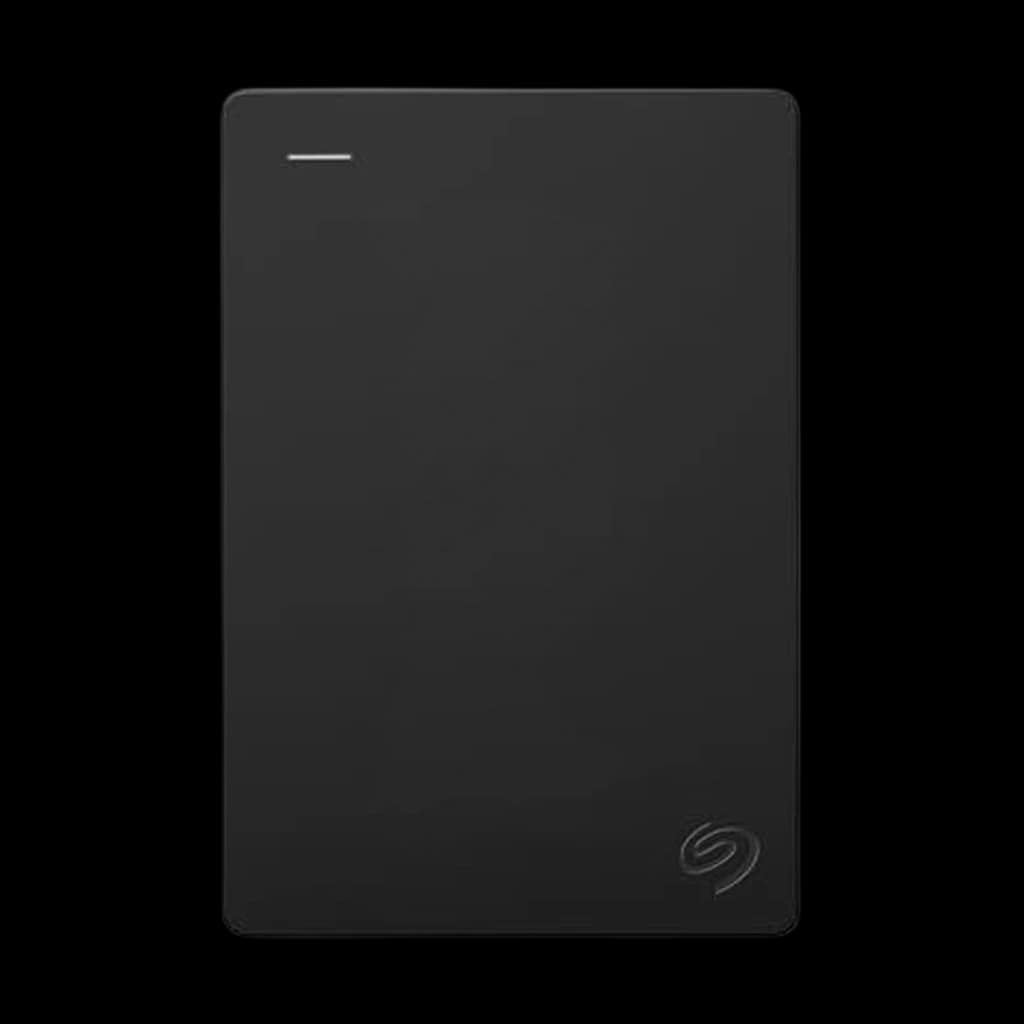
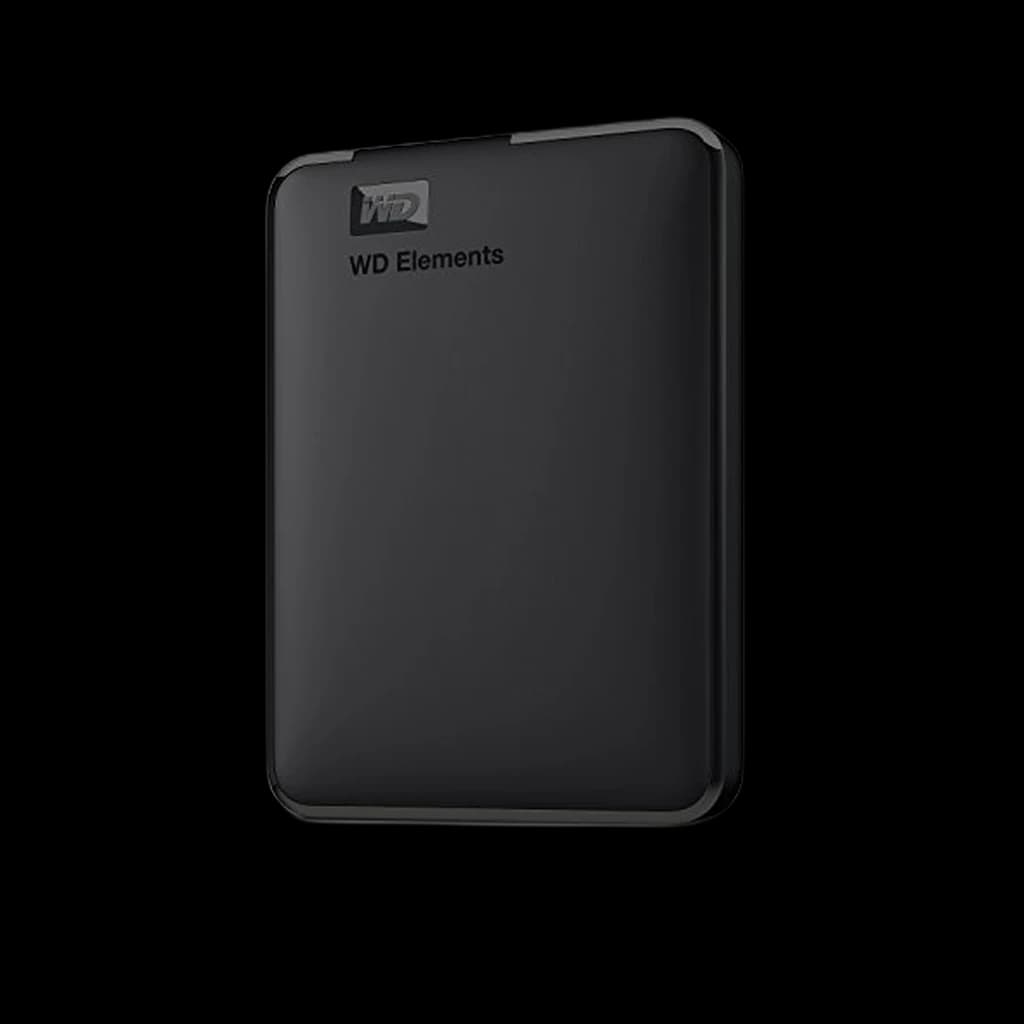
The first decision is portable versus desktop, and it is really a decision about power. A 2.5-inch portable drive runs from the USB cable alone - one cable, no adapter, goes in a bag. A 3.5-inch desktop drive needs a mains socket, but it holds more in one box: the WD Elements Desktop on this page is 8TB, a third more than the largest portable. Desktop drives have usually been the cheaper terabyte too, but at our October 2026 price check the 6TB WD Elements Portable came out cheaper per terabyte than the 8TB desktop drive, so do the sum on the day you buy.
The second decision is whether you need encryption. A backup drive holds a complete copy of your working life, and it is the single easiest thing in a home office to lose or have stolen. Drives with hardware encryption and password protection - WD's My Passport line, for example - cost a little more for a feature you will use exactly once, on the day it matters. For anyone handling client data under a contract, treat it as mandatory rather than optional.
A note on what we do not claim: we research these drives from manufacturer specifications and published documentation. We do not run sustained transfer benchmarks or failure testing, so where a speed or capacity figure is the manufacturer's, this page attributes it. Drive reliability in particular cannot be honestly assessed from a spec sheet - Backblaze's published failure statistics are the only large-scale public dataset worth consulting, and it is linked below.
 1
1