WFH Lounge · Best Picks

Best Macro Pads & Stream Decks for working from home

The best macro pads and stream decks for knowledge work in 2026 - a one-press mute button, automatic app-profile switching and meeting shortcuts. Ranked for home-office use rather than streaming, from the $150 Elgato Stream Deck MK.2 down to a $55 alternative.

The 30-Second Answer

The 15-key Elgato Stream Deck MK.2 is the right size for a home office. Spend more only for the dials on the Stream Deck +, not for more keys.

Top pick

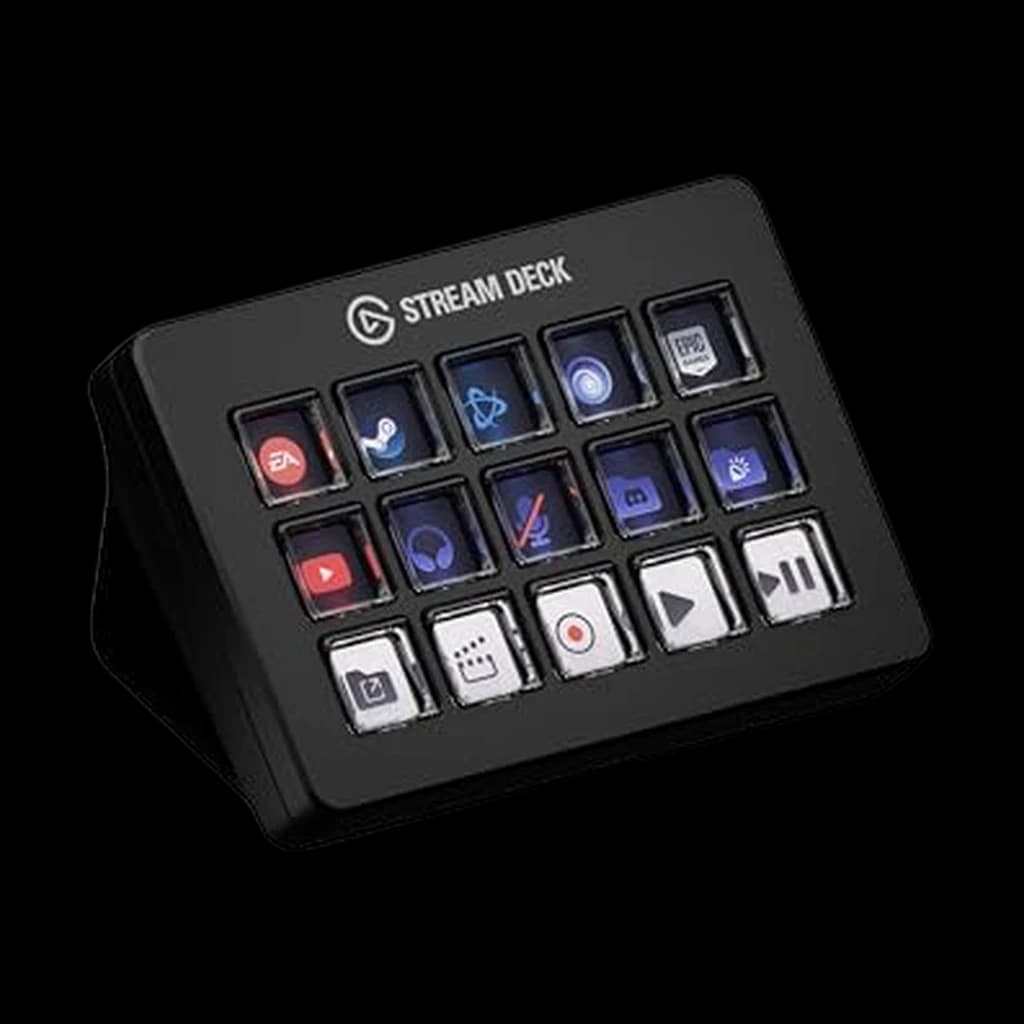
Elgato Stream Deck MK.2 (15 keys)

Fifteen keys is the sweet spot for meeting controls and app switching, and Elgato's Smart Profiles - which swap the whole layout per application - are what the cheaper alternatives cannot match.

Buy on Amazon

Value pick

Logitech MX Creative Console

Nine keys, two analogue controls and three months of Adobe Creative Cloud included - the best hardware-plus-software package per dollar here.

Buy on Amazon

Budget pick

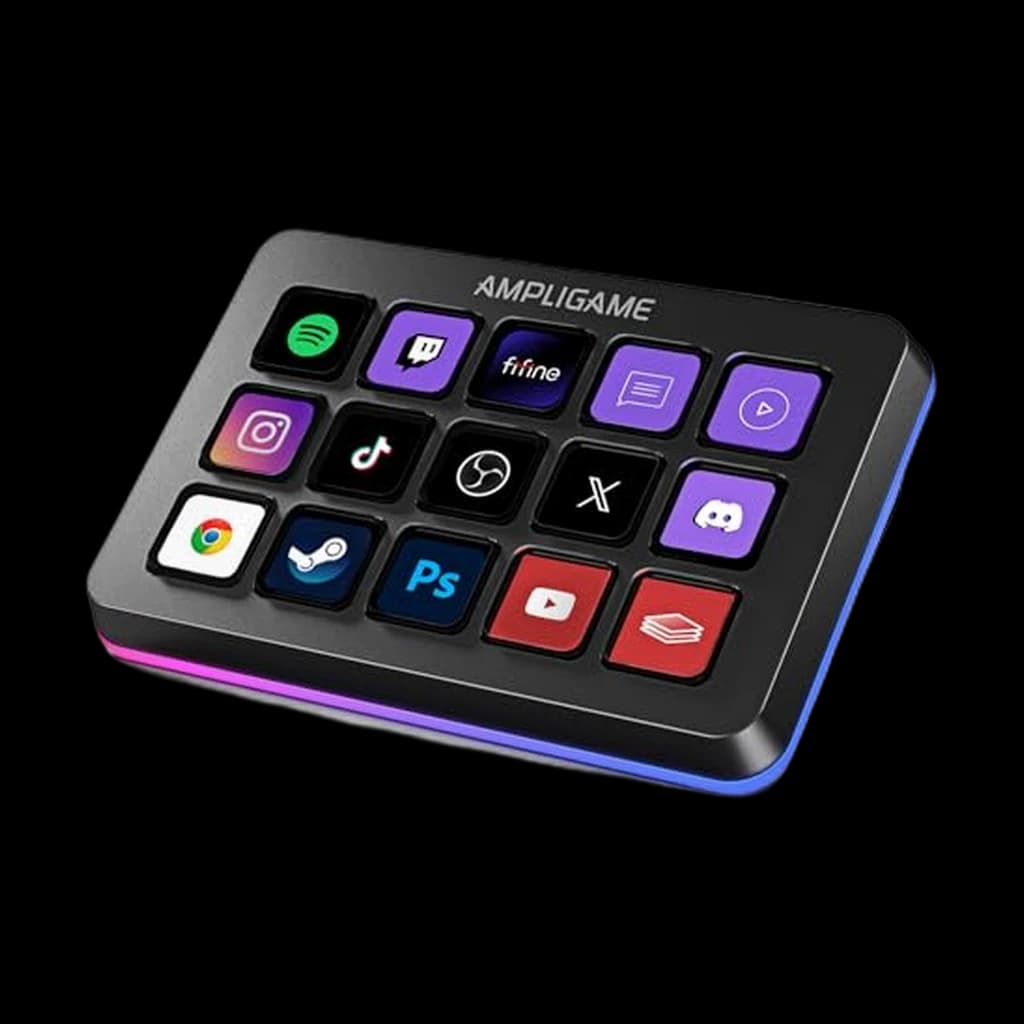
FIFINE AmpliGame Stream Controller (15 keys)

The same key count as the Elgato MK.2 at a third of the price - the cheapest honest way to test whether a macro pad suits how you work.

Buy on Amazon

Skip this

The original Elgato Stream Deck 'Classic' (ASIN B06W2KLM3S) and unbranded 32-key decksThe Classic is still listed on Amazon at around $225 under a title that states it is discontinued and no longer supported by Elgato - more than the current 15-key MK.2 costs, for a device that has reached end of support. Separately, the category is full of near-identical 32-key panels from brands that appear and vanish; the hardware is often fine, but a macro pad is only as good as the software maintaining it, and abandoned software turns the device into a paperweight.

Spec
Elgato Stream Deck XL (32 keys)#4
#4👑 Premium Pick
Elgato Stream Deck XL (32 keys)
0
Elgato Stream Deck + XL#5
#5👑 Premium Pick
Elgato Stream Deck + XL
0
ULANZI D200H 7-in-1 Hub Deck#6
#6💰 Best Budget
ULANZI D200H 7-in-1 Hub Deck
0
Buy
Meeting & mute control
94
Software depth
96
Keys/dials for money
84
Build & footprint
86
Value at live price
84
Meeting & mute control
96
Software depth
96
Keys/dials for money
78
Build & footprint
80
Value at live price
80
Meeting & mute control
74
Software depth
84
Keys/dials for money
84
Build & footprint
88
Value at live price
86
Meeting & mute control
90
Software depth
96
Keys/dials for money
72
Build & footprint
62
Value at live price
66
Meeting & mute control
92
Software depth
96
Keys/dials for money
76
Build & footprint
48
Value at live price
54
Meeting & mute control
66
Software depth
54
Keys/dials for money
82
Build & footprint
74
Value at live price
88
Meeting & mute control
68
Software depth
44
Keys/dials for money
88
Build & footprint
70
Value at live price
90
Keys15 customisable LCD keys8 customisable LCD keys9 customisable keys32 customisable LCD keys36 macro keysCustomisable LCD macro keys15 customisable LCD macro keys
DialsNone4 rotary dialsControl dial plus navigation rollerNone6 multifunction dialsNone
ConnectionUSB-C, wiredUSB-C, wiredUSB-C, wiredUSB-C, detachable cableUSB-C, wiredUSB-CUSB, wired
SoftwareStream Deck app for Windows and macOSStream Deck app, Wave Link integrationLogi Options+ / MX Creative Console appStream Deck app for Windows and macOSStream Deck appFIFINE stream controller software
ProfilesSmart Profiles, auto app switching
Best forThe standard home-office control surfaceAnyone constantly adjusting call and system volumeAdobe and video editing workflowsComplex multi-application workflowsStudio and production work, not a typical home officeA desk that needs ports and shortcuts and has room for one deviceTrying the concept before committing to an Elgato
Touch stripYesExpanded touch strip display
Included3 months Adobe Creative Cloud (mfr. stated)
Dock7-in-1 with SD and microSD readers (mfr. stated)
Power delivery100W pass-through (mfr. stated)
LightingRGB ring

* Prices checked Jul 28, 2026 and may not reflect current rates. As an Amazon Associate I earn from qualifying purchases.

As an Amazon Associate I earn from qualifying purchases. Product prices and availability are subject to change.

What Remote Workers Actually Say

Our WFH Score for this category weights meeting and mute control at 25 points, software depth (profiles, plugin ecosystem, ongoing support) at 25, keys and dials for the money at 20, build and desk footprint at 15, and value at the live price at 15. It is scored from published specifications and software documentation, not from timed productivity testing, which we do not run. The result inverts the usual ranking: the 36-key flagship scores 48 on desk footprint and finishes fifth, while the 15-key MK.2 tops the category at 90.

The recurring theme in r/productivity and r/HomeOffice threads is that people buy these for elaborate automation and end up using them for four things: mute, camera on/off, joining the current meeting, and switching applications. The most repeated concrete advice is to start with the smallest model, because unused keys are the normal outcome. The most repeated warning is that the value is in the software - several threads note that people who bought a cheaper alternative to save money replaced it with an Elgato within a few months, which makes the cheap unit the more expensive path.

Community favorites

  • Elgato Stream Deck MK.2Smart Profiles change the entire key layout automatically when you switch application, so fifteen physical keys behave like many more
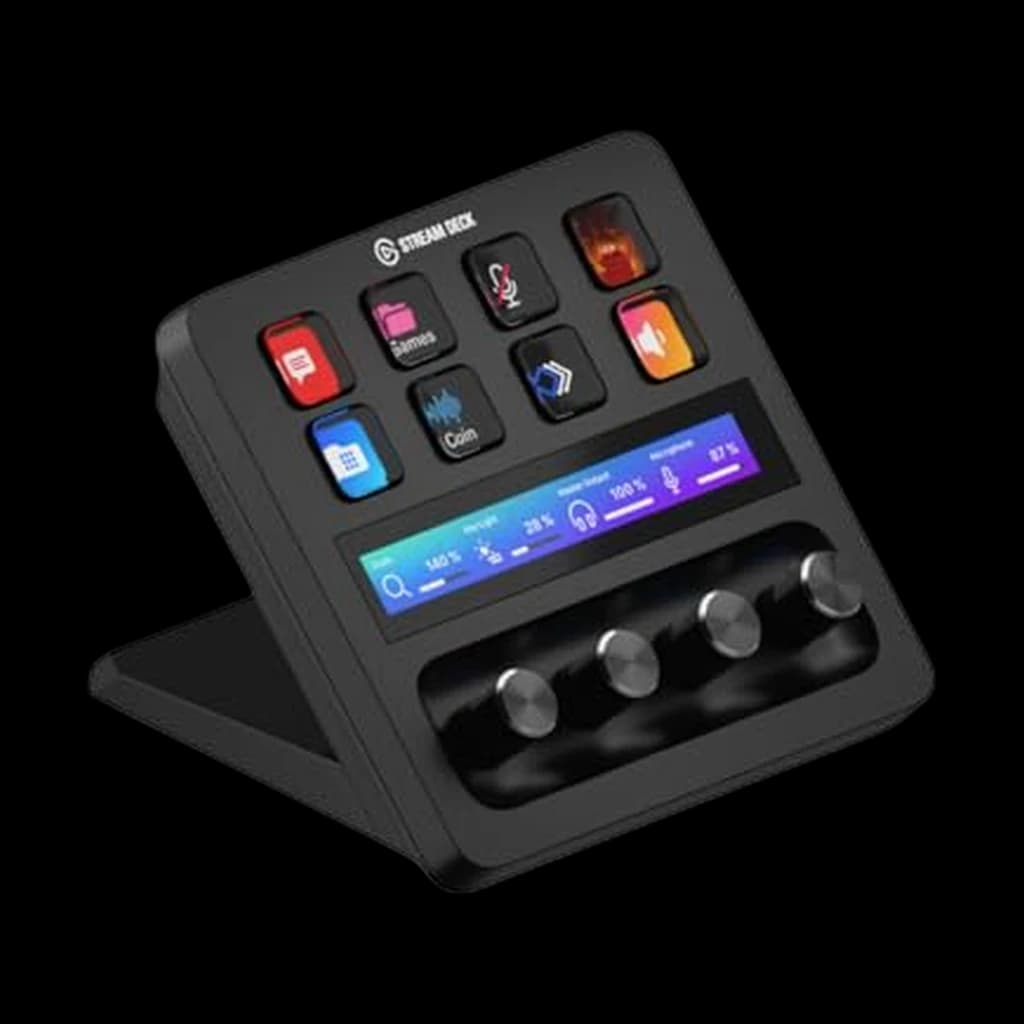
  • Elgato Stream Deck +Four dials make per-application volume a physical control - the single best argument for spending above the MK.2
  • Logitech MX Creative ConsoleThe Loupedeck technology under Logitech, with deeper Adobe integration than Elgato and three months of Creative Cloud included

Commonly warned against

  • Elgato Stream Deck Classic (B06W2KLM3S)Listed around $225 under a title stating it is discontinued and no longer supported by Elgato - more than the current, supported 15-key model costs
  • 32-key decks from brands with no software track recordThe hardware is the easy part. A macro pad whose vendor stops updating its software becomes unusable after an OS update

The full ranking

My budget
up to $350
Showing 7 of 7
Elgato Stream Deck MK.2 (15 keys)1

Elgato Stream Deck MK.2 (15 keys)

The right size for actual work. Fifteen keys is enough for every meeting control, app switch and snippet you will genuinely use daily, and not so many that half sit empty. The software is the real product here - Elgato's plugin ecosystem is why this is the default recommendation rather than any hardware advantage.

$149.99 Buy on Amazon
Elgato Stream Deck +2

Elgato Stream Deck +

The one to buy if you touch volume all day. Four dials handle system volume, call volume, microphone gain and whatever else you assign - and a physical dial for the volume of the person talking is a genuinely better interface than any on-screen slider.

$179.99 Buy on Amazon
Logitech MX Creative Console3

Logitech MX Creative Console

The Loupedeck successor, and the pick if your day is Adobe rather than meetings. Logitech bought Loupedeck and folded the technology into the MX line; the app integrations are deeper for creative tools than Elgato's, and it is the only unit here that ships with Adobe Creative Cloud time included.

$184.50 Buy on Amazon
Elgato Stream Deck XL (32 keys)4

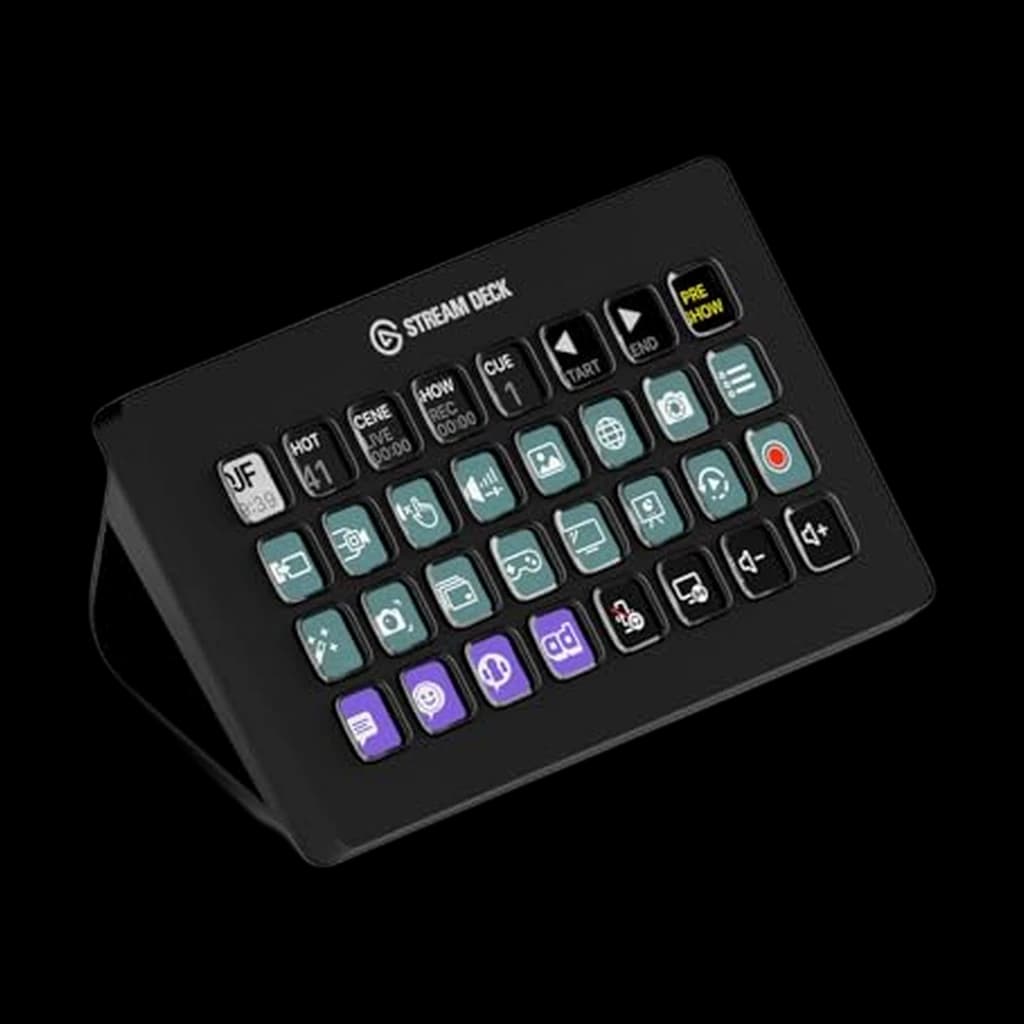
Elgato Stream Deck XL (32 keys)

👑 Premium Pick

Thirty-two keys is more than a home office needs, and that is the honest assessment. It makes sense for one specific person: someone running a genuinely complex set of tools who wants every control visible at once rather than nested behind folders.

$229.99 Buy on Amazon
Elgato Stream Deck + XL5

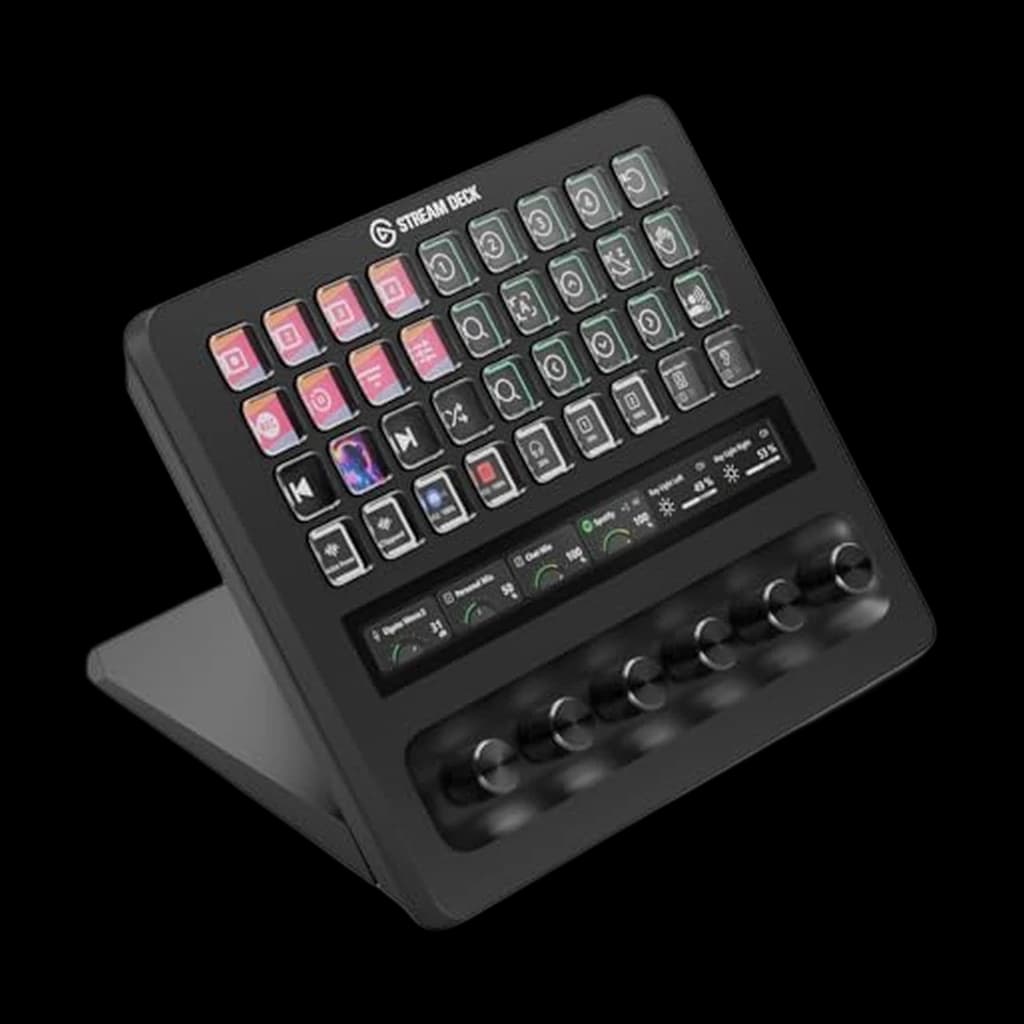
Elgato Stream Deck + XL

👑 Premium Pick

The flagship: 36 keys, six dials and a touch strip. It is a professional production console, and for a home office it is comfortably more hardware than the job requires. Listed here because it is the top of the range, not because most readers should buy it.

$349.99 Buy on Amazon
ULANZI D200H 7-in-1 Hub Deck6

ULANZI D200H 7-in-1 Hub Deck

💰 Best Budget

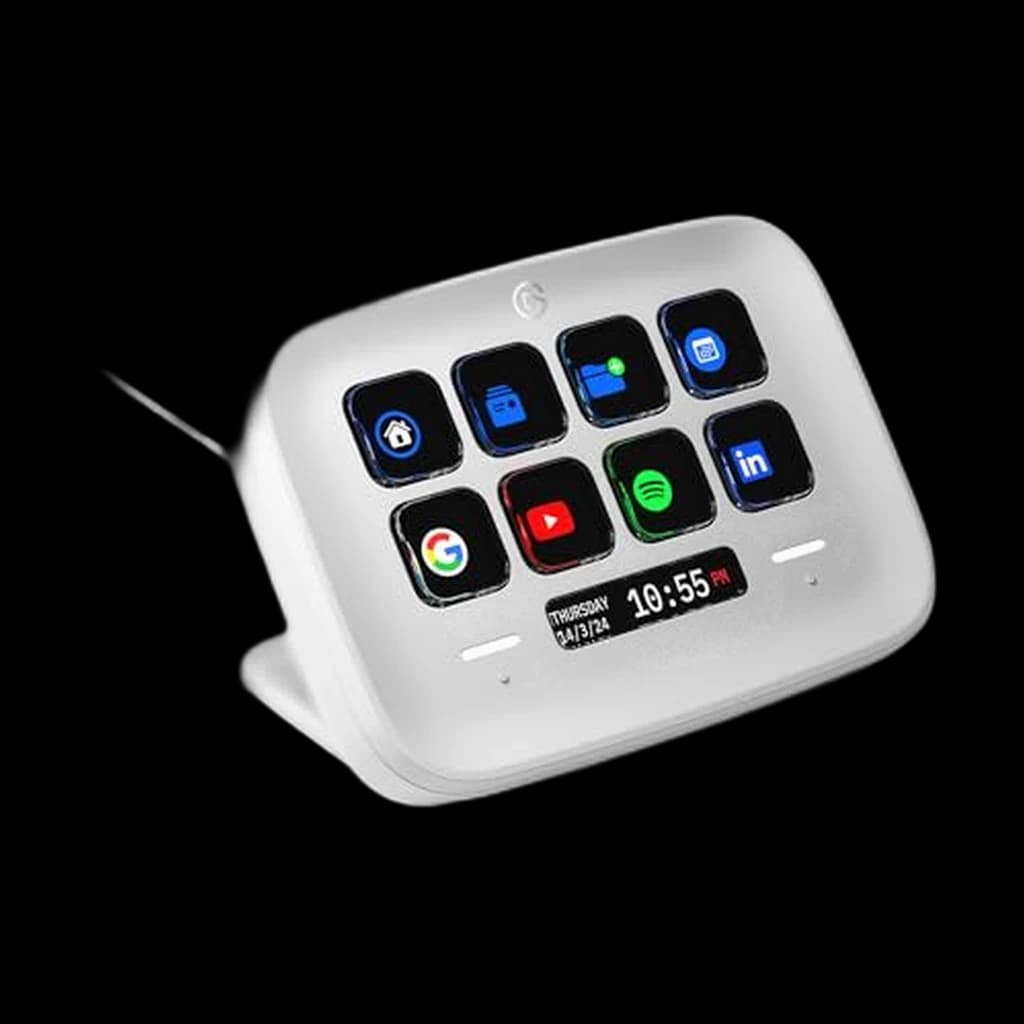
A macro pad welded to a USB hub, which is a smarter idea than it sounds for a desk short on ports. ULANZI states a 7-in-1 dock with SD and microSD readers and 100W power delivery, so it replaces two devices - at a third the price of an Elgato.

$55.99 Buy on Amazon
FIFINE AmpliGame Stream Controller (15 keys)7

FIFINE AmpliGame Stream Controller (15 keys)

💰 Best Budget

Fifteen LCD keys for roughly a third of the Elgato price. FIFINE is a real audio brand rather than a white label, which puts it above the anonymous listings that fill this category - but you are buying hardware without Elgato's software ecosystem behind it.

$55.24 Buy on Amazon

How to Pick the Right One

Every ranking of these devices is written for streamers, which is why they are chronically undersold to everyone else. A stream deck is a set of physical buttons with a small screen behind each one, and the most valuable thing it does in a home office has nothing to do with streaming: it gives you a mute button that is always in the same place, always lit, and tells you at a glance whether your microphone is live. Anyone who has talked for thirty seconds while muted understands the value immediately.

Start with the key count, and start lower than you think. Fifteen keys covers mute, camera toggle, joining a call, switching between four or five applications, a handful of text snippets and your lighting - with room spare. Thirty-two keys is not twice as useful; it is mostly empty keys taking up desk depth. The genuine reason to spend more is dials rather than keys: a physical dial for call volume or microphone gain is a better interface than any on-screen slider, and it is the one thing a keyboard shortcut cannot replicate.

The second thing to weigh is software, and it is most of what you are paying for. Elgato's advantage over the cheaper alternatives is not the hardware - the key panels are broadly similar - it is a mature plugin ecosystem plus Smart Profiles, which swap the entire key layout automatically when you change application. That means one physical button can be mute in your meeting app and something else entirely in your editor. Cheaper units generally offer static layouts, and a static layout is a much smaller idea.

The honest caveat: if you already touch-type your shortcuts fluently, this is a convenience purchase rather than a productivity one. The people it genuinely changes things for are those who use tools with shortcuts they can never remember, and anyone who spends a large part of the day in meetings.

We research these from manufacturer specifications, published software documentation and owner feedback. We do not run timed productivity studies, and any claim that a macro pad saves a specific number of hours should be treated with suspicion - including from us.
Sources & Research (5)Show

Related Reading

All guides →
Qi2 Power Banks: Phone Top-Up or Laptop Backup?

Qi2 Power Banks: Phone Top-Up or Laptop Backup?

A Qi2 magnet does not make a power bank laptop-ready. Use capacity, USB-C output, and cable support to tell phone top-ups from real laptop backup.

Hilly Shore Labs
6 min read·July 22, 2026
The Work-From-Home Coffee Setup: Better Coffee, Less Café Spend

The Work-From-Home Coffee Setup: Better Coffee, Less Café Spend

Cut the cafe habit without cutting the walk: brewing for one, cold desk coffee, caffeine timing, and coffee as a commute replacement.

Hilly Shore Labs Editorial
8 min read·July 21, 2026
Translation Earbuds vs. Live Captions for Remote Calls

Translation Earbuds vs. Live Captions for Remote Calls

Translation earbuds listen to room sound, while meeting captions translate the call audio before it leaves the app. Here is which tool fits each setting.

Hilly Shore Labs
6 min read·July 17, 2026