WFH Lounge · Best Picks

Best Label Makers for Working From Home

Buy into Brother's laminated TZe tape unless you have a reason not to. The PT-D610BT if you will label often, the PT-D210 if occasionally. Check the tape family before the price - two Brothers here do not take TZe.

Brother P-touch label makers compared on the thing that keeps costing money: tape. From the $94.99 PT-D610BT to the $24.99 PT-N10.

The 30-Second Answer

Top pick

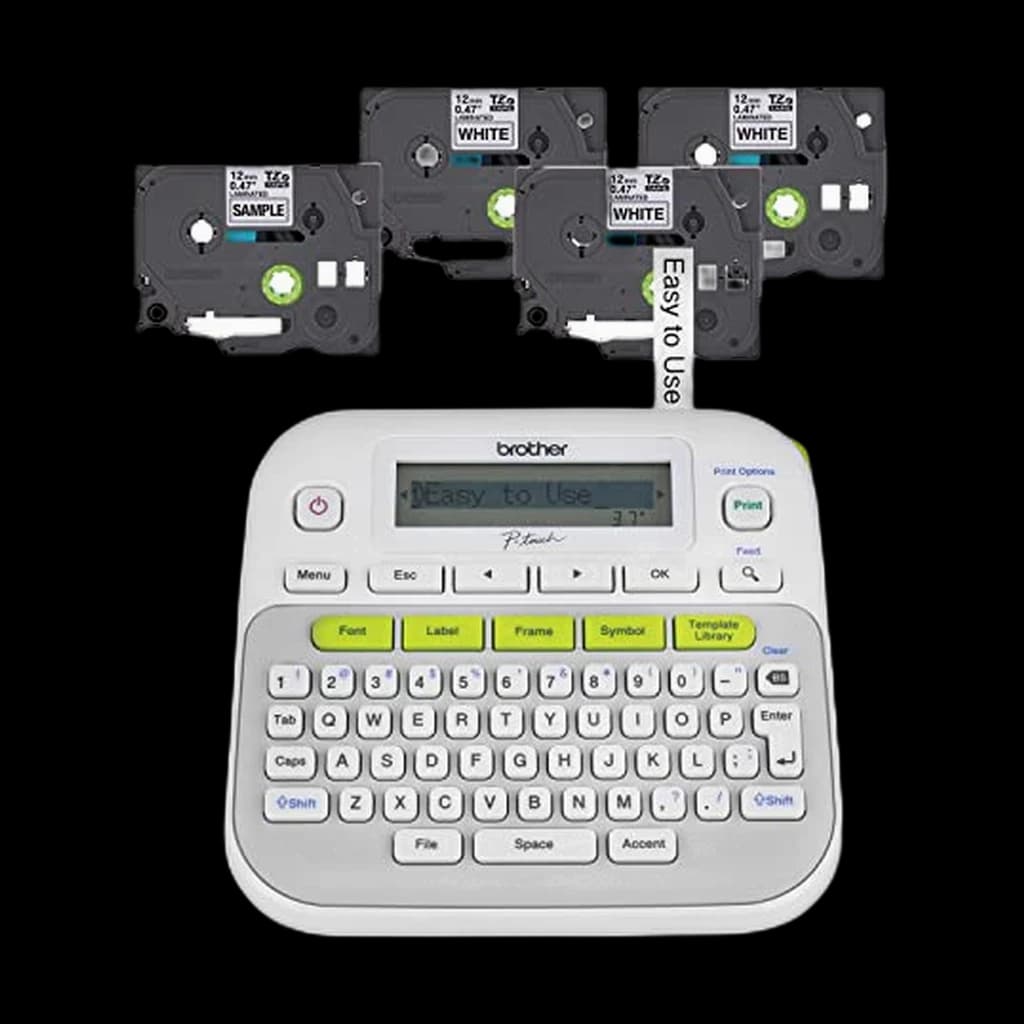
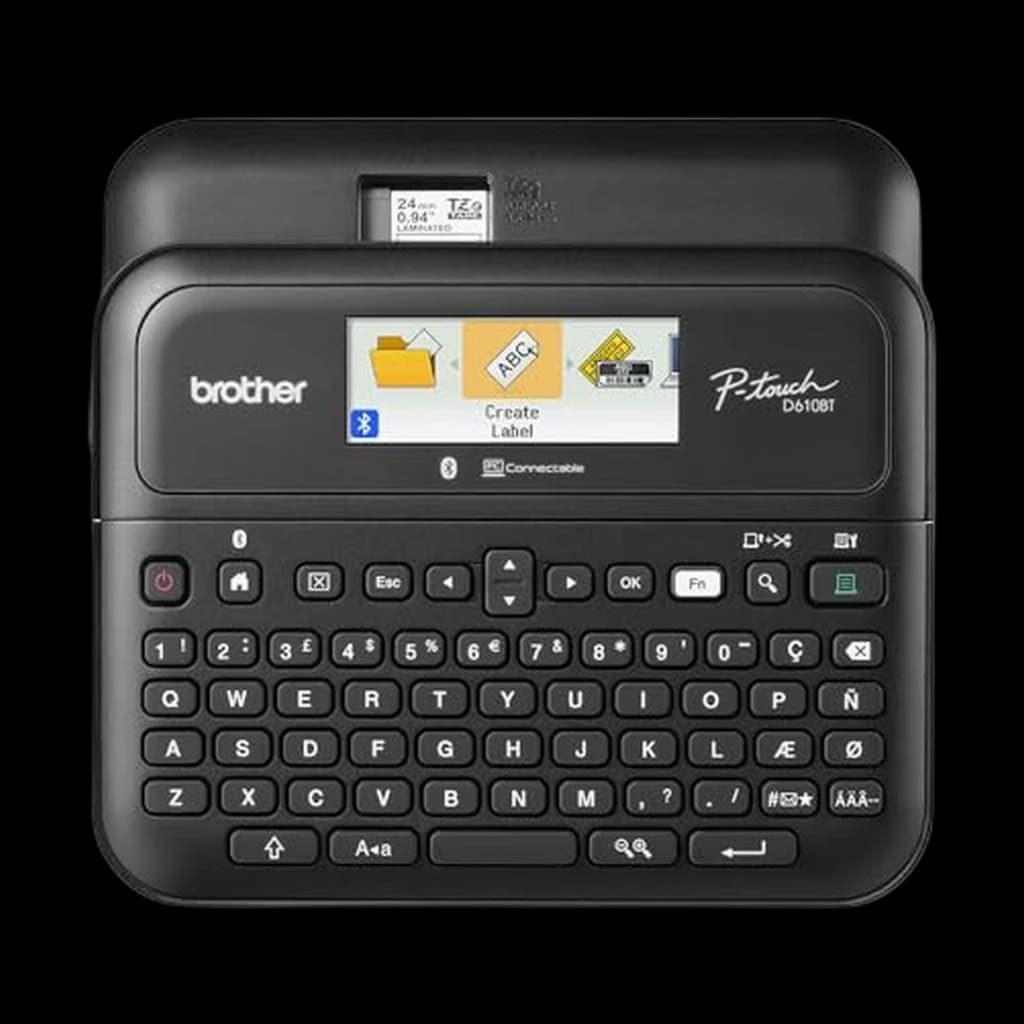
Brother P-touch PT-D610BT

Bluetooth composition on a real keyboard plus Brother's laminated TZe tape in every width up to about an inch - the combination that decides whether a label maker gets used for years or for one afternoon.

Buy on Amazon

Value pick

Brother P-touch PT-D210

Four TZe cassettes in the box and the full laminated tape range behind it - the best total cost of ownership here.

Buy on Amazon

Budget pick

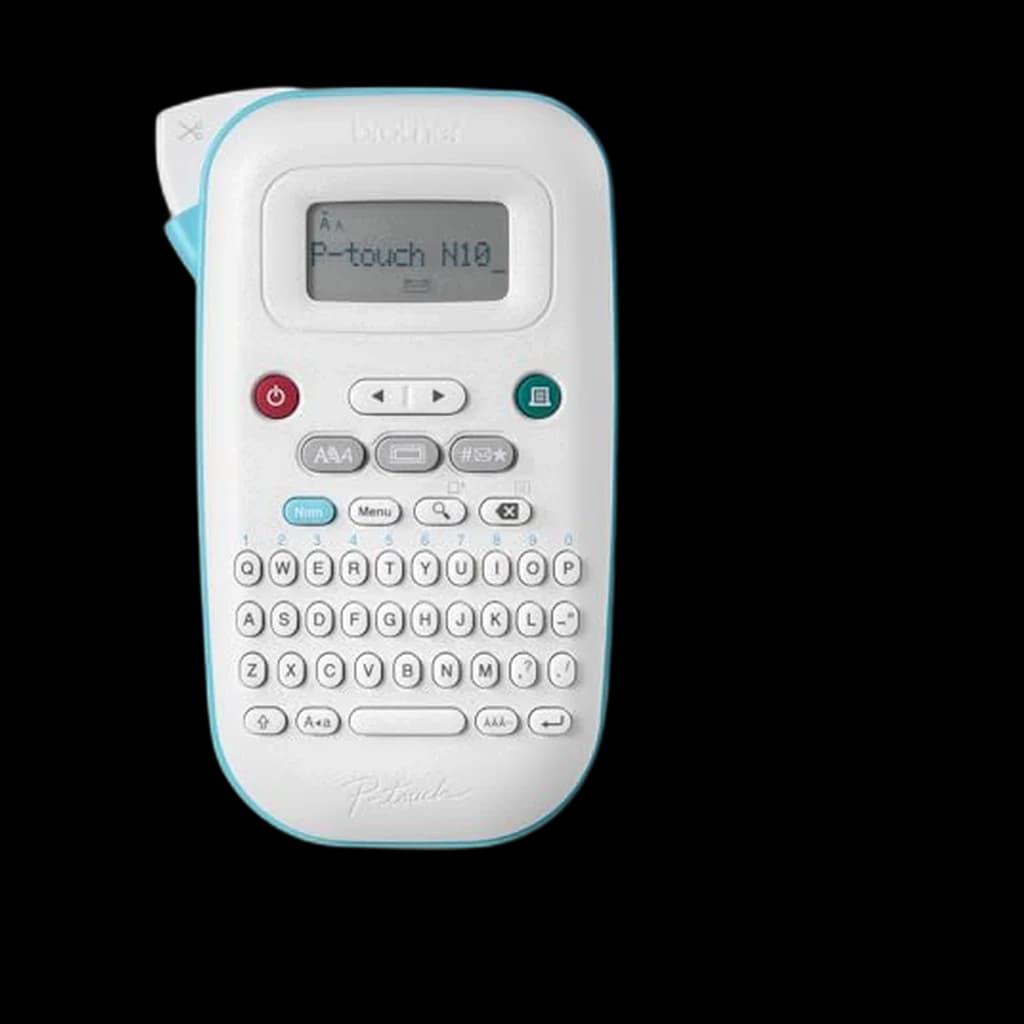
Brother P-touch PT-N10 Handheld Label Maker

Brother's $25 handheld on Btag tape, sold by Amazon and #3 in label makers - the cheapest Brother that prints a clean, durable label.

Buy on Amazon

Skip this

Non-laminated tape, whatever machine prints it — Brother's M series and the roll-fed thermal 'label printers' sold alongside label makers both print without a protective laminate layer. Brother's own specification page lists the PT-M95 as non-laminated direct thermal. That is fine for a shipping label read once and a poor choice for a cable label that has to stay legible behind a desk for years. Check the tape family on the spec sheet before the price.

The shortlist

Find the right pick in 5 seconds

My budget
up to $100
Showing 5 of 5
Brother P-touch PT-D610BT1

Brother P-touch PT-D610BT

👑 Premium Pick

The one to buy if you will label more than a drawer of cables. Bluetooth means you compose on a phone or laptop keyboard instead of thumbing a label out on the device, and it still has a full QWERTY keyboard for when you just want one label now. It is also the only model here that prints the full range of TZe widths, and the only one that ships with its power adapter.

↑ Performance↑ Reliability↑ Ease Of Use
$94.99 Buy on Amazon
Brother P-touch PT-D2102

Brother P-touch PT-D210

⭐ Best Value

The default recommendation for a home office that labels occasionally and wants TZe. This listing ships with four tape cassettes, which is unusual - most label makers arrive with one, and replacement tape is where the real cost of this category lives. Budget for a power adapter as well: it is not in the box.

↑ Quality↑ Ease Of Use↑ Functionality↓ Power Supply↓ Display Quality
$47.99 Buy on Amazon
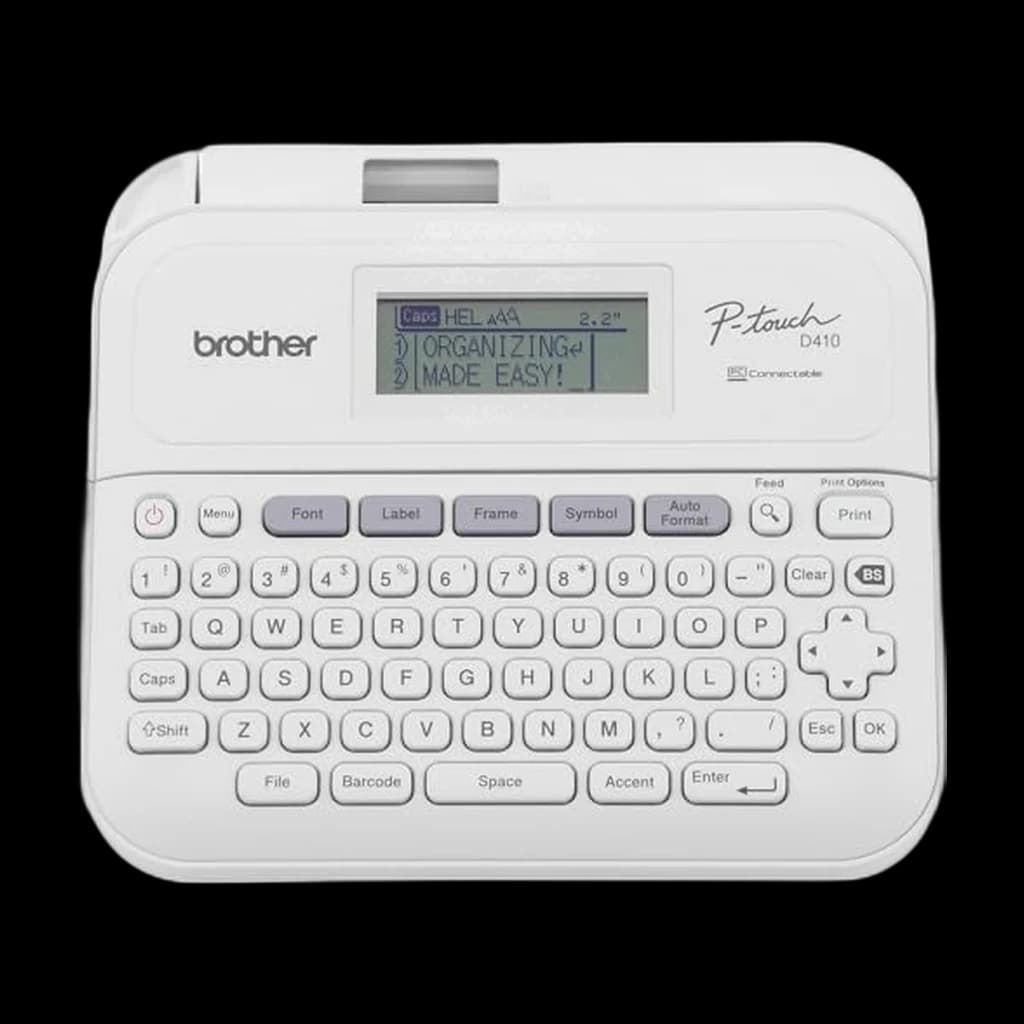
Brother P-touch PT-D4103

Brother P-touch PT-D410

⭐ Best Value

The desk-based option, and the one with the strongest owner feedback in this list. It connects to a PC or Mac over the included USB cable and drives Brother's P-touch Editor software, which is a far better place to lay out a barcode or a batch of cable labels than any device keypad - and it takes wider TZe tape than the handhelds.

↑ Quality↑ Labeling↑ Label Quality↓ Readability↓ Waste
$69.99 Buy on Amazon
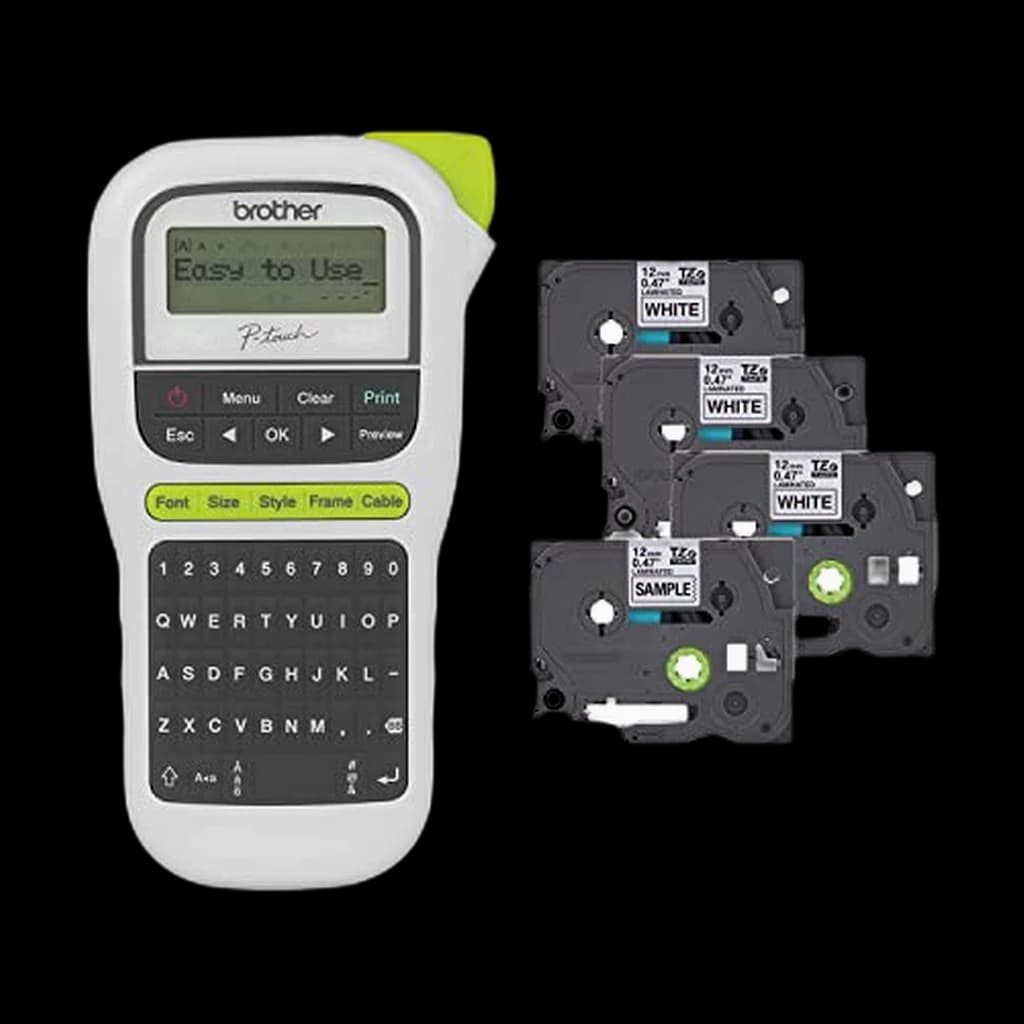
Brother P-touch PT-H1104

Brother P-touch PT-H110

⭐ Best Value

The portable one. Same laminated TZe tape in a handheld body you can carry to the cable run rather than carrying the cables to the desk, which is the actual use case for labelling a home network. Brother powers it from 6 AAA batteries and lists the AC adapter as a separate purchase - buy batteries with it.

↑ Label Quality↓ Battery Life
$64.99 Buy on Amazon
Brother P-touch PT-N10 Handheld Label Maker5

Brother P-touch PT-N10 Handheld Label Maker

💰 Best Budget

Brother's pocket-sized budget handheld that prints 12 mm Btag colour tapes with easy-peel, damage-free backing, replacing the PT-N25BT as the cheapest option on this page. It is for occasional, decorative or temporary labels, not the laminated cable labels the TZe-based models here make.

↑ Label Quality↑ Print Quality↓ Lack Of Instructions↓ Battery Life
$24.99 Buy on Amazon
Spec
Brother P-touch PT-D610BT#1
#1👑 Premium Pick
Brother P-touch PT-D610BT
Owner rating
Brother P-touch PT-D210#2
#2⭐ Best Value
Brother P-touch PT-D210
Owner rating
Brother P-touch PT-D410#3
#3⭐ Best Value
Brother P-touch PT-D410
Owner rating
Brother P-touch PT-H110#4
#4⭐ Best Value
Brother P-touch PT-H110
Owner rating
Brother P-touch PT-N10 Handheld Label Maker#5
#5💰 Best Budget
Brother P-touch PT-N10 Handheld Label Maker
Owner rating
Buy

* Prices checked Oct 17, 2026 and may not reflect current rates. As an Amazon Associate I earn from qualifying purchases.

As an Amazon Associate I earn from qualifying purchases. Product prices and availability are subject to change.

What remote workers actually say

Show

What Remote Workers Actually Say

Our WFH Score for label makers weights ease of composing a label at 25 points, tape cost and availability at 25, build and durability at 20, home-office fit at 15, and value at the live price at 15. Tape carries as much weight as the device experience deliberately: it is the cost you keep paying. The four TZe machines here score 90 or higher on the tape axis, the Btag-only PT-N25BT scores 84 on cheap refills but a single width, the DYMO scores 72 on a narrower D1 range, and the PT-M95 scores 58 because its tape is not laminated at all.

Across r/networking, r/sysadmin and r/homelab, the default answer to 'which label maker' is a Brother P-touch, and the reasons given are consistently print quality, cheaper tape and tape that peels cleanly rather than any feature on the box. A r/networking thread comparing DYMO, Brady and Brother lands on exactly that split. The most useful recurring tip is about the tape rather than the machine: standard cassettes split when a label is wrapped tightly around a cable and handled, so people who label cables for a living reach for flexible-ID tape or heat-shrink tube. The other habit worth copying from r/homelab is labelling both ends of every cable with the same identifier, because a label on one end only answers half the question. Both brands also draw the same complaint - short labels waste a lot of tape, so batch them and cut by hand.

Community favorites

  • Brother P-touch PT-D610BT — Bluetooth, a PC connection and 24 mm TZe tape in one desktop unit - the one to buy if you label often
  • Brother P-touch PT-D410 — The only pick with a PC connection and 18 mm tape under $70
  • Brother P-touch PT-H110 — The handheld for labelling cables and shelves on the move

Commonly warned against

  • Assuming any Brother P-touch takes TZe tape — The PT-M95 takes non-laminated M tape and the PT-N25BT takes Btag only. Neither accepts a TZe cassette. Read the compatible-tape line on Brother's spec sheet before buying
  • Mixing tape ecosystems — Brother TZe, Brother Btag and DYMO D1 cassettes are not interchangeable. The machine choice is a decade-long consumable commitment, so pick the ecosystem first

The thing most remote workers don’t realize

Show

What we didn’t pick

Show

What we didn't pick

Popular options we evaluated and passed on, with the specific reason each one fell short of our top picks.

  • Brother P-touch PT-M95
    Considered 2026-10-19

    Uses non-laminated M tape, which smudges and fades; the PT-D210 does the same job on laminated TZe tape.

  • DYMO LabelManager 160
    Considered 2026-10-19

    A ~2012 design, and both Amazon listings were sold by third-party resellers at our October 2026 check.

  • Brother P-touch PT-N25BT
    Considered 2026-10-19

    4.2-star rating; the Brother PT-N10 (same Btag tape, sold by Amazon) takes the budget slot.

How to pick the right one

Show

How to Pick the Right One

The purchase decision in this category is not really the device - it is the tape. A label maker is a razor-and-blades product: the machine is bought once and the cassettes are bought forever, and the ecosystems are not interchangeable. What trips people up is assuming that every Brother P-touch takes the same tape. They do not. Brother runs three separate consumable lines, and its own specification pages are explicit about which machine takes which.

TZe is the one most people mean. Brother describes TZe tapes as laminated, and rates them water-resistant, fade-resistant and chemical-resistant for indoor and outdoor use, calling out cable labelling specifically. TZe runs from 3.5 mm up to 36 mm depending on the machine, and it is the widest-stocked laminated tape in the US. Btag is Brother's newer line: also laminated, but a single ~1/2 inch (12 mm) width in 17 colours, and only the PT-N25BT uses it. The M series is the one to watch out for - Brother's own spec table for the PT-M95 records it as non-laminated, direct thermal, in 9 mm and 12 mm only. DYMO's D1 is a fourth, separate ecosystem; DYMO lists the LabelManager 160 as taking D1 Standard and Durable tapes in 6, 9 and 12 mm.

The second decision is how you compose the label. Every device here has a QWERTY keyboard - including the PT-N25BT, which is sometimes described as app-only and is not. What the connected models add is the option to type on a phone or a computer instead, which matters more than the spec sheet suggests: the most common outcome for a home-office label maker is that it is used enthusiastically for one afternoon and then never again, and the friction of composing a label is the main reason.

One practical note from people who do this for a living. In r/sysadmin and r/networking threads about cable labelling, the recurring warning is that standard tape splits when it is wrapped tightly around a cable and then handled; the fix is Brother's flexible-ID TZe tapes or heat-shrink tube, not a different machine. If cable runs are the reason you are buying, budget for the right cassette as well as the right device.

We research these from manufacturer specifications and published documentation. We do not run print-durability testing, so where a claim about tape construction is the manufacturer's, this page says so.
Related Reading

All guides →
Under-Desk Footrest: Do You Need One, and How High to Go?

Under-Desk Footrest: Do You Need One, and How High to Go?

Check your chair and desk fit before buying a footrest. Use a three-step support check, compare useful heights, and choose the accessory your setup needs.

WFH Lounge Team
6 min read·October 11, 2026
KVM Switch vs Docking Station: Which One Your Desk Needs

KVM Switch vs Docking Station: Which One Your Desk Needs

A dock connects one computer to many things; a KVM lets two computers share one desk. Match your setup to the right box and dodge four common traps.

WFH Lounge Editorial
7 min read·September 27, 2026