Best Ultrawide Monitor for Office Work 2026: Dell S3425DW
The Dell S3425DW — a curved 34″ 1440p at $419.99 with 120Hz and USB-C — is the best ultrawide for most WFH desks. Go premium only if you need a Thunderbolt hub.
Our #1 Pick
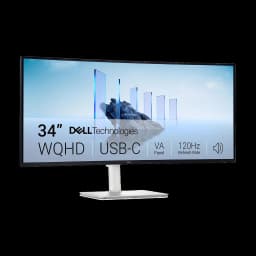
Dell S3425DW 34" Curved 120Hz USB-C
The ultrawide most WFH desks should buy: 34-inch 3440×1440 curved VA at 120Hz with 65W USB-C, so one cable runs and charges the laptop. 568 owner ratings at 4.4 stars make it the most-proven pick here, and it costs half the Thunderbolt-dock U3425WE. Step up to the Dell UltraSharp U3425WE if you want the monitor to replace your dock.
Fits: desks 30 in deep or more; 65W USB-C + 2x HDMI 2.1, no DisplayPort socket- 120Hz VA panel — smooth scrolling, window drags and cursor motion
- 3440x1440 curved with 65W USB-C for one-cable laptop docking
- 568 owner ratings at 4.4 stars — the most-proven pick here
Price checked Oct 8, 2026 — verify the live price on Amazon.
Also Great
Cheapest USB-C ultrawide: LG 34WR55QC-B ($383) — A near-identical curved 34-inch with 65W USB-C at 100Hz instead of 120Hz. At $383 it undercuts the Dell by about $37 — take it if the 20Hz and the extra owner reviews are not worth the difference to you
Buy on AmazonBudget flat pick: Samsung ViewFinity S50GC ($314.93) — The cheapest way into a 34" 3440x1440 ultrawide — flat VA, no USB-C, but 600+ ratings at 4.4 stars.
Buy on AmazonPremium dock: Dell UltraSharp U3425WE ($748.99) — IPS Black, 120Hz, 90W Thunderbolt charging and a built-in KVM — the ultrawide that doubles as your dock. Stock runs thin at this price
Buy on Amazon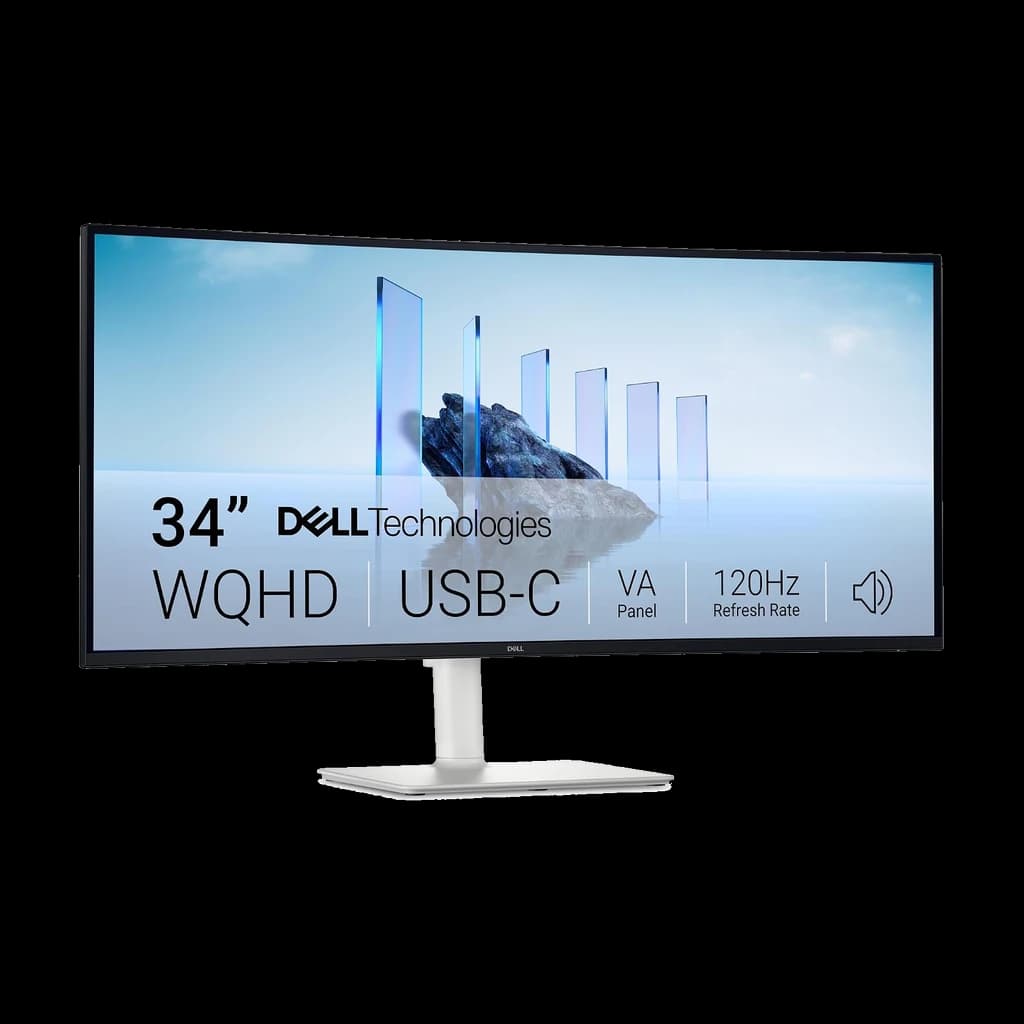 #1 Owner rating | 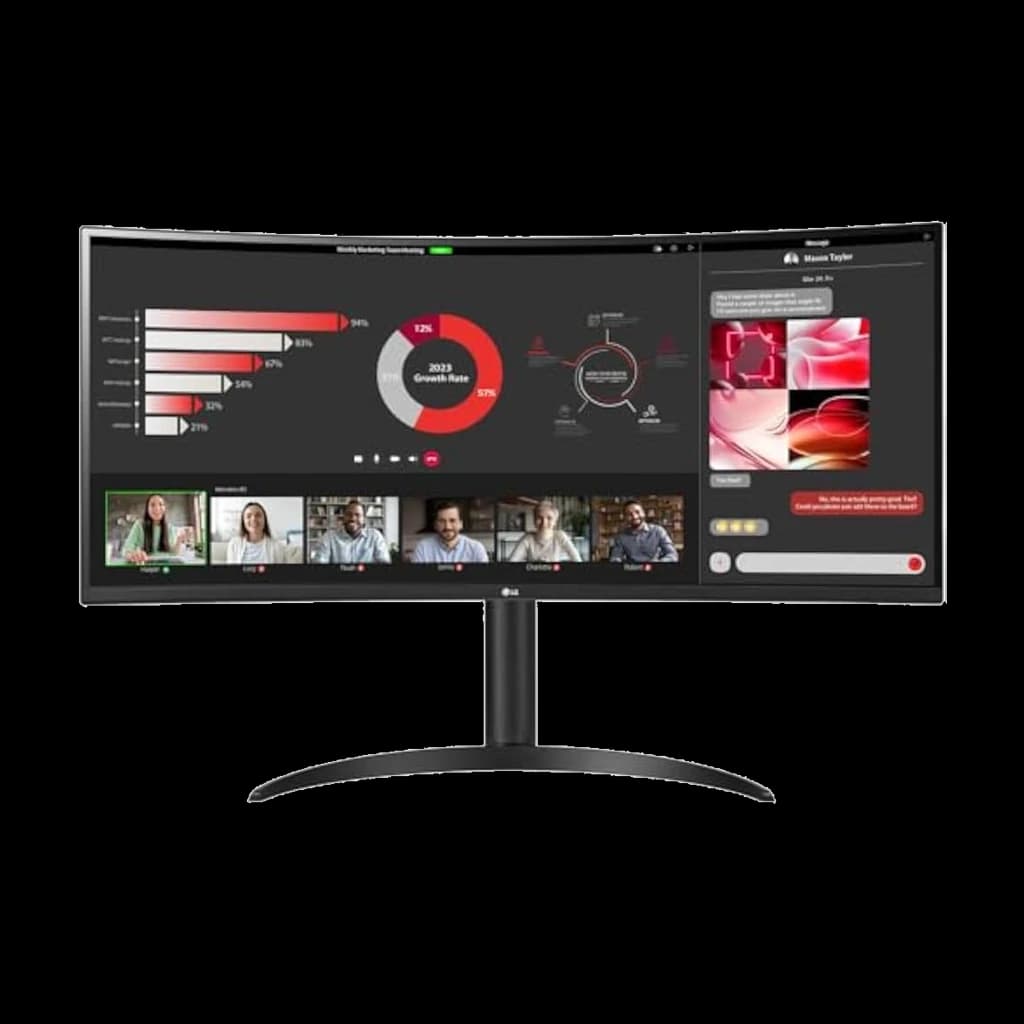 #2 Owner rating | 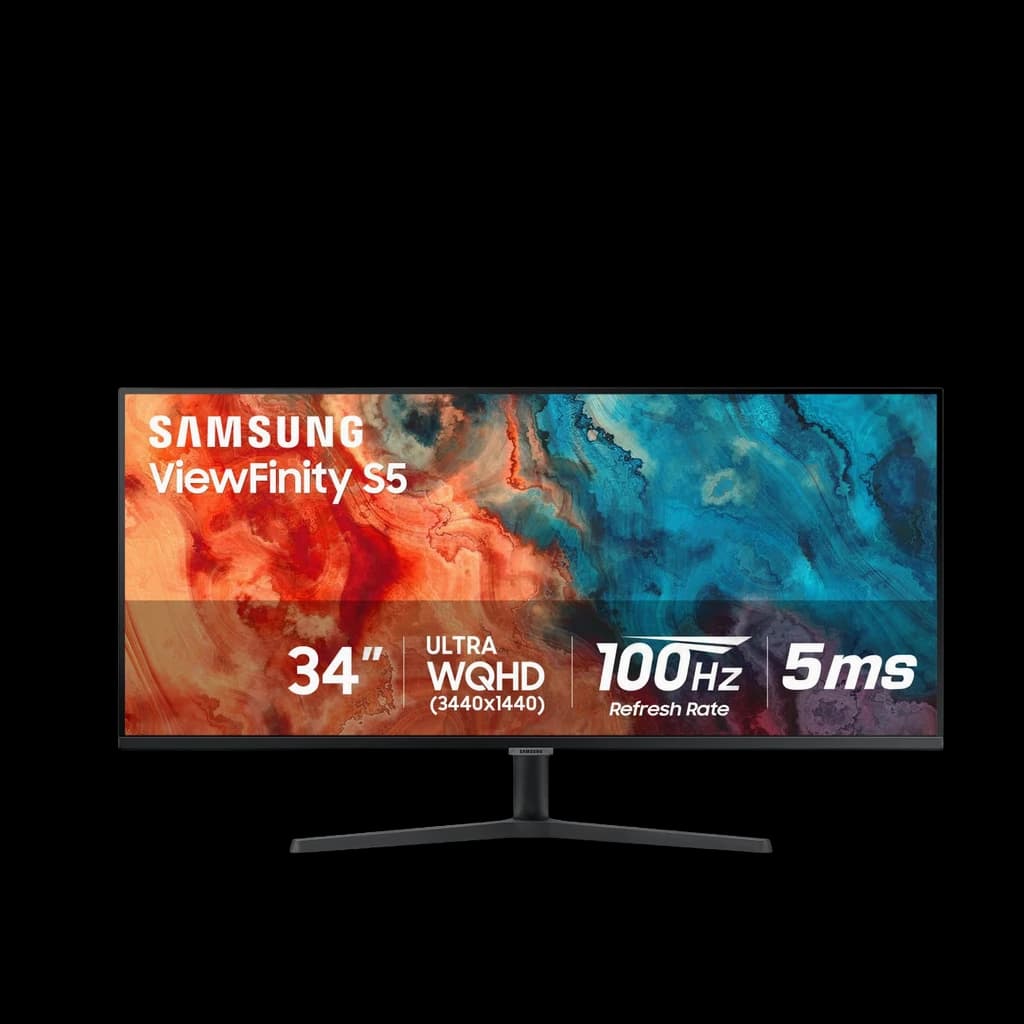 #3 Owner rating | 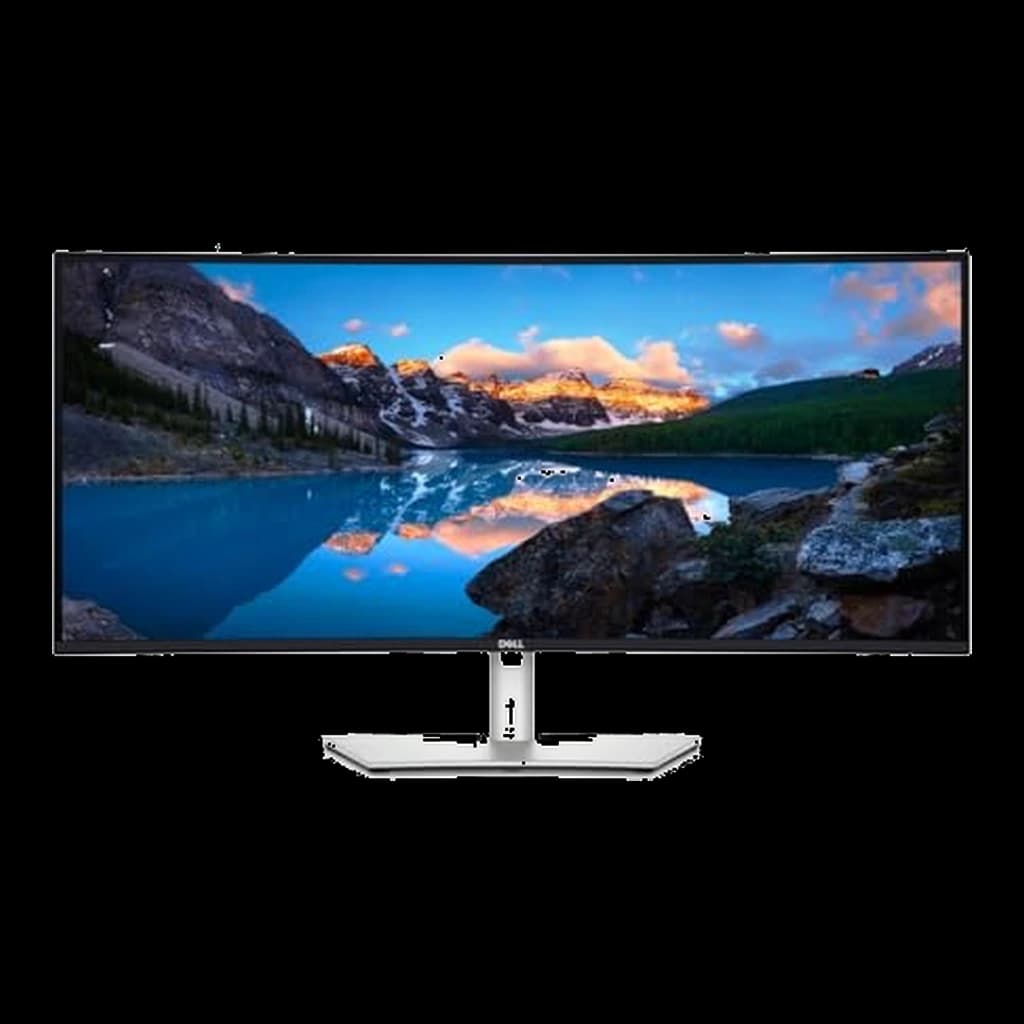 #4 Owner rating | |
|---|---|---|---|---|
| Price | $419.99Buy on Amazon | $383Buy on Amazon | $314.93Buy on Amazon | $748.99Buy on Amazon |
| Verdict | Best value ultrawide for most WFH desks — 120Hz curved VA with USB-C | The value alternative — same price, 100Hz VA with 65W USB-C | Cheapest way into a real 34" 3440x1440 ultrawide | Premium pick — 120Hz, 90W Thunderbolt dock + KVM |
| Buyer sentiment | Display Quality Value for money Picture Quality Easy To Set Up Buyers praise display quality, value for money, picture quality and easy to set up. Mixed feedback on connectivity and screen size. Based on 372 user mentions | Quality Screen Size Value for money Reliability Buyers praise quality, screen size and value for money. Mixed feedback on picture quality. Some flag reliability. Based on 38 user mentions | Monitor Quality Value for money Picture Quality Setup Image Quality Buyers praise monitor quality, value for money, picture quality and setup. Mixed feedback on performance and size. Some flag image quality. Based on 338 user mentions | Monitor Quality Productivity USB Connectivity Size Buyers praise monitor quality, productivity, usb connectivity and size. Mixed feedback on picture quality and performance. Based on 84 user mentions |
| Size | 34" 21:9 | 34" 21:9 | 34" 21:9 | — |
| Resolution | 3440x1440 (WQHD UW) | 3440x1440 (WQHD UW) | 3440x1440 (WQHD UW) | 3440x1440 (WQHD) |
| Panel | VA, curved (1800R) | VA, curved (1800R) | VA, flat | 34" curved IPS Black |
| Refresh Rate | 120Hz | 100Hz | 100Hz | 120Hz |
| Connectivity | USB-C (65W PD, DisplayPort Alt Mode) + 2x HDMI 2.1 — no DisplayPort socket | USB-C (65W PD), HDMI, DisplayPort | HDMI, DisplayPort (no USB-C) | Thunderbolt 4 (90W PD), HDMI, DisplayPort, USB hub, Ethernet |
| Adaptive Sync | AMD FreeSync | — | — | — |
| HDR | — | HDR10 | — | — |
| Extras | — | — | HDR10, PIP/PBP | — |
| Stand | — | — | — | Tilt / swivel / height |
| Pros |
|
|
|
|
| Cons |
|
|
|
|
* Prices checked Oct 8, 2026 and may vary. Check the latest price on Amazon.
We research — never hands-on. How we research →
Pick your ultrawide
Three curved 34″ ultrawides for WFH — from the value pick to the Thunderbolt dock.
The budget 34″
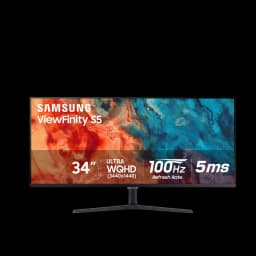
The cheapest 34″ ultrawide that isn't a compromise — 1440p and curved, fine for everyday multitasking.

Samsung ViewFinity S50GC 34″
$314.93
The sweet spot
1440p curve, 120Hz, and USB-C — smooth scrolling and one-cable laptop charging at a value price. The right ultrawide for most desks.

Dell S3425DW 34″ Curved 120Hz USB-C
$419.99
The Thunderbolt dock
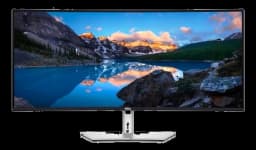
A Thunderbolt hub with KVM — docks two laptops and drives peripherals from one cable. Buy-once for a permanent desk.

Dell UltraSharp U3425WE 34″ Thunderbolt Hub
$748.99
Key Takeaways
Best ultrawide monitors for WFH 2026: Dell S3425DW 120Hz value pick, LG 34WR55QC-B, budget Samsung ViewFinity S50GC, and the premium Dell U3425WE dock.
As an Amazon Associate I earn from qualifying purchases. Product prices and availability are subject to change.
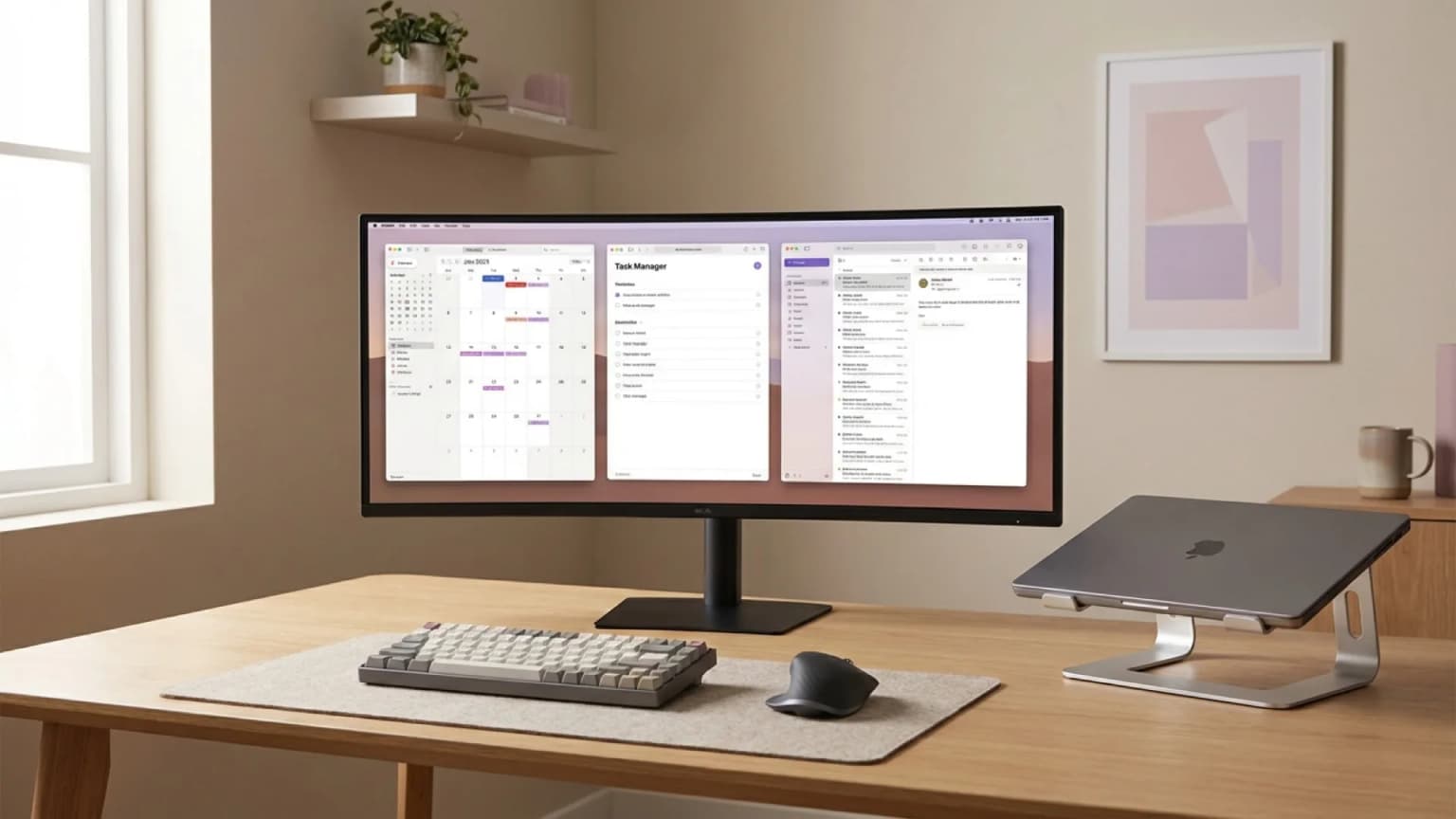
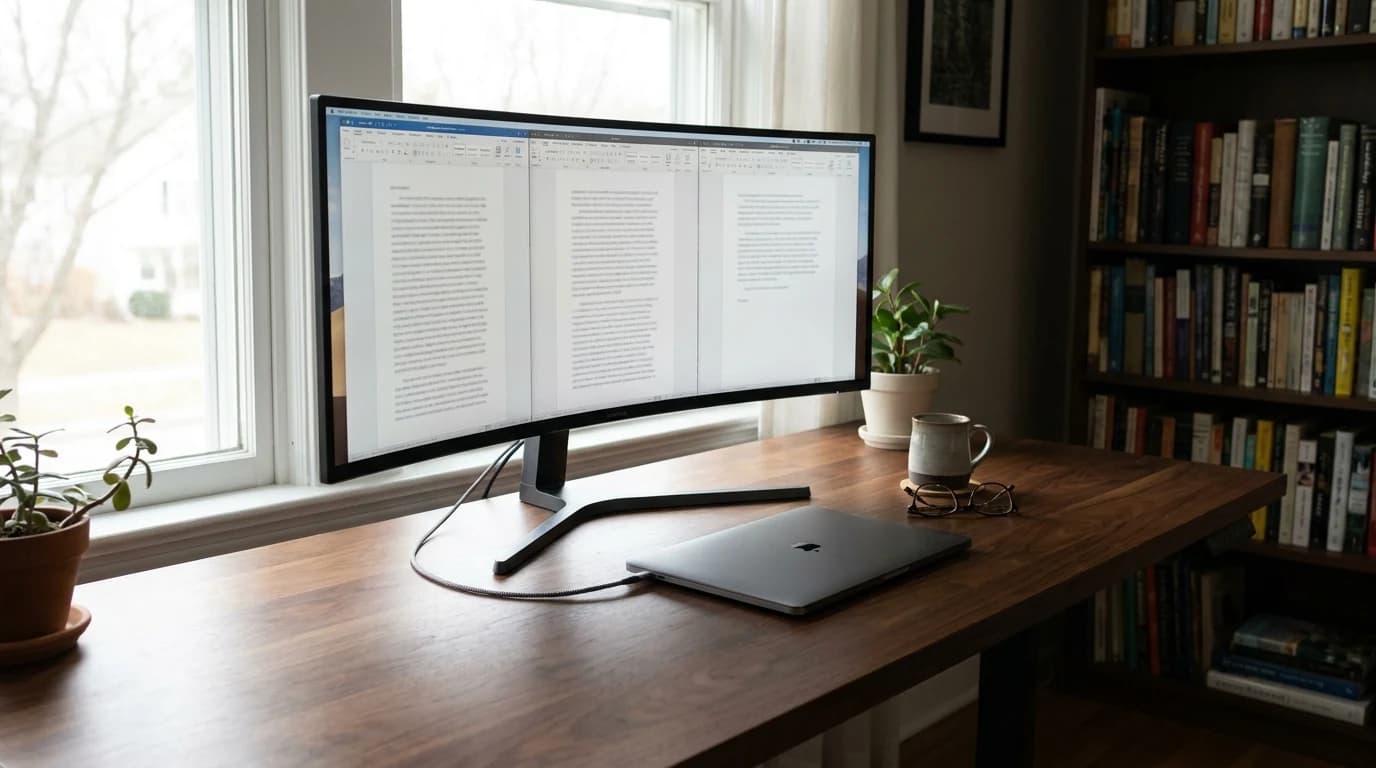
Ultrawide monitors — 34-inch and larger, 21:9 aspect ratio — have become the productivity power move for remote workers. A single 34" ultrawide replaces dual 24" monitors with no bezel gap down the middle, no misaligned heights, and no second stand eating desk space. This guide covers the four ultrawides we'd actually put on a WFH desk in 2026 — a value champion, a value alternative, a budget flat pick, and a premium power-user dock — plus research-backed notes on which workflows benefit (and which don't).
We're a research-based site — we synthesize Wirecutter, RTINGS, Monitors Unboxed, and long-term Reddit owner threads, and cross-check current Amazon ratings and pricing. Every pick is a true 34" 3440×1440 ultrawide with a strong owner rating. Three are curved VA panels (the sweet spot for value at this size); the premium pick steps up to IPS Black. Where a pick drops USB-C to hit a lower price, we flag it plainly.
Decide in 30 seconds:
- Most people: the Dell S3425DW at ~$419.99 — 120Hz, 65W USB-C, the biggest review track record here.
- Cheaper, prefer LG: the LG 34WR55QC-B at ~$383, at 100Hz instead.
- Cheapest honest way in: the Samsung ViewFinity S50GC at ~$315 — flat, no USB-C.
- You want the monitor to be the dock: the Dell UltraSharp U3425WE at ~$749.
Is an Ultrawide Actually Right for You?
Before the picks, know this: ultrawide is not universally better than dual monitors. It's a specific tool for specific workflows.
You benefit most if:
- You do a lot of side-by-side window comparison (code + docs, spreadsheet + email, IDE + terminal, design file + browser preview).
- You work in tools with timeline views (video editors, DAWs, project-management Gantt charts, CAD).
- You want a clean desk with a single stand and a single cable.
- You read long documents or financial models that benefit from reduced horizontal scrolling.
You should stick with dual monitors (or a single 27") if:
- You primarily use full-screen apps that don't benefit from 21:9 real estate (most browser use, most writing).
- Your desk depth is under 28" — ultrawides need viewing distance so your eyes aren't constantly scanning edge to edge.
- You're on a tight budget — a good 27" monitor under $300 is still the better value for many users.
Rule of thumb: ultrawide is a workflow tool, not a straight upgrade. If your day is one full-screen app at a time, the money is better spent elsewhere.
Our Top Picks
| Monitor | Price | Panel | Refresh | Laptop charging |
|---|---|---|---|---|
| Dell S3425DW | ~$419.99 | Curved VA | 120Hz | 65W USB-C |
| LG 34WR55QC-B | ~$383 | Curved VA | 100Hz | 65W USB-C |
| Samsung ViewFinity S50GC | ~$315 | Flat VA | — | None |
| Dell UltraSharp U3425WE | ~$749 | Curved IPS Black | 120Hz | 90W Thunderbolt 4 |
All four are 34" at 3440×1440.
1. Dell S3425DW 34" — Best Ultrawide for Most WFH Buyers
Price: ~$419.99
The Dell S3425DW is the ultrawide we'd recommend to most remote workers — and with 568 owner ratings at 4.4 stars, it's the most-proven pick on this list. You get a 34" 3440×1440 curved VA panel, a 120Hz refresh rate that makes scrolling and window dragging visibly smoother, and 65W USB-C that charges most laptops over the single display cable. For everyday WFH — three documents side by side, a very wide spreadsheet, an IDE next to a browser — it does everything the pricier ultrawides do, at the value price.
The trade-offs are honest ones: it's a VA panel, so contrast is deep (3000:1) but viewing angles are narrower than IPS — colors shift a little if you sit well off-axis. And 65W USB-C charges most ultrabooks and 14" laptops but won't keep a 16" performance laptop topped up under full load.
- Good for: The large majority of WFH buyers who want real ultrawide benefits, 120Hz smoothness, and one-cable USB-C at the value price.
- Not good for: Critical color work that needs IPS consistency, or anyone who needs more than 65W of laptop charging (see the premium Dell below).
2. LG 34WR55QC-B 34" — The Value Alternative
Price: ~$383
The LG 34WR55QC-B is the near-twin of our top pick: a 34" 3440×1440 curved VA panel with 65W USB-C, HDR10, and a price about $37 below the Dell's. The differences are small but real — it runs at 100Hz rather than 120Hz, and it has far fewer owner reviews (still a solid 4.4 stars across 82).
- Good for: Buyers who prefer LG, or catch it on a better deal — you give up little versus the Dell.
- Not good for: Anyone who specifically wants the extra 20Hz of refresh or the larger review track record (get the Dell S3425DW).
3. Samsung ViewFinity S50GC 34" — Best Budget Ultrawide
Price: ~$315
The Samsung ViewFinity S50GC is the cheapest honest way into a real 34" 3440×1440 ultrawide. It's a flat VA panel with HDR10, a thin-bezel design, and PIP/PBP so you can put two inputs on screen at once — backed by 600+ owner ratings at 4.4 stars. If your priority is maximum screen for minimum spend, this is it.
Two honest caveats: there's no USB-C, so you'll drive it over HDMI or DisplayPort and charge your laptop separately, and it's flat rather than curved. At 34" a flat panel is perfectly usable — you just lose a little of the edge-to-edge immersion a gentle curve gives you.
- Good for: Budget-first buyers who want the ultrawide real estate and don't need single-cable USB-C.
- Not good for: Anyone who wants one cable to the laptop, or the wrap-around feel of a curve.
4. Dell UltraSharp U3425WE 34" — Best Premium / Power-User Ultrawide
Price: ~$749
The Dell UltraSharp U3425WE is the step up for people who want the ultrawide to also be their docking station. It runs a 34" 3440×1440 IPS Black panel (roughly 2× the contrast of standard IPS, with far wider viewing angles than the VA picks above), a 120Hz refresh rate, Thunderbolt 4 with 90W power delivery, and a built-in KVM switch so one keyboard and mouse drive two computers.
At more than twice the value picks' price it's a genuine premium purchase, and its owner rating is solid rather than spectacular. But if you want one cable to your laptop, 120Hz, Ethernet, IPS-grade color, and a KVM built in, this is the WFH ultrawide to get.
- Good for: Power users who want a single-cable Thunderbolt dock, IPS Black color, 120Hz, and KVM for a two-computer desk.
- Not good for: Anyone whose needs the value picks already cover — you'd be paying mostly for connectivity you won't use.
Replacing an LG 34WQ650-W?
The 34WQ650-W is a 2560x1080 WFHD panel, not 3440x1440 - a bigger jump than it looks. Specs below from LG's, Dell's and Samsung's pages, checked September 6, 2026.
| LG 34WQ650-W (yours) | LG 34WR55QC-B | Dell S3425DW | Samsung S50GC | |
|---|---|---|---|---|
| Resolution | 2560x1080 | 3440x1440 | 3440x1440 | 3440x1440 |
| Panel / curve | IPS, flat, 1000:1 | VA, 1800R, 3000:1 | VA, 1800R, 3000:1 | VA, flat, 3000:1 |
| Refresh | 100Hz | 100Hz | 120Hz | 100Hz |
| USB-C charging | Yes, wattage not published | 65W | 65W | None |
| Hub / KVM | Neither listed | 2 USB-A, no KVM | 2 USB-A + USB-C 15W, no KVM | Neither |
| Stand / VESA | Tilt, height, 100x100 | Tilt, height, 100x100 | Tilt, height, slant, 100x100 | Tilt only, 100x100 |
What you gain: roughly 80% more pixels - a third window. What you lose: all three are VA, not IPS: contrast triples but off-axis color holds up less well, and 400 cd/m2 drops to 300. Only the U3425WE stays IPS.
Best 34-Inch Ultrawide for Work Only, No Gaming
The Dell S3425DW: among the value picks it alone pairs 3440x1440 with a height-adjustable stand, 65W USB-C charging and a USB hub - one cable for power, picture and peripherals. Refresh rate is where "no gaming" changes least: Dell's 120Hz against 100Hz for the other two is scroll smoothness, not capability. Curve matters more at this width: LG and Dell are 1800R; the Samsung is flat and cheaper.
Searching "LG 27UK500-B alternatives"? That is a 27-inch 16:9 4K panel, not an ultrawide - its replacements are in our best 27-inch monitors guide.
Ultrawide Monitor FAQ
Is a 34-inch ultrawide better than two 27-inch monitors?
For most WFH use, yes — the ultrawide eliminates the bezel gap and the misaligned heights, frees up desk space (one stand vs two), and uses one cable. Dual monitors give you more total pixels and the ability to keep one screen fully separate (useful for reference material during focus work). If you're choosing between a 34" ultrawide or two 27" 1440p monitors for the same budget, the ultrawide is the better buy for most workflows.
Do I need a 120Hz refresh rate?
For productivity work, 100Hz is already smooth and 60Hz is technically enough. But 120Hz makes scrolling, window dragging, and cursor movement noticeably crisper — and you no longer pay a premium for it. Our top pick, the Dell S3425DW, delivers 120Hz at $419.99; the LG alternative sits at 100Hz for $383. The LG is currently about $37 cheaper, so this is a real trade — pay the difference only if you want the 120Hz Dell.
VA or IPS for an ultrawide — does it matter?
VA is completely fine if:
- You work in spreadsheets, documents, and video calls all day
- You value deep contrast (around 3000:1) and want to stay near the $380 price
- You sit square in front of the screen, where narrower viewing angles never come up
Step up to IPS Black if:
- You do critical color work and need consistent color across the whole screen
- You want the widest viewing angles at this size
- You're already buying the premium Dell U3425WE for its Thunderbolt dock anyway
What about curved vs flat ultrawides?
For anything 34" or larger, a subtle curve (1800R) is generally nicer than flat — the screen edges stay at roughly the same distance from your eyes, which reduces neck movement and perceived distortion. Three of our picks are curved (Dell S3425DW, LG, Dell U3425WE); the budget Samsung is flat, which is a fine way to save money at 34".
Will my laptop drive a 34" 3440×1440 ultrawide?
Any MacBook Pro or Air from 2020 onward can drive a 34" 3440×1440 at 60Hz via a single USB-C or Thunderbolt cable. For 120Hz at 3440×1440 (the Dell S3425DW or U3425WE), you need DisplayPort 1.4 or Thunderbolt 3/4 — all modern laptops support it.
What's the ideal desk depth for a 34-inch ultrawide?
Measure before you buy: 30 inches of desk depth minimum. You want 20–24 inches of viewing distance, and the monitor eats 6–8 inches of depth with the stand. Shallow 24–26" desks force you to either lean forward or wall-mount the display on an arm.
What is the best ultrawide monitor for office work?
For office and productivity work, the Dell S3425DW is the best ultrawide for most people — a curved 34" 3440×1440 VA panel with 120Hz and 65W USB-C for $419.99, backed by 568 owner ratings. The LG 34WR55QC-B is the near-identical alternative at 100Hz. On a tighter budget, the flat Samsung ViewFinity S50GC starts around $315, and for a built-in Thunderbolt dock with IPS Black color, 90W charging, and a KVM, step up to the Dell UltraSharp U3425WE.
Is there a 27-inch ultrawide monitor?
Not really. "Ultrawide" describes the 21:9 (or wider) aspect ratio, and those panels start around 29 inches and are most common at 34 inches. A 27-inch monitor is almost always standard 16:9. If you searched for a "27-inch ultrawide," you most likely want either a regular 27-inch monitor or the smallest true ultrawide — a 34" like the Dell S3425DW.
The Bottom Line
For most WFH buyers, the Dell S3425DW is the best ultrawide to buy in 2026 — a curved 34" 3440×1440 VA panel with 120Hz, 65W USB-C, a 4.4-star rating across 568 reviews, and a price of $419.99. The LG 34WR55QC-B is the near-identical 100Hz alternative at $383. On a budget, the flat Samsung ViewFinity S50GC is the cheapest way in at ~$315. And if you want a single-cable Thunderbolt dock with IPS Black color, 90W charging, and a built-in KVM, the Dell UltraSharp U3425WE is the premium power-user pick.
All four replace a cluttered dual-monitor setup with one clean, seamless surface. For the full home office context around your new monitor, see our Best WFH & Home Office Setup 2026.
FAQ
Is an ultrawide monitor good for working from home? Yes, if your day is window-heavy: a single 34" 3440×1440 ultrawide holds three windows side by side with no bezel gap, no mismatched heights and one cable to the laptop. It suits code next to docs, a spreadsheet next to email, and any tool with a timeline view. It is a workflow tool rather than a straight upgrade, though — if you live in one full-screen app at a time, a 27" panel is the better value. Our pick for most desks is the Dell S3425DW at $419.99.
Is 34 inches the right ultrawide size for work? For most desks, yes — 34 inches at 3440×1440 is the smallest widely sold true ultrawide, and all four picks here are that size. Plan on 30 inches of desk depth: you want 20–24 inches of viewing distance, and the stand takes another 6–8 inches. Wider 39-inch-and-up panels add horizontal space but start to trade eye movement for head movement, and none of the picks here come in that size. If your desk is shallower than 28 inches, put the display on an arm or stay at 27 inches.
Ultrawide vs dual monitors for productivity? The ultrawide wins for most WFH workflows, because it removes the bezel gap and the misaligned heights, takes a second stand off the desk and runs on one cable. Dual monitors give you more total pixels and let you keep one screen entirely separate, which genuinely helps when you need reference material parked during focus work. Choosing between one 34" ultrawide and two 27" 1440p panels at the same budget, take the ultrawide unless that separation is the point.
Do ultrawide monitors work with a MacBook? Yes. Any MacBook Air or Pro from 2020 onward drives a 34" 3440×1440 panel at 60Hz over a single USB-C or Thunderbolt cable, and 120Hz needs DisplayPort 1.4 or Thunderbolt 3/4, which those machines have. The spec to check is charging, not picture: the Dell S3425DW and LG 34WR55QC-B supply 65W over USB-C, enough for an Air or a 14" Pro but only slowing the drain on a 16" Pro under load. The Dell UltraSharp U3425WE supplies 90W over Thunderbolt 4, and the Samsung ViewFinity S50GC has no USB-C at all, so it needs a separate charger.
More WFH Setup Resources
Your next step
Ultrawide vs dual — settle it before you buy.
Hilly Shore Labs
Editorial TeamWFH Lounge is published by Hilly Shore Labs. Every recommendation is built by synthesizing ergonomic research, manufacturer specs, expert reviews from outlets like Wirecutter, RTINGS, and The Verge, and aggregated long-term owner sentiment from thousands of verified buyers.
All product reviews are independently researched. Our recommendations are based on ergonomic guidelines, manufacturer specifications, and verified buyer sentiment. See our methodology.