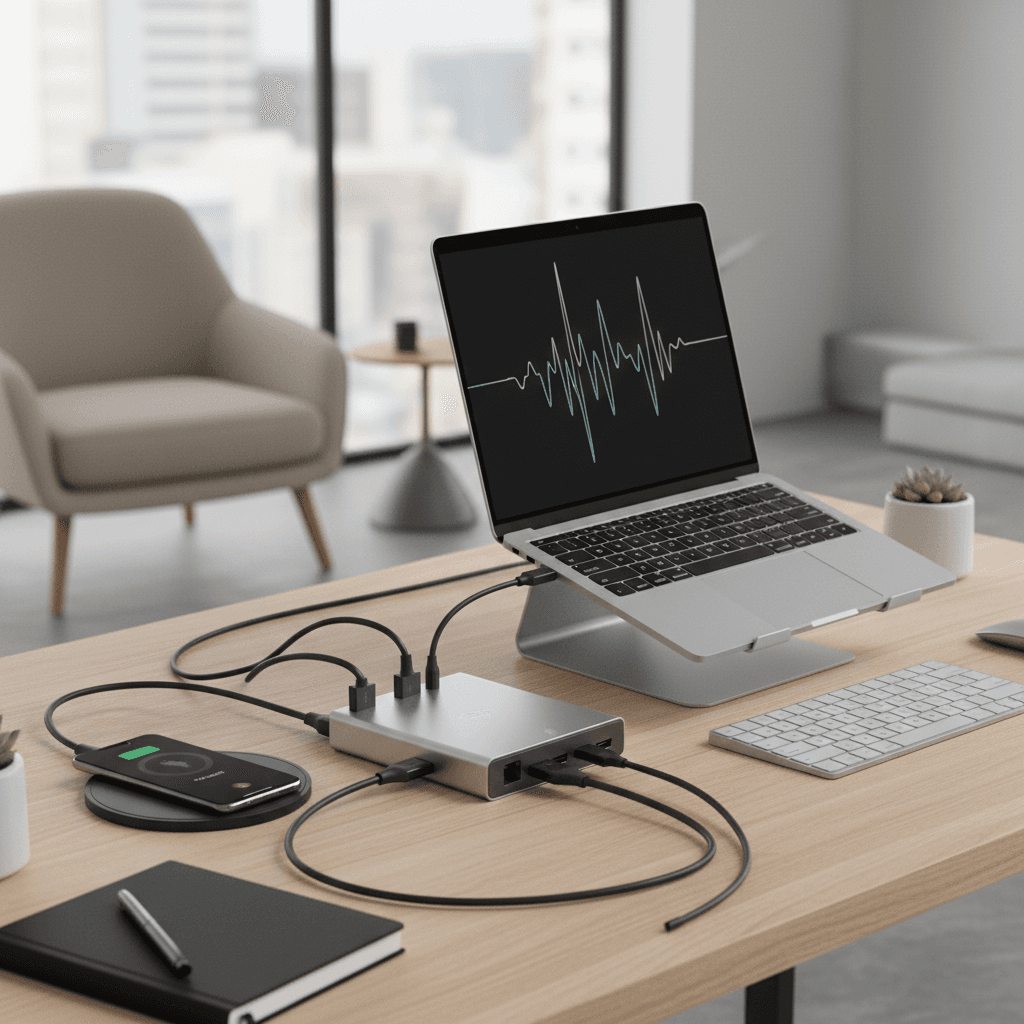
Hybrid Worker's Setup Guide: Home + Office Day Tools
Own two sets of small peripherals (chargers, cables, mouse) — one per location. Carry a USB-C hub always. Cloud storage for everything. The $50–100 dual-setup investment eliminates daily hauling.
Quick Answer
Own two sets of small peripherals — chargers, cables, a basic mouse — one per location, and carry only a USB-C hub plus laptop between them. Cloud storage for everything, and a Monday checklist for what travels. The $50-100 dual-setup investment eliminates the daily hauling that makes hybrid feel harder than it is.
Key Takeaways
Hybrid work setup guide for 2026 — the tools, bags, and habits that make switching between home and office seamless without hauling gear or losing productivity.

As an Amazon Associate I earn from qualifying purchases. Product prices and availability are subject to change.
Hybrid work creates a specific organizational challenge: you need a productive setup in two places, and you're constantly moving between them. The failure mode is hauling a heavy laptop bag with half your gear every day, leaving chargers at the wrong location, and starting every work session hunting for the cable you left at the other office.
The solution is a system — a small set of tools and habits that make both setups function without daily repacking.
The Core Principle: Own Two of Everything Small
Monitors, large speakers, standing desks — you have one. But for the small daily-use items, keeping a dedicated set at each location eliminates the hauling problem:
Keep a second at the office:
- Charger / power adapter ($15–$30 — buy a second)
- Mouse (a cheap wired backup or the same wireless model with a receiver)
- Basic cable: USB-C to whatever your monitor needs
- Desk snacks, coffee supplies, anything consumable
This is a $50–$100 one-time investment that eliminates 90% of "I left it at the office/home" friction.
Your Hybrid Bag: Travel Light, Set Up Fast
The ideal hybrid worker carries:
- Laptop
- Notebook + pen (for notes that don't need the laptop)
- Earbuds / headphones (one pair, lives in the bag)
- USB-C hub (one hub, lives in the bag)
A USB-C hub in your bag means you're one cable connection away from a full docking setup at any desk. This is the single highest-value hybrid work accessory.
What not to carry:
- Charger (you have one at each location)
- Extra cables (USB-C hub covers it)
- Your lunch bag (seriously — separate it from the work bag)
Home Office Essentials for Hybrid Workers
Your home office doesn't need to replicate everything from the corporate office. It needs to be better than the corporate office for focused deep work — which is (or should be) what you're doing at home.
Prioritize:
- A monitor that the laptop docks into (30" ultrawide or dual setup)
- Quality audio (headset for calls from home vs. shared conference room audio)
- Good lighting (ring light or window-facing desk for a clean video background)
- Standing desk capability (you have more control over your environment at home)
Office Days: What Actually Needs to Be Different
On office days, the setup is given to you — but you can still optimize it:
- Wireless mouse and keyboard in the bag mean you're not stuck with whoever's keyboard/mouse is at the desk
- Laptop stand (ultra-portable, foldable) elevates your screen to eye level at hot-desks
- Noise-canceling earbuds handle open-plan office noise that home ANC headphones are too bulky for
A lightweight laptop stand like the Lamicall ($35) and a compact wireless keyboard and mouse combo weigh under 1 lb combined and transform any hot-desk into a comfortable ergonomic setup.
Managing the Transition: Monday Checklist
The biggest productivity killer in hybrid work is context-switching friction. A quick Monday checklist prevents the "I forgot my notes at home / the office" problem:
- Laptop charged
- USB-C hub in bag
- Earbuds/headphones in bag
- Review today's meetings — do any need materials from the other location?
- Check that relevant files are in cloud storage (not local only)
Tools that help:
- Cloud storage for all working files (no local-only documents)
- Browser profile synced to both machines
- Password manager (1Password or Bitwarden) so you're not locked out of anything
For more on optimizing the home side of the hybrid equation, see our ultimate WFH setup guide and work-life balance WFH guide.
🏆 Bottom Line: Buy two sets of small peripherals (chargers, cables, basic mouse) — one for each location. Carry a USB-C hub always. Cloud storage for everything. The Monday checklist prevents 80% of hybrid transition friction.
Sources
- Microsoft Work Trend Index 2025 — Hybrid work patterns and productivity data. microsoft.com.
- Gallup State of the Global Workplace 2025 — Hybrid work engagement data. gallup.com.
- SHRM — Hybrid work policy and setup guidance. shrm.org.
- Ergotron — Portable ergonomics for hybrid workers. ergotron.com.
- Buffer — State of Remote Work 2025 report. buffer.com.
Your next step
One cable to rule the desk — dock-first setups.
Hilly Shore Labs
Editorial TeamWFH Lounge is published by Hilly Shore Labs. Every recommendation is built by synthesizing ergonomic research, manufacturer specs, expert reviews from outlets like Wirecutter, RTINGS, and The Verge, and aggregated long-term owner sentiment from thousands of verified buyers.
All product reviews are independently researched. Our recommendations are based on ergonomic guidelines, manufacturer specifications, and verified buyer sentiment. See our methodology.