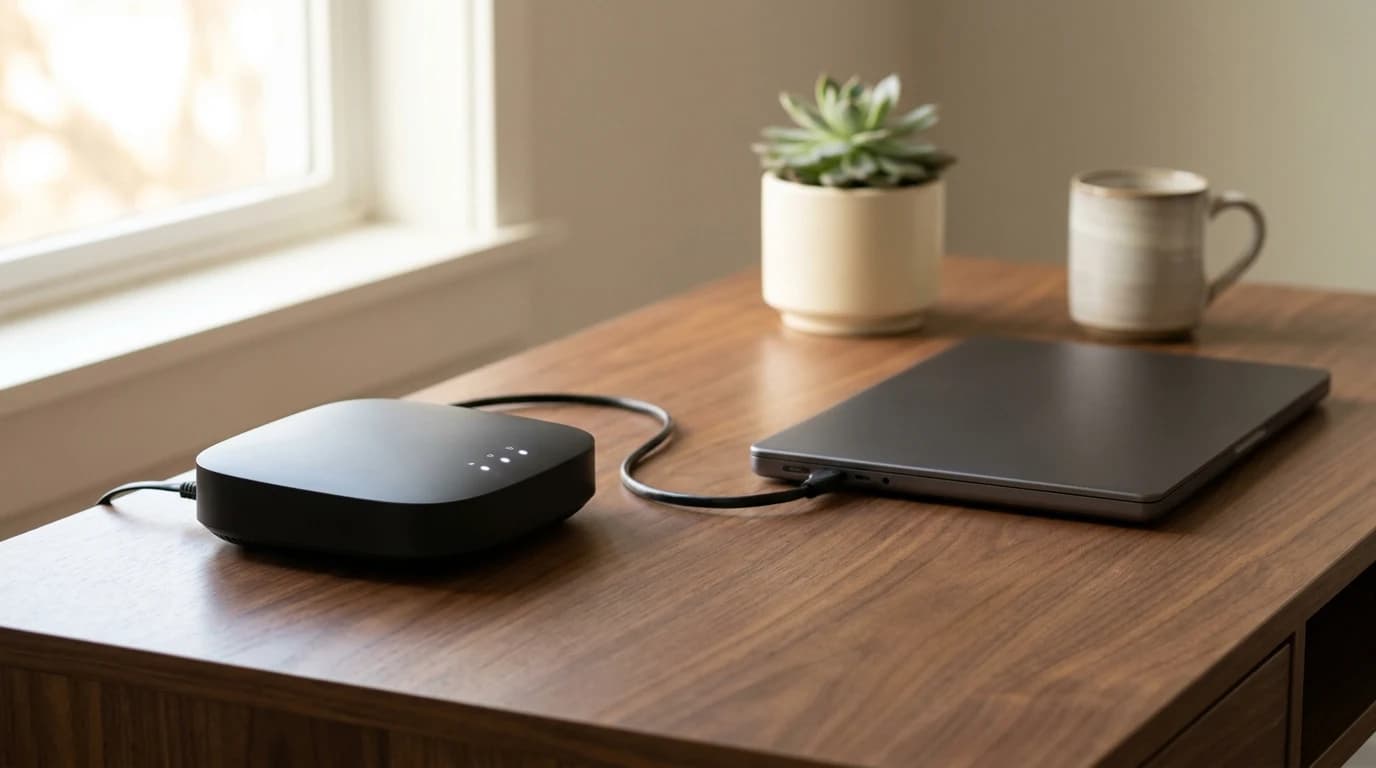
Best Travel Routers for Remote Work in 2026
The GL.iNet Beryl AX is the travel router most remote workers should carry — enough headroom to run a VPN without wrecking throughput, and a fast WAN port for hotels with a wired jack. Step up to the Slate AX for heavy VPN use, or down to the TP-Link TL-WR902AC if pocket size and price matter more than tunnel speed.
Quick Answer
A travel router joins a hotel network once and rebroadcasts it as your own, which solves the captive-portal login that many work devices cannot complete, the one-or-two-device cap, and the shared-network risk. The GL.iNet Beryl AX is the right default; the Slate AX is the pick if you run an always-on VPN; the TP-Link TL-WR902AC is the pocket-sized budget option. Configure whichever you buy at home, not in the lobby.
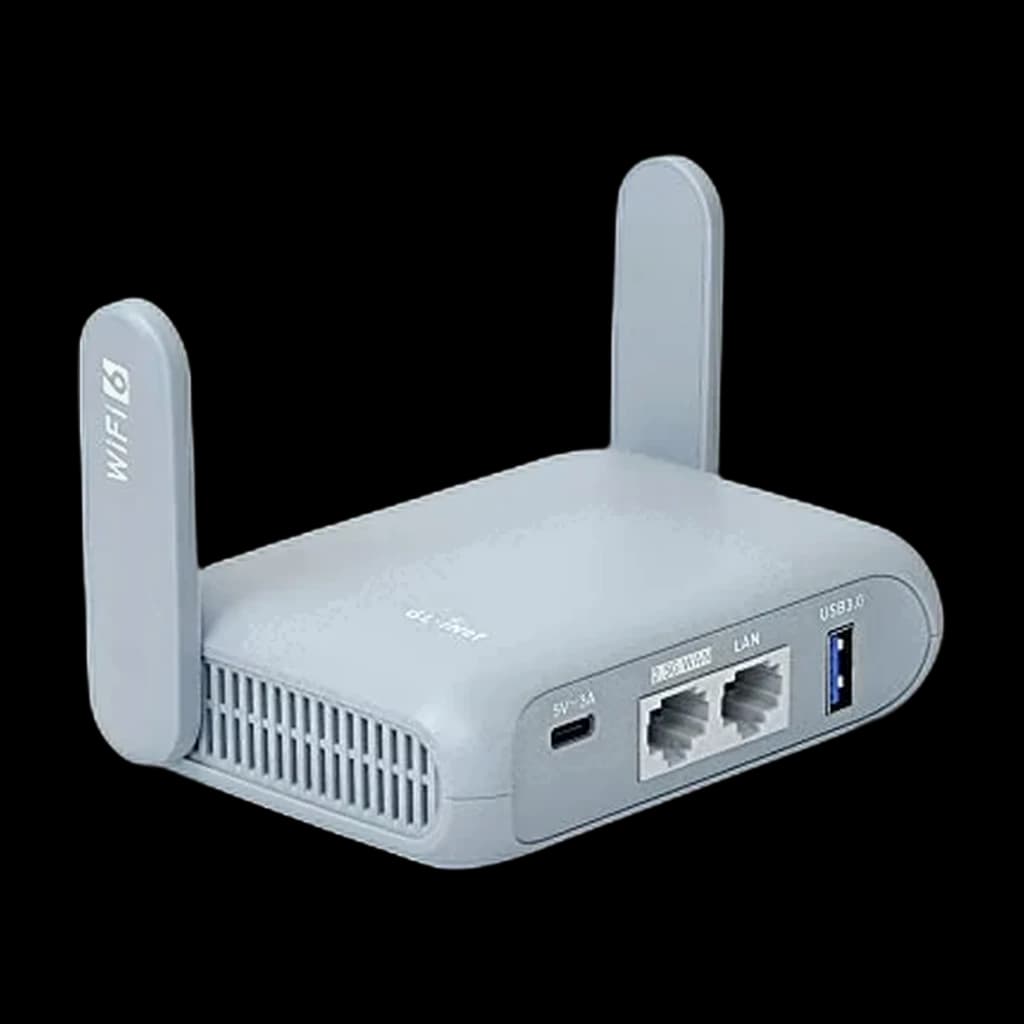 #1 Owner rating | 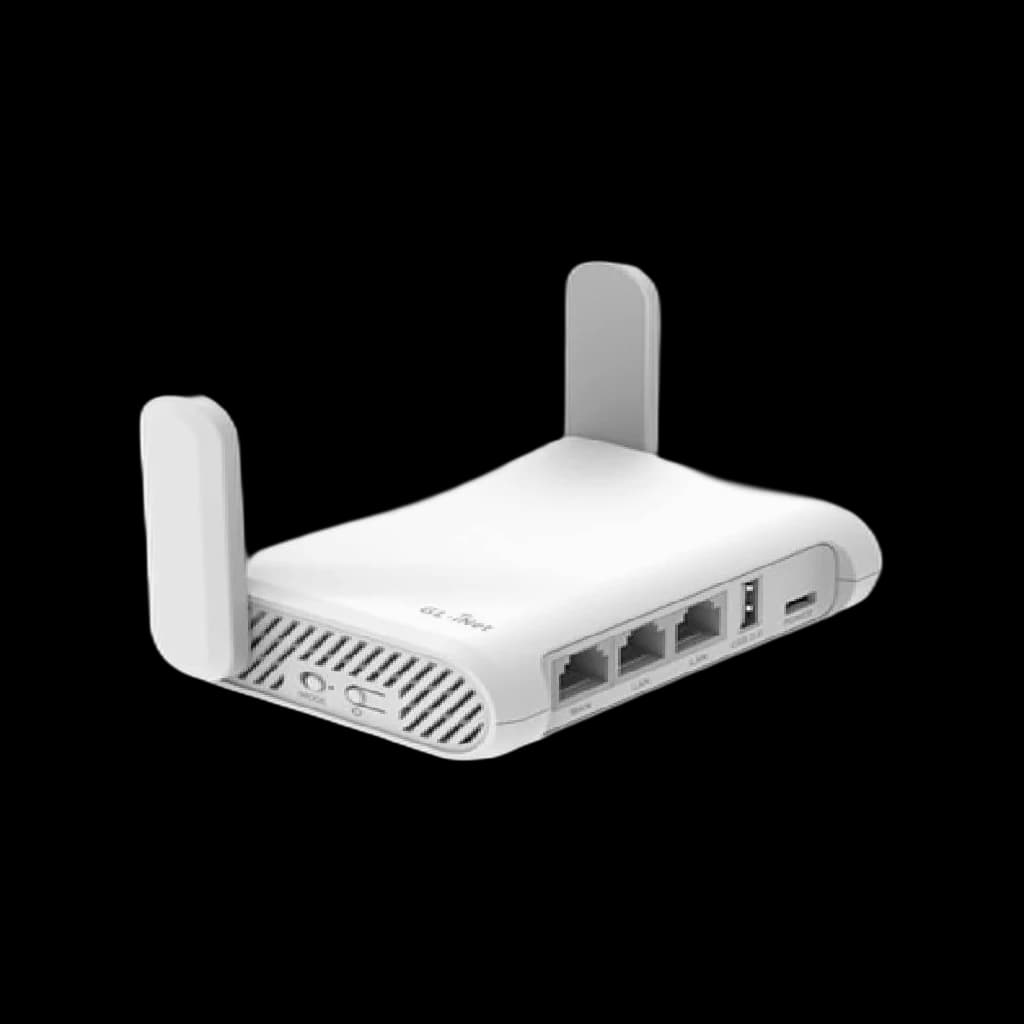 #2 Owner rating | 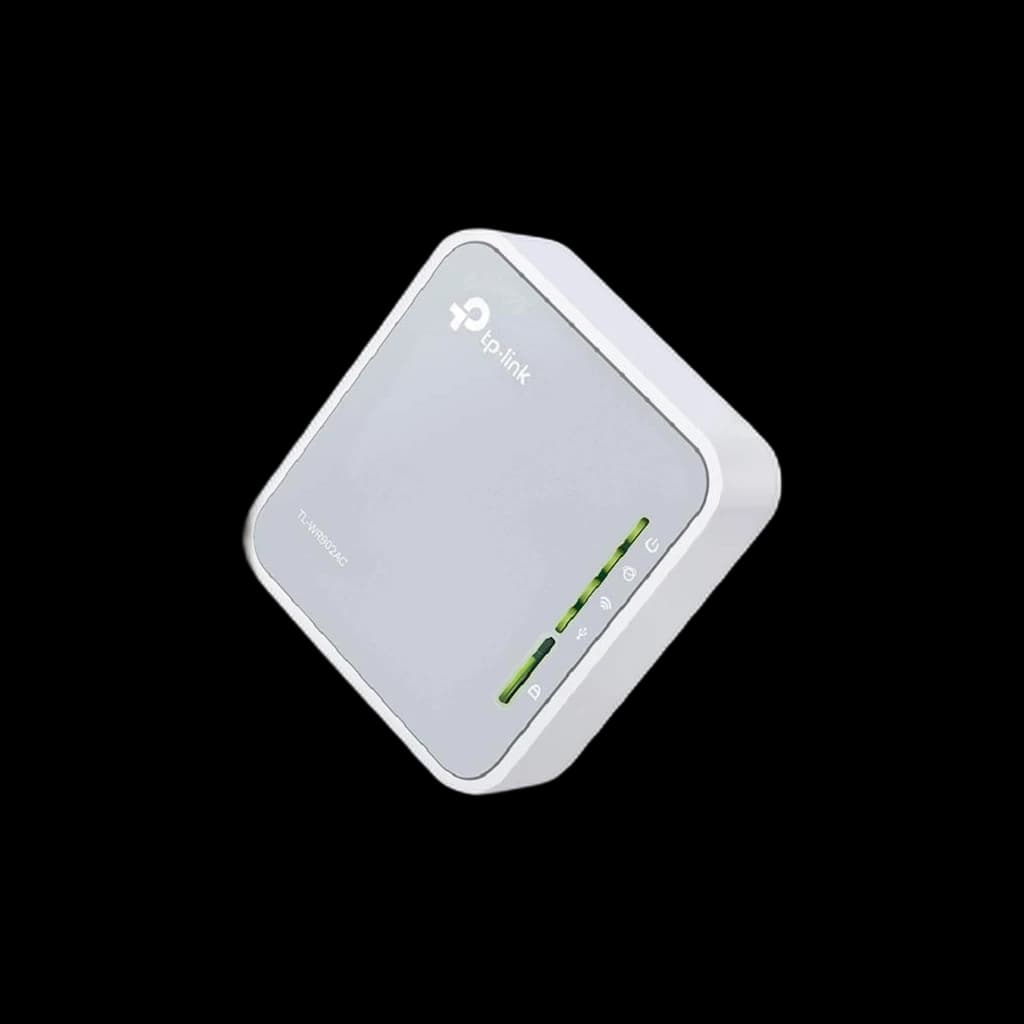 #3 Owner rating | |
|---|---|---|---|
| Price | $98.99Buy on Amazon | $119.99Buy on Amazon | $39.99Buy on Amazon |
| Verdict | The default travel router for remote work — Wi-Fi 6, a 2.5G WAN port so a fast wired hotel jack is not wasted, and enough headroom to run WireGuard without collapsing throughput. | The step up for always-on VPN work — more capable hardware and a second gigabit port, for when a tunnel has to stay fast all day. | The pocket pick. Powered over micro-USB from a laptop or power bank, so it adds no second brick to the bag, and it does the core job: join a network once and rebroadcast it behind one login. |
| Buyer sentiment | Performance Setup Portability Value for money Buyers praise performance, setup, portability and value for money. Mixed feedback on reliability and connectivity. Based on 2,432 user mentions | Performance Setup Portability Wireless Support Buyers praise performance, setup, portability and wireless support. Mixed feedback on reliability and value for money. Based on 1,613 user mentions | Signal Strength Value for money Portability Buyers praise signal strength, value for money and portability. Mixed feedback on reliability and setup. Based on 108 user mentions |
| Wi-Fi | Wi-Fi 6 dual band | Wi-Fi 6 dual band | Wi-Fi 5, AC750 dual-band |
| WAN | 2.5G | — | — |
| VPN | WireGuard + OpenVPN | WireGuard + OpenVPN | — |
| Power | USB-C | — | Micro-USB |
| Ports | — | 2 x gigabit | — |
| Best for | — | Always-on VPN | — |
| Modes | — | — | Router / extender / AP / client |
| Generation | — | — | Superseded by TP-Link Roam 6 |
| Pros |
|
|
|
| Cons |
|
|
|
* Prices checked Oct 10, 2026 and may vary. Check the latest price on Amazon.
We research — never hands-on. How we research →
Key Takeaways
A travel router fixes the hotel captive portal, the device limit and the shared-network risk. The three worth carrying, and how to set one up.
As an Amazon Associate I earn from qualifying purchases. Product prices and availability are subject to change.
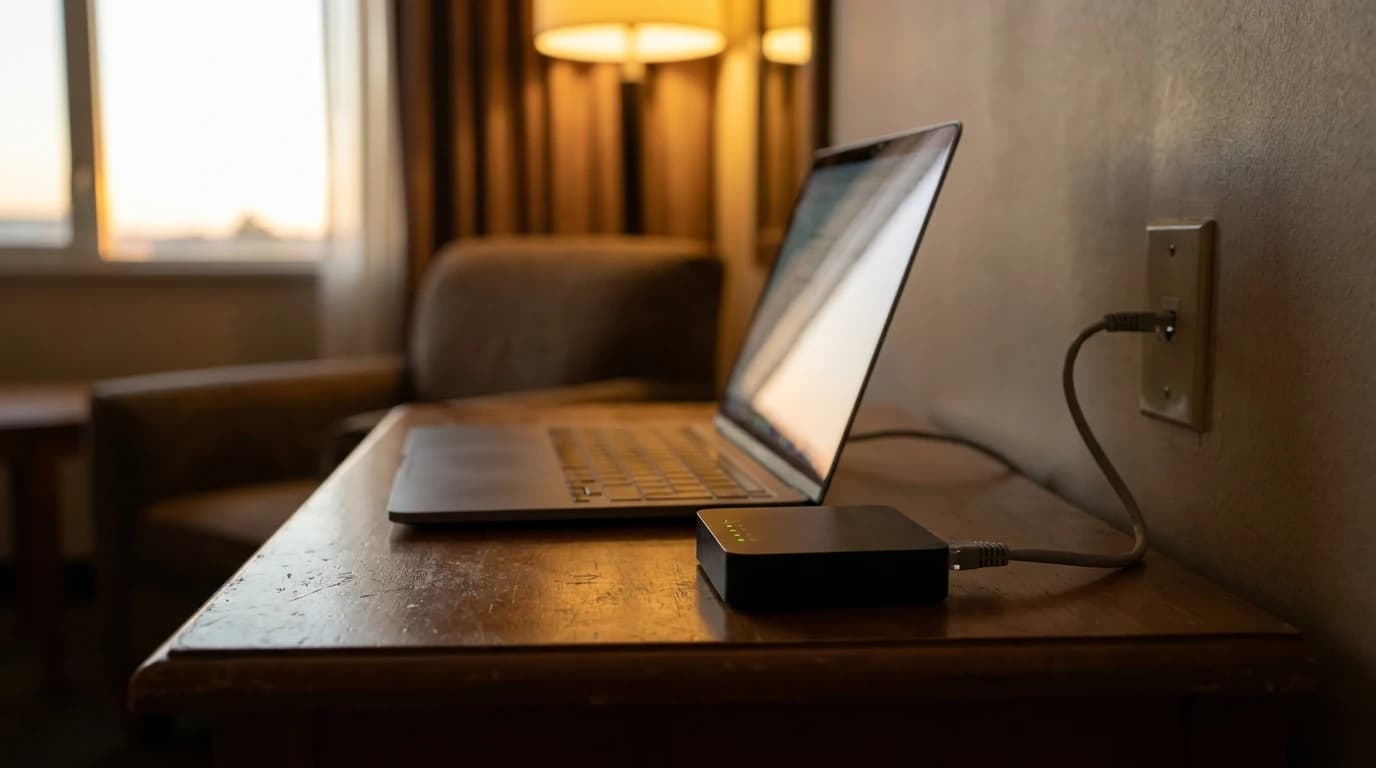
A travel router is the least glamorous thing in a work bag and the one most likely to save a trip. It is a pocket-sized box that joins the hotel, café or conference network once, then re-broadcasts it as your own private Wi-Fi — the same network name, the same password, in every room you ever stay in.
That sounds like a convenience. On a work trip it is closer to insurance.
Key Takeaways
- The real problem a travel router solves is the captive portal — the browser login page that many work devices simply cannot complete.
- One registration covers everything you carry. Hotels that cap you at one or two devices stop mattering.
- A travel router is also where your VPN belongs, so every device is covered without configuring each one.
- Configure it at home. A lobby is the worst possible place to meet a router's setup wizard for the first time.
What it actually fixes
| Hotel-network problem | Why it hurts a work trip | What the router does |
|---|---|---|
| Captive-portal login page | Some devices cannot render it at all | Router logs in once; everything sits behind it |
| Device limit (often 1-2) | Laptop online, phone and headset not | All your devices count as one |
| Network name changes per room | Reconnect and re-authenticate constantly | Your SSID stays identical everywhere |
| Untrusted shared network | Everything on the segment sees your traffic | VPN runs on the router, covering all devices |
The one that surprises people: the captive portal, not the speed. A hotel connection is often fast enough for a call — but a work laptop locked down by IT, a headset, or a streaming stick may have no way to complete a browser-based login. The router completes it once, on their behalf.
The picks
All three run OpenWrt-family firmware with WireGuard and OpenVPN available, which is the actual reason this category is dominated by one brand.
On generations: both GL.iNet picks are Wi-Fi 6, and GL.iNet now sells Wi-Fi 7 successors to each — the Beryl 7 (GL-MT3600BE) and the Slate 7 (GL-BE3600). The Wi-Fi 6 models remain current stock and cost meaningfully less, and a hotel uplink is the bottleneck long before the router's radio is. Buy the newer ones if you want the longer runway, not because the older ones are holding you back.
Best overall: GL.iNet Beryl AX
The default recommendation for most work travellers. Wi-Fi 6, a 2.5G WAN port so a fast wired hotel connection is not throttled by the router itself, and enough processing headroom that turning on WireGuard does not collapse throughput — which is exactly where cheaper travel routers fall over.
Best for heavy VPN use: GL.iNet Slate AX
The step up. Same firmware, more capable hardware, and a second gigabit port. If your work requires an always-on VPN tunnel and you have watched a cheap router throttle it to unusable speeds, this is the one that fixes that.
Best budget and smallest: TP-Link TL-WR902AC
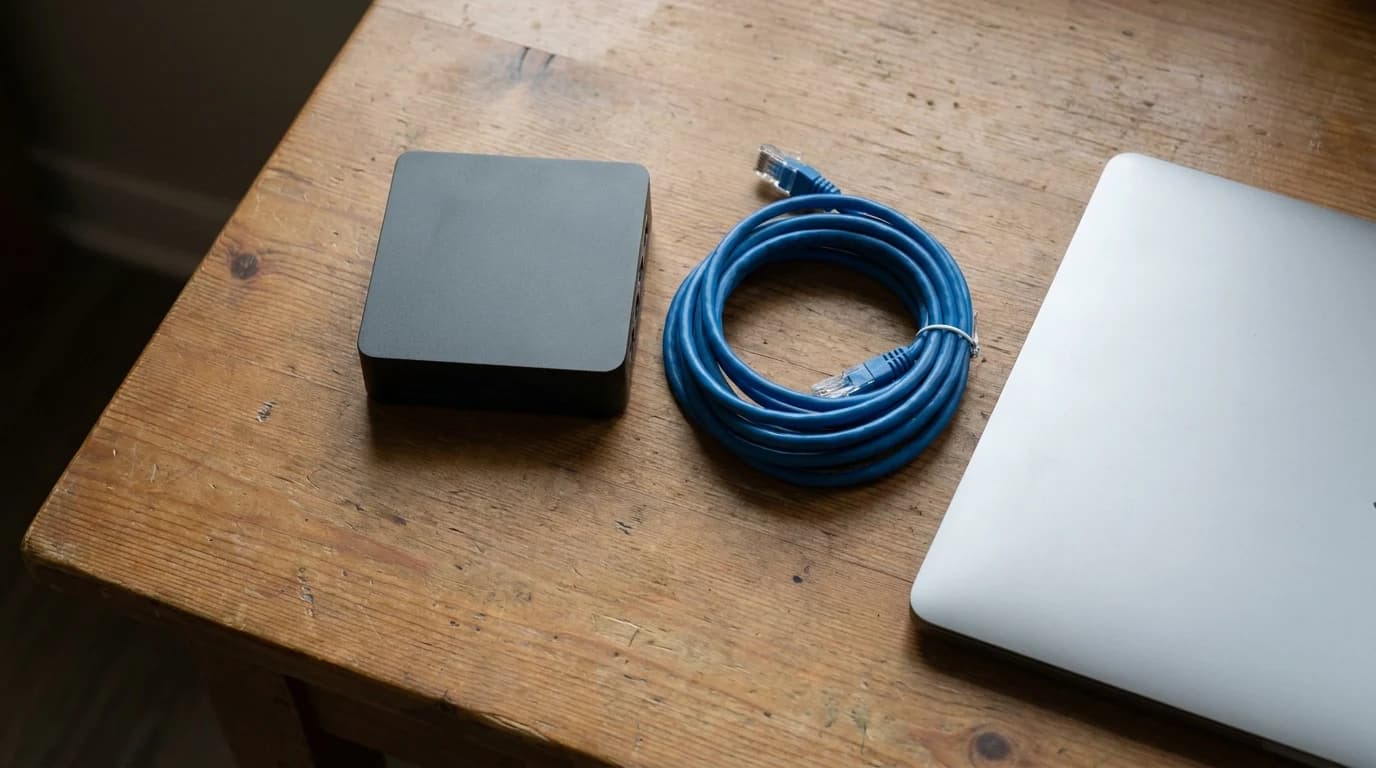
Genuinely tiny, powered over USB, and enough for the core job — join a network, rebroadcast it, get your devices behind one login. It is Wi-Fi 5 and it is not a VPN workhorse, but it fits in a pocket and it costs a fraction of the others.
What actually matters when choosing
What genuinely changes the experience:
- VPN throughput, if you use a VPN — this is where cheap routers disappoint
- Whether there is an ethernet WAN port, for hotels that still offer a wall jack
- Physical size and how it is powered, because USB power means one less brick
- Firmware you can actually configure, which in practice means OpenWrt
What matters less than the marketing suggests:
- Headline Wi-Fi speed numbers — the hotel uplink is the bottleneck, not the router
- Number of simultaneous devices supported, which no solo traveller will reach
- Mesh features, which are for homes rather than hotel rooms
Set it up before you leave
Flash any firmware update, connect it to your home network once, load your VPN profile, and set the SSID and password you want to see everywhere. Do all of that at a desk, not in a lobby. A router that is already configured takes about a minute to bring online in a hotel room; one that is not can take an evening.
The wired-jack trick still works
Plenty of older hotels still have an ethernet port behind the desk that nobody uses. It is frequently faster and always less contended than the shared wireless, because almost no guest plugs into it any more. A travel router with a WAN port turns that dead jack into your own private, fast network.
When you do not need one
Short domestic trips where you are mostly on cellular, or stays somewhere you already know the network works, do not justify the space. The case for carrying one scales with how much the trip depends on calls you cannot reschedule.
Does a travel router make hotel Wi-Fi faster?
Not directly — it cannot create bandwidth the hotel does not have. What it does is make the connection more stable and less annoying: one login instead of many, a consistent network name, and no re-authenticating every time a device sleeps. Where it can genuinely help speed is by letting you use an unused wired ethernet jack, which is usually less congested than the wireless.
Do I need a VPN on a travel router?
If you handle work data on shared networks, running the VPN on the router is the tidiest way to do it — every device you connect is covered automatically, including ones that cannot run VPN software themselves. It also means you configure it once rather than on each device.
Will a travel router work on any hotel network?
Almost always, provided you can complete the hotel's login page from the router's admin interface. The exceptions are networks that bind sessions to a specific device fingerprint, which is uncommon. Most hotel portals just want a room number and surname.
Sources
- FCC — WARNING: Wi-Fi Blocking is Prohibited (Enforcement Advisory DA 15-113: hotels and venues may not block personal Wi-Fi hotspots)
- OpenWrt project — WireGuard on OpenWrt (VPN support in the firmware family these routers run)
- GL.iNet — Beryl AX (GL-MT3000) and Slate AX (GL-AXT1800) — manufacturer specifications for the two picks above
- TP-Link — TL-WR902AC — manufacturer specifications, including USB power
Hilly Shore Labs
Editorial TeamWFH Lounge is published by Hilly Shore Labs. Every recommendation is built by synthesizing ergonomic research, manufacturer specs, expert reviews from outlets like Wirecutter, RTINGS, and The Verge, and aggregated long-term owner sentiment from thousands of verified buyers.
All product reviews are independently researched. Our recommendations are based on ergonomic guidelines, manufacturer specifications, and verified buyer sentiment. See our methodology.