Work Travel Gear for Remote Workers: What to Pack (and Skip)
Pack for the failures that are loud and immediate. A travel router, enough outlets, one charger that covers the laptop and phone, and headphones that work on a plane cover almost every way a work trip goes wrong. Peripherals are comfort; connectivity is the job.
Quick Answer
Work travel is a connectivity and power problem, not a peripherals problem. The four things that actually end a working day away from home are hotel Wi-Fi, outlets at the desk, the wrong plug in a new country, and a power bank you are not allowed to board with. Solve those four and the rest is comfort — the keyboard, mouse and portable monitor most people pack are the first things worth leaving behind.
Key Takeaways
The gear that actually matters when a remote worker travels: network, power, plugs and batteries — and the peripherals worth leaving at home.
As an Amazon Associate I earn from qualifying purchases. Product prices and availability are subject to change.
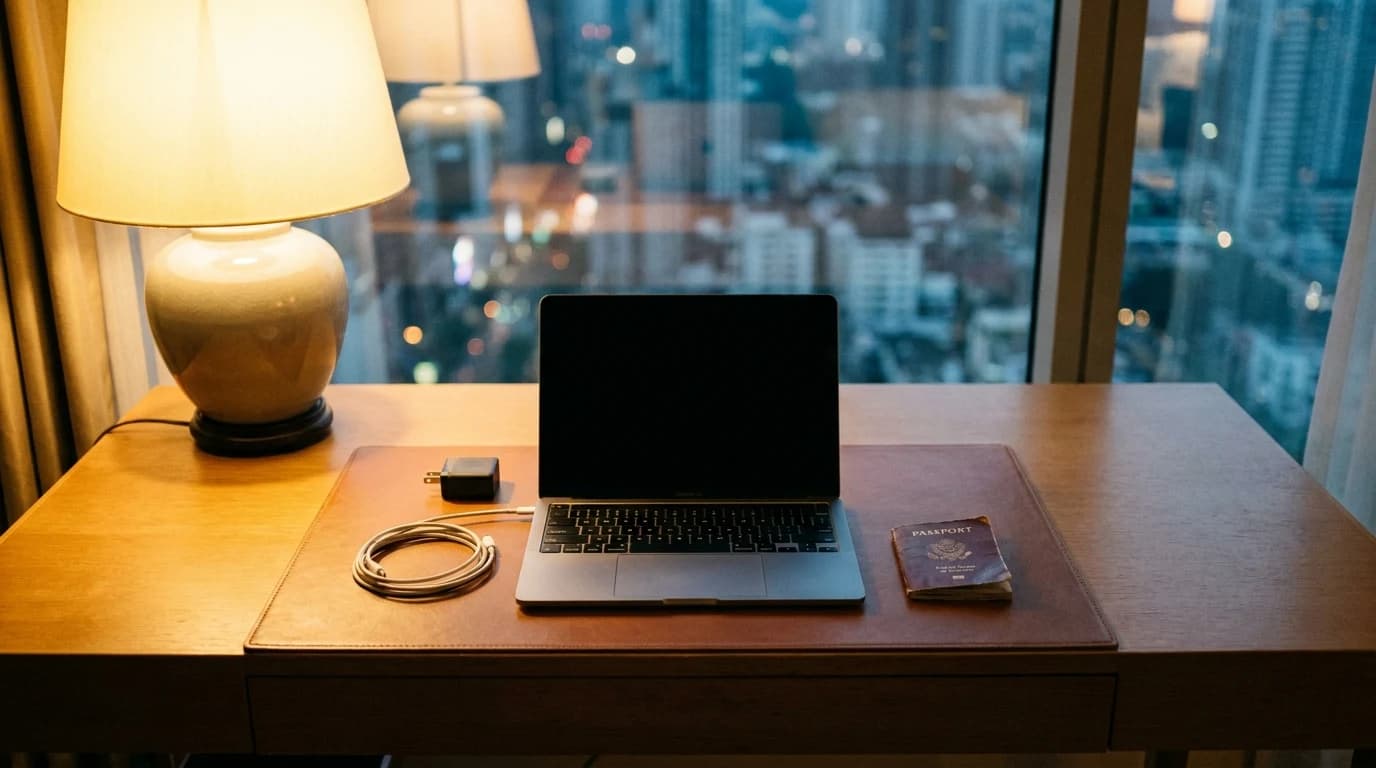
Remote work removed the commute, not the travel. The quarterly onsite, the client visit, the conference, the month worked from somewhere with better weather — the trips got rarer and longer, and the packing problem changed shape with them. You are no longer carrying a laptop between home and an office. You are carrying an entire working environment into a room you have never seen, and it has to be productive by the time the first call starts.
That is a different gear problem from tourism, and most travel guides do not solve it. This hub collects what actually matters when the trip is work.
The four failure modes of a work trip
Nearly everything that goes wrong on a work trip is one of four things, and each has a gear answer:
| What breaks | What it costs you | Where to start |
|---|---|---|
| Hotel or venue Wi-Fi | The whole call | Travel routers |
| Power at the desk or seat | Everything, eventually | Travel power strips |
| Wrong plug in the wrong country | Your laptop, in hour one | Adapter vs converter |
| A battery you cannot board with | Confiscation at security | Power banks for flying |
Notice what is not on that list: monitors, keyboards, mice. Those are comfort. The four above are the ones that end a working day.
Rule of thumb: pack for the failures that are loud and immediate, not the ones that are quiet and tolerable. A borrowed keyboard is an annoyance. A room with no working network at 9am is a cancelled meeting.
What actually goes in the bag
The honest short list, in the order most people discover they needed it:
- A way onto the network that you control — one device registered with the hotel, everything else behind it.
- More outlets than the room gives you. Hotel desks routinely have one reachable socket, usually behind furniture.
- One charger that handles the laptop and the phone. Two bricks is one brick too many.
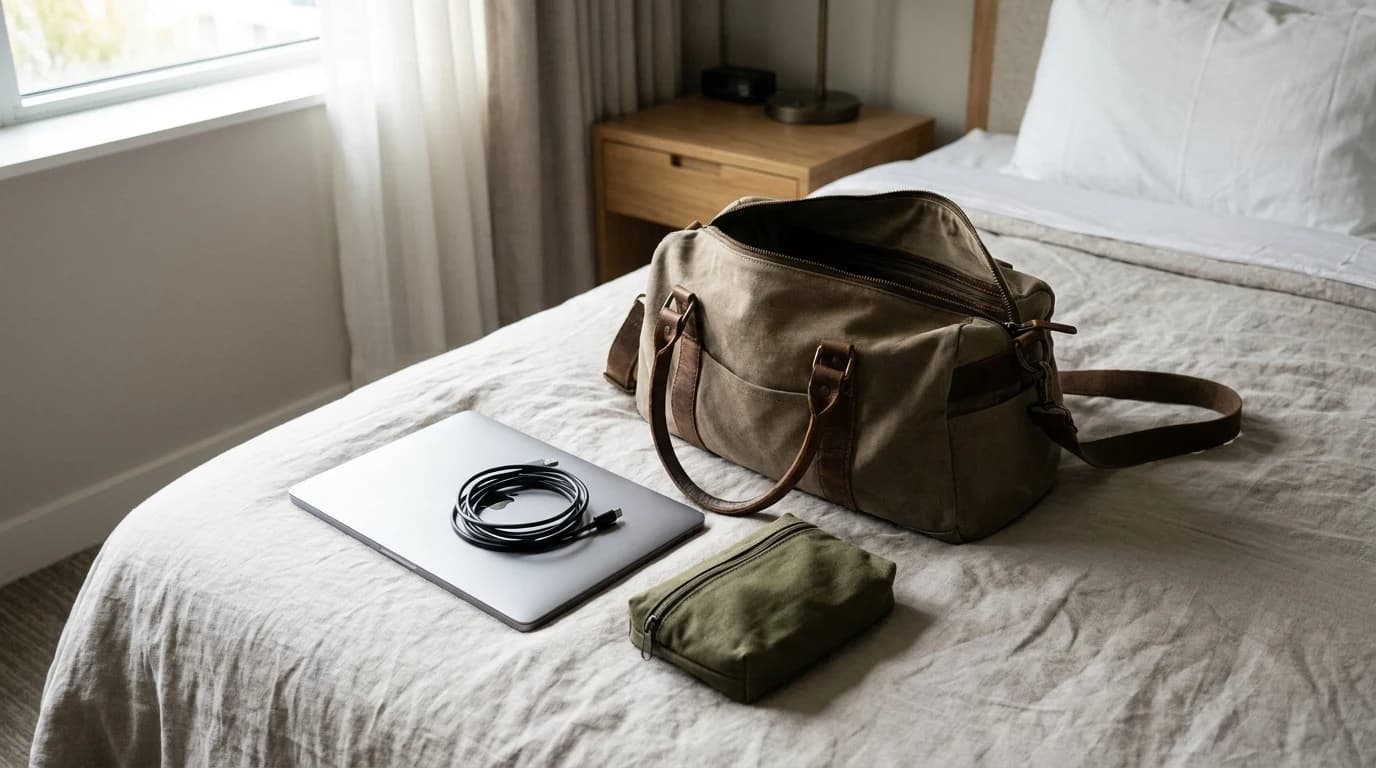
- A pouch that means you never hunt for a cable. The bag is not the point; the not-hunting is.
- Headphones that work on a plane and in a meeting. Both, not either.
The things people pack and then never use
Worth naming, because the weight is real:
- A full-size mouse and keyboard for a three-day trip
- A second laptop charger "just in case"
- A portable monitor for a trip with no desk time
- Cable ties, adapters and dongles for ports the laptop does not have
Why this list looks different from a travel blog's
Most travel gear writing optimises for a holiday: comfort, luggage, photography. Work travel inverts the priorities. You will tolerate a worse pillow. You will not tolerate a network you cannot get a video call through, and you cannot fix that one from the room at 8:55am.
The one rule that survives every trip
Whatever you carry, carry the version you have already used at home. A trip is a bad place to learn a new device's setup flow — particularly a router, which needs its configuration done before you are standing in a lobby using it for the first time.
Where to go next
- →Best travel routers for remote workthe hotel Wi-Fi fix
- →Power banks you can actually fly withthe airline watt-hour rule, in plain terms
- →Travel adapter vs converterthe distinction that kills appliances
- →Best travel power stripsfor the room with one outlet
- →Best cable organizers for the work bagstop hunting
- →Best headphones for flights and offsitesplane and meeting, not either
- →The three-day offsite carry-onthe whole thing as one list
Do I really need a travel router for a short trip?
If the trip includes video calls you cannot miss, it is the highest-value item on the list. Hotel networks are shared, throttled, and often use a captive login portal that some devices cannot complete at all. A travel router registers once and gives every device you carry a normal, stable network behind it.
What is the most over-packed work travel item?
Peripherals — a full keyboard, mouse and sometimes a portable monitor, for trips with only a few hours of actual desk time. They are heavy, they rarely change how the trip goes, and the space is better spent on power and connectivity.
Is a work trip different enough to need separate gear?
Mostly it needs different priorities rather than different objects. The gear that matters is whatever keeps you online and powered on someone else's infrastructure, because that is the part of a work trip you cannot improvise around.
Hilly Shore Labs
Editorial TeamWFH Lounge is published by Hilly Shore Labs. Every recommendation is built by synthesizing ergonomic research, manufacturer specs, expert reviews from outlets like Wirecutter, RTINGS, and The Verge, and aggregated long-term owner sentiment from thousands of verified buyers.
All product reviews are independently researched. Our recommendations are based on ergonomic guidelines, manufacturer specifications, and verified buyer sentiment. See our methodology.