Do You Need an External Monitor for Your Laptop?
An external monitor for a laptop is primarily an ergonomics fix, not a guaranteed productivity boost. A laptop screen sits below eye level and forces you to look down all day. If you work long hours at a desk and your tasks span multiple windows, add the monitor. If your work is single-task or mobile, a laptop stand plus an external keyboard usually solves the only real problem you have.
Quick Answer
If you work off a laptop more than a few hours a day at a desk, add an external monitor, but mainly for your neck, not your output. A laptop screen forces the top of the display well below eye level, so you look down all day. An external monitor fixes that once you raise it to eye level. The extra screen space helps too, but the research shows that benefit depends on your task and habits. If your work is single-task or mobile, a laptop stand and a separate keyboard may be all you need.
Key Takeaways
Working off your laptop screen all day? An external monitor is mainly an ergonomics fix, not a productivity hack. Here is when it actually matters.
As an Amazon Associate I earn from qualifying purchases. Product prices and availability are subject to change.
You can absolutely work from a laptop screen all day. Plenty of people do. But the question most home workers actually mean is sharper than "can I?" It is: am I quietly paying for this in neck pain and slower work, and would a $200 monitor fix it?
The honest answer splits cleanly. An external monitor is, first and foremost, an ergonomics correction — a laptop screen physically cannot sit where your neck wants it. The productivity boost everyone promises is real but conditional, and smaller than the marketing suggests. Here is how to tell which side of the line you fall on.
Quick answer: If you work off a laptop more than a few hours a day, add an external monitor — but do it for your neck, not your output. A laptop screen forces the top of the display far below eye level, which means you look down all day. An external monitor fixes that the moment you raise it to the right height. The extra screen real estate helps too, but the research shows that benefit depends heavily on your task and your habits.
The honest summary
- The ergonomics case is near-universal; the productivity case is conditional. A laptop's screen sits low and close, violating the standard ergonomic rule. The "more screen = more done" claim only reliably holds for certain multi-window work.
- The fix is height, not just size. A second screen only helps your posture if the top of it lands at or below eye level, about an arm's length away — the same target ergonomists give for any monitor.
- Laptop-only is fine for short, mobile, single-task work. If you are mostly in one app, moving between spots, or working a couple of hours, the tradeoff tilts toward staying light.
- You do not always need to buy a monitor to solve the posture problem — a stand plus an external keyboard fixes the neck issue with the laptop screen alone.
The real reason: where your neck ends up
Health and safety authorities are unusually specific about monitor placement. OSHA's computer-workstation guidance says to put the monitor directly in front of you, at least 20 inches away, with the top line of the screen at or below eye level. Mayo Clinic gives the same target: an arm's length away (20 to 40 inches), top of the screen at or just below eye level.
A laptop cannot meet this. Its screen is hinged a few inches above the keyboard, so the moment your hands are in a comfortable typing position, the screen is well below eye level. You compensate by craning your neck and rounding your shoulders forward for hours. That sustained "look-down" posture is the mechanism behind the neck, shoulder, and upper-back ache that so many laptop-only workers chalk up to "just being tired."
| Where the screen sits | Laptop on a desk | External monitor (raised) |
|---|---|---|
| Top of screen vs eye level | Well below — you look down | At or just below — neutral |
| Distance from eyes | Often under 20 in | Arm's length, 20–40 in |
| Neck/shoulder load | Sustained forward flexion | Mostly neutral |
| Meets OSHA/Mayo target | No | Yes, when set correctly |
This is why an external monitor is the most common single upgrade for full-time laptop workers: it is the only way to get the screen up to eye level and keep your hands at the right height at the same time.
The productivity case is real — but smaller than you think
Here is the part the spec sheets oversell. A Georgia Tech study (Kang & Stasko, 2008) had people complete a complex, multi-window task set on one monitor versus two. The dual-monitor group finished faster and reported less mental workload, and clearly preferred two screens.
That is a genuine result — but read the fine print. The benefit showed up on a task built to span multiple windows, and the researchers found it leaned on prior experience: people who already worked across multiple screens gained the most, while those who did not gained less. In other words, the screen does not do the work; your workflow does. If your job is one document or one browser tab at a time, a second screen mostly gives you somewhere to put a distraction.
What the research does NOT support: the blanket claim that "two screens make you 30% more productive." That kind of number gets quoted everywhere, usually traced to a vendor whitepaper, not an independent study. The peer-reviewed finding is narrower and honest: more screen helps specific multi-window tasks for people who use that space well — and the same research even flags downsides like splitting long text awkwardly across displays. Buy the monitor for your neck first; treat the speed-up as a bonus that depends on how you work.
So: do you need one? A quick test
Run your real workday through these three questions.
- How long are you at the laptop? Under ~2 hours a day, or constantly moving spots: laptop-only is reasonable. A full 8-hour day in one place: get the screen up.
- How many windows is your work? Mostly one app at a time (writing, one browser, one IDE pane): a single screen is fine. Constantly referencing one window while working in another (spreadsheets, dev + docs, research): a second display earns its desk space.
- Where is your neck right now? If you finish the day with a stiff neck or tight shoulders, that is the deciding vote, regardless of the other two. That is the ergonomics signal, and it does not go away on its own.
You might not need to buy a monitor at all
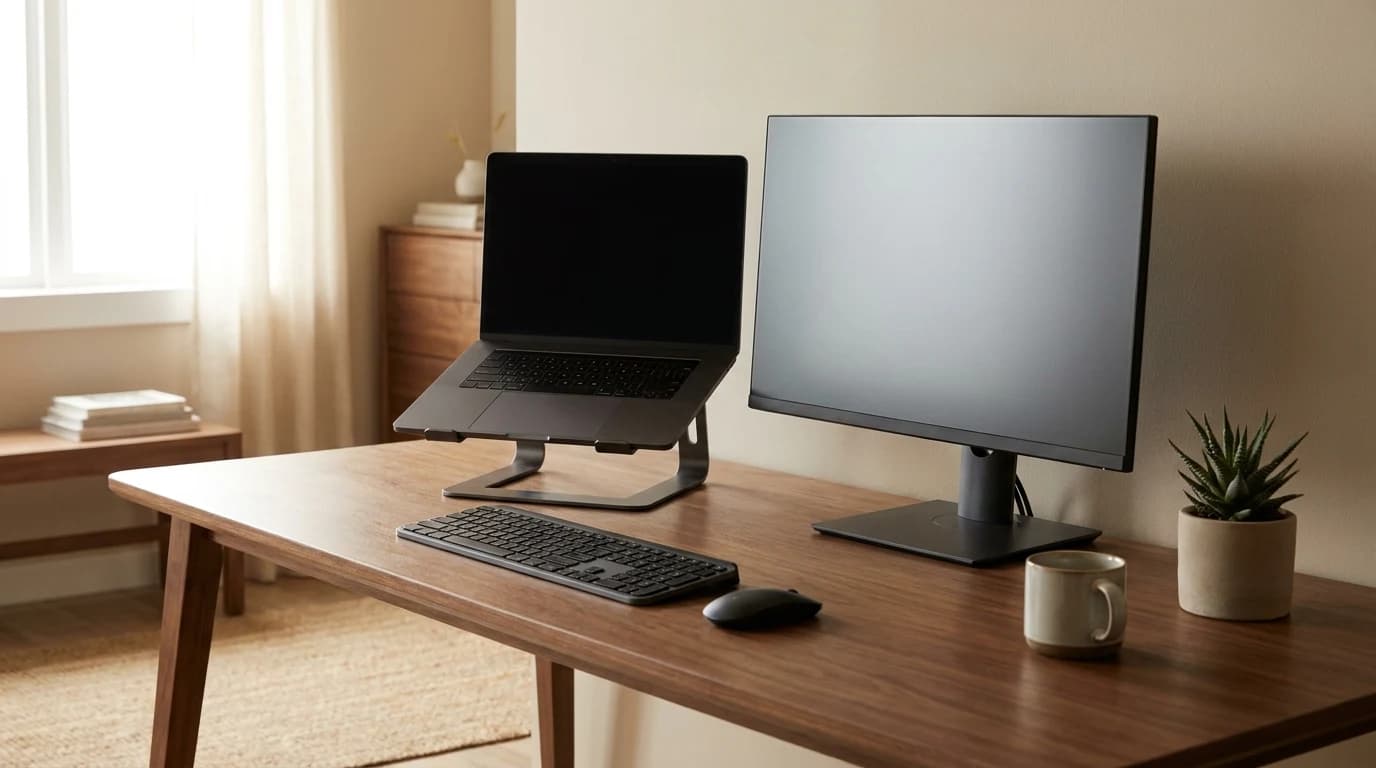
If your work is single-task but your neck still hurts, you have a cheaper fix than a new display. The posture problem comes from the laptop screen being low and the keyboard being attached to it. Break those apart: put the laptop on a laptop stand to raise the screen toward eye level, then add a separate keyboard and mouse so your hands stay low. Now the built-in screen sits where an external monitor would — you have solved the ergonomics without a second panel.
You only need the external monitor when you want both correct posture and more usable screen space at the same time. If you decide a display is the right call, our home office monitor buying guide covers the specs that actually matter, and our best 27-inch monitors for WFH ranking is the shortlist to start from.
Bottom line: Don't ask "is a laptop screen enough." Ask "where does my neck end up after eight hours, and does my work span multiple windows?" Heavy desk-bound multi-window worker: add the monitor, mostly for posture. Light, mobile, single-task worker: a stand and an external keyboard probably solve the only problem you actually have.
Sources
- →OSHA — Computer Workstations: MonitorsFederal guidance: monitor directly in front, at least 20 inches away, top line of screen at or below eye level.
- →Mayo Clinic — Office ergonomics: Your how-to guideMonitor placement: arm's length (20–40 in / 50–100 cm), top of screen at or just below eye level.
- →Kang & Stasko, Georgia Tech (2008) — Single versus Multiple Monitors: A Comparative StudyDual monitors lowered task time and workload on a complex multi-window task set; benefit depended on prior multi-monitor experience and task type.
Hilly Shore Labs
Editorial TeamWFH Lounge is published by Hilly Shore Labs. Every recommendation is built by synthesizing ergonomic research, manufacturer specs, expert reviews from outlets like Wirecutter, RTINGS, and The Verge, and aggregated long-term owner sentiment from thousands of verified buyers.
All product reviews are independently researched. Our recommendations are based on ergonomic guidelines, manufacturer specifications, and verified buyer sentiment. See our methodology.