Thumb vs Finger Trackball: Which One Fits Your Hand?
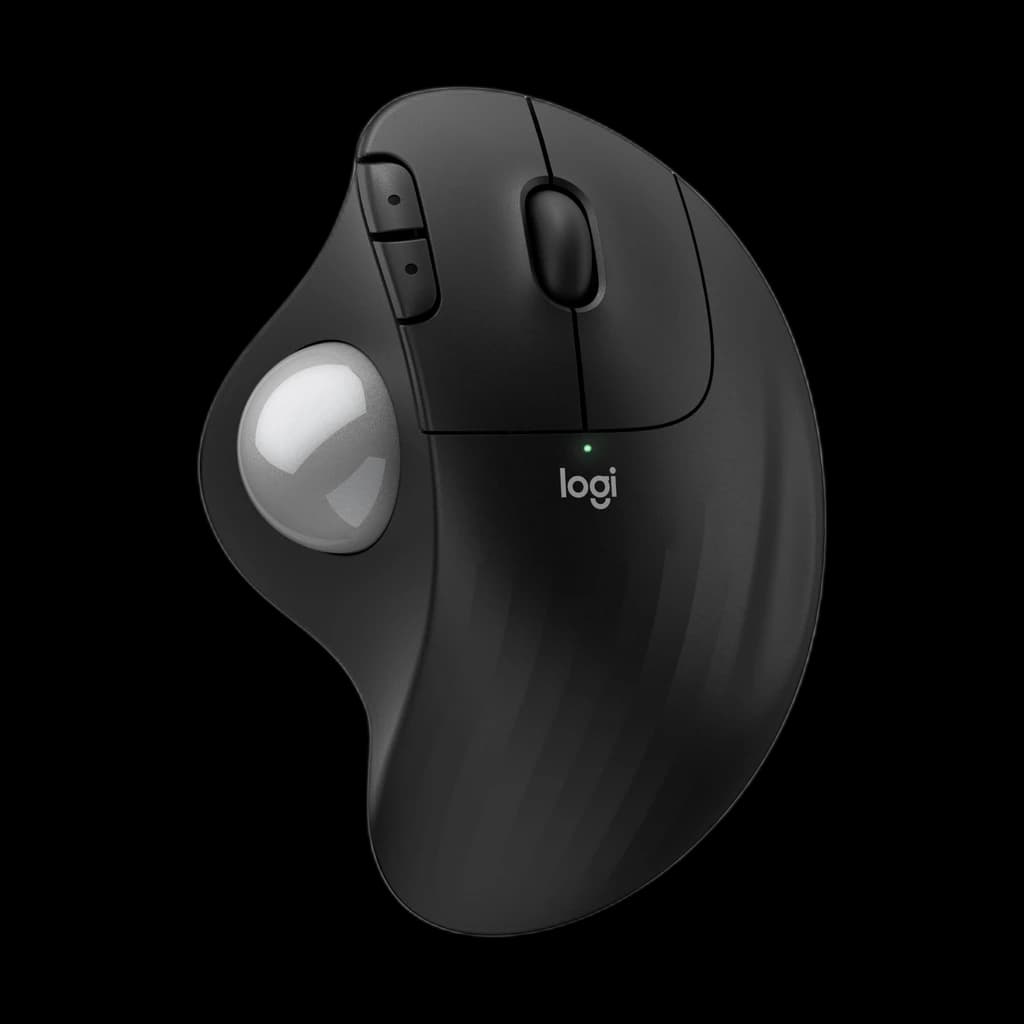
Pick the digit you want to load. Right-handed with a healthy thumb: start with the Logitech Ergo M575S, or the MX Ergo S if you want its 0 to 20 degree tilt. Left-handed or thumb-sore: go finger-operated, such as the ambidextrous Kensington Expert Wireless or the ELECOM HUGE.
Quick Answer
Choose a thumb trackball if you are right-handed and your thumb is healthy: it holds like a mouse, so it is the easiest switch. Choose a finger trackball if you are left-handed, your thumb is already sore, or you work across a very wide screen, because finger models centre a larger ball and often suit either hand.
 #1 Owner rating | 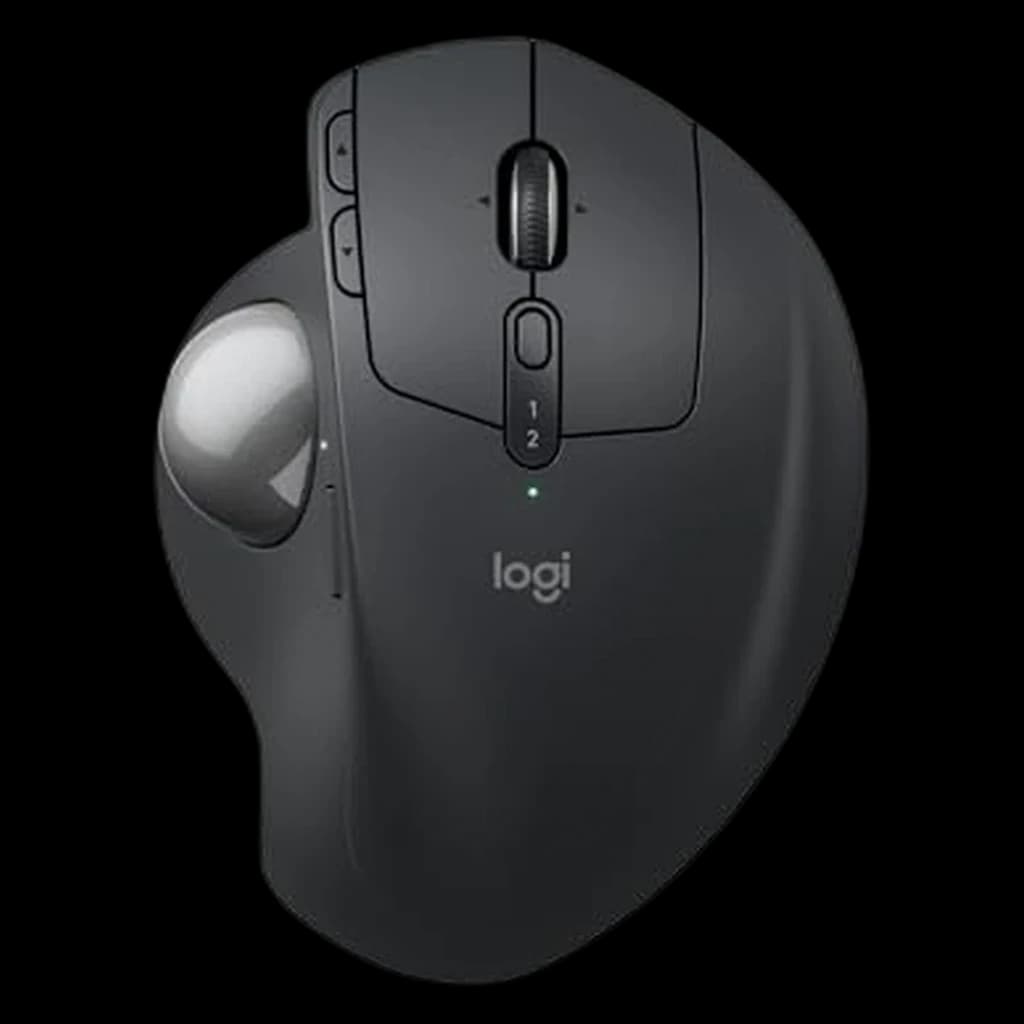 #2 Owner rating | 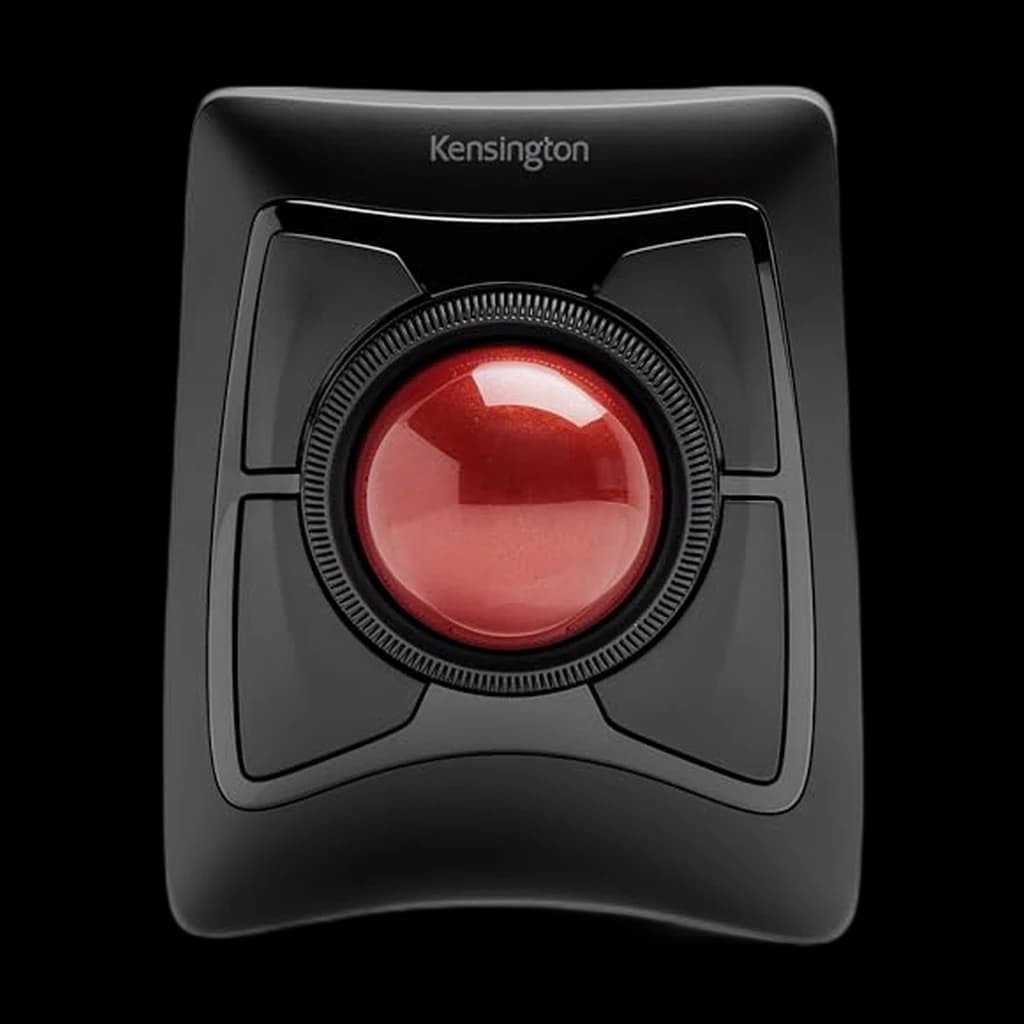 #3 Owner rating | 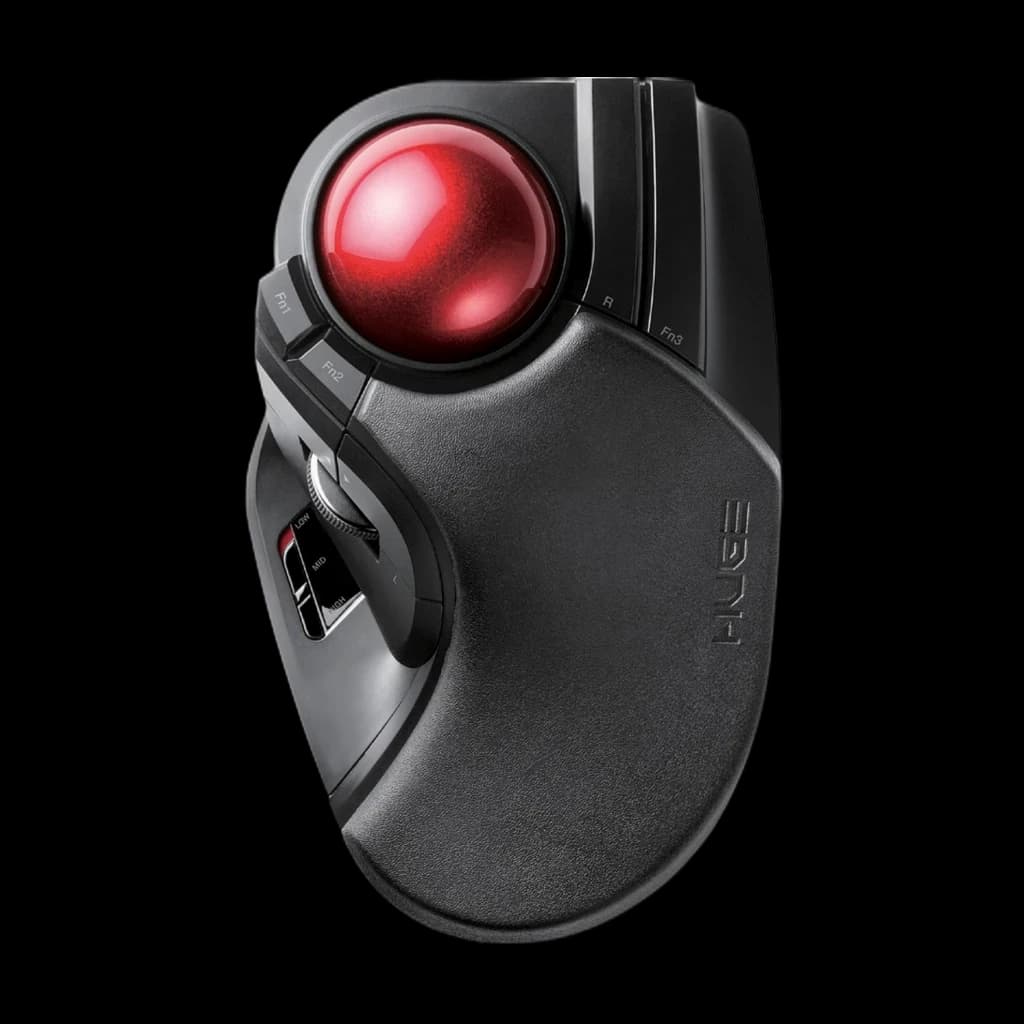 #4 Owner rating | |
|---|---|---|---|---|
| Price | $39.99Buy on Amazon | $99.99Buy on Amazon | $90.35Buy on Amazon | $54.99Buy on Amazon |
| Verdict | Thumb trackball that holds like a mouse; the cheapest, easiest first trackball here for a right hand. | Thumb trackball with a 0 to 20 degree tilt hinge and USB-C charging; for medium to large right hands. | Ambidextrous finger trackball with a 55mm ball and scroll ring. Kensington's own page marks this SKU discontinued; Amazon still sells it new. | Index and middle finger trackball with a 52mm ball and a full-length palm rest; built for wide and multi-monitor desks. |
| Buyer sentiment | Rated 4.5★ across 2,445 reviews | Quality Ergonomics Comfort Battery Life Buyers praise quality, ergonomics, comfort and battery life. Mixed feedback on reliability and quiet clicking. Based on 420 user mentions | Quality Bluetooth Connectivity Scroll Wheel Performance Size Buyers praise quality. Mixed feedback on reliability and ergonomics. Some flag bluetooth connectivity and scroll wheel performance. Based on 2,104 user mentions | Rated 4.2★ across 3,335 reviews |
| Specs |
|
|
|
|
| Pros |
|
|
|
|
| Cons |
|
|
|
|
* Prices checked Oct 17, 2026 and may vary. Check the latest price on Amazon.
We research — never hands-on. How we research →
Key Takeaways
Thumb or finger trackball? Compare four models on pointing digit, ball size, handedness and tilt, then pick by what already hurts. Maker specs only.
As an Amazon Associate I earn from qualifying purchases. Product prices and availability are subject to change.
A trackball doesn't take the work out of pointing. It moves it. A mouse loads your shoulder and forearm; a thumb trackball hands the whole job to one thumb; a finger trackball shares it between your index and middle fingers. So the useful question isn't "trackball or mouse?" It's which digit you're willing to load for eight hours a day.
Our view, from the maker specs below: start with a thumb trackball if you are right-handed and your thumb is healthy. Go finger-operated if you are left-handed, if your thumb already complains, or if you work across a very wide screen.
- 5 of 16 Kensington trackballs that are thumb-operated. Its catalog lists the same count as right-hand only.
- 0–20° Tilt range of the MX Ergo S hinge, the only adjustable angle in this comparison.
- 100° Minimum exposed ball surface OSHA's workstation guidance gives for a trackball.
Source: Kensington trackball catalog filters; Logitech MX Ergo S product FAQ; OSHA Computer Workstations eTool.
Which digit does the pointing
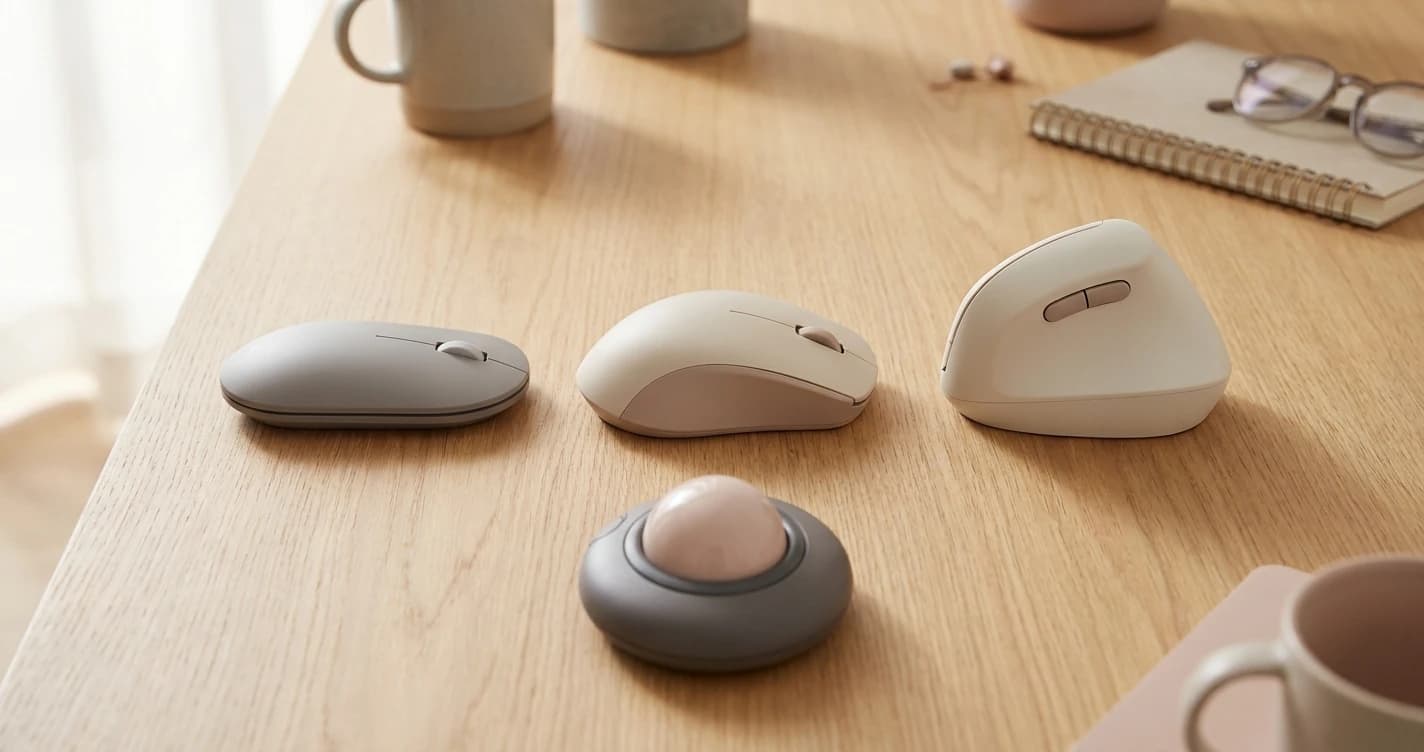
Everything else follows from this. A thumb trackball puts the ball on the side of the shell, under your thumb, and your fingers click as they would on a mouse. A finger trackball centres the ball, so your index and middle fingers roll it and the other digits click.
What each layout gets you
Thumb-operated
- Holds like a mouse, so the first week is easier
- Fingers keep their usual click positions
- A sculpted shell supports the whole hand
- Right-hand only on every model in this post
Finger-operated
- Ball centred, so many shells work for either hand
- Larger 52–55 mm balls cover a wide screen in fewer rolls
- Two fingers share the pointing load
- Different button layout to learn
The handedness rule: if you mouse left-handed, the decision is almost made for you. Logitech says the MX Ergo S is made only in a right-handed configuration, and the M575S is likewise designed exclusively for right-handed users. Kensington's catalog filters list five thumb-operated and five right-hand-only models.
The four trackballs, side by side
Two of each type. Figures come from each maker's product page (the Elecom's from its listing); unpublished specs say so.
| Logitech Ergo M575S | Logitech MX Ergo S | Kensington Expert Wireless | ELECOM HUGE Wireless | |
|---|---|---|---|---|
| Pointing digit | Thumb | Thumb | Fingers | Index and middle fingers |
| Ball | Not published | Not published | 55 mm | 52 mm |
| Hand | Right only | Right only | Ambidextrous | Not stated; sculpted shell |
| Angle | Fixed shell | 0–20° hinge | Not adjustable; detachable wrist rest | Not adjustable; full-length palm rest |
| Power | 1 AA, up to 18–20 months | USB-C, up to 120 days per charge | AA | AA |
| Scrolling | Wheel | Wheel | Scroll ring | Tilt wheel |
| Maker's fit note | "Most hand sizes" | Medium to large hands | Average to larger hands | Not stated |
The table hides one thing worth naming. Both Logitech pages make a measured claim: the M575S "reduces the muscle strain in your forearm by 25%", and the MX Ergo S's tilt cuts it by 27%. Those are Logitech's own figures, and we could not find the underlying study published.
Pick by what already hurts
Symptoms are a better guide than specs. This is a fit guide, not a treatment plan.
| If this is you | Lean toward | Why |
|---|---|---|
| Shoulder or elbow ache from reaching for the mouse | Either type | The device stays put, so the arm stops travelling |
| Thumb or base-of-thumb soreness | Finger | A thumb trackball puts all the pointing on that joint |
| Left-handed | Finger, ambidextrous shell | No thumb model here comes in a left-hand version |
| Very wide or multi-monitor desk | Finger, large ball | A 52–55 mm ball travels further per roll |
| Wrist rotation ache on a flat mouse | MX Ergo S at 20° | The only adjustable angle here; Logitech says the tilt improves forearm posture |
| First trackball, tight budget | M575S | Closest to a mouse grip, so the learning curve is shortest |
Rule of thumb: a trackball fixes reach, not repetition. If the pain is in the digit that would do the rolling, pick the layout that rests it.
If your discomfort is forearm twist rather than reach, our vertical mouse evidence review covers the other route.
The 100-degree check no maker prints
OSHA's pointer guidance says a trackball should expose at least 100 degrees of ball surface and turn comfortably in every direction. None of the four product pages publishes that figure, so check it yourself.
Checking a trackball in your first week
- Look at the ball from the side. A deeply buried ball leaves only a small cap to roll.
- Roll it slowly in a full circle. A direction that drags means dirty bearings or a grip mismatch.
- Lower the pointer speed in the maker's software until small rolls feel controllable, then raise it.
- Notice which joint is tired at the end of the day. That's your answer to thumb vs finger.
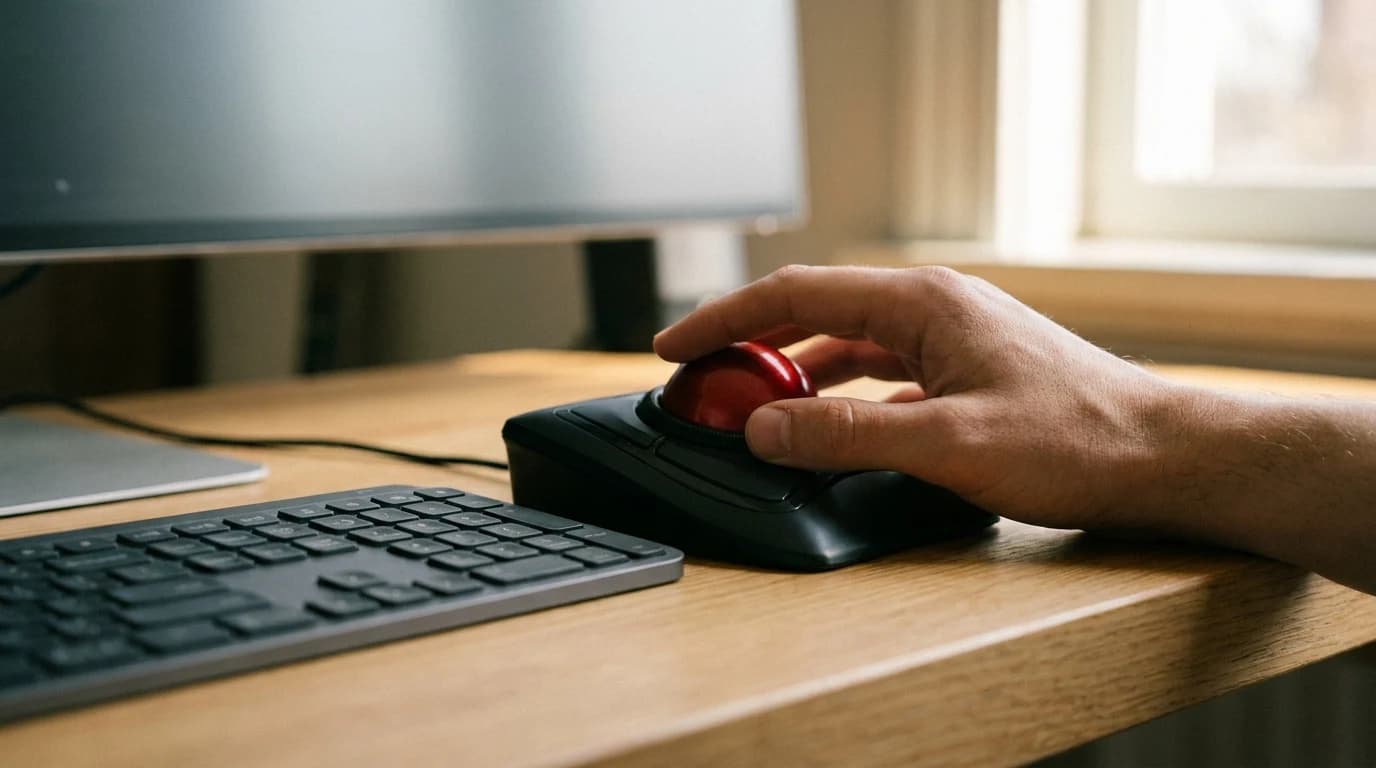
OSHA's broader advice is modest: a trackball "may be less fatiguing for certain tasks," so try one before committing. Buy where returns are easy.
What the evidence can and can't tell you
The strongest summary we found is a 2018 Cochrane review of office ergonomics trials. Across 15 randomised trials and 2,165 workers, it found moderate-quality evidence that an alternative mouse design, compared with a conventional one, did not considerably reduce new neck, shoulder or upper-limb disorders. An alternative mouse combined with an arm support did better for the neck and shoulder.
- "Alternative mouse" in that review is a broad category, not trackballs specifically.
- We found no trial comparing thumb-operated with finger-operated trackballs head to head.
- →Kensington, which sells both kinds, calls it personal preference: compact and one-handed versus a centred, symmetrical ball.
So the honest claim is narrow: a trackball removes arm travel, which helps if reaching is your problem. Which digit carries the load is a fit question no study settles.
Living with one
Upkeep and the first fortnight
- Wipe the socket when tracking stutters. Both Logitech balls push out from underneath; on the MX Ergo S, remove the magnetic base plate first.
- Elecom's listing says the HUGE's three 2.5 mm artificial ruby bearings are large enough to resist clogging.
- Expect a few days of slow, overshooting cursor work before it feels normal.
For broader picks across vertical, trackball and standard shapes, see our best ergonomic mouse guide, or start with how to choose a mouse for your hand.
FAQ
Is a thumb or finger trackball better for beginners?
Thumb, for most right-handed people: the grip is close to a mouse, so only the pointing is new.
Are finger trackballs better for left-handed people?
Usually, yes. Every thumb trackball in this comparison is right-hand only, while Kensington lists its Expert Mouse Wireless as ambidextrous.
Do trackballs prevent repetitive strain injury?
Not on their own, on current evidence. A 2018 Cochrane review found alternative mouse designs did not considerably reduce new upper-limb disorders.
Hilly Shore Labs
Editorial TeamWFH Lounge is published by Hilly Shore Labs. Every recommendation is built by synthesizing ergonomic research, manufacturer specs, expert reviews from outlets like Wirecutter, RTINGS, and The Verge, and aggregated long-term owner sentiment from thousands of verified buyers.
All product reviews are independently researched. Our recommendations are based on ergonomic guidelines, manufacturer specifications, and verified buyer sentiment. See our methodology.