Why Bluetooth Audio Drops When Your Mic Turns On
If your calls matter more than your playlist, stop trying to fix this in a settings menu and change the connection instead. A wired headset or one with its own USB receiver removes the trade-off outright. LE Audio removes it properly, but only on recent hardware at both ends. Everything else is a choice about which half of the link to sacrifice.
Quick Answer
Classic Bluetooth carries high-quality audio in one direction only. The moment an app opens your headset's microphone, the link switches to the hands-free profile, which is mono in both directions at 16 kHz, or 8 kHz on an older connection. Apple and Microsoft both document this as normal behaviour rather than a fault. Only Bluetooth LE Audio removes the trade-off, and only when the PC, its drivers and the headset all support it. Everything else that works — a cable, or a headset with its own USB receiver — works by not being a Bluetooth Classic link in the first place.
Key Takeaways
Bluetooth Classic cannot carry stereo playback and a live microphone at once. Here is the profile switch behind it, and why two common fixes miss.
As an Amazon Associate I earn from qualifying purchases. Product prices and availability are subject to change.
You join a meeting and the music you were half-listening to goes flat and narrow, as if it is arriving through a wall. Nothing is broken. Bluetooth Classic carries good audio in one direction only, and the moment an app opens your headset's microphone the link drops to a mode that is mono both ways. Apple and Microsoft document this as expected behaviour — and between them they also document why the two fixes everyone repeats stopped applying years ago.
One radio, two jobs, never at the same time
Microsoft's driver documentation is blunt about the split. A2DP, the stereo playback profile, "only supports audio output from the host to the audio device. When audio capture ... is used, it's necessary to use HFP instead." HFP, the hands-free profile, "supports concurrent monaural capture (microphone) and monaural playback" — mono in, mono out — at one of two rates.
| Mode | Microphone | Playback | Sampling rate |
|---|---|---|---|
| A2DP | Not available | Stereo | Full-rate audio |
| HFP, wideband | Mono | Mono | 16 kHz |
| HFP, narrowband | Mono | Mono | 8 kHz |
| LE Audio | Mono | Mono, or stereo on qualifying PCs | Super wideband |
The whole rule in one line: if any app is holding your headset's microphone open, you are on the hands-free profile, and the hands-free profile is mono.
Apple puts it plainly: Bluetooth has two modes, one "for listening to higher-quality audio" and one "for both speaking through the microphone and listening to audio," and "audio quality is reduced until the microphone is no longer in use."
Windows 11 removed the switch everyone tells you to flip
Search this problem and you will be told to set the "Stereo" device as your default playback device and the "Hands-Free" one as your communications device. That describes Windows 10, which created up to three endpoints per headset, and where using the hands-free output meant "any audio streaming to the stereo output is discarded." Windows 11 unified them: one output endpoint, one input endpoint, no dropdown to game. The system picks the profile instead, and selects HFP whenever either of two things happens:
- An application opens the input, meaning the microphone, endpoint.
- An application creates a playback stream with its category set to Communications.
The second trigger is the one worth sitting with: a meeting app can put your headset into mono by tagging its own audio as a call, before you have unmuted or said a word.
macOS documents the trap nobody mentions
Apple's fix list starts where you would expect — quit any app using the headset's microphone. Then it adds a line that explains a lot of otherwise baffling cases: "Make sure that System Settings (or System Preferences) isn't open and showing your Sound settings." The Sound pane holds the microphone open to drive its input meter, so leaving it open after a call keeps your headphones in call mode with nothing on screen to blame. If the link stays stuck, Apple's documented reset is Control Center, then Sound, then your Mac's internal speakers, then reselect the headphones.
What removes the trade-off, and what only looks like it does
Genuinely removes it:
- A wired headset. No profile negotiation, because there is no Bluetooth Classic link.
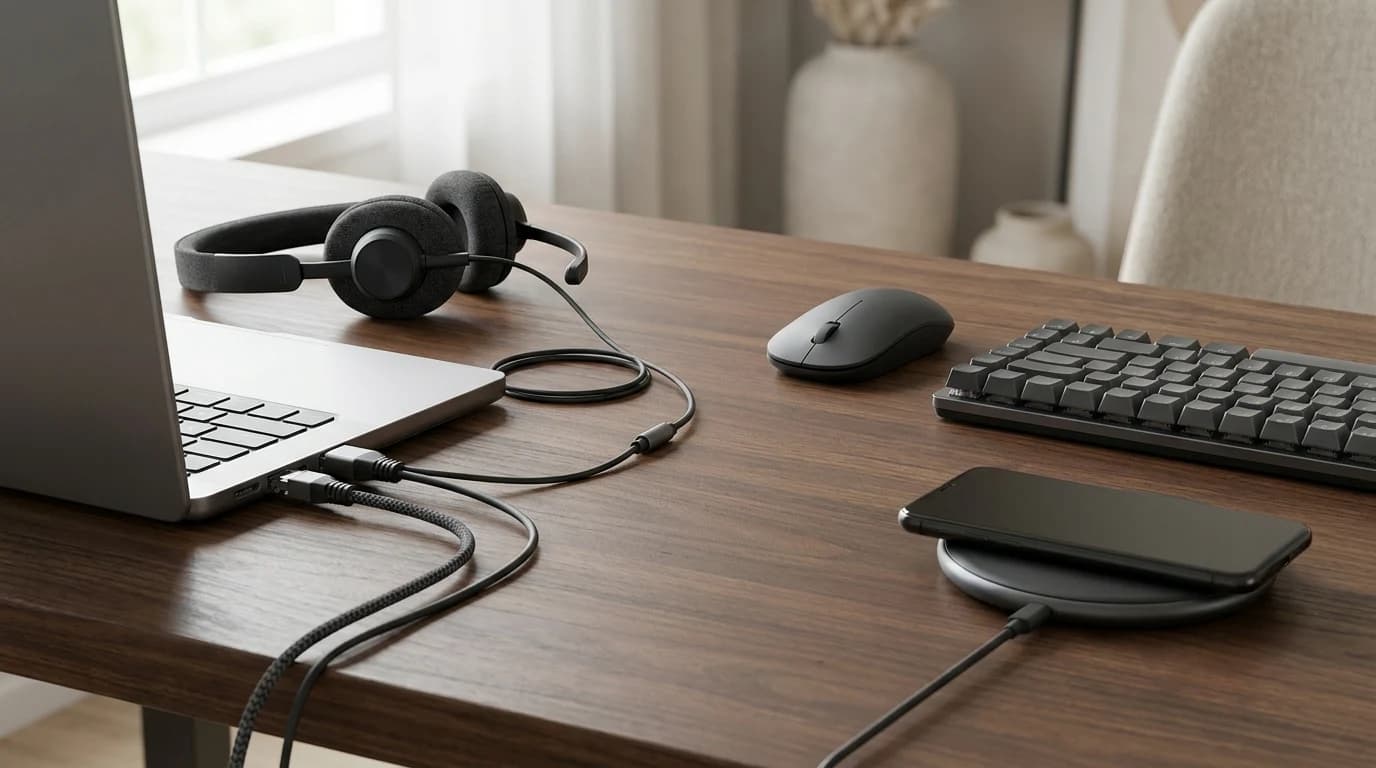
- A wireless headset with its own USB receiver, such as the Jabra Evolve2 65 or the Logitech Zone Wireless 2. Your computer sees a USB audio device, so the A2DP-or-HFP choice never arises on its side. What the receiver negotiates over its own radio is unpublished — call this sidestepping the problem, not solving it.
- Bluetooth LE Audio, the only route that fixes Classic's limitation on its own terms.
Does not remove it:
- Selecting a different microphone. On Windows 11 that removes one of the two HFP triggers, not both.
- Choosing the "Stereo" playback device. Those separate endpoints only exist on Windows 10.
- Buying a headset with a better codec. AAC, aptX and aptX Adaptive are A2DP codecs in Microsoft's own table, and A2DP is the profile that stops being used the instant the microphone opens.
The sixty-second test for what your PC can do
Microsoft names the behaviour in its LE Audio documentation: "One key limitation, with user-facing consequences, is the drop to mono audio whenever the microphone is active." LE Audio adds "support for stereo playback while the microphone is in use," and on a supported PC that shows up as a setting you can go and look for:
- Open Settings, then System, then Sound.
- Click the arrow beside your Bluetooth device under Output.
- Expand Output settings, then Format.
- Look for a dropdown labelled Format when microphone is active.
If it is there, your PC can hold stereo while you talk, and it defaults to stereo. If it is missing, that is informative too: the capability needs Windows 11 version 24H2 or newer, build 26100.4484 or newer, factory-integrated Bluetooth LE, current drivers, and an LE Audio headset at the other end.
The honest ceiling: in Microsoft's own wording, if your PC or peripheral does not support LE Audio, "you will hear mono audio when the microphone is used." No setting on either end changes that.
So which headset should you buy?
If most of your day is calls, the connection matters more than the driver size — which points at a dedicated call headset with its own receiver, or a cable, rather than the earbuds in your pocket. Our headphones and headsets picks and the headsets category are ranked with that split in mind, and the broader wired versus wireless question covers where a cable still earns its place. If you sound bad to other people instead, that is a distance and room problem: see why you sound bad on video calls.
FAQ
Why does my music go flat when I join a call?
The meeting app opened your headset's microphone, moving the link from A2DP to the hands-free profile: mono at 16 kHz, or 8 kHz on an older connection, until nothing is using the microphone.
Does a better Bluetooth codec fix call audio?
No. AAC, aptX and aptX Adaptive are A2DP codecs, and A2DP is not in use during a call. A pricier codec improves music playback and changes nothing on a call.
Is this a Windows problem or a Bluetooth problem?
A Bluetooth Classic one. Apple and Microsoft describe identical behaviour because both implement the same profiles; only the menus differ.
Will LE Audio fix it on my current headphones?
Only if both ends support it. Microsoft requires Windows 11 version 22H2 or newer plus compatible hardware and drivers, and the headset must declare LE Audio or TMAP support in its specifications.
Sources
- →Microsoft — Bluetooth Classic AudioA2DP output only, HFP mono at 8 or 16 kHz, and the two conditions under which Windows 11 selects HFP.
- →Microsoft — Bluetooth Low Energy (LE) Audiothe drop to mono whenever the microphone is active.
- →Microsoft — Configuring Bluetooth LE Audio quality settings on Windows 11the "Format when microphone is active" dropdown and its requirements.
- →Microsoft — Check if a Windows 11 device supports LE Audio22H2 or newer, both ends, TMAP.
- →Apple — If sound quality is reduced when using Bluetooth headphones with your Macthe two modes and the Sound settings pane.
- →Bluetooth SIG — LE Audiothe Classic and Low Energy radios.
Every figure here comes from the pages linked above, each read on 21 August 2026. WFH Lounge researches published documentation and does not test hardware.
Hilly Shore Labs
Editorial TeamWFH Lounge is published by Hilly Shore Labs. Every recommendation is built by synthesizing ergonomic research, manufacturer specs, expert reviews from outlets like Wirecutter, RTINGS, and The Verge, and aggregated long-term owner sentiment from thousands of verified buyers.
All product reviews are independently researched. Our recommendations are based on ergonomic guidelines, manufacturer specifications, and verified buyer sentiment. See our methodology.