Why Is My Monitor Flickering? Find the Cause in 5 Minutes
Monitor flicker is four different faults: a weak signal chain, PWM dimming, variable refresh rate or a driver. Match what you see to one fast test.
WFH Lounge Blog
Research-backed buying guides, product comparisons, and work-from-home setup advice.
Showing 1–8 of 8 guides tagged #troubleshooting

Monitor flicker is four different faults: a weak signal chain, PWM dimming, variable refresh rate or a driver. Match what you see to one fast test.

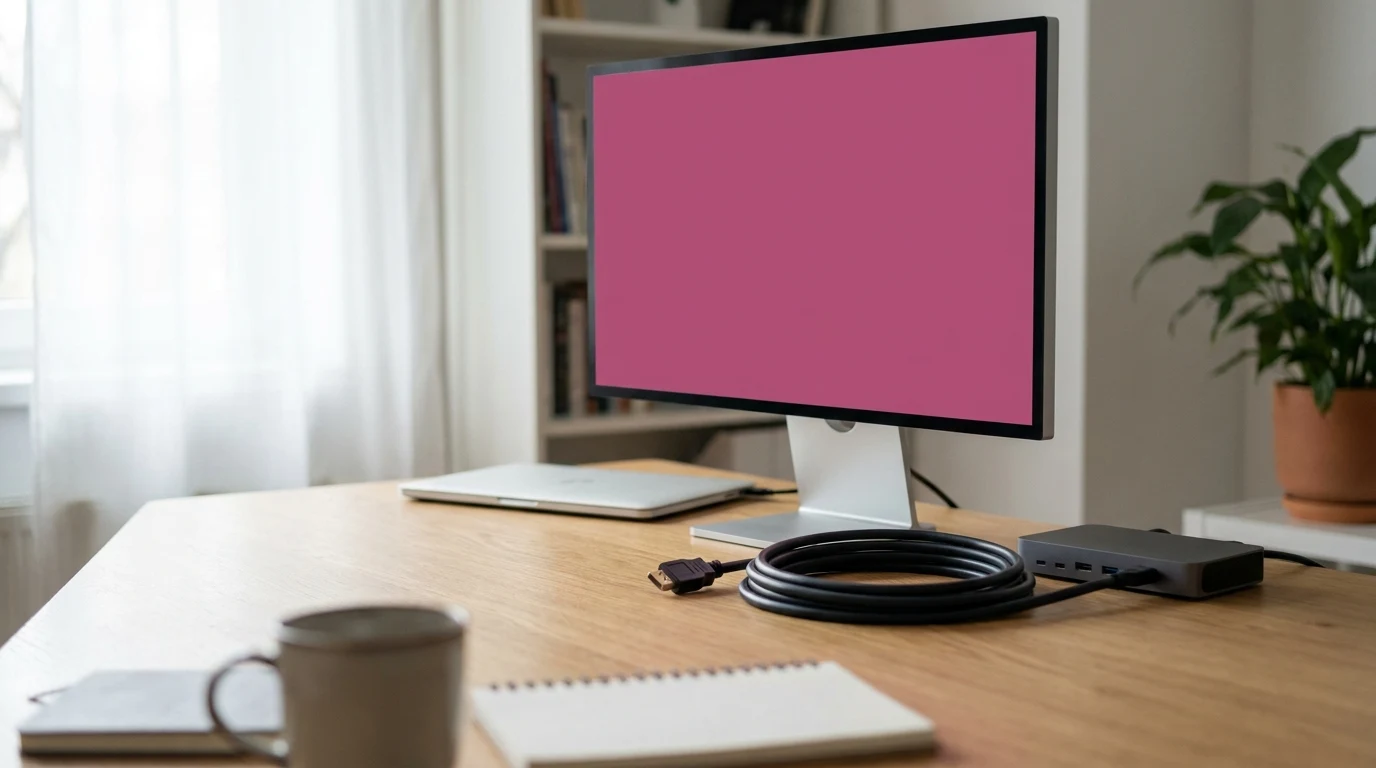
A pink monitor is usually a cable, a dock or a color setting, not a dead panel. Test in this order, then run the self-test that tells you which it is.

Bluetooth Classic cannot carry stereo playback and a live microphone at once. Here is the profile switch behind it, and why two common fixes miss.

Windows names the cause in its own error code and a Mac tells you with a green light. The 90-second test that beats restarting your laptop again.

A single HD video call needs only 2 to 4 Mbps. Here is why a faster plan rarely fixes dropped calls, and the real cause of choppy Zoom and Teams.

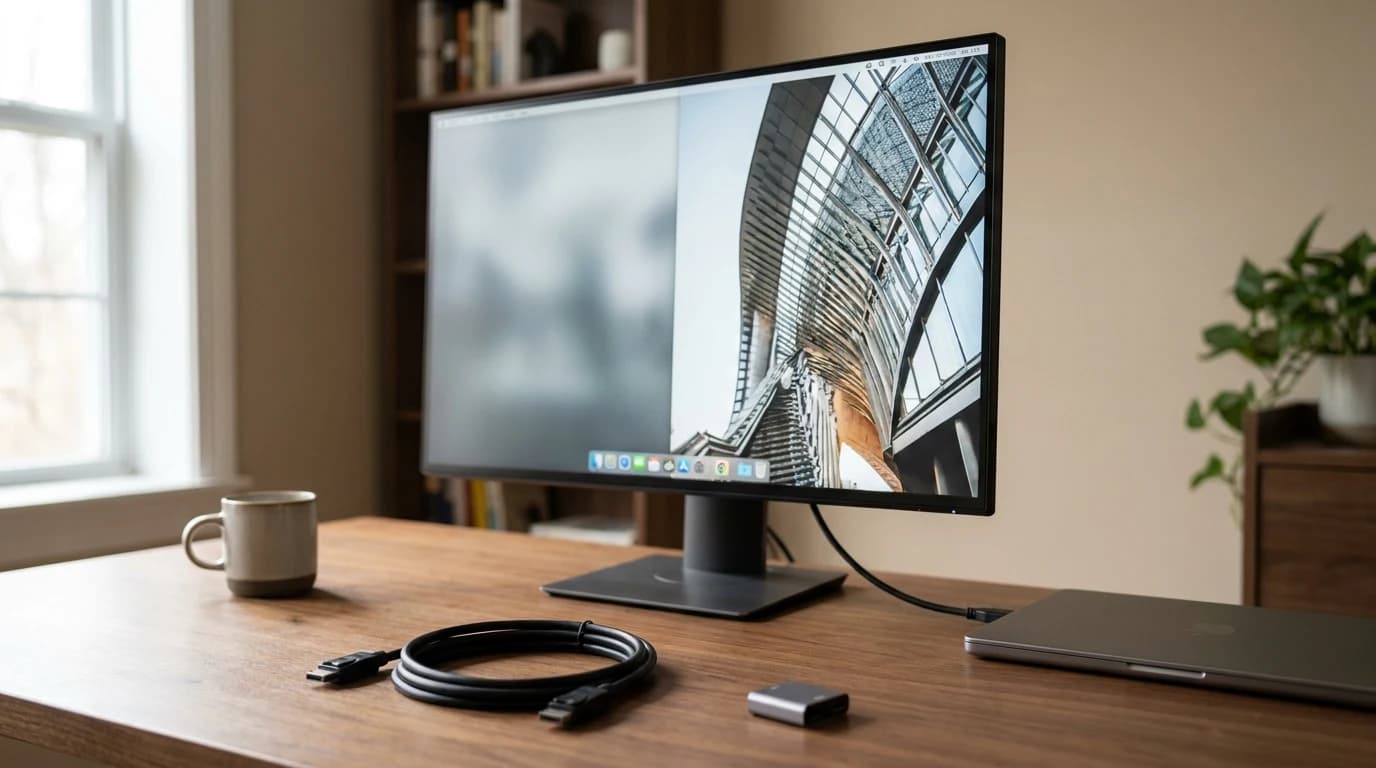
Monitor blurry or text fuzzy while your laptop screen looks sharp? It's a resolution, scaling or cable mismatch, not a broken screen. Here's the fix.

An HDMI splitter mirrors one screen, it does not extend it. Here is the real reason your second monitor duplicates, and the four fixes that work.

Same connector, wildly different cables. Why one charges but won't drive your monitor — and how to read the power, data, and video spec on it.