Home Office Checklist: 23 Things Nobody Tells You You Need
Quick Answer
Beyond the obvious desk-chair-monitor six, the first-week essentials are the unglamorous ones: a surge-protected power strip, Ethernet cable, a second laptop charger, a USB-C hub, backup cables, and an external SSD. The checklist splits 23 items into what blocks your work if missing, what slowly makes you hate work, and what makes you better at it.
Key Takeaways
A research-backed checklist of 23 things you actually need for a working home office — including the 8 items most starter guides skip.
As an Amazon Associate I earn from qualifying purchases. Product prices and availability are subject to change.
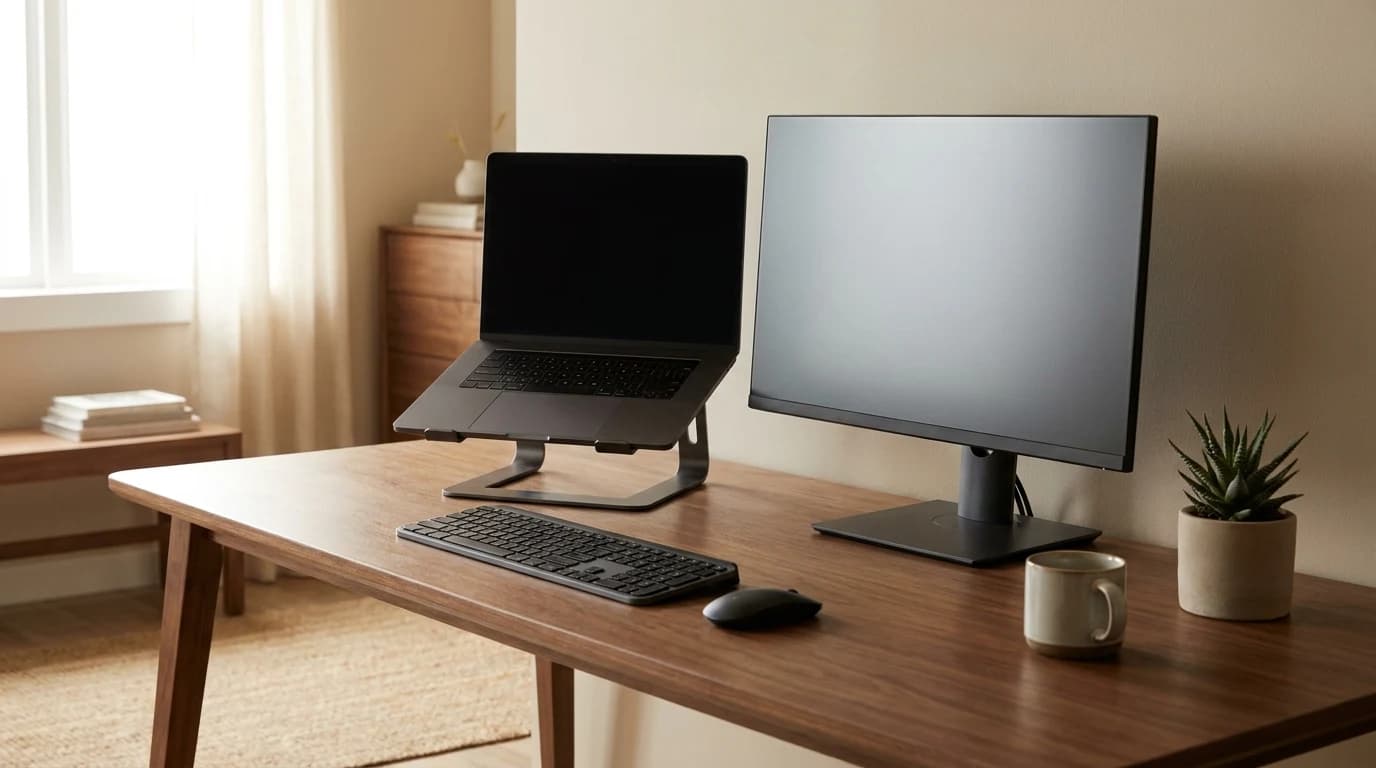
Most home-office checklists stop at the obvious six items: desk, chair, monitor, laptop, keyboard, mouse. Then you sit down on Monday morning and immediately discover the 17 things those lists forgot.
This is the list I wish someone had handed me before I went remote full-time. It's not aspirational — it's the stuff you actually reach for in the first week. It is organized in three tiers:
- Blocks your work — the stuff you'll buy in a panic if you don't have it.
- Makes you hate work — the stuff that slowly wrecks your mood.
- Makes you better at work — the optimization tier.
Category 1: Blocks your work if missing (8 items)
Day one tier: these are the items that will make you cry into Slack if you don't have them on day one.
1. A real power strip with surge protection
Not a $5 hardware-store strip. A Belkin or APC with joule rating over 1000 and at least 8 outlets. Your monitor, laptop dock, lamp, phone charger, and any peripherals will all fight for outlets. A cheap strip lets one rogue power spike wipe out your whole setup.
2. Ethernet cable (yes, really)
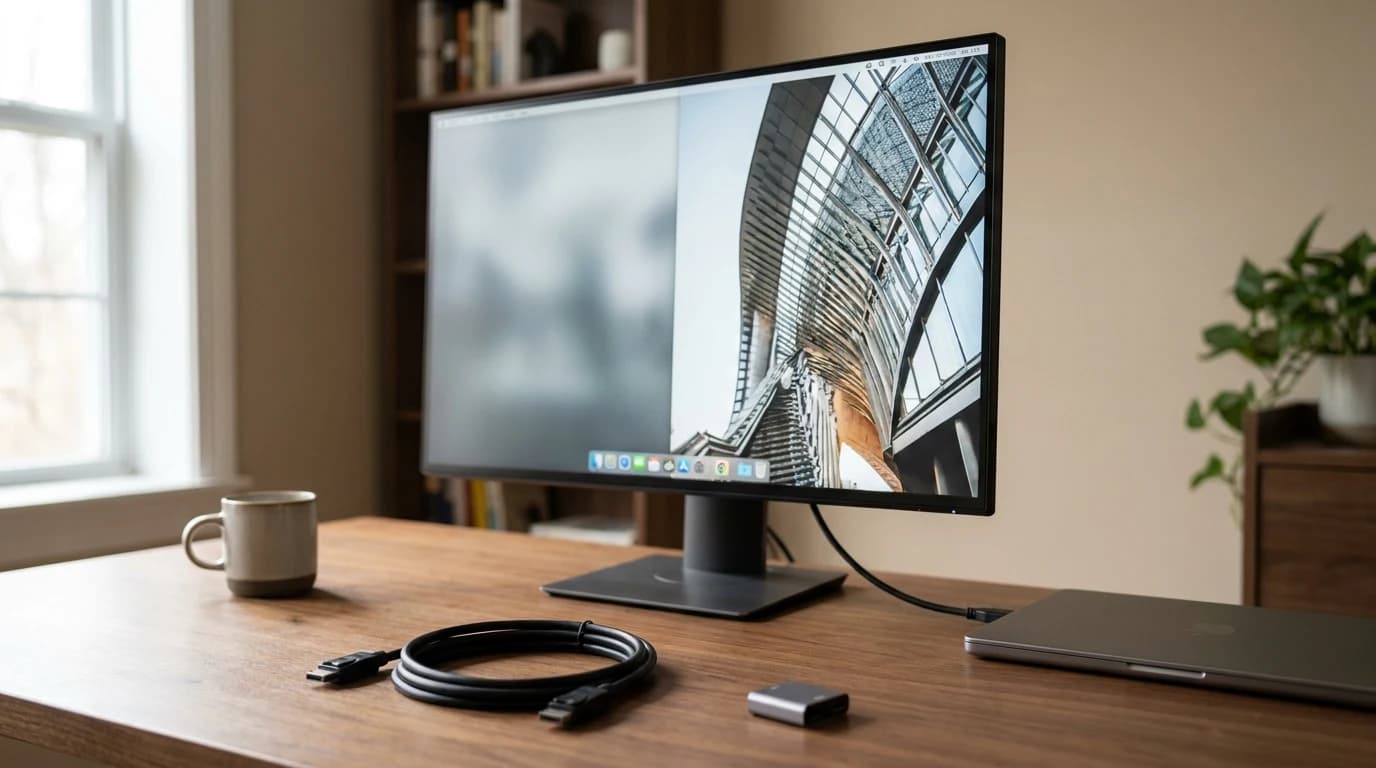
WiFi is fine until a Zoom call drops while your product manager is watching. A 15-foot Cat 6 cable is $8 and makes your connection 10x more reliable for video calls.
Why it matters: Cornell researchers note packet loss on WiFi is routinely 10–50x higher than Ethernet in multi-unit apartments.
3. A second charger for your laptop
Keep one at your desk and one packed in your bag. Nothing burns morning productivity like realizing your charger is upstairs and your laptop is at 8%.
4. USB-C hub or docking station
Modern laptops have 2–3 ports. Your monitor, webcam, keyboard, mouse, ethernet, and audio interface need 6+. A quality USB-C hub is non-negotiable. Look for:
- HDMI
- USB-A
- USB-C PD
- Ethernet
The best USB-C hubs guide covers this in detail.
5. Backup charging cables
Lightning (or USB-C) for your phone, one at the desk, one in your bag. AirPods case and case cable. iPads. One cable loss ruins your day.
6. External storage — SSD, not HDD
A 1TB portable SSD ($80) for backups, photo archive, file transfers. SanDisk Extreme or Samsung T7. Skip hard drives — they're unreliable when knocked around.
7. A working phone holder
You'll reach for your phone 40 times a day. Having it on a stand — not face-down on the desk where notifications get buried — makes a real difference. Any $15 stand.
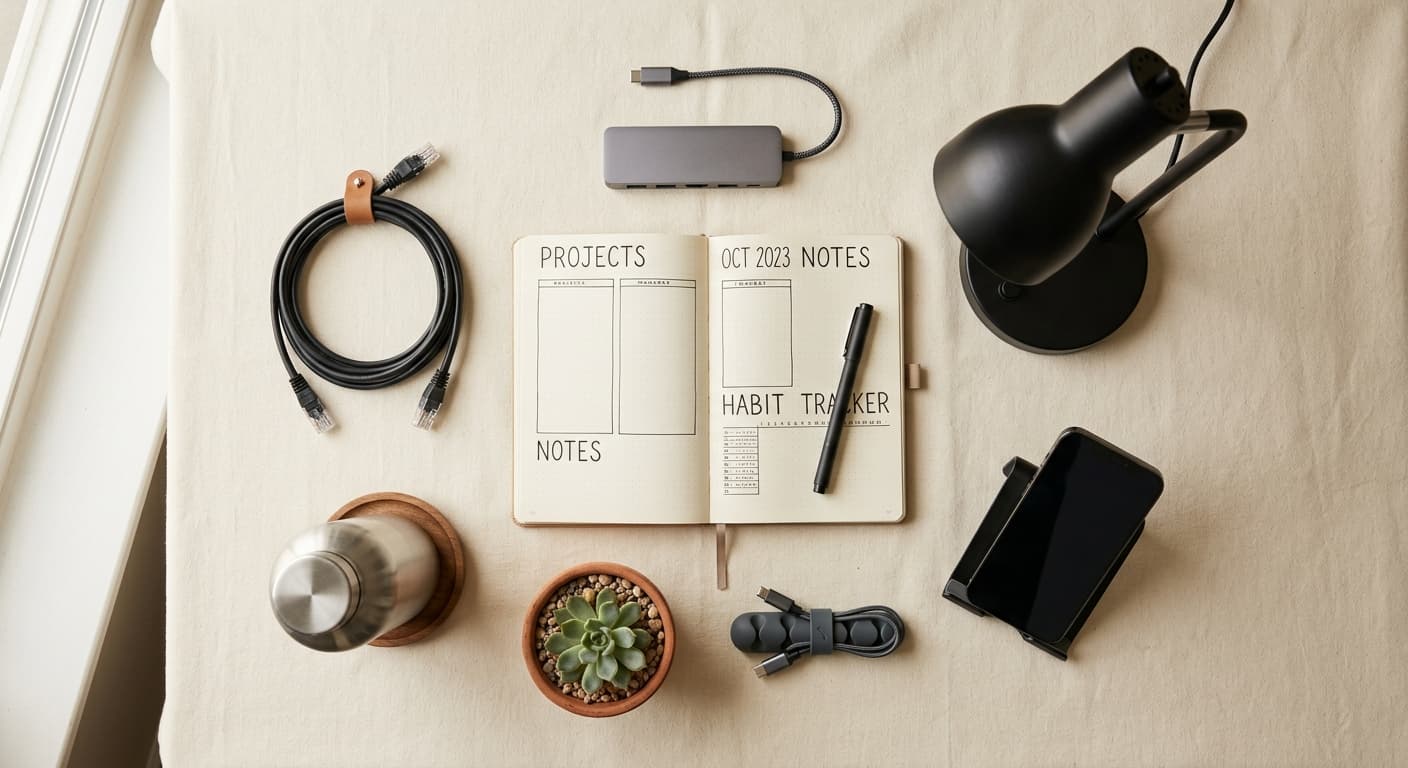
8. Notebook + real pens
For when your computer is freezing, when someone wants to sketch something on a call, when you want to write a to-do list away from screens. Paper still matters.
Category 2: Makes you hate work (7 items)
The slow-burn tier: you won't miss these on day one, but after a week, you'll wonder why nobody warned you.
9. A good desk lamp that doesn't glare
Natural window light is great until 4pm in November. A warm-temperature desk lamp (2700K–3000K) with a flexible arm fixes the "my eyes feel hot" problem. BenQ ScreenBar or Benq e-Reading Desk Lamp are the research-community favorites.
10. A quiet fan for summer
Your laptop runs hot, your home office gets stuffy, and running the A/C for one room is wasteful. A small USB or plug-in fan is $25 and changes how the room feels after hour three. Vornado makes quiet ones.
11. A real trash can and recycling bin
Sounds dumb. Having to walk to the kitchen to throw out a Post-it adds friction. Two small bins at the desk fix it.
12. Dust cloths or a microfiber rag
Your monitor and laptop keyboard will collect dust, fingerprints, and crumbs in a week. Cleaning them makes you feel better about the space. $10 for a 6-pack of microfiber.
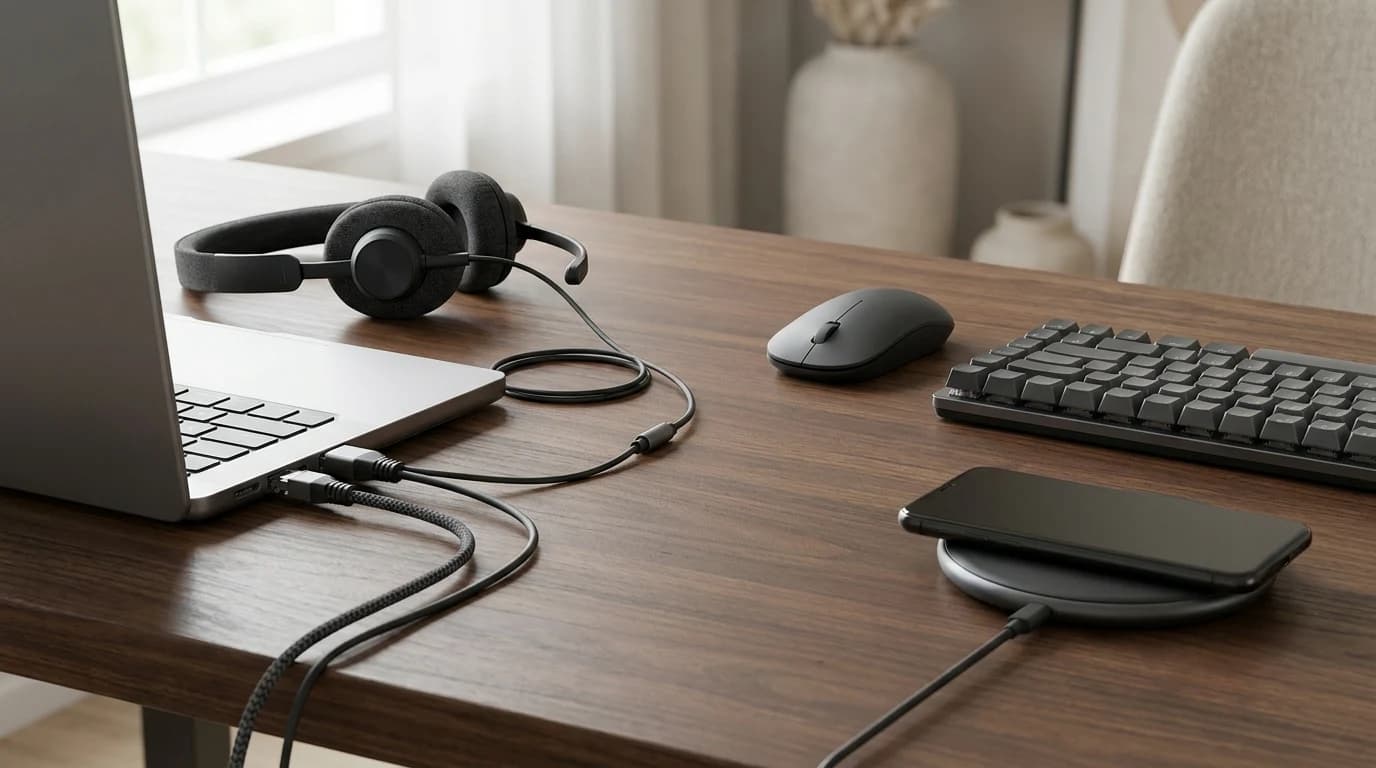
13. Headphones + a dedicated call headset
Two separate items:
- Your good headphones (Sony XM5 or Bose QC) for deep focus + music.
- A dedicated headset (Jabra Evolve2 or Poly Voyager) for calls, because the mic is 10x better than any headphone mic.
Trying to use one for both is a compromise on both. Our WFH headphones guide covers both.
14. A water bottle you'll actually refill
A 32oz insulated water bottle at your desk keeps you hydrated (which fights afternoon fatigue). Hydro Flask, Yeti, or any with a wide mouth. Skip cheap plastic — it'll leak.
15. A snack container for the "I need something" moments
Having a small container of nuts, dried fruit, or protein bars on the desk prevents the 3pm "I need to go to the store" derailment. See the best WFH snacks for focus guide for what actually works.
Category 3: Makes you better at work (8 items)
The optimization tier: these won't save your day, but they'll compound over months.
16. A dedicated "day planner" or task notebook
Digital to-do lists drown in context switches. A physical bullet-journal-style notebook with today's 3 priorities at the top stays present. Behavioral research on task lists consistently shows fewer, more visible priorities beat long hidden lists.
17. A timer or Pomodoro device
Not a phone timer (temptation to check Slack). A cheap visual timer ($20) or the Time Timer Plus ($35). 25-minute work blocks actually work.
18. Cable management kit
Velcro straps, cable trays, zip ties, maybe a small cable raceway.
Best $30 you'll spend: under-desk cable management is the single biggest psychological upgrade to your workspace.
See cable management ideas for home office.
A label maker belongs in the same $30-ish bucket - labelling both ends of every cable is the habit that makes every future untangling job trivial. Our label maker picks start at $39.99.
19. A small houseplant (or two)
Research from multiple University of Exeter studies found even a single plant in eyesight reduces self-reported stress and improves concentration. A pothos or ZZ plant is $15 and almost impossible to kill. See best plants for home office.
20. A humidity gauge and small humidifier
If you're in a dry climate or running heat in winter, indoor humidity drops below 30%. That dries out your eyes, throat, and concentration. A $20 gauge + a $40 small humidifier is a cheap fix to a problem nobody mentions.
21. A document scanner or mobile scanning setup
Whether that's a Fujitsu ScanSnap or just the iPhone Files app used well, you need a workflow for paper documents. Save time every tax season.
22. A rolling organizer or small filing cabinet
Paper still exists. Receipts, contracts, tax docs. A $40 three-drawer unit keeps them sorted instead of piling on the desk.
23. A "finish work" signal
This one is mental. Something physical you do at the end of the day to mark "work is over" — close the laptop lid, turn off the desk lamp, put on different shoes. Remote workers with deliberate end-of-day rituals report less burnout than those without. We wrote about this in signal brain work is over.
The ones I regret not having on day one
Out of all 23, the items I've heard the most "why didn't anyone tell me?" about are:
- The Ethernet cable. First dropped Zoom call, instant regret.
- The second laptop charger. The upstairs/downstairs problem.
- The desk lamp that doesn't glare. Eye fatigue builds over weeks.
- The dedicated call headset. You only realize the quality difference after upgrading.
- The cable management. Not urgent, but the psychological lift is real.
What most checklists get wrong
Traditional "home office setup" lists put the emphasis in the wrong place:
- Overemphasized: aesthetic items — plants, art, nice lamps.
- Underemphasized: the friction-killers — power strips, Ethernet, second cables.
A chair mat is the textbook underemphasized item — nobody adds one to a checklist until the carpet under the desk is worn flat or the hardwood is scuffed, and by then the fix is expensive. Our office chair mats guide sorts them by floor type.
The aesthetic stuff is nice. The friction-killers are what determine whether you actually enjoy working from home.
Frequently asked questions
How much does all 23 items cost? Roughly $400–$600 if you don't already own any of them.
What you'll actually spend: most people already have a power strip, laptop charger, and notebook, so actual new-purchase cost is usually $250–$350.
Which of these are non-negotiable? Items 1–8 in the "blocks your work" category. Everything else is strong recommendation.
What's the cheapest high-impact item on this list? The Ethernet cable ($8). The upgrade in reliability-to-cost ratio is better than anything else in the list.
What about a second monitor? Not on this list because it's covered in our $1000 WFH starter kit. This list is the "things nobody tells you about" companion to that hardware-first guide.
Is a standing desk on this list? Intentionally no. Standing desks are overrated for most people (most users default back to sitting within 2 weeks). If you want one, see our standing desk buying guide — but don't put it on your "must have" list.
Bottom line
The gear that matters most in a home office isn't the expensive stuff. It's the dozen small items that remove daily friction — the second cable, the quiet fan, the dust cloth. Get those right and your $300 desk feels like a $3000 workspace. Get them wrong and the opposite.
For the hardware foundations, see our $1000 WFH starter kit. For the budget framework, see how much to spend on a WFH setup in 2026.
Your next step
Checklist done? Here's what to buy first.
Hilly Shore Labs
Editorial TeamWFH Lounge is published by Hilly Shore Labs. Every recommendation is built by synthesizing ergonomic research, manufacturer specs, expert reviews from outlets like Wirecutter, RTINGS, and The Verge, and aggregated long-term owner sentiment from thousands of verified buyers.
All product reviews are independently researched. Our recommendations are based on ergonomic guidelines, manufacturer specifications, and verified buyer sentiment. See our methodology.