How to Clean a Monitor Screen: What Each Brand Allows
Water on a microfiber cloth is the one method every major monitor maker accepts, so make it your default. Treat alcohol as brand-specific, not universal: check your maker's own page first, because Dell says damage from improper cleaning is not covered by its standard warranty.
Quick Answer
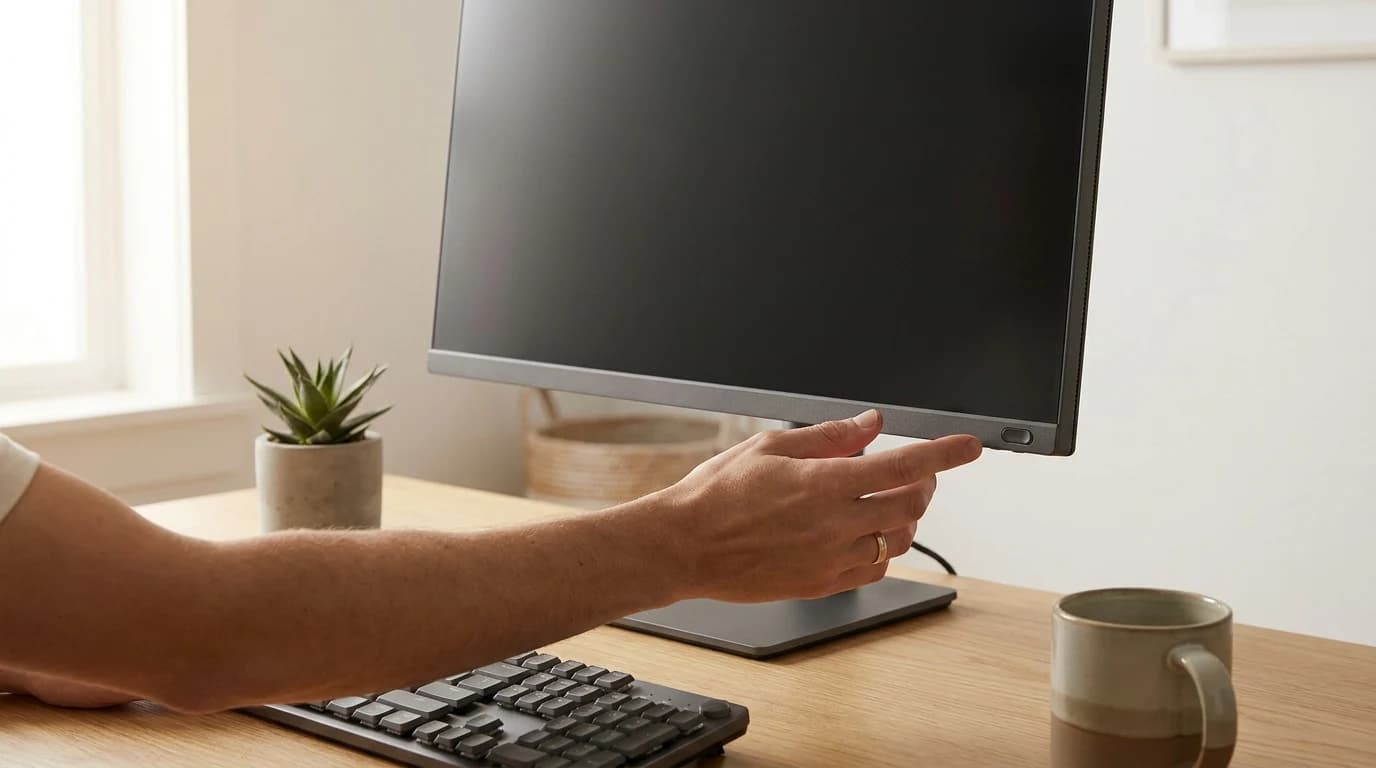
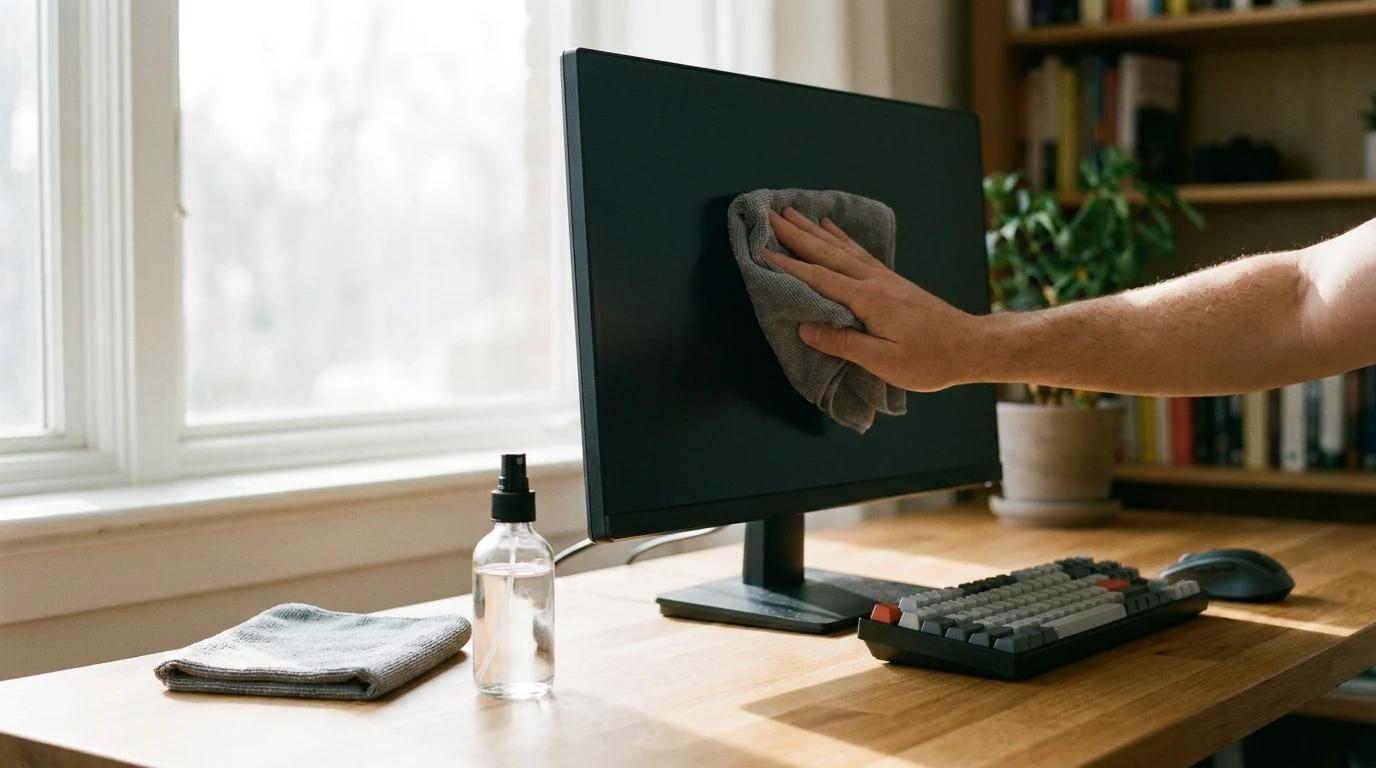
Turn the monitor off and unplug it, wipe dust off with a dry microfiber cloth, then go over smudges with a second microfiber cloth lightly dampened with distilled water. Put the water on the cloth, never spray the screen. Skip window cleaner and anything with ammonia. Isopropyl alcohol depends on the brand: Dell, Samsung and ASUS say no alcohol, while BenQ, ViewSonic and Apple allow isopropyl alcohol on the cloth.
Key Takeaways
Power off, dry microfiber, then a cloth dampened with distilled water. Dell, Samsung and ASUS ban alcohol; BenQ, ViewSonic and Apple allow it.
As an Amazon Associate I earn from qualifying purchases. Product prices and availability are subject to change.
Turn the monitor off and unplug it, wipe the dust off with a dry microfiber cloth, then go over any smudges with a second microfiber cloth lightly dampened with distilled water. Never spray anything onto the screen itself. That routine is safe on every monitor brand we checked. Alcohol is where the makers split, so check your brand in the table below before you reach for it.
The short version: water on a cloth is approved everywhere. Isopropyl alcohol is approved by some makers and banned outright by others, and Dell says cleaning damage is not covered by its warranty.
Why the usual advice contradicts itself
Most cleaning guides give one universal recipe, and then quietly disagree with each other about alcohol and vinegar. The reason is that the makers themselves disagree. We read the current cleaning page from each major brand's own support site and lined them up. The split is real, and it is brand by brand, not "LCD versus OLED".
What the monitor makers actually say
| Brand | Power off first? | Default method | Alcohol? | Also allowed | Banned or warned against |
|---|---|---|---|---|---|
| Dell | Not stated in this article | Soft cloth lightly dampened with water | No | A screen-cleaning tissue or solution suitable for Dell screens | Detergents, benzene, thinner, ammonia, abrasive cleaners, alcohol, compressed air, spraying the screen |
| Samsung | Yes, unplug and let it cool | Microfiber cloth, then distilled water on the cloth | No | 50/50 distilled water and white vinegar for stubborn stains | Window cleaner, soap, wax, alcohol, solvents, ammonia, paper towels, spraying |
| ASUS | Yes, unplug | Dry microfiber, then purified water sprayed onto the cloth | No | Repeat the pass two or three times | Alcohol or ammonia-based cleaners, paper towels, heavy pressure |
| BenQ | Yes, fully powered down | Slightly damp microfiber cloth | IPA only | Screen-cleaning cloth | Ethanol, rubbing alcohol, bleach, spraying |
| ViewSonic | Yes, unplug | Clean, soft, lint-free cloth | 70 to 75% IPA on the cloth | 70 to 75% IPA wipes | Spraying or pouring; disclaims damage from ammonia or alcohol-based cleaners |
| Apple Studio Display XDR, standard glass | Not stated | Microfiber cloth lightly dampened with water | 70% IPA, infrequently | None listed | None listed on this page |
| Apple, nano-texture | Not stated | Apple Polishing Cloth or a display microfiber cloth | 70% IPA on the cloth, infrequently | Cotton-elastane or spandex blend fabric | None listed on this page |
| LG (UK) | Yes, unplug and let it cool | Two microfiber cloths and distilled water | In a pinch, for sticky marks | Water-vinegar or water-IPA mix for the plastic surround | Abrasive detergents, liquid applied straight to the screen |
Read your own manual last. ViewSonic permits IPA in its steps and then disclaims alcohol-based cleaners in the same article. When a brand page and your model's manual disagree, follow the stricter of the two.
Two patterns stand out. First, every brand agrees on a microfiber or lint-free cloth and on putting liquid on the cloth, never on the panel. Second, Dell, Samsung and ASUS rule out alcohol entirely, while ViewSonic, BenQ and Apple allow isopropyl alcohol on the cloth. ASUS gives the reason: alcohol and ammonia "may damage the screen's coating". Dell lists what that looks like when it happens: color fading, a milky film, uneven dark shading and a peeling surface.
The safe routine, step by step
- Power down and unplug. Samsung, ASUS, BenQ, ViewSonic and LG all say so. A dark screen also shows dust and streaks far better than a lit one.
- Let it cool. Samsung and LG both ask you to wait until the monitor has cooled before cleaning.
- Dry pass first. Wipe with a clean, dry microfiber cloth in light, broad strokes. This lifts the dust that would otherwise scratch during the wet pass.
- Dampen a second cloth. Use distilled or purified water, a small amount, wrung out. Samsung explains that tap water can leave mineral residue.
- Wipe without pressing. BenQ warns that pressure can cause dead pixels, uniformity problems and light bleed. Let the cloth glide.
- Dry it off. Finish with a dry microfiber cloth, or let it air dry before you plug back in. ViewSonic says to clean and dry within three minutes.
Tip: keep one cloth for dry and one for damp. LG suggests exactly this two-cloth setup for a streak-free finish.
Do this, not that
Do
- Use a microfiber cloth made for displays
- Put the water on the cloth and wring it out
- Use distilled water if you have it
- Check your brand's row before using any alcohol
- Clean the frame and stand separately from the glass
Don't
- Spray anything straight at the screen
- Use paper towels, tissues or kitchen cloths (Samsung and ASUS both warn they scratch)
- Use window cleaner or anything with ammonia
- Press hard on a stubborn spot
- Clean it while it is on or still warm
When the screen still looks dirty
Streaks after cleaning
Too much water, or minerals in tap water. Go over it again with a nearly dry cloth and switch to distilled water. A dark screen makes leftover streaks easier to spot.
A smudge that won't lift
Repeat the damp pass two or three times, as ASUS suggests, before reaching for anything stronger. On Samsung monitors the next step is the 50/50 water and white vinegar mix. Use isopropyl alcohol only if your brand's row allows it, and only on the cloth.
A dot that never wipes off
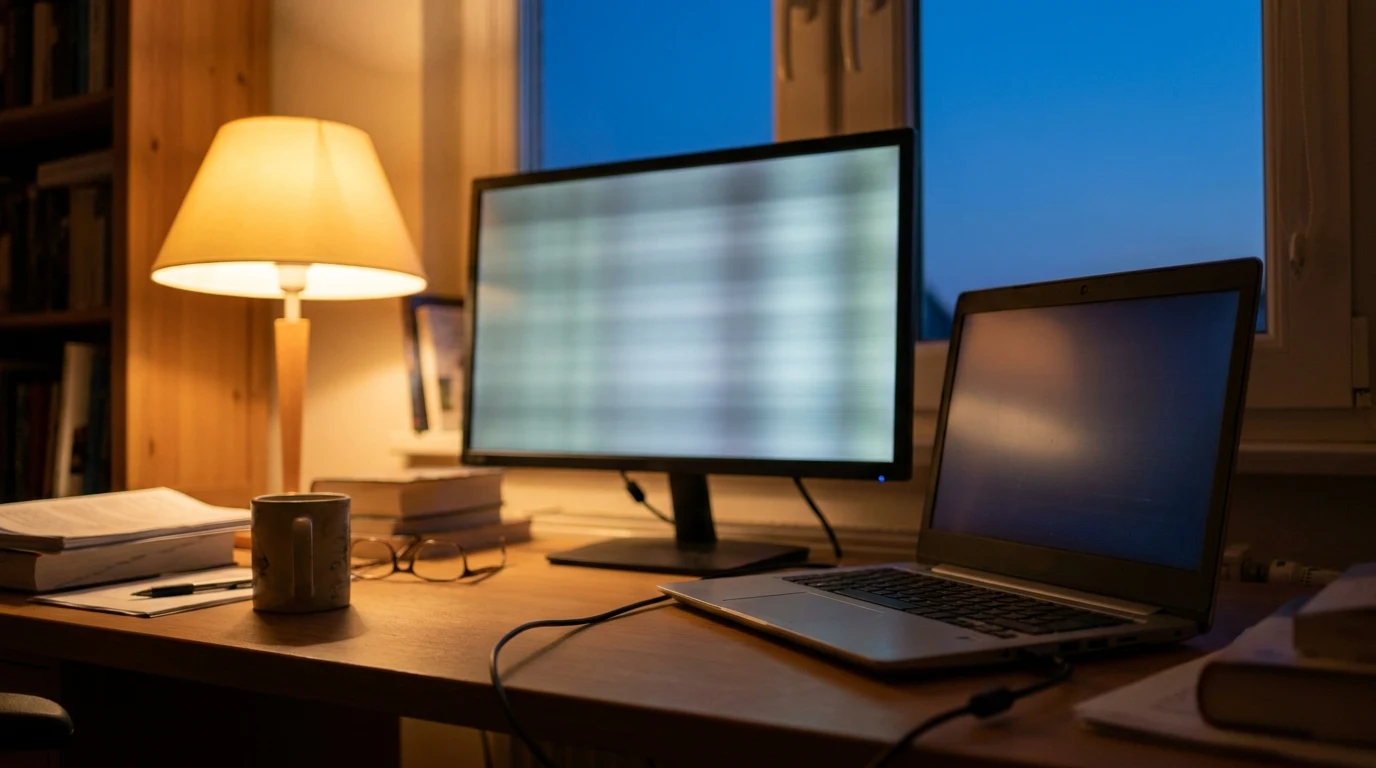
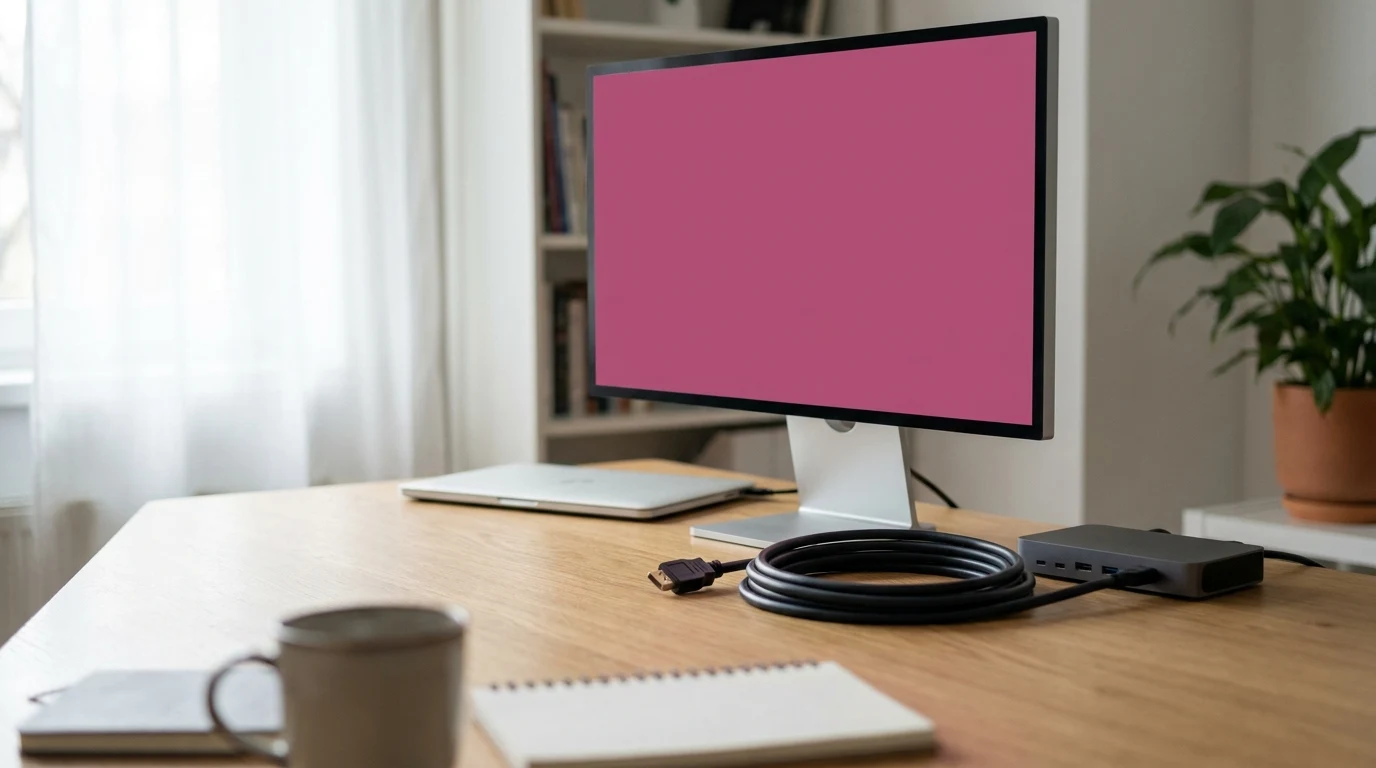
If a spot stays put after cleaning and shows up on a bright screen, it may be a pixel fault rather than dirt. Wiping harder won't fix a pixel and risks the pressure damage BenQ describes. If the whole screen shimmers or changes color instead, find the cause of monitor flickering or work out why the monitor looks pink.
Matte versus glossy
Apple gives nano-texture (matte) glass its own cleaning page, while standard glass gets one line. No brand we checked rates matte coatings as more fragile than glossy, but several warn that harsh chemicals strip the screen's coating, whatever the finish. Treat both gently.
How often to clean it
There is no official schedule. Dust it with a dry cloth when you notice it, and do the damp pass only when smudges actually bother you. ViewSonic warns that frequent or excessive cleaning can itself damage the screen, so a monitor that looks clean doesn't need wiping. If your eyes are tired by the afternoon, a clean screen helps less than the right monitor settings for eye strain.
FAQ
Can I use Windex on a monitor?
No. Samsung bans window cleaners by name, and Dell, ASUS and Samsung all rule out ammonia, the ingredient in many glass cleaners.
Are alcohol wipes safe on a monitor screen?
It depends on the brand. ViewSonic allows 70 to 75% IPA wipes and Apple allows 70% IPA for occasional stubborn marks. Dell, Samsung and ASUS say no alcohol at all.
Can I clean a monitor with just water?
Yes. A microfiber cloth lightly dampened with distilled or purified water is the method every brand we checked accepts.
Hilly Shore Labs
Editorial TeamWFH Lounge is published by Hilly Shore Labs. Every recommendation is built by synthesizing ergonomic research, manufacturer specs, expert reviews from outlets like Wirecutter, RTINGS, and The Verge, and aggregated long-term owner sentiment from thousands of verified buyers.
All product reviews are independently researched. Our recommendations are based on ergonomic guidelines, manufacturer specifications, and verified buyer sentiment. See our methodology.