Window Bird Feeders for the Home Office: A Screen Break That Isn't Another Screen
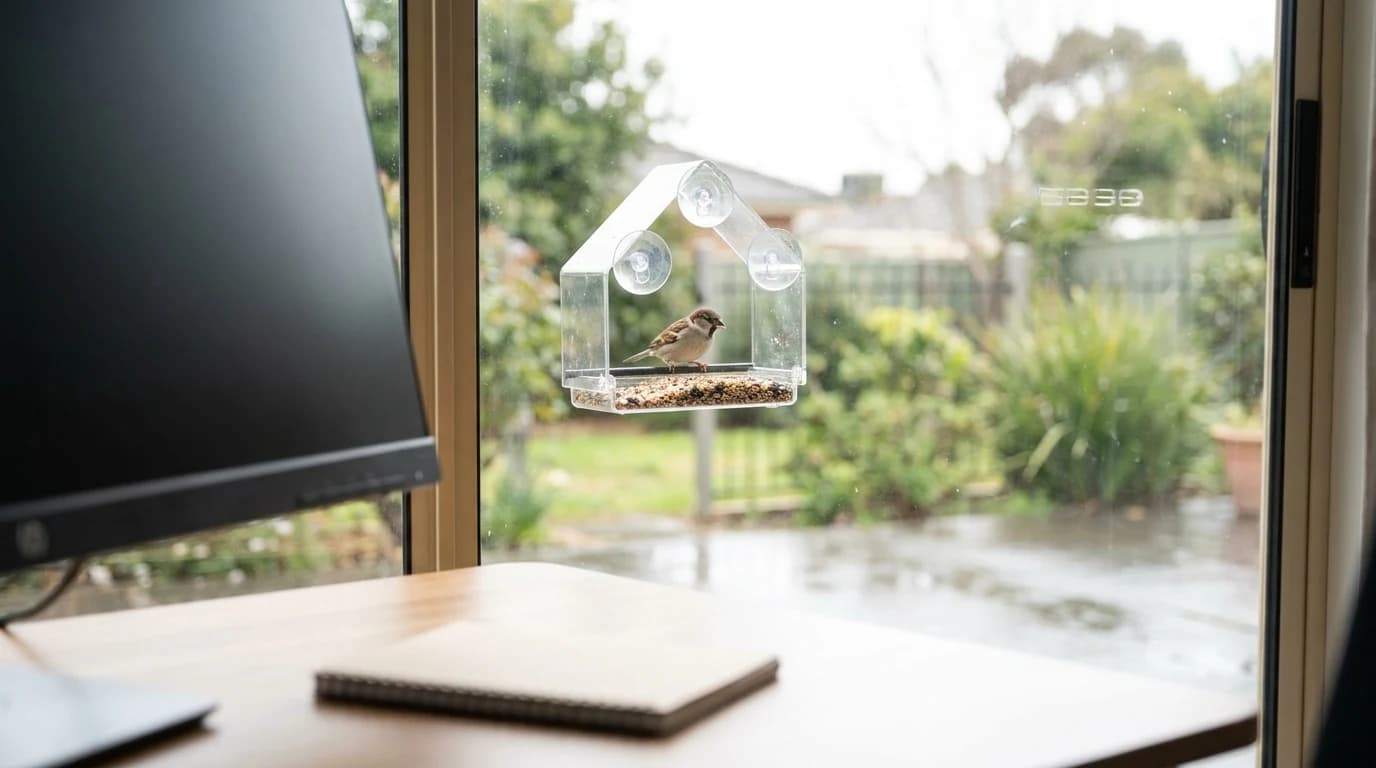
A window feeder is the cheapest non-screen break at a desk. Treat the glass, place it beside your sightline, and pick one you can take apart to clean.
WFH Lounge Blog
Research-backed buying guides, product comparisons, and work-from-home setup advice.
Showing 1–11 of 11 guides tagged #how-to

A window feeder is the cheapest non-screen break at a desk. Treat the glass, place it beside your sightline, and pick one you can take apart to clean.

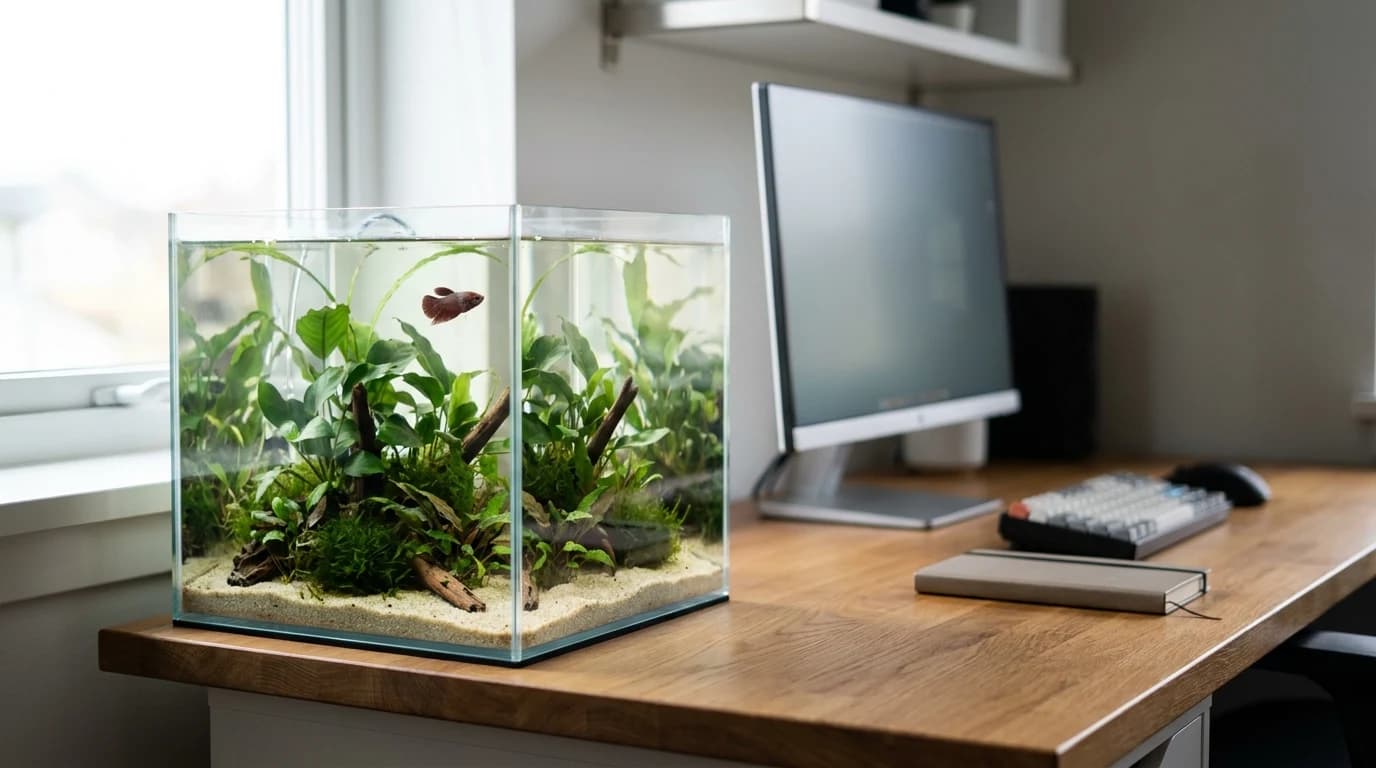
A 3-10 gallon tank beside a monitor is heavier, slower and more electrical than it looks. The cycling wait, the heater math, the weight, the honest upside.

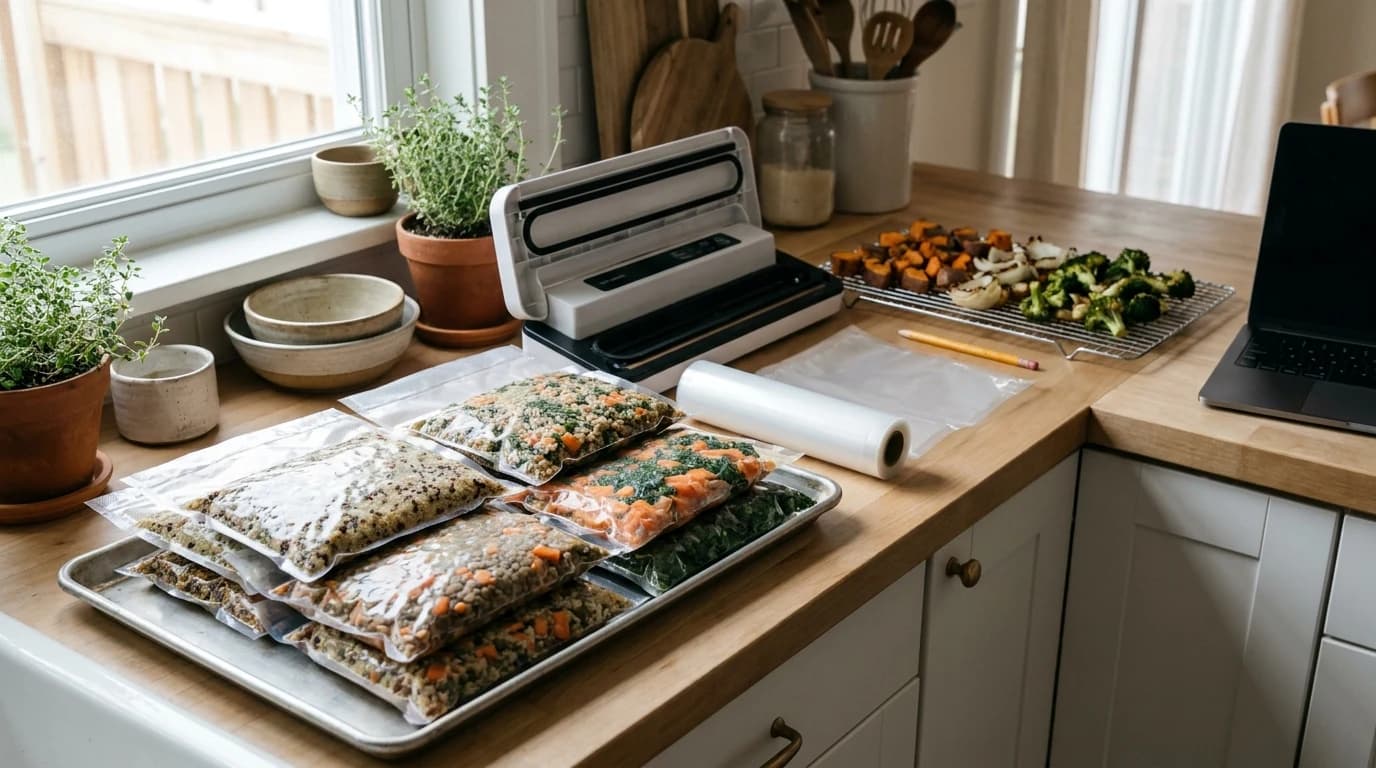
Fridge meal prep runs out by Thursday. The freezer workflow that fixes it: what air does to food, how long lunches keep, and a two-hour Sunday.

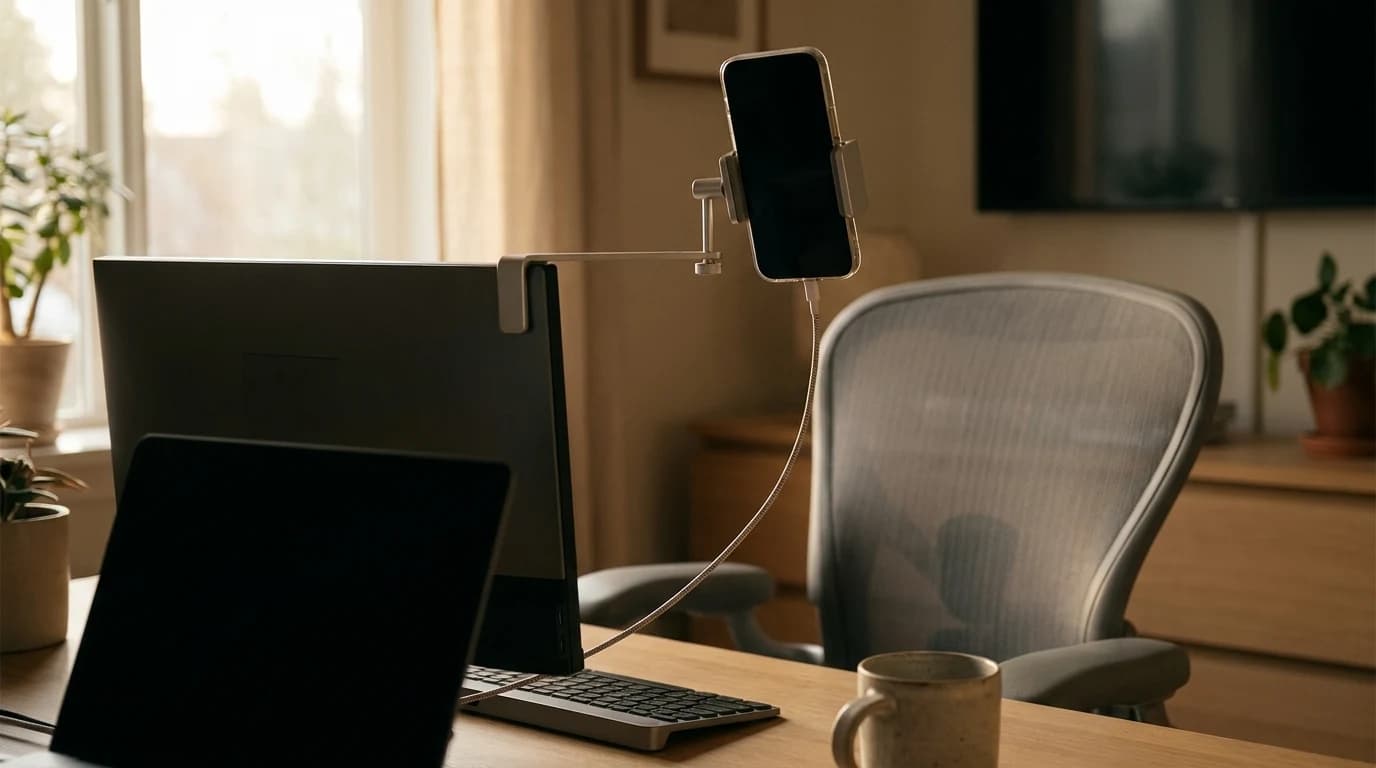
Iriun turns any phone into a webcam on any OS. The setup steps, the free-tier watermark, and the two pairings Apple and Microsoft leave uncovered.

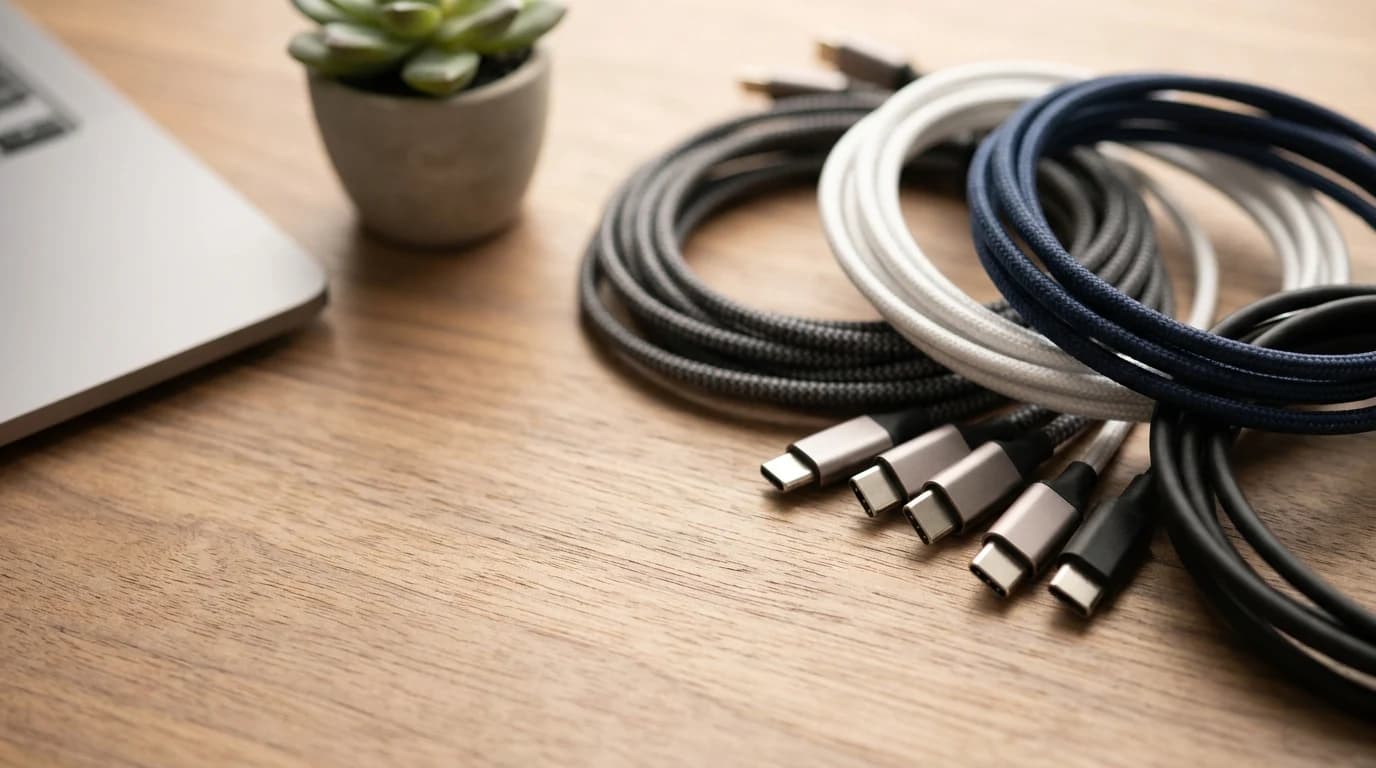
Same connector, wildly different cables. Why one charges but won't drive your monitor — and how to read the power, data, and video spec on it.

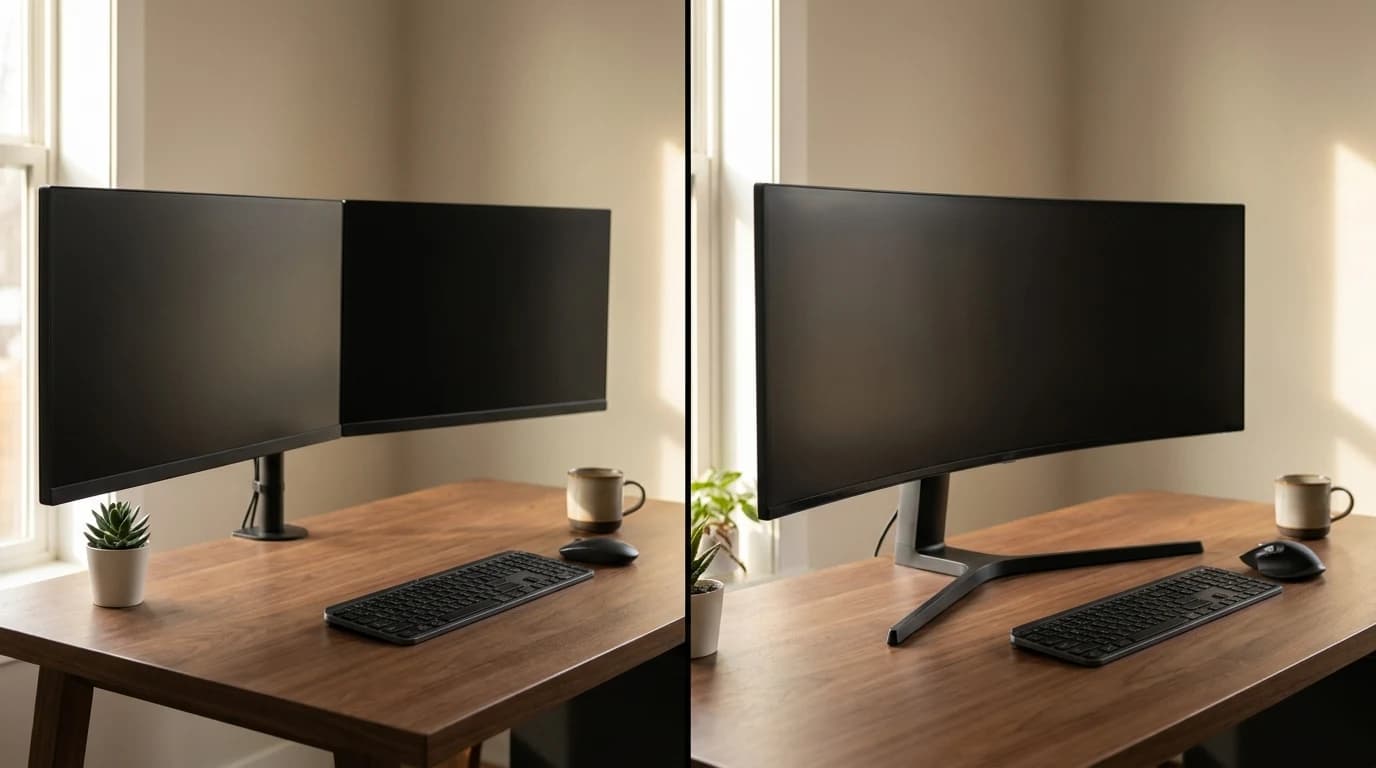
Two screens or one big curved one? The real tradeoff is workflow and your neck, not pixels. A clear decision framework for which to buy in 2026.

You sound worse on calls than you should — and it's almost never your voice. The three real causes, in order, and the free fixes that beat buying a mic.

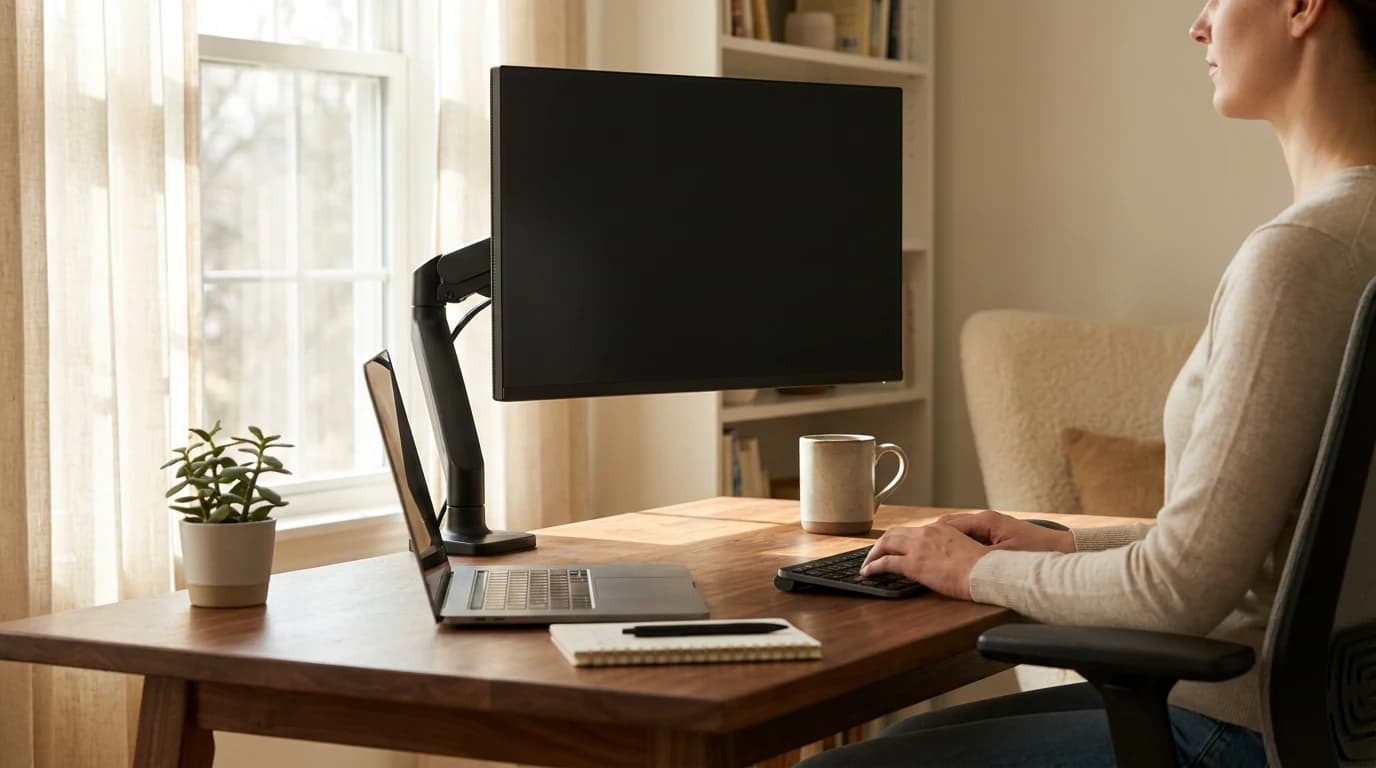
Screen neck and eye strain has a free fix: top of the screen at eye level, an arm's length back, angled off any window. The exact numbers, per OSHA.

Switch type is comfort, not ergonomics. What the research says actually protects your wrists for WFH — and the free fix that beats any keyboard upgrade.

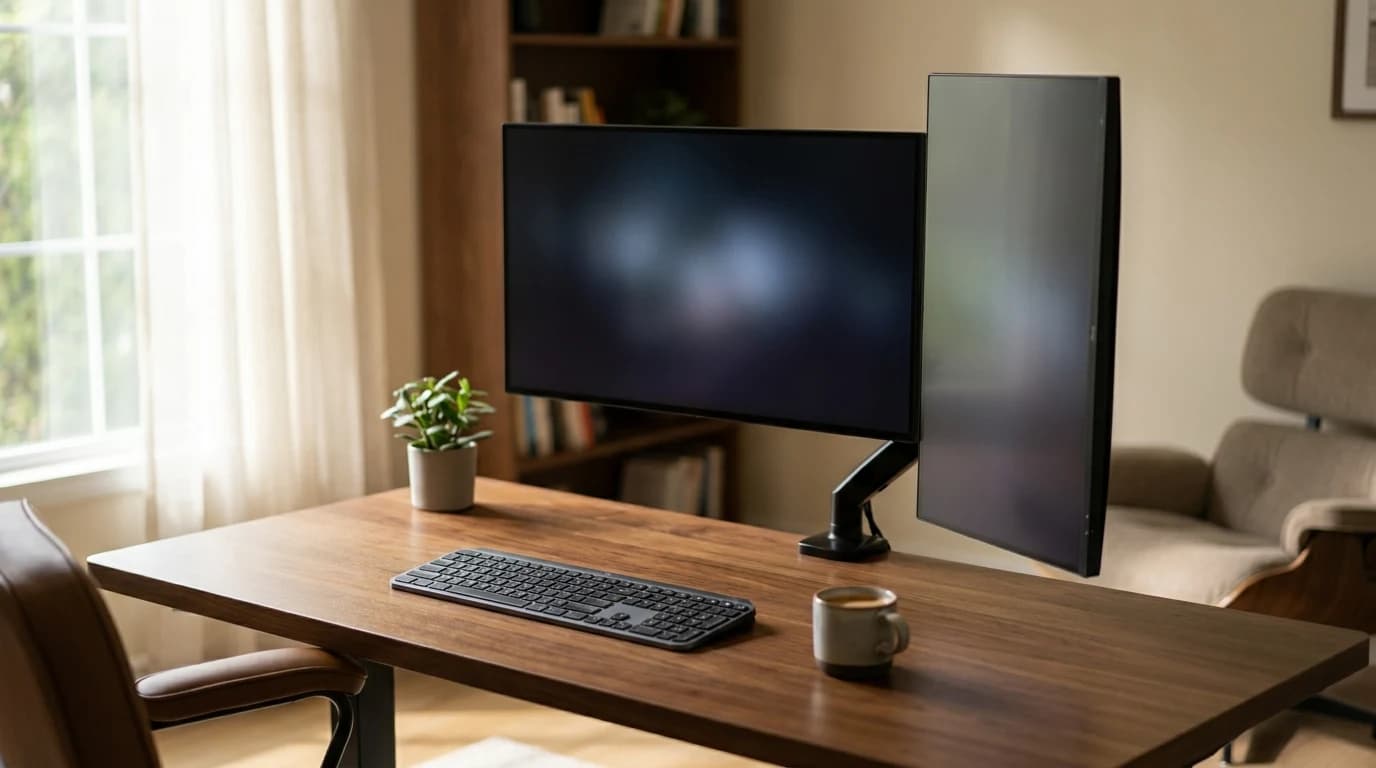
A decision guide: which jobs a portrait monitor actually helps, the strict eye-level ceiling, and when landscape still wins.

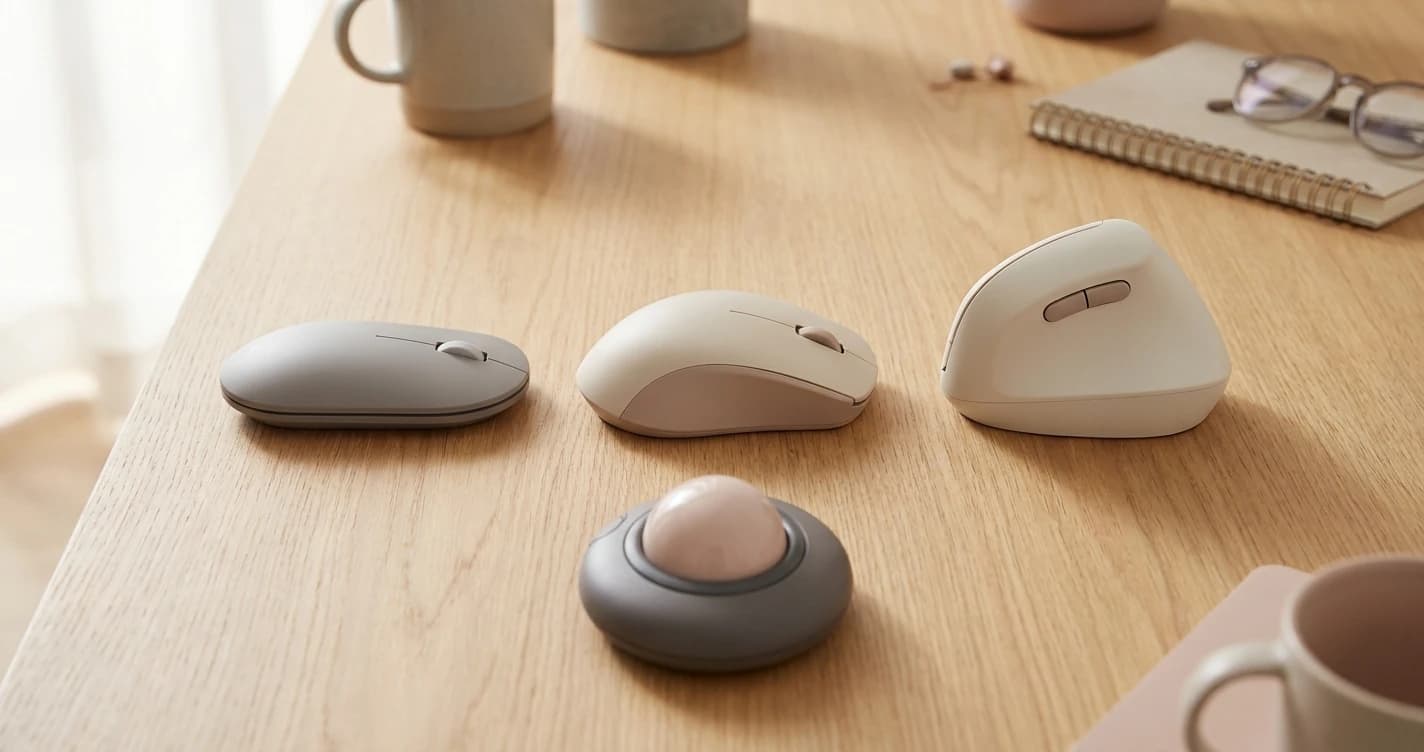
Measure your hand, find your grip, and decide between vertical, trackball, and standard mice. The decision framework before you pick a product.