Stream Deck for Work: Make the Mute Key Tell the Truth
Buy a Stream Deck for meetings if you live in Zoom, where the mute key shows your real state. On Teams or Meet it is a shortcut button, so keep the meeting row fixed in every profile and trust the app's own mic icon.
Quick Answer
A Stream Deck mute key is only trustworthy when a plugin reports your mic state. Elgato's Zoom plugin does. Teams lost its plugin in December 2025, so Teams and Google Meet keys are plain shortcuts that only work when the meeting window is in front. Keep one fixed meeting row in every profile so Smart Profiles never hide your mute key.
Key Takeaways
A Stream Deck mute key shows your real mic state in Zoom but guesses in Teams and Meet. What each app allows, plus a 15-key layout for call-heavy days.
As an Amazon Associate I earn from qualifying purchases. Product prices and availability are subject to change.
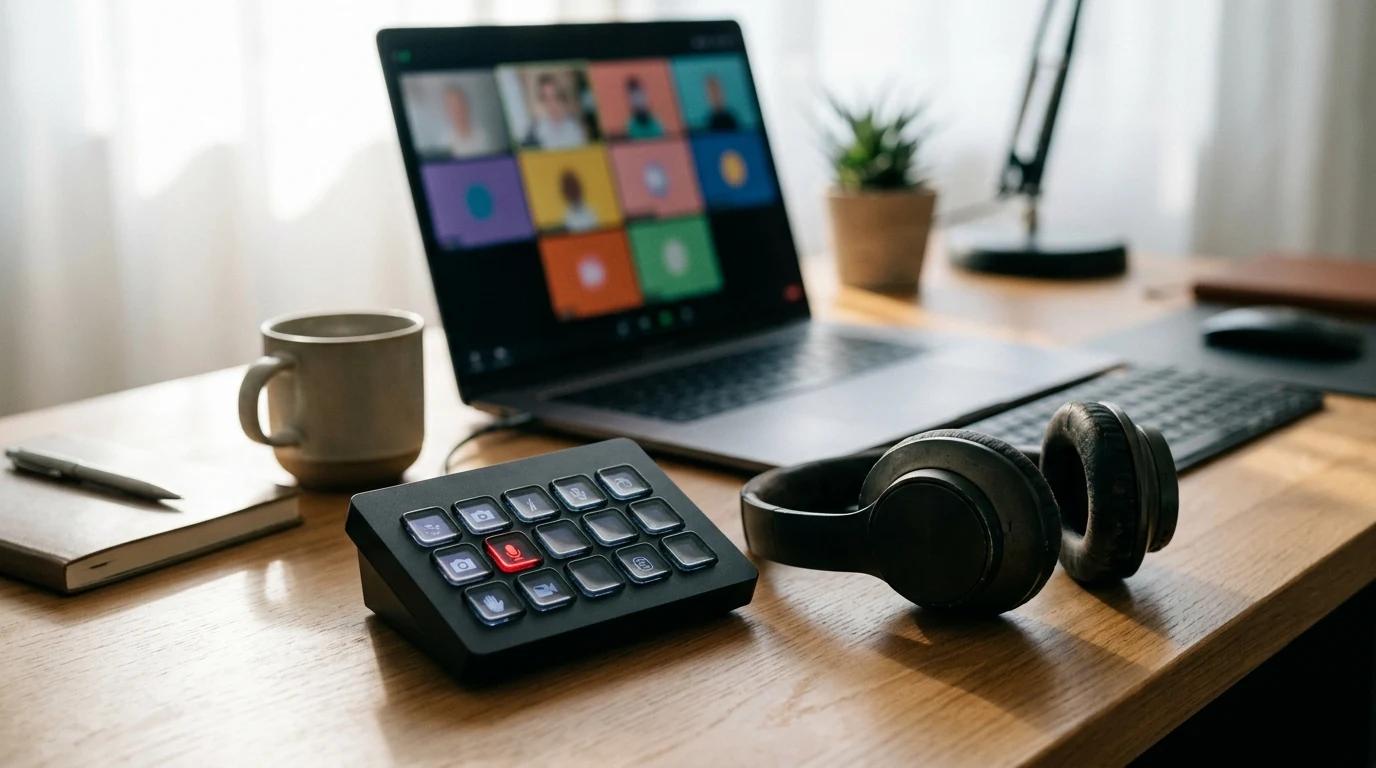
The case for a Stream Deck in a home office is one key: mute. But a mute key is only as honest as the connection behind it. In some meeting apps it reads your real microphone state. In others it fires a keyboard shortcut and guesses.
Below: which is which in Zoom, Microsoft Teams and Google Meet, the Smart Profiles trap that hides your mute key mid-call, and a 15-key layout built around both. Researched from Elgato, Zoom, Microsoft and Google documentation, not timed trials.
Does the key know you are muted?
| Meeting app | How the key works | Shows live mic state? | Needs the app in front? |
|---|---|---|---|
| Zoom | Elgato's official Zoom plugin | Yes, per Elgato | Shortcuts: yes, unless ticked global in Zoom |
| Microsoft Teams | A Hotkey key sending Ctrl+Shift+M | No, since December 2025 | Yes, per Elgato |
| Google Meet (browser) | A Hotkey key sending Ctrl+D | No | Yes: the keystroke goes to the focused window |
The rule: a plugin key reports state. A hotkey key only presses keys, so its icon can say muted while you are live.
Zoom: the one that reports back
Elgato's Zoom plugin guide lists mute, camera, screen share, leave, raise hand, reactions and recording, with live feedback on your mic and camera. It needs Zoom Workspace 6.4 or later, and the keys stay dark until you join a meeting. Zoom's hot keys article gives Alt+A (Command+Shift+A on a Mac) for mute, and says some shortcuts can be ticked as global so they work when Zoom is not in focus.
Teams: a shortcut and a guess
Per Elgato's Teams guide, the Teams plugin and its live status indicators were removed in December 2025, after Microsoft discontinued the third-party API it used. What is left is the Hotkey action, and Teams must be the active window; otherwise the tap goes to whatever is in focus. Microsoft's shortcut list gives Ctrl+Shift+M (Command+Shift+M on a Mac) to toggle mute and Ctrl+Shift+O for the camera.
Google Meet: same problem, in a browser tab
Google's Meet shortcuts are Ctrl+D for the microphone and Ctrl+E for the camera, with Command on a Mac. Meet lives in a browser tab, so a Hotkey key only reaches it when that tab is in front. On any other tab, Ctrl+D is usually the browser's bookmark shortcut.
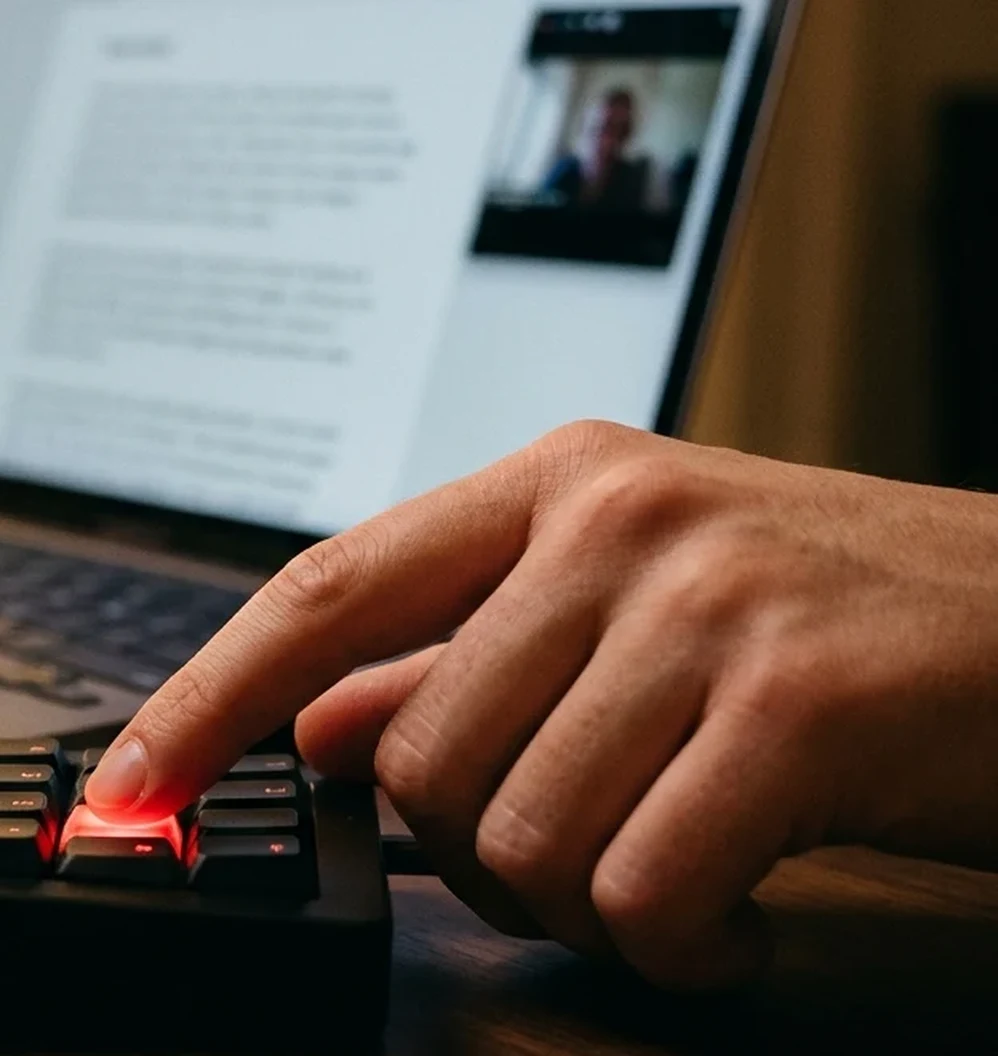
The Smart Profiles trap
Smart Profiles are the easiest way to lose your mute key. Per Elgato's setup guide, a Smart Profile switches the deck's whole layout when its app becomes the focused window. Two conditions apply: the Stream Deck software must be minimized, and Smart Profiles do not work with UWP apps.
Picture the usual call: the meeting is a small window and you are typing notes. The document has focus, so a profile tied to the meeting app has switched away, along with its mute key.
What actually fixes it:
- One fixed meeting row, copied into every profile you use
- On Zoom, the plugin's mute key, which shows your real state
- Teams push-to-talk, turned on under Settings > Privacy
What people try that doesn't:
- A meeting profile that only appears when the meeting app has focus
- A Teams Hotkey key pressed while you are in another window
- Trusting the key's icon over the meeting app's own mic indicator
Rule of thumb: the mute key should never move. If a profile switch can hide it, it will be hidden at the worst moment.
A 15-key layout for meeting-heavy days
Row one is the fixed meeting row; rows two and three are yours.
| Row | Key 1 | Key 2 | Key 3 | Key 4 | Key 5 |
|---|---|---|---|---|---|
| 1: meeting (every profile) | Mute | Camera | Share screen | Raise hand | Leave |
| 2: jump to | Calendar | Team chat | Meeting notes | Browser | |
| 3: utility | Volume down | Volume up | Snippet: meeting link | Snippet: running late | Folder: everything else |
Why the leave key sits last
Leave is the key you never want to hit by accident, so it sits far from Mute. On Zoom, Elgato notes it ends the meeting if you are the host. One folder for rare actions is fine; never put mute in one.
For Teams users
Elgato lists Teams push-to-talk as Ctrl+Space (Option+Space on a Mac), once enabled in Teams settings: hold to talk, let go to mute. It still needs Teams in front, so watch Teams' own mic icon.
Before your first call with the deck
- Update Zoom to 6.4 or later if you use the plugin
- Copy the meeting row into every profile
- Minimize the Stream Deck app so Smart Profiles switch
- Test mute with the meeting window behind a document
Which deck suits this job
All five are in our macro pads ranking. The real choice is key count and software.
| Deck | Keys | Best for in a home office |
|---|---|---|
| Elgato Stream Deck Neo | 8 keys + 2 touch points | The meeting row and a few launchers |
| Elgato Stream Deck Scissor Keys | 15 keys | The layout above, exactly |
| Elgato Stream Deck + | 8 keys + 4 dials | Call volume on a physical dial |
| Elgato Stream Deck XL | 32 keys | Several apps with their own rows |
| FIFINE AmpliGame Stream Controller | 15 keys | Trying the idea for less |
The caveat: Elgato lists a Stream Deck device as a requirement for its Zoom plugin. The FIFINE runs FIFINE's own software, so plan on Hotkey keys there, with the focus limits above.
If the calls themselves sound wrong, start with why you sound bad on video calls.
FAQ
Can a Stream Deck mute me in Teams when Teams is not in front?
Not with the Hotkey action. Elgato says Teams must be the active window.
Does the Stream Deck Zoom plugin show if I am muted?
Yes, per Elgato, once you are in a meeting on Zoom Workspace 6.4 or later.
Is a Stream Deck worth it if I mostly take calls?
Most on Zoom, where the mute key reports your real state. On Teams and Meet it is a convenience; trust the app's own mic icon.
Sources
Hilly Shore Labs
Editorial TeamWFH Lounge is published by Hilly Shore Labs. Every recommendation is built by synthesizing ergonomic research, manufacturer specs, expert reviews from outlets like Wirecutter, RTINGS, and The Verge, and aggregated long-term owner sentiment from thousands of verified buyers.
All product reviews are independently researched. Our recommendations are based on ergonomic guidelines, manufacturer specifications, and verified buyer sentiment. See our methodology.