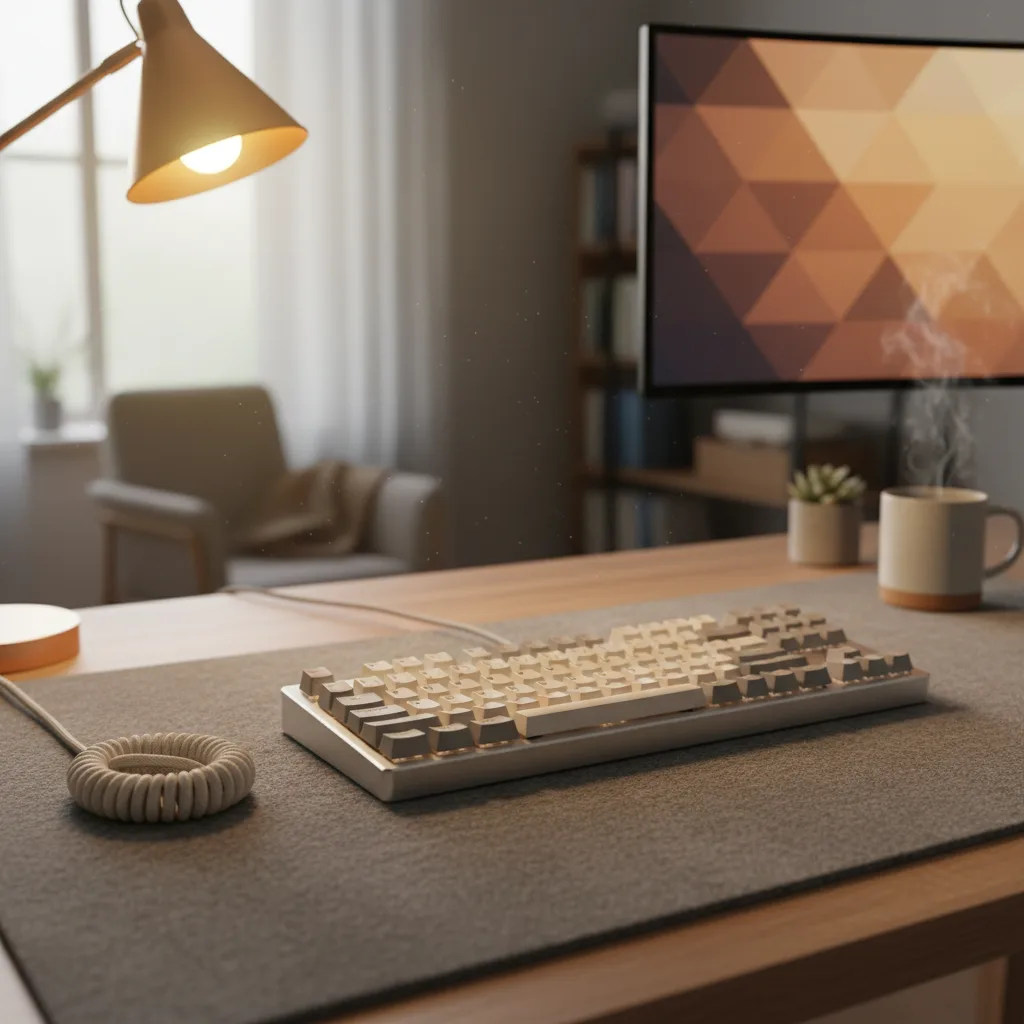
Best Keyboards for Working From Home
The best external keyboards for remote work in 2026 — mechanical and membrane options compared for the best all-day typing experience.
WFH Lounge Editorial
10 min read·March 16, 2026
WFH Lounge Blog
Research-backed buying guides, product comparisons, and work-from-home setup advice.
Showing 157–168 of 195 guides
The best external keyboards for remote work in 2026 — mechanical and membrane options compared for the best all-day typing experience.
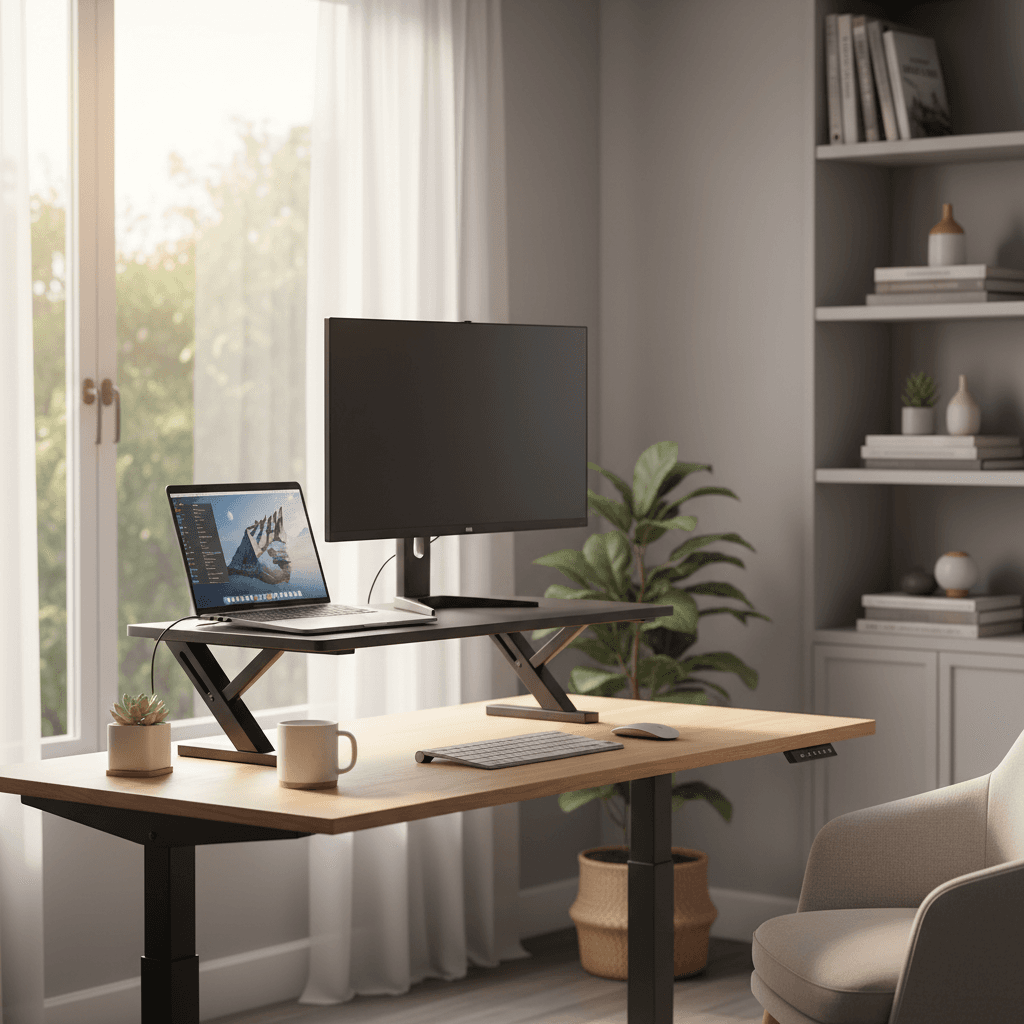
Eight sit-stand converters ranked for tight home offices in 2026. FlexiSpot M7B is the top pick, VariDesk Pro Plus 30 the compact runner-up.
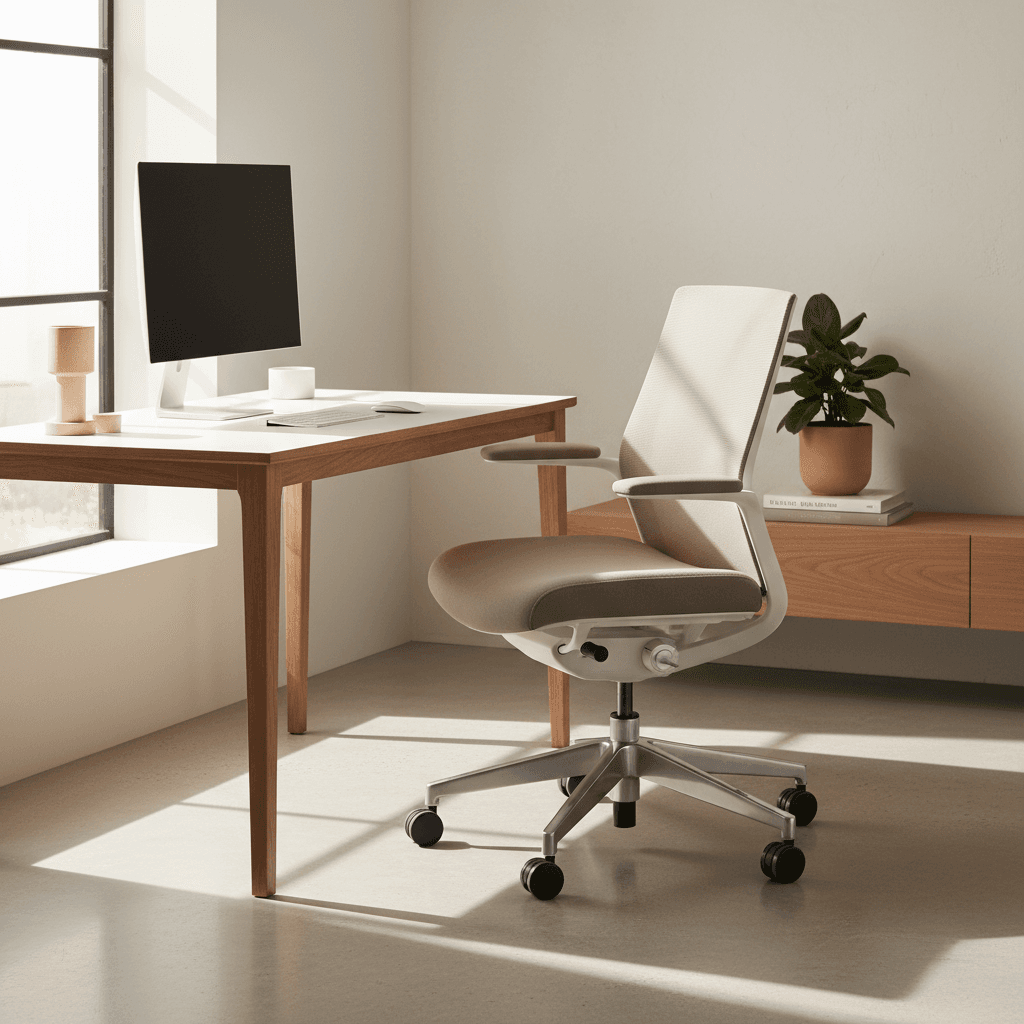
The Branch Ergonomic Chair is our top ergonomic office chair under $500 for 2026, with the Pro step-up, Sihoo Doro C300, Steelcase Series 1 and HON ranked.
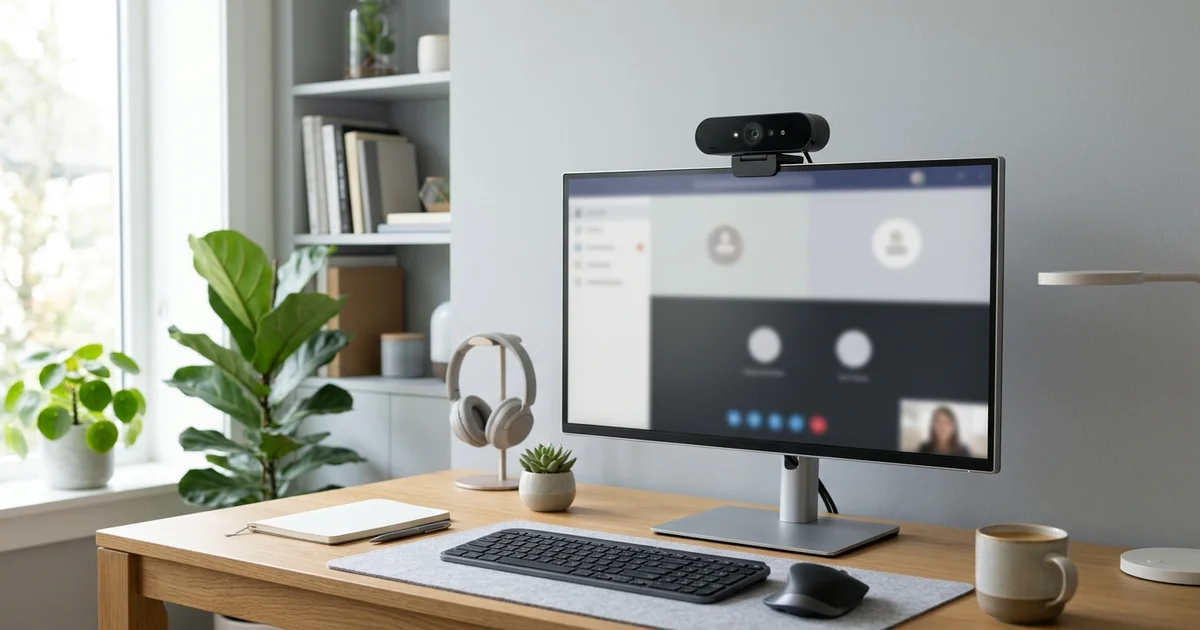
Four webcams ranked for WFH calls in 2026. Logitech Brio 505 is the top pick, Elgato Facecam MK.2 the streamer-grade runner-up. C920 settled.
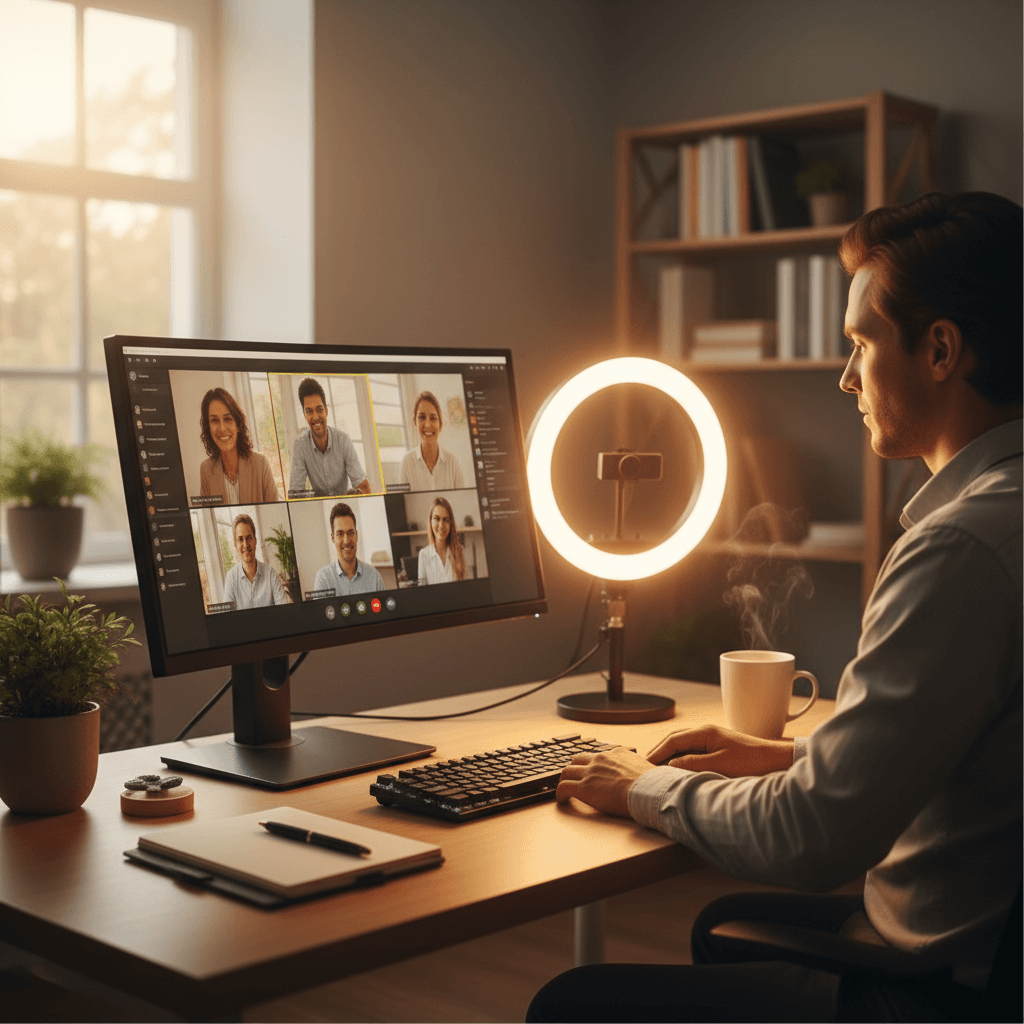
Five ring and key lights ranked for WFH video calls in 2026. The Yarrashop 10.5" Desk Ring Light is the top pick; a $22 clip-on ring is the budget play.
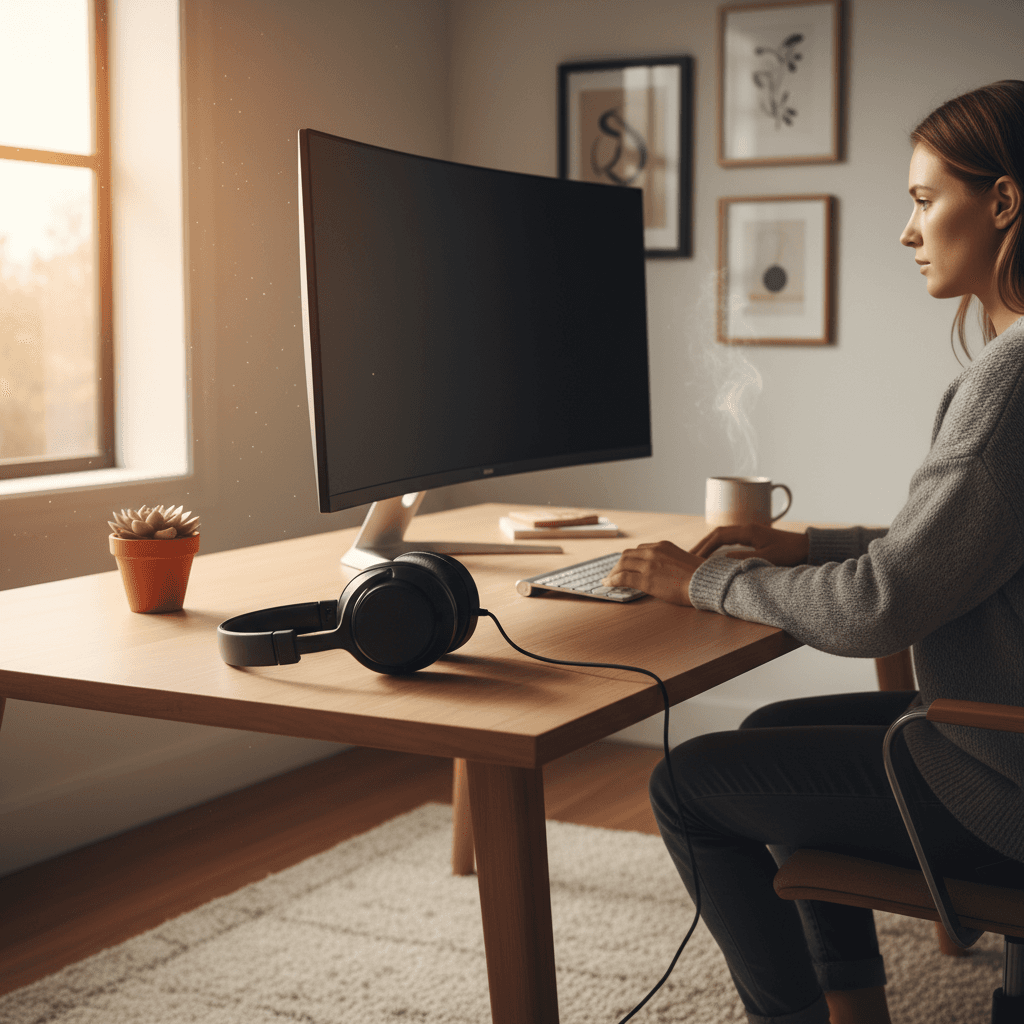
Eleven ANC headphones ranked for real home-office noise in 2026 — dogs, kids, leaf blowers. Sony WH-1000XM5 tops it; Bose QuietComfort Ultra runner-up.
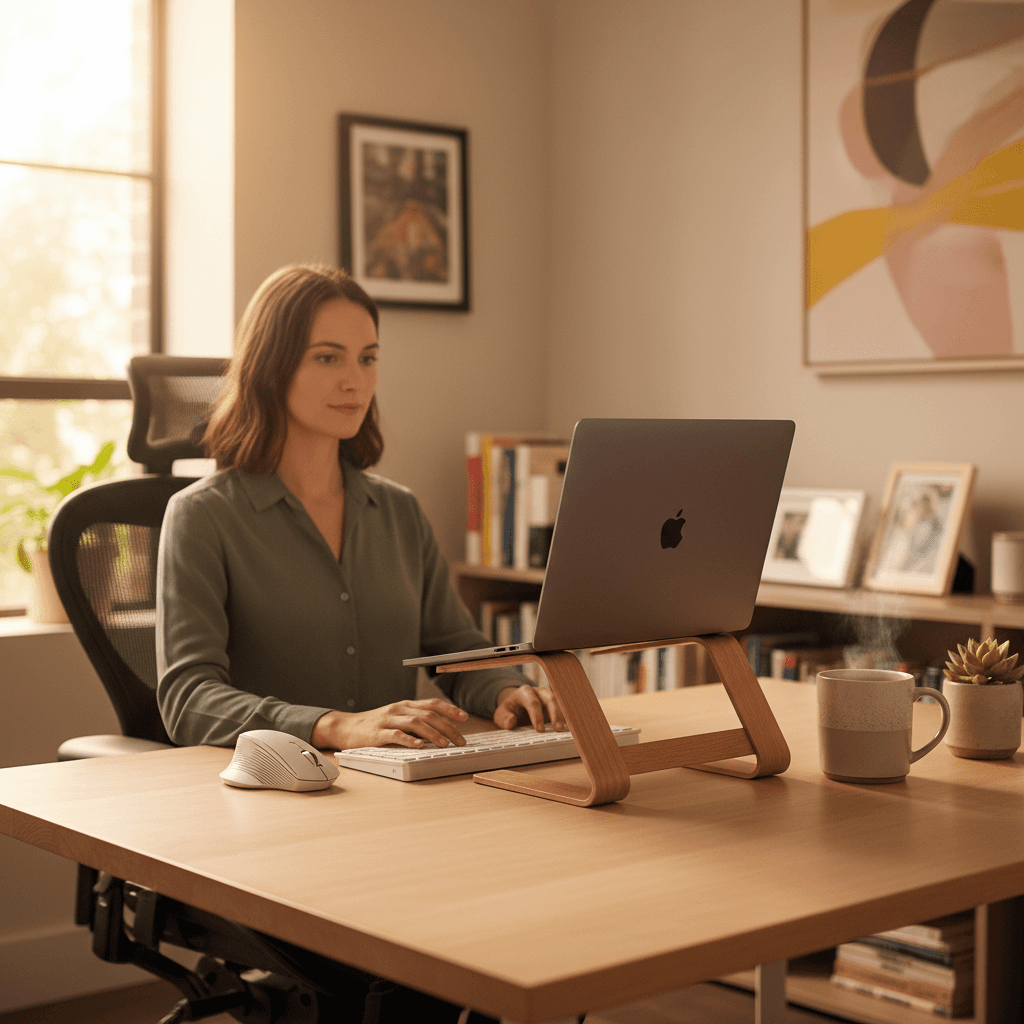
Ten laptop stands ranked for posture, not Instagram. Rain Design mStand is the top pick, Nulaxy C1 the adjustable budget runner-up for remote work.
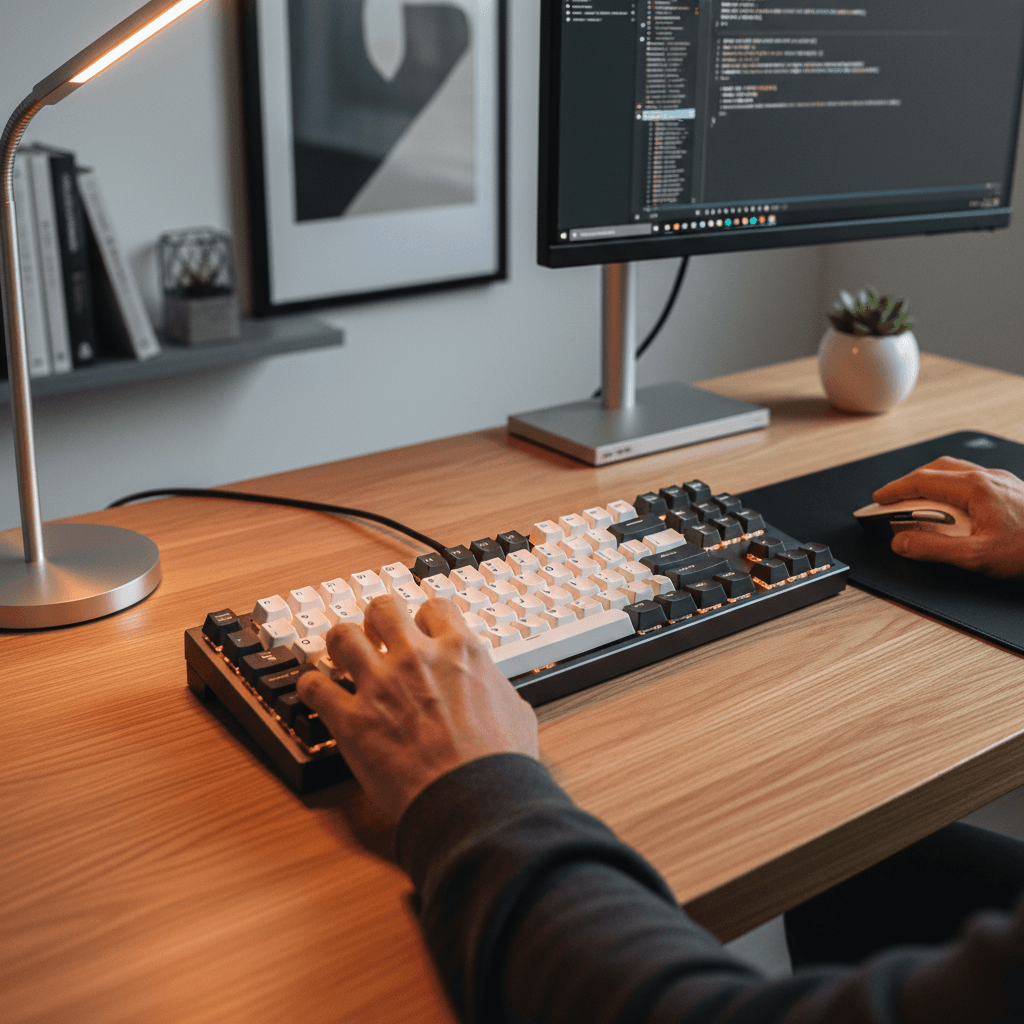
Four mechanical keyboards ranked for remote work in 2026. Keychron V3 Max TKL ($104.99) is our top pick — quiet tactile feel that stays off your Zoom mic.
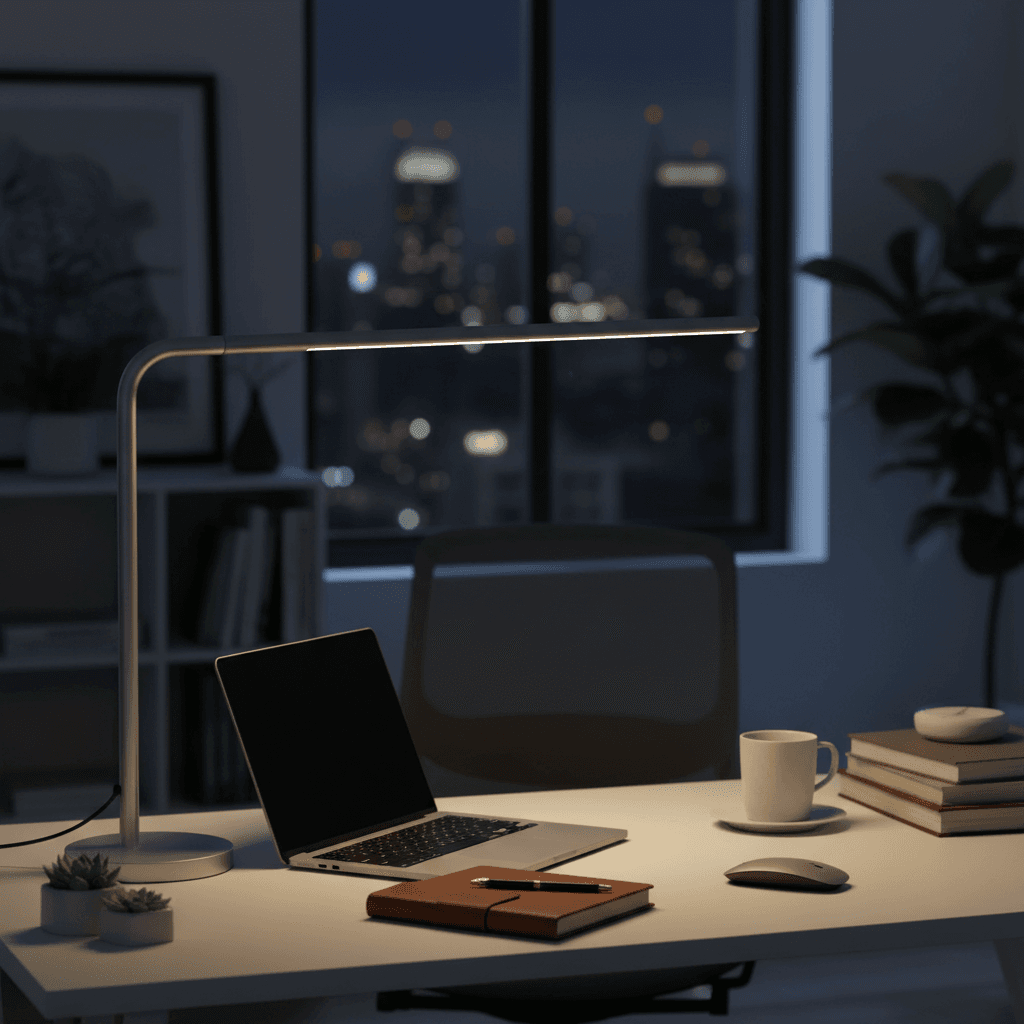
Six desk lamps ranked for WFH in 2026. BenQ ScreenBar is the top pick, Dyson Solarcycle Morph the premium play. Color temp and glare compared.
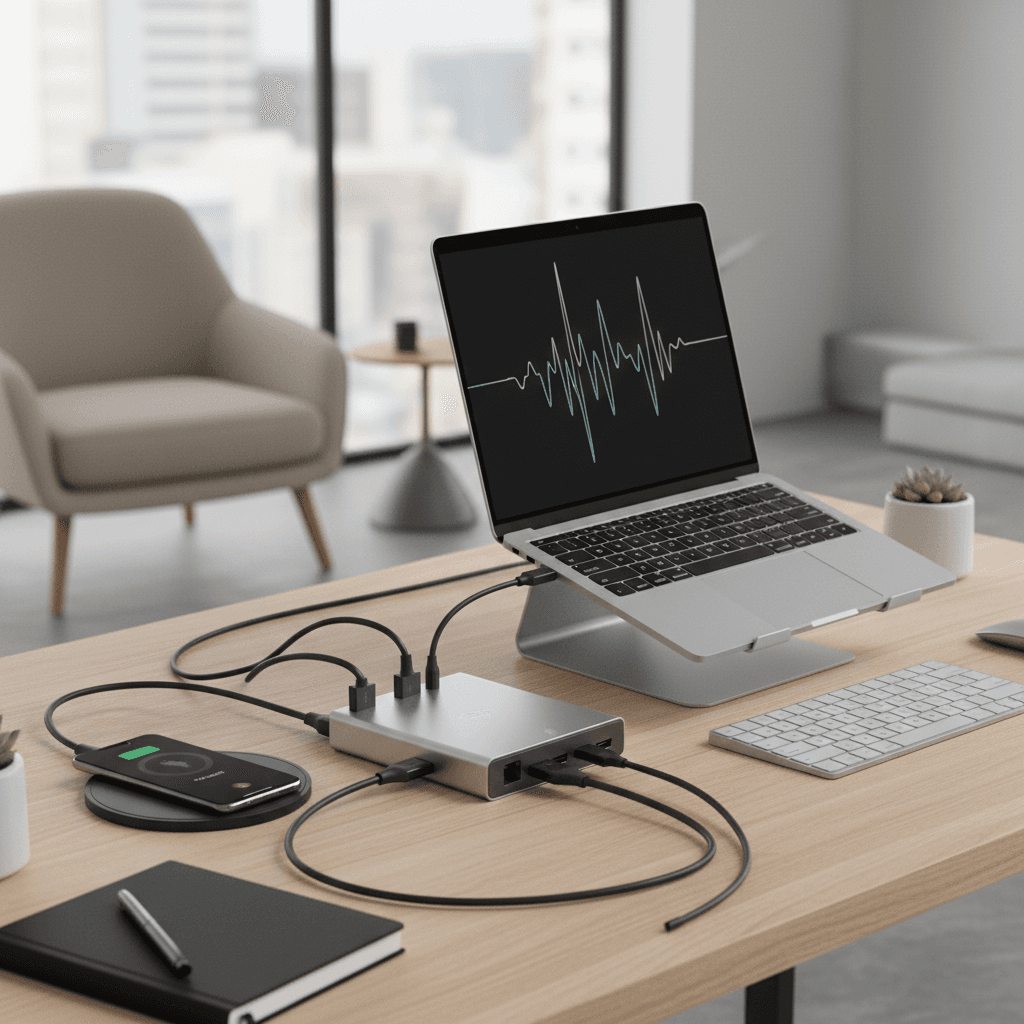
Eight USB-C and Thunderbolt hubs ranked for WFH in 2026. CalDigit TS4 is the top pick, Anker 777 the dual-display runner-up for remote work.
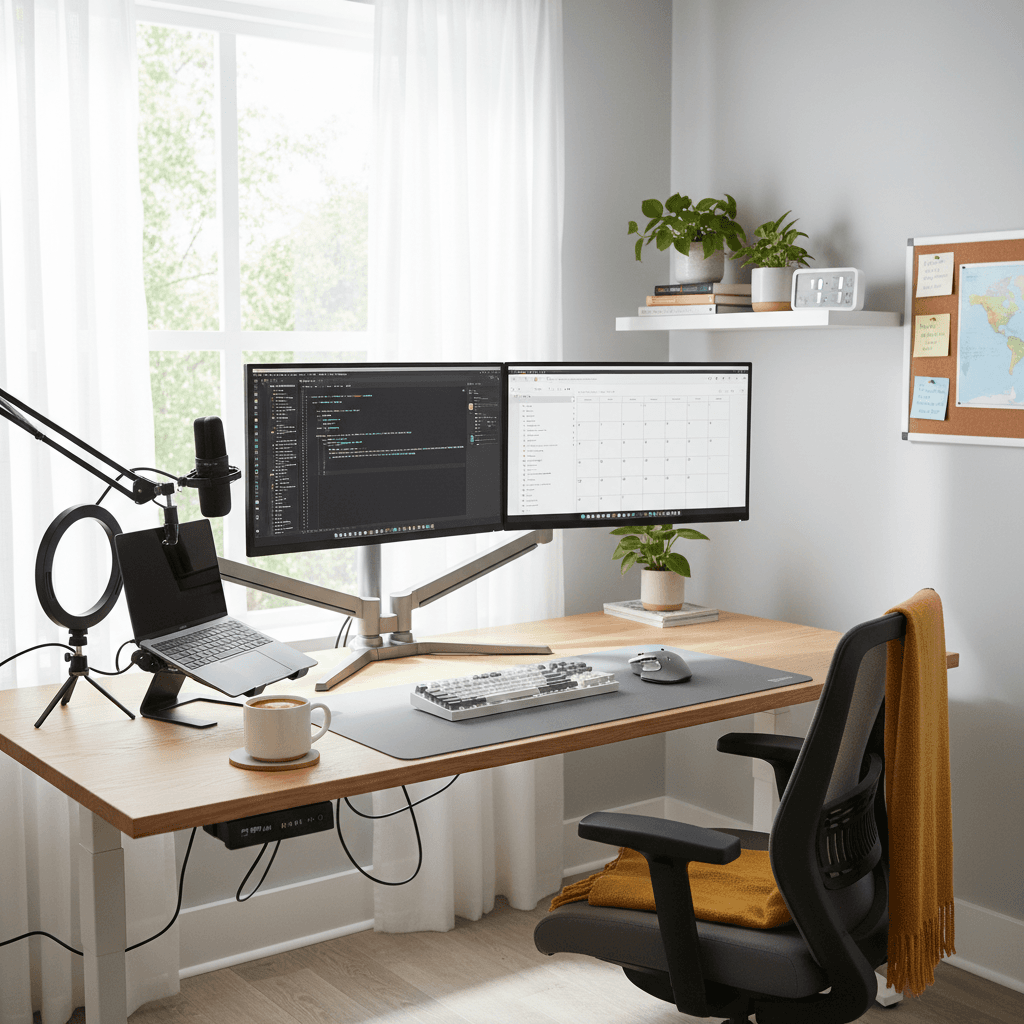
You don't need thousands of dollars for a comfortable, productive home office. Here's how to build a great WFH setup for under $300, product by product.
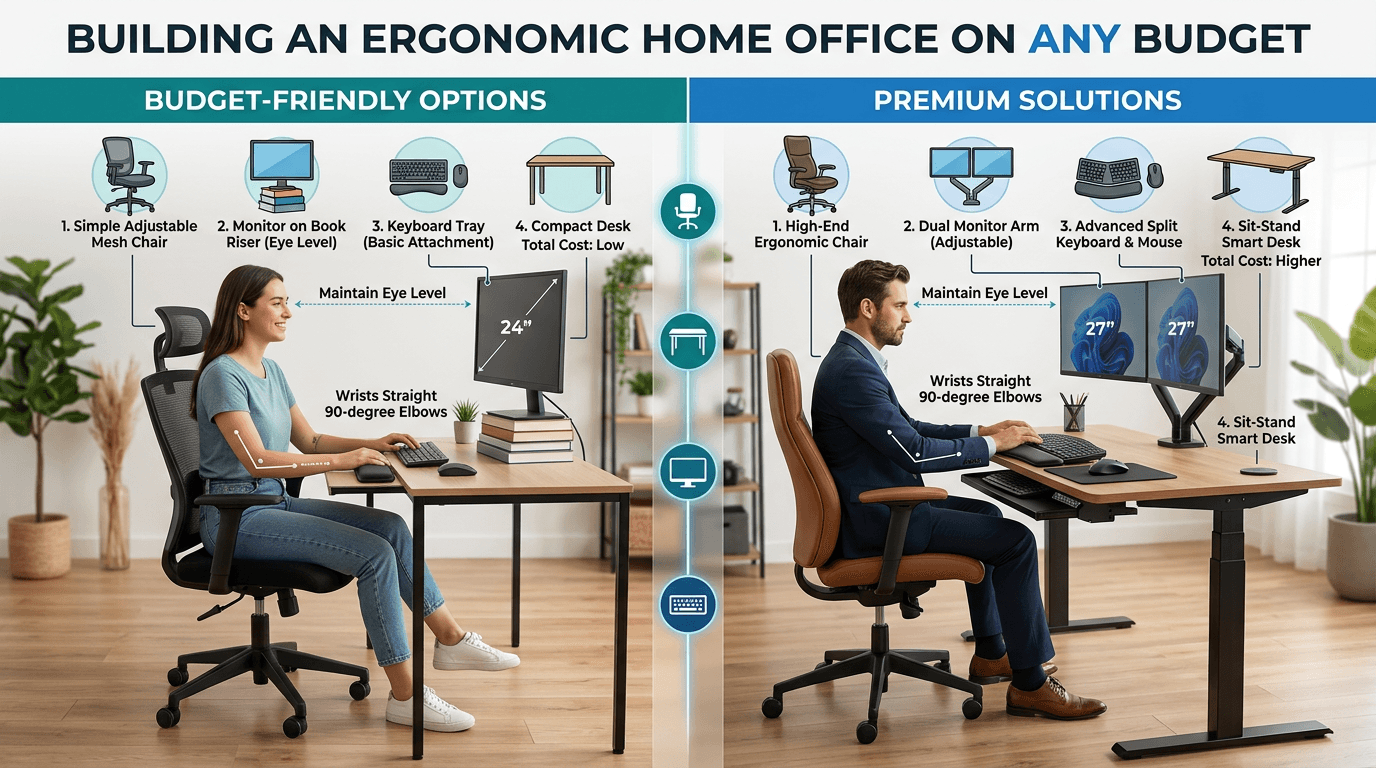
How to structure your work-from-home day for maximum productivity. Morning routines, focus blocks, breaks, and the gear that supports it all.