Amazon Basics for the Home Office: What's Worth Buying
Thirteen Amazon Basics picks that beat what we already recommend, two categories where the house brand loses outright, and the test that tells them apart.
WFH Lounge Blog
Research-backed buying guides, product comparisons, and work-from-home setup advice.
Showing 25–36 of 61 guides tagged #home-office

Thirteen Amazon Basics picks that beat what we already recommend, two categories where the house brand loses outright, and the test that tells them apart.

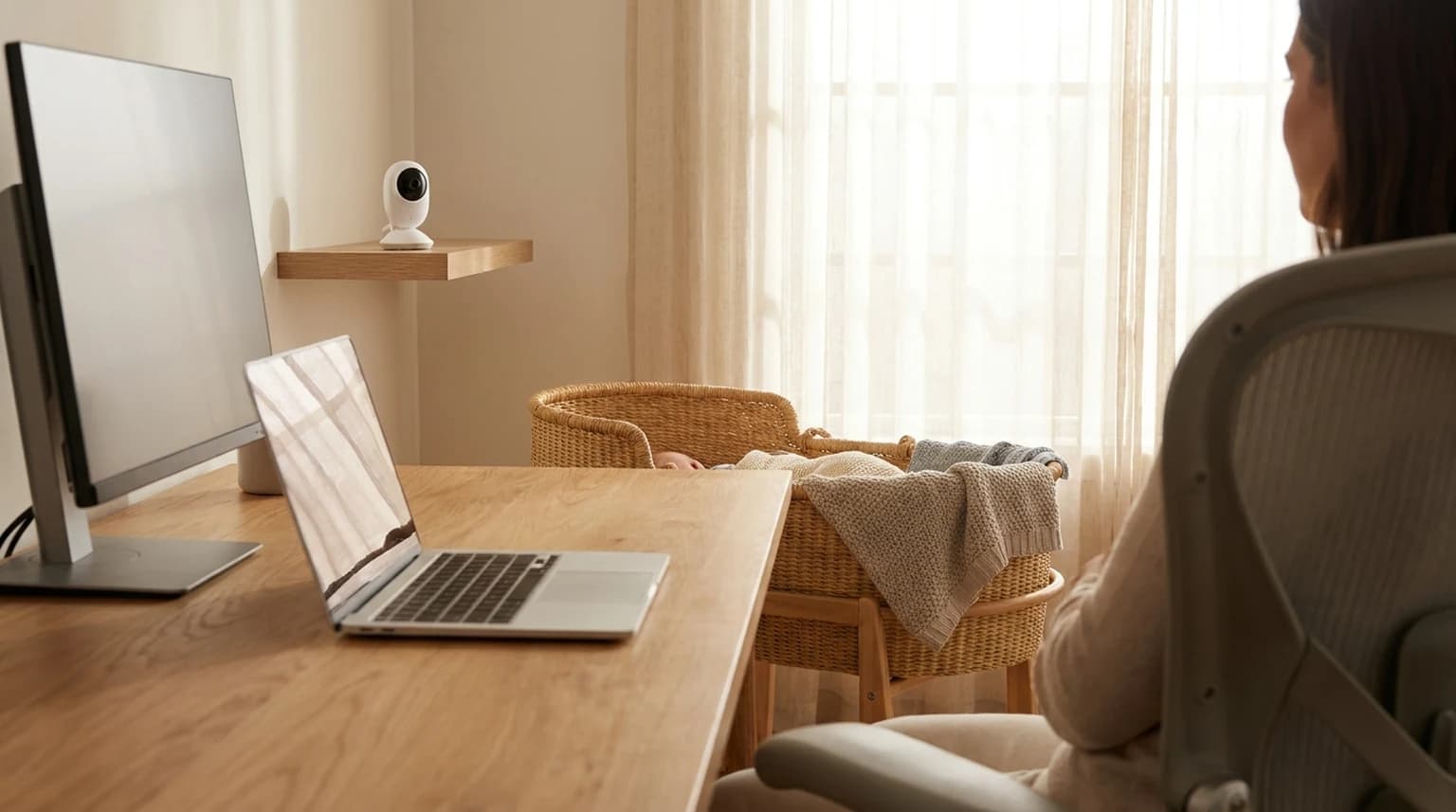
Working from home with a baby in the house is a setup problem as much as a schedule problem. The gear, layout, and expectations that get a remote worker through...

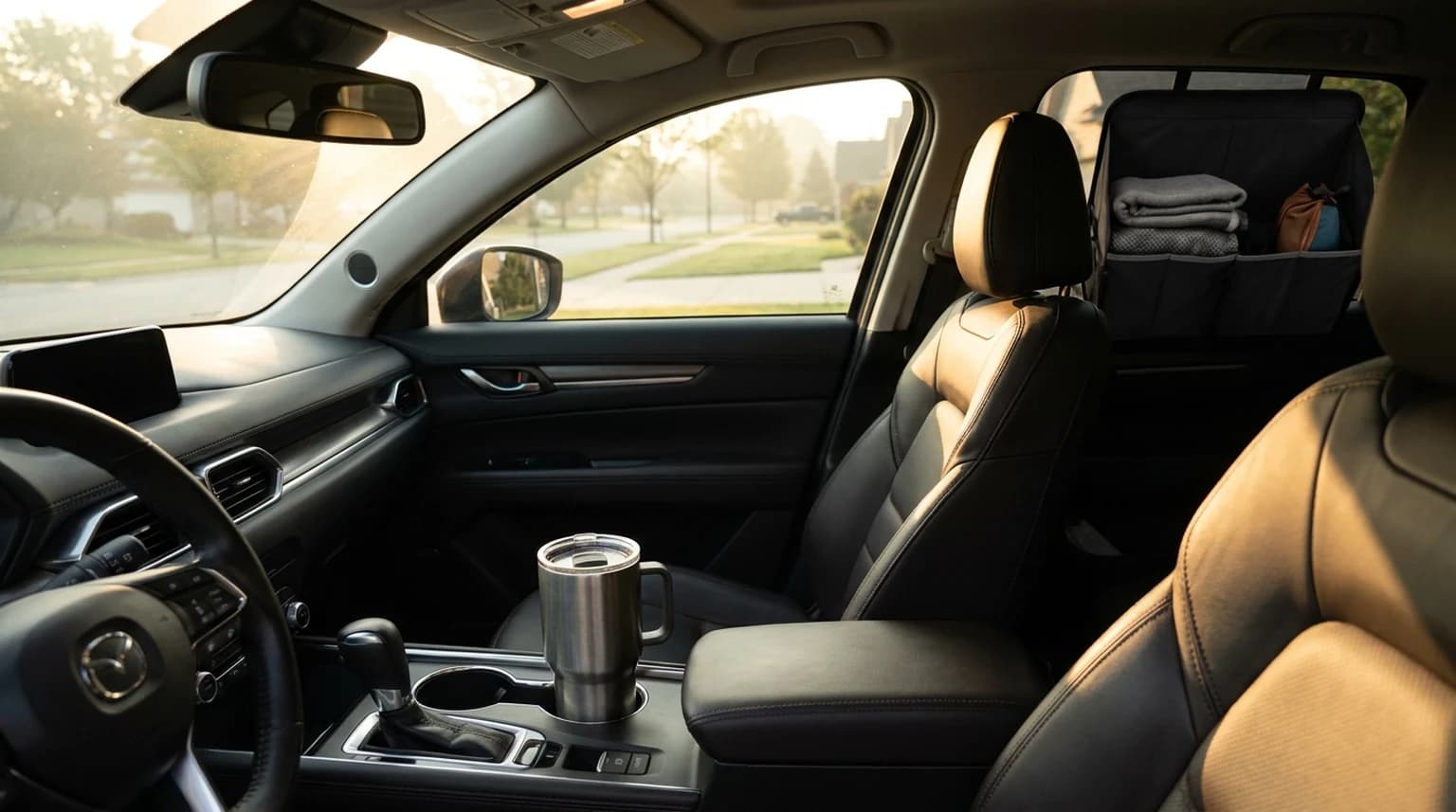
Hybrid work makes your car part of your desk setup two or three days a week. These small upgrades make in-office days calmer, cleaner and less chaotic.

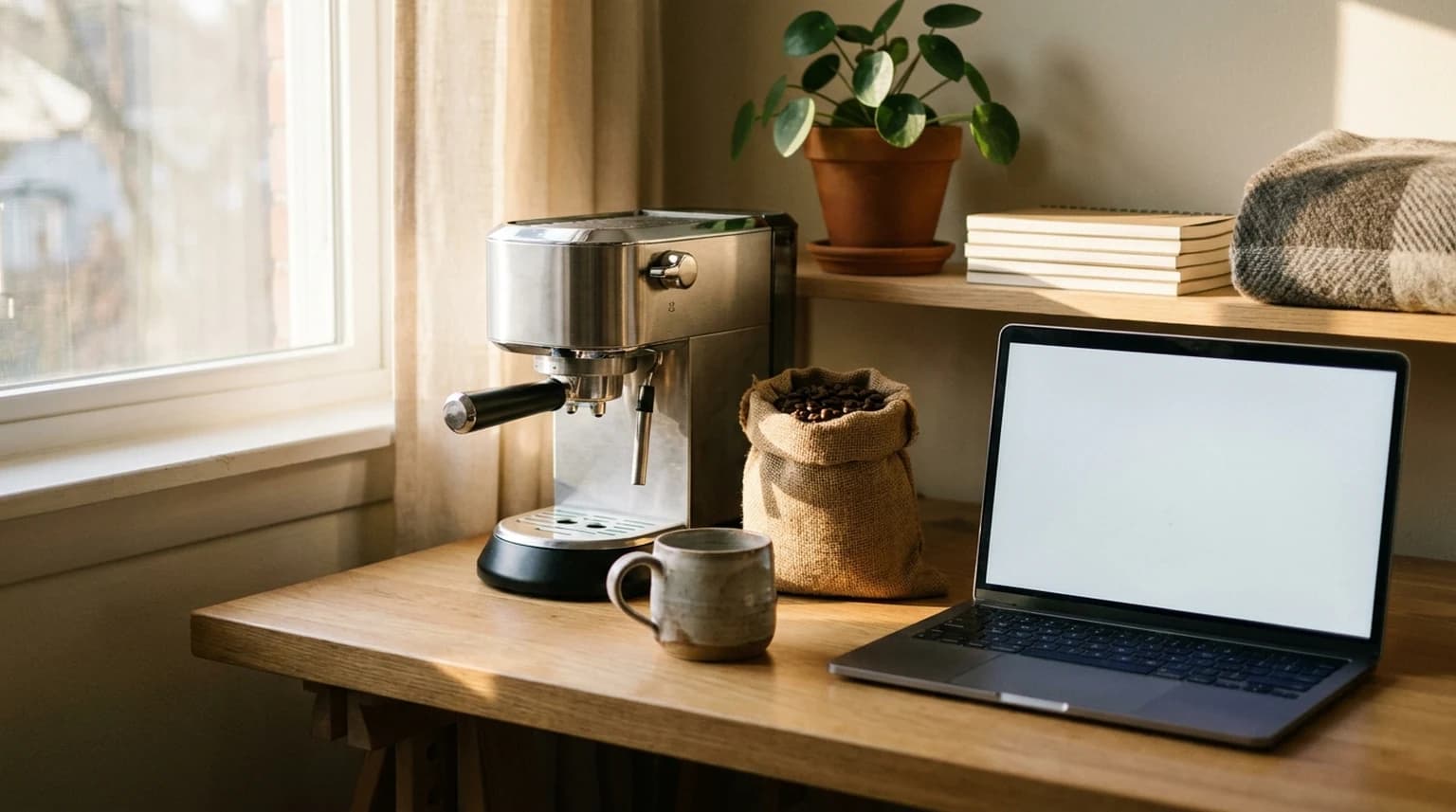
The office espresso machine was an underrated perk. Here's how to rebuild it at home on three budgets, from a $50 pour-over to a $500 push-button machine.

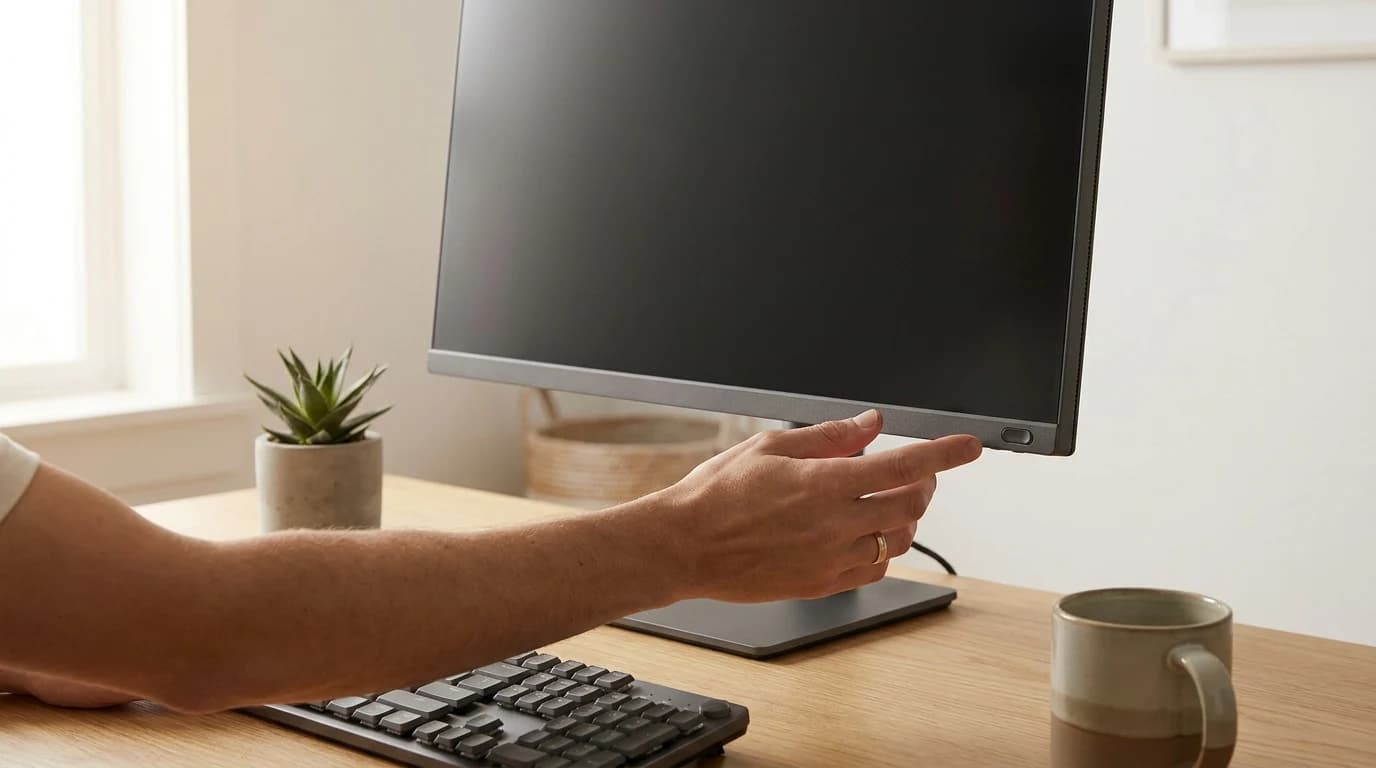
How to set your monitor's brightness, text size, glare and color for comfortable WFH days, and why a daytime blue-light filter won't help.

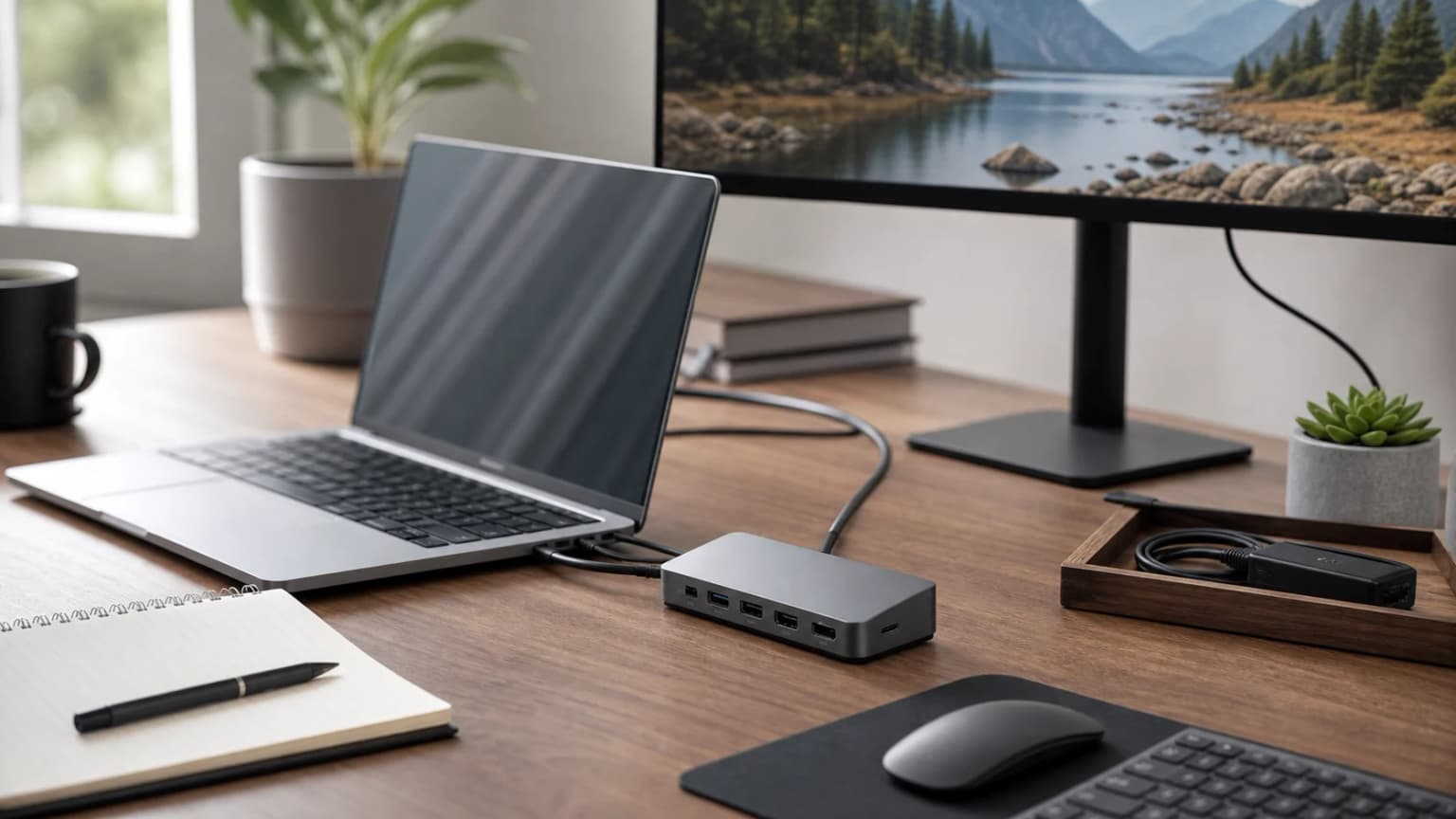
When the $380 CalDigit TS4 earns its premium — and when a $150 USB-C or Thunderbolt dock does the same WFH job. Decision matrix and what to buy instead.

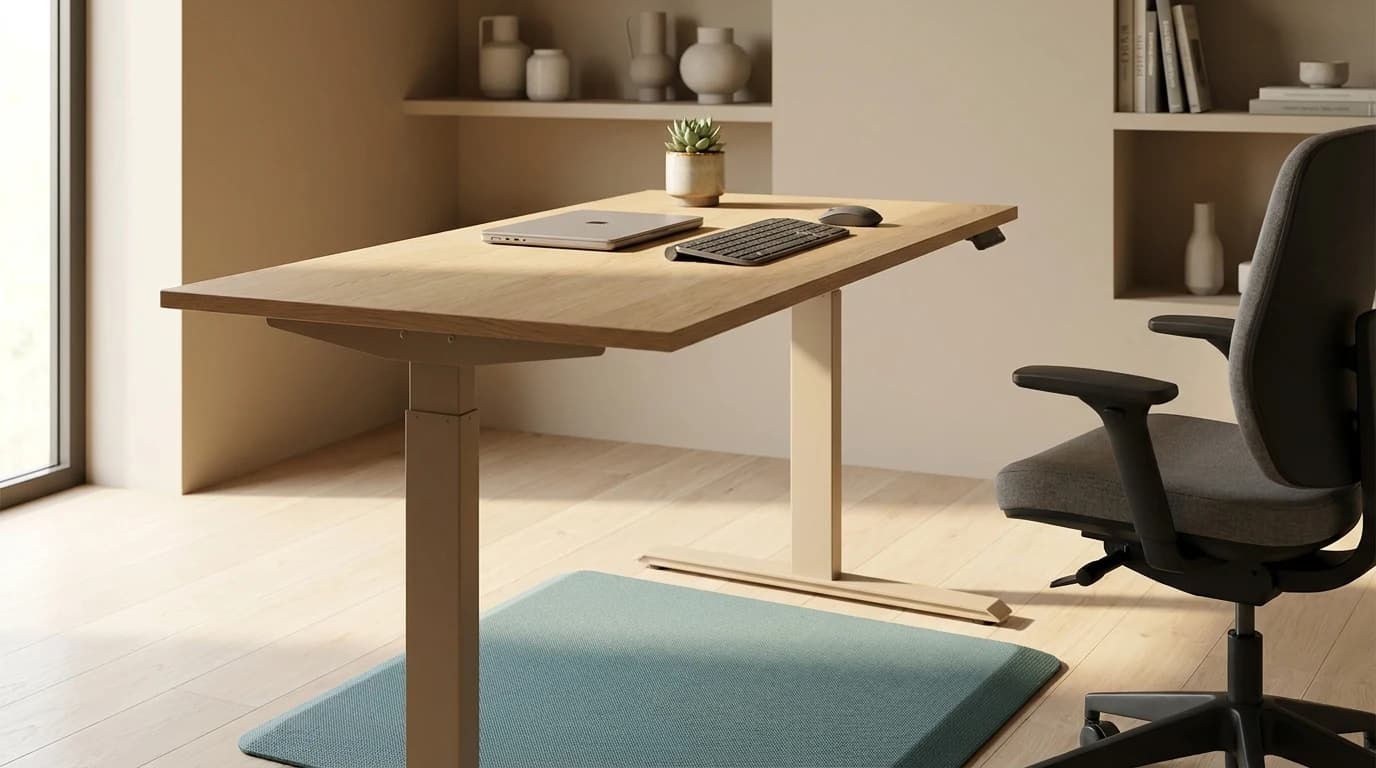
How often to stand at a standing desk, backed by ergonomics research: change posture every 20-30 minutes, move on breaks, and skip all-day standing.

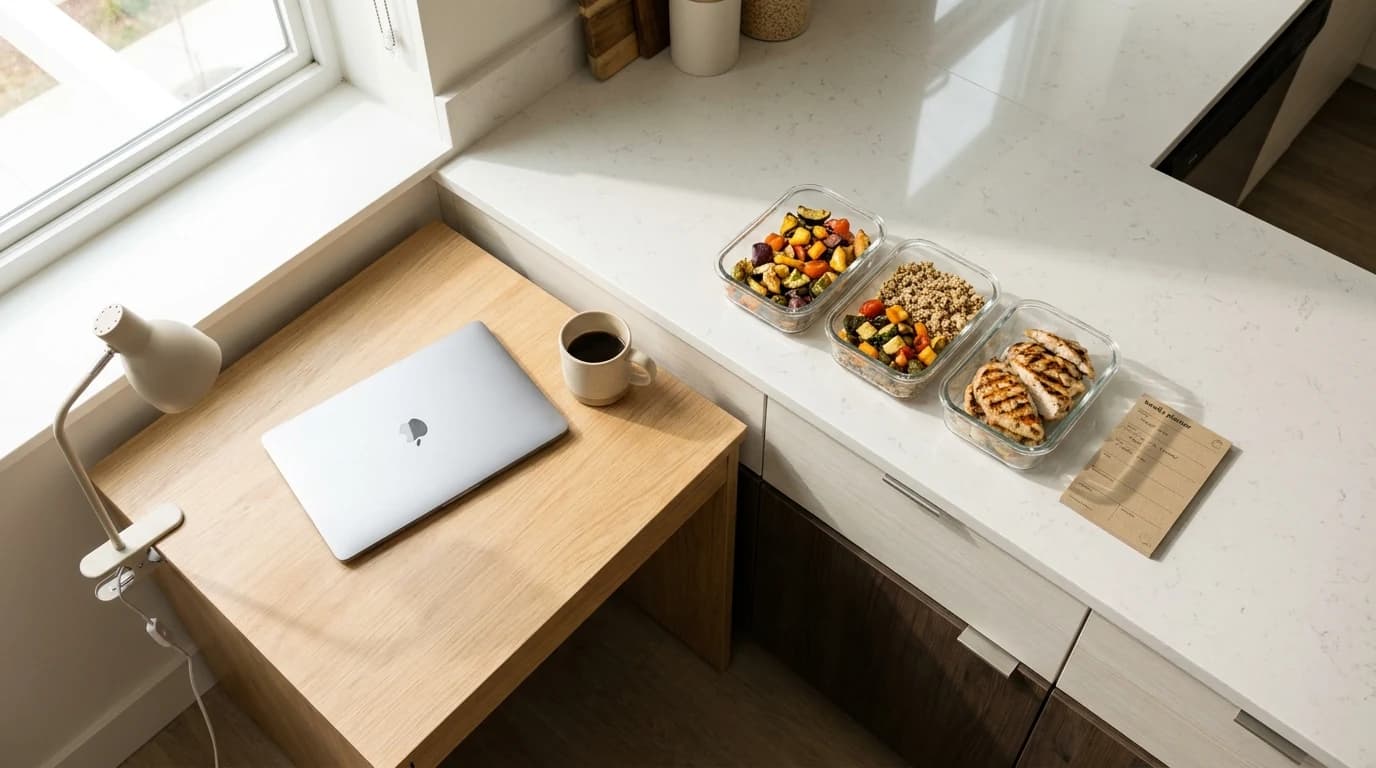
A practical WFH meal-prep framework: quick lunches, safer leftovers, snack windows, and plate templates that survive busy call days.

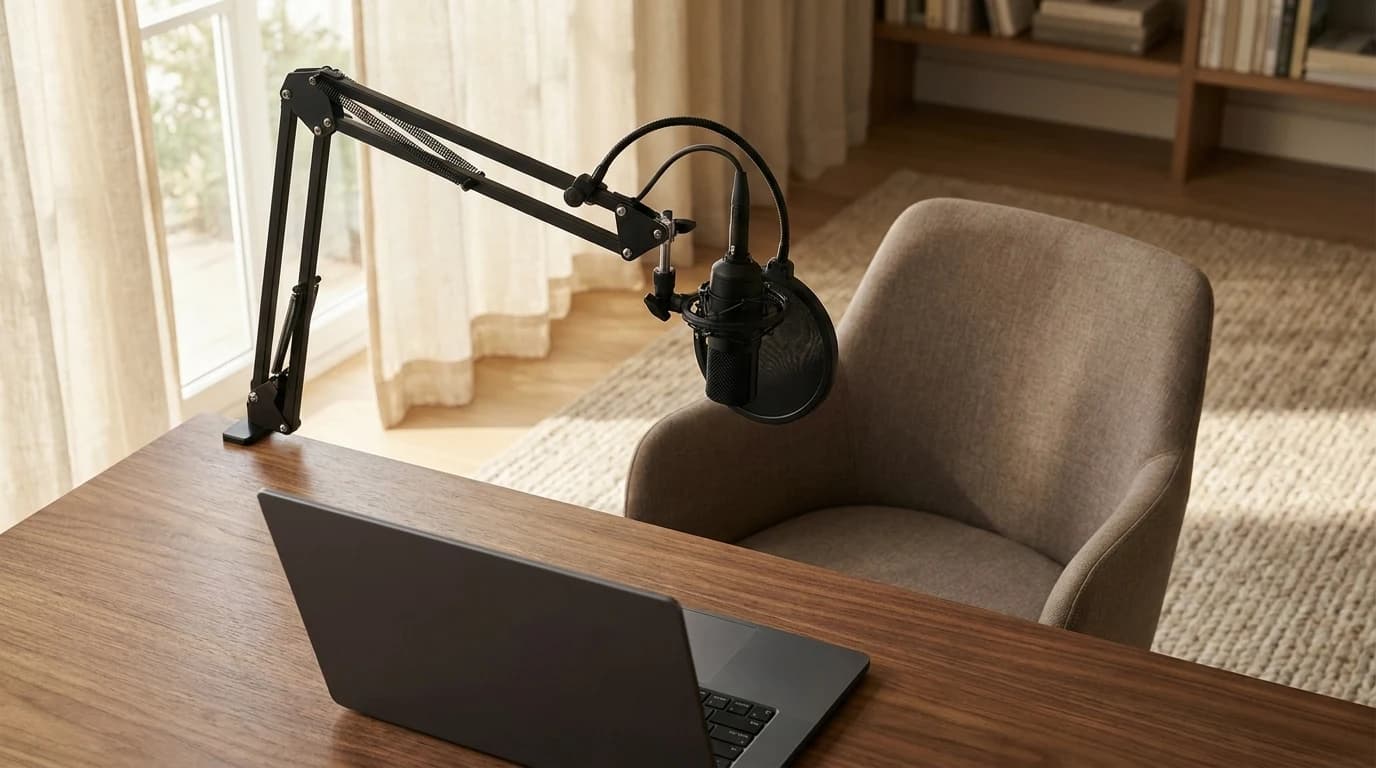
You sound worse on calls than you should — and it's almost never your voice. The three real causes, in order, and the free fixes that beat buying a mic.

The best Father's Day gifts for a work-from-home dad in 2026 (June 21), sorted by price tier from a $35 mug to the splurge picks he won't buy himself.

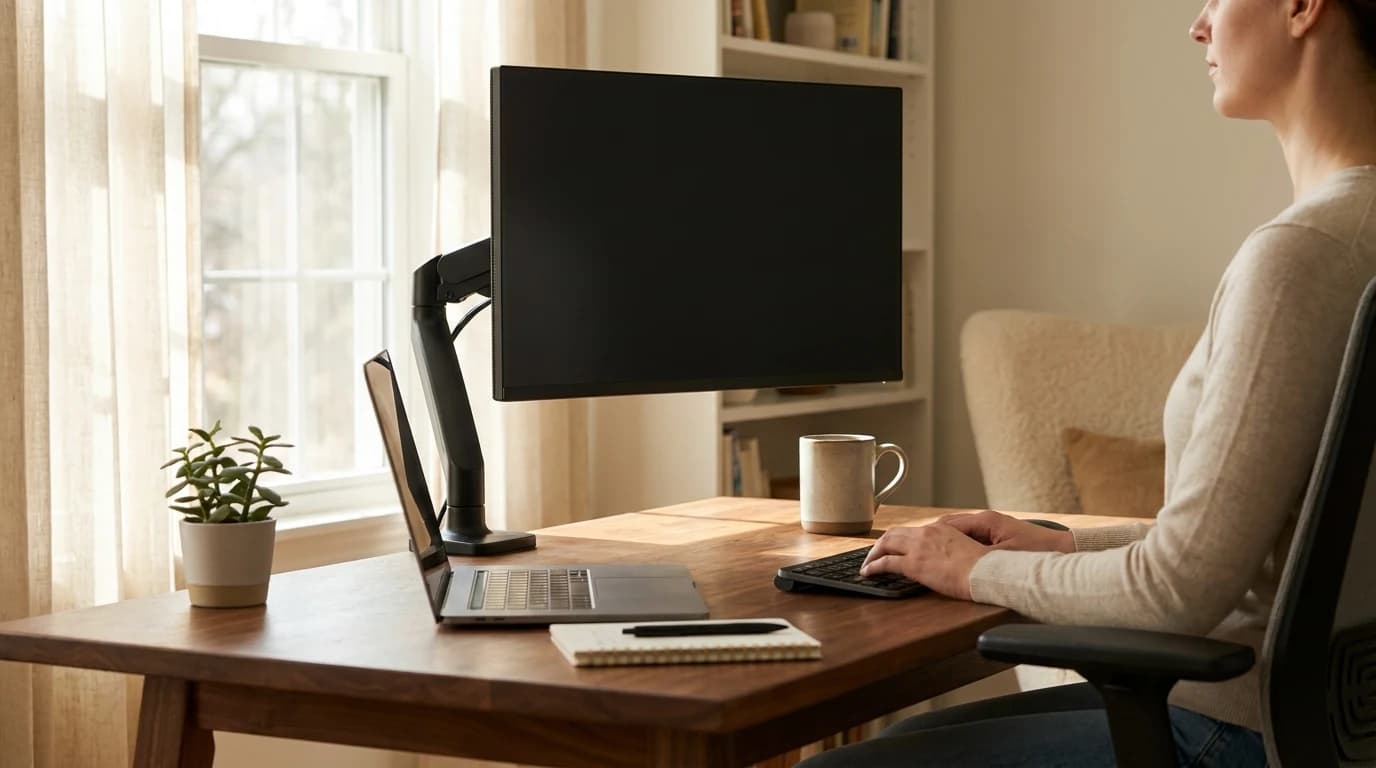
Screen neck and eye strain has a free fix: top of the screen at eye level, an arm's length back, angled off any window. The exact numbers, per OSHA.

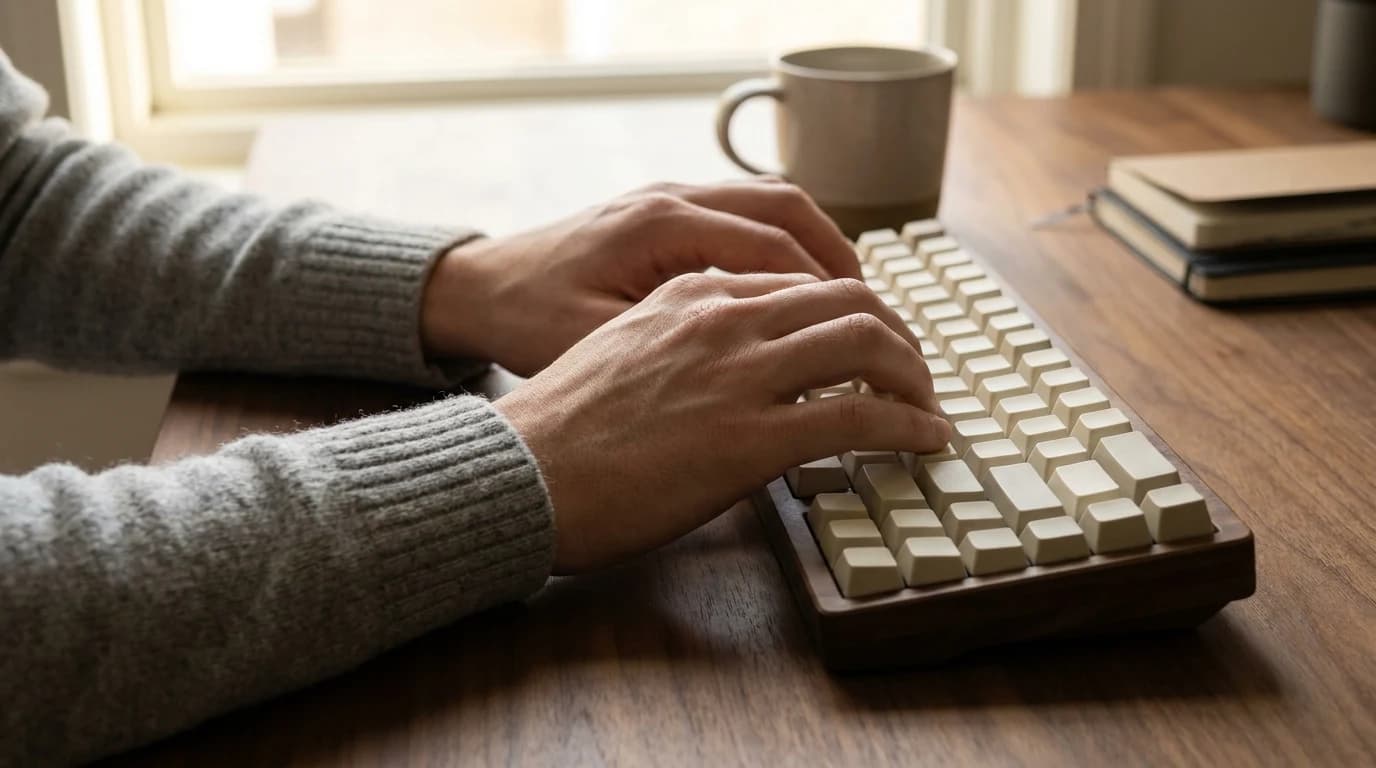
Switch type is comfort, not ergonomics. What actually protects your wrists for WFH is keyboard height, tilt and layout, and the free fix comes first.