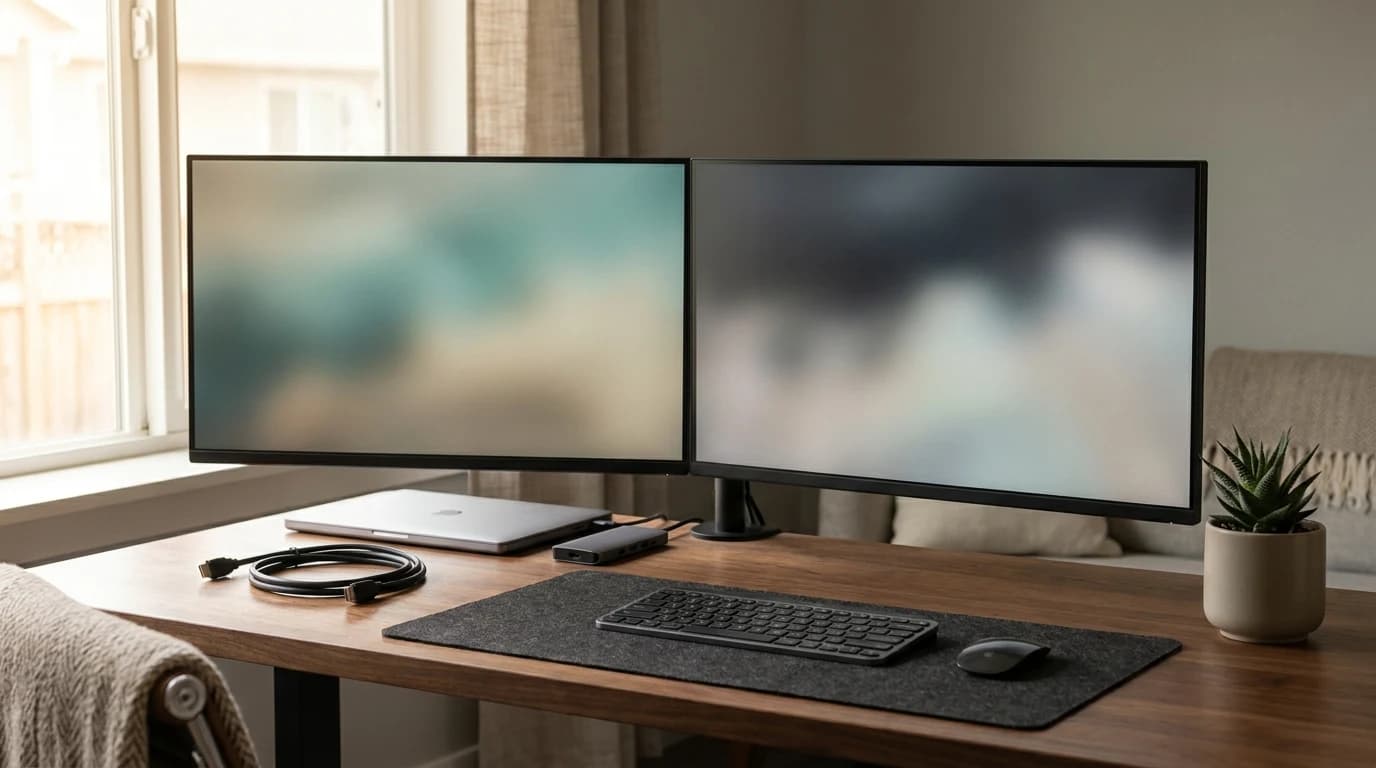
Why Your HDMI Splitter Won't Extend to Two Monitors
An HDMI splitter mirrors one screen, it does not extend it. Here is the real reason your second monitor duplicates, and the four fixes that work.
WFH Lounge Editorial
10 min read·June 8, 2026
WFH Lounge Blog
Research-backed buying guides, product comparisons, and work-from-home setup advice.
Showing 13–24 of 27 guides tagged #monitors
An HDMI splitter mirrors one screen, it does not extend it. Here is the real reason your second monitor duplicates, and the four fixes that work.
4K sounds like the upgrade, but most home-office work never benefits. How resolution, size, and scaling actually decide your monitor.
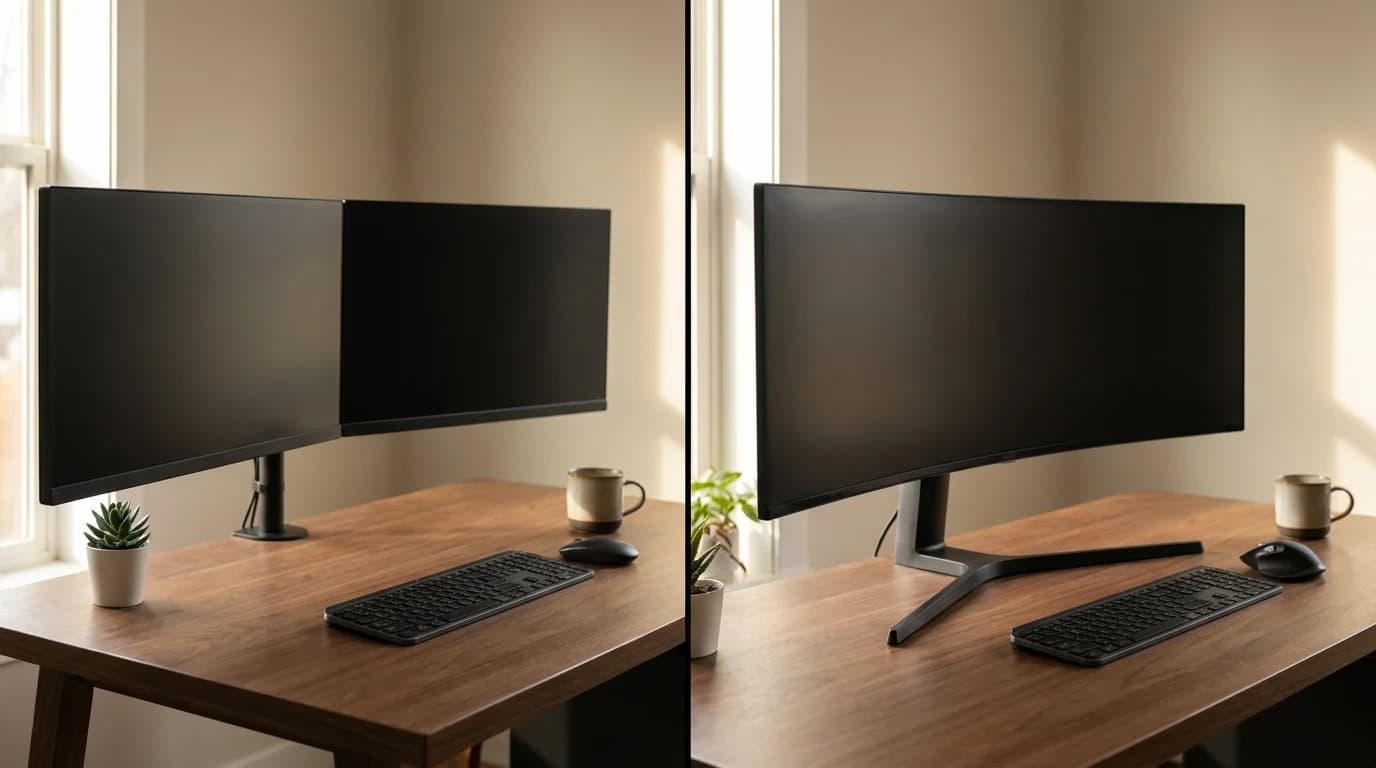
Two screens or one big curved one? The real tradeoff is workflow and your neck, not pixels. A clear decision framework for which to buy in 2026.
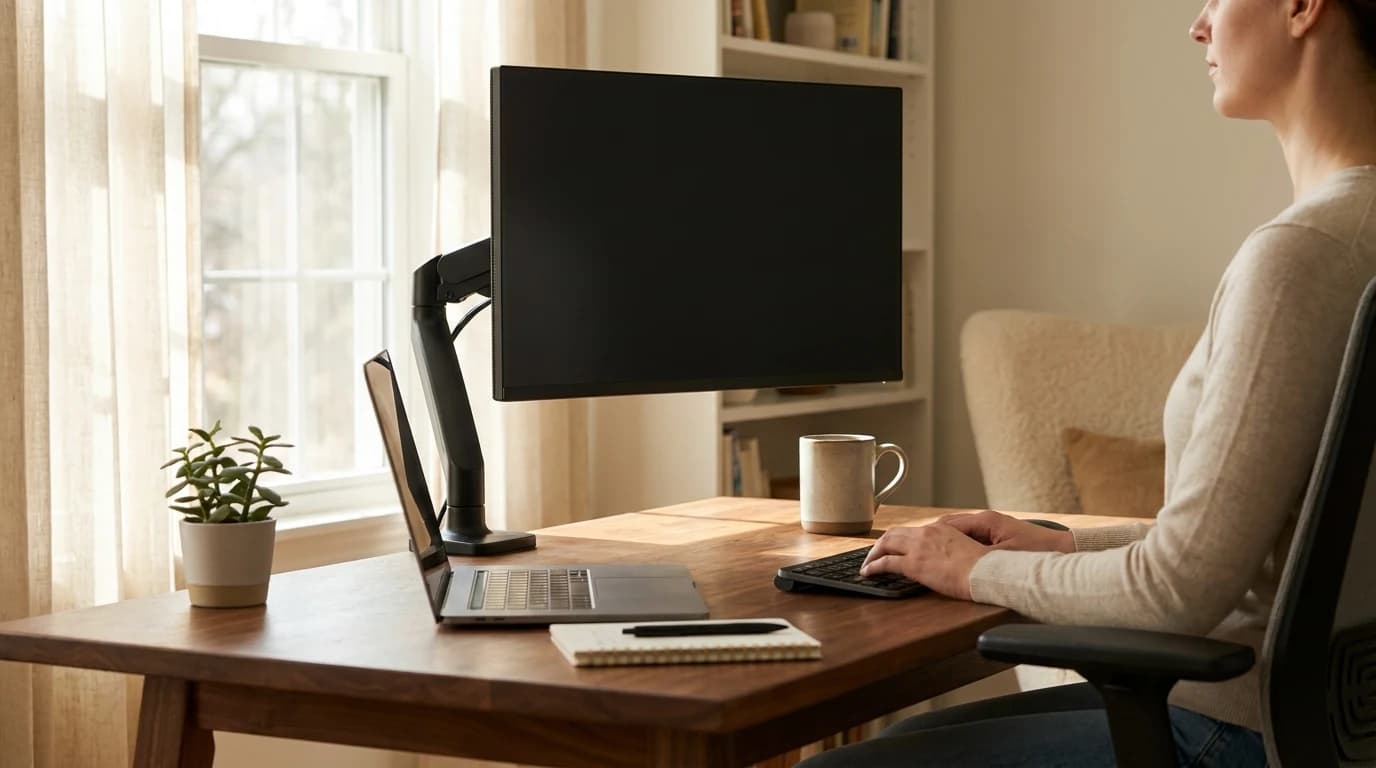
Screen neck and eye strain has a free fix: top of the screen at eye level, an arm's length back, angled off any window. The exact numbers, per OSHA.
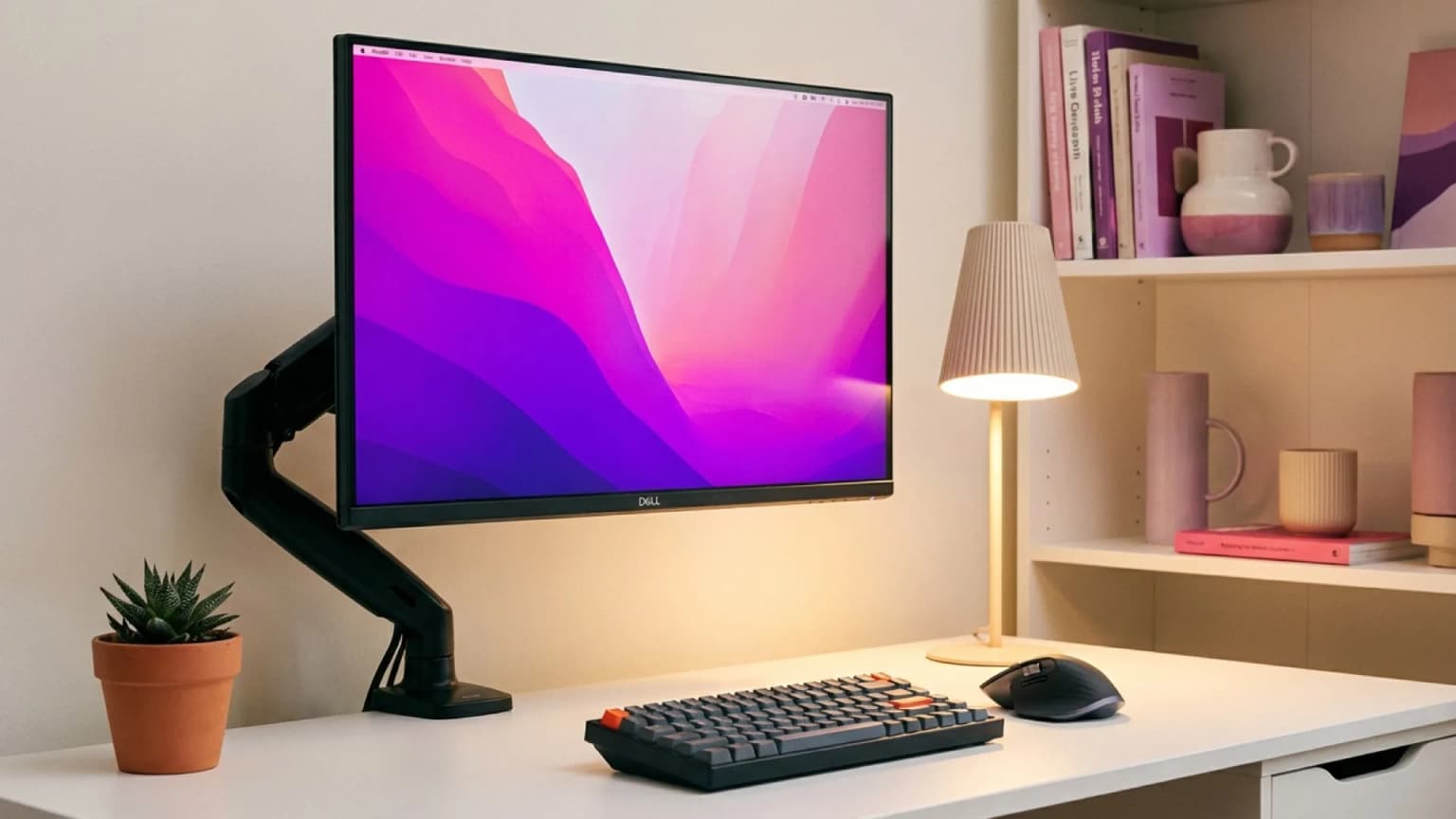
The best 27-inch monitor for home office work in 2026: 8 ranked from $170 to 5K, plus what to replace a Dell U2723QE or LG 27UK500-B with.
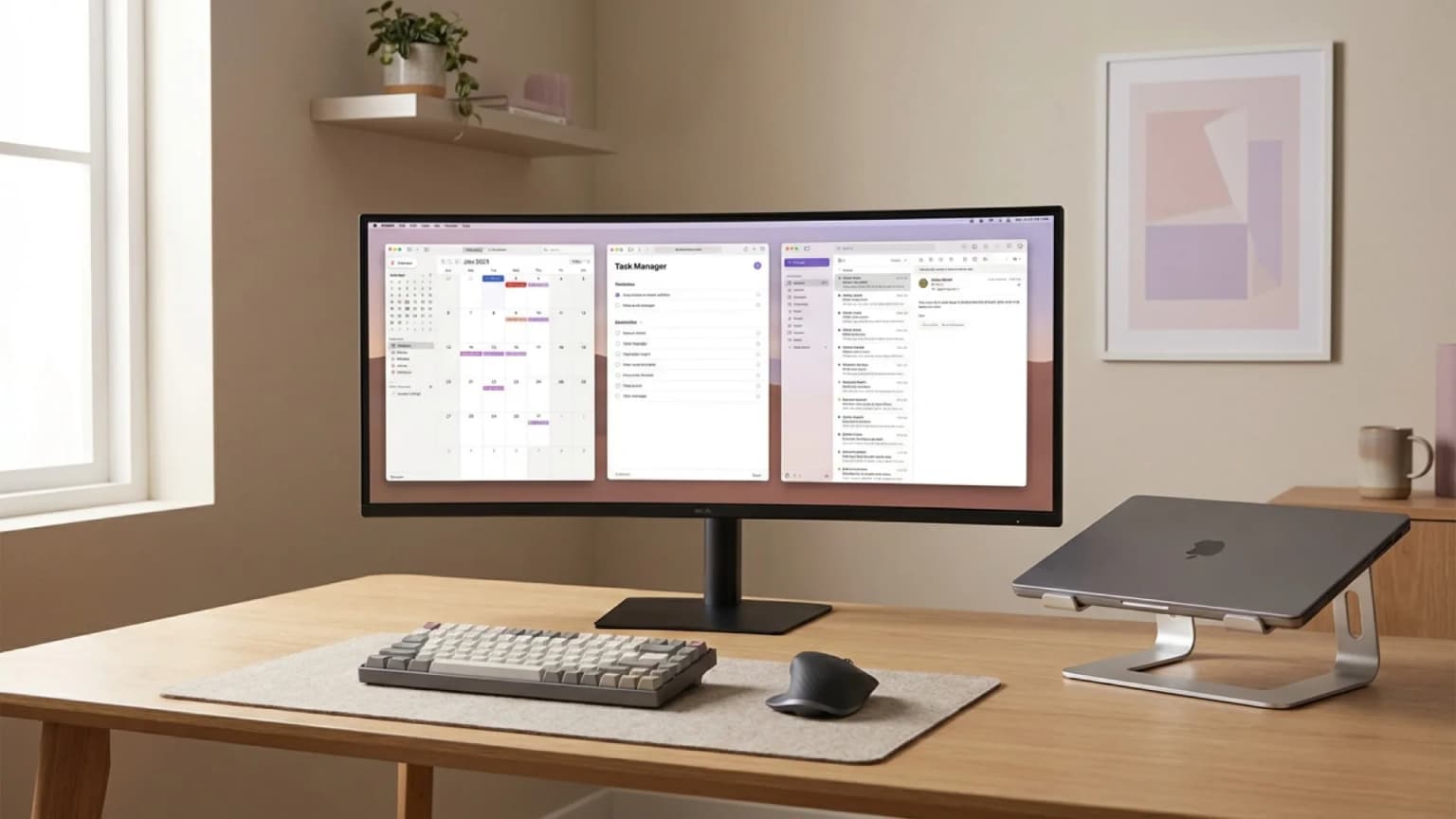
Best ultrawide monitors for WFH 2026, from $260 to a Thunderbolt dock: Dell S3425DW for most, plus Samsung S50GC, LG 34U650A-B and Alienware QD-OLED.
 Featured
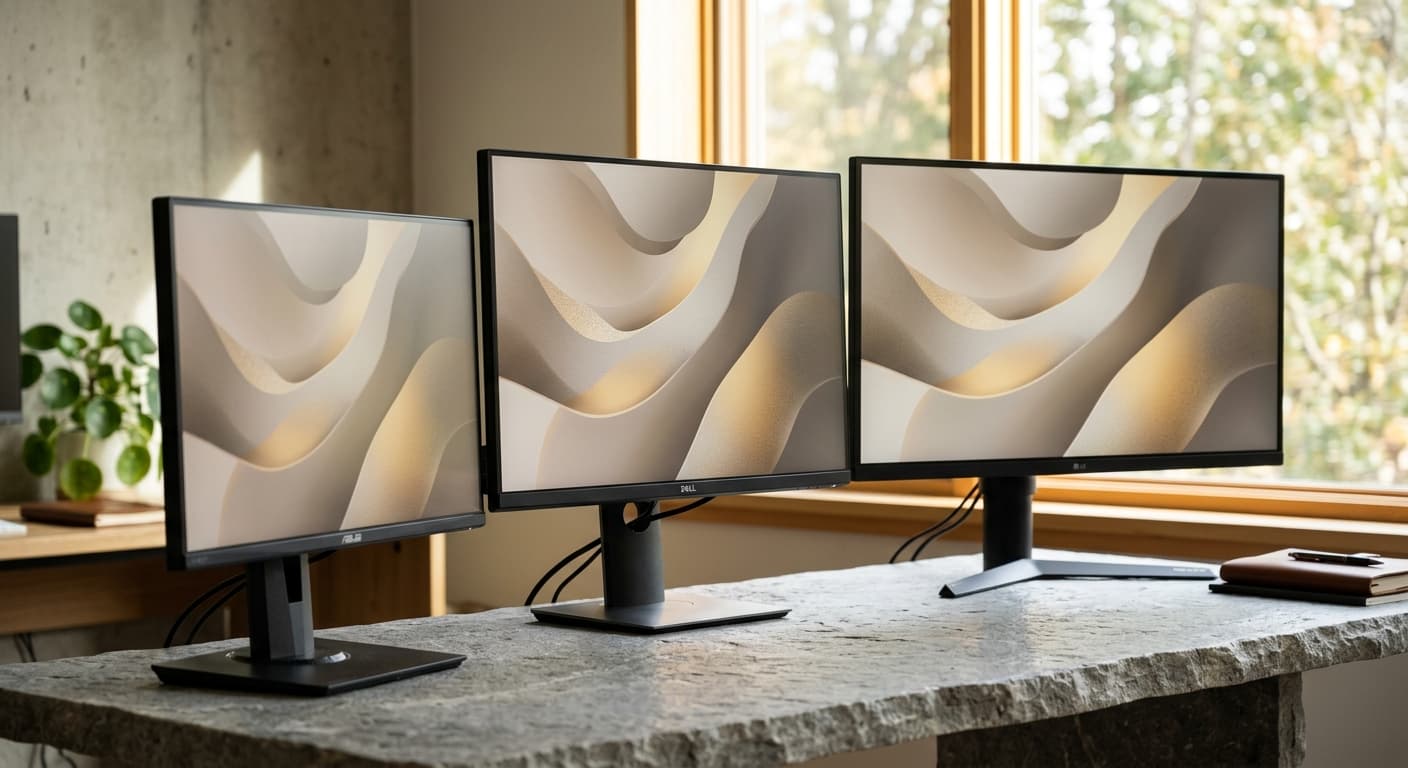
27" vs 32" vs ultrawide. 1440p vs 4K. IPS vs OLED. The 5 specs that actually move WFH productivity, plus the one spec most buyers overpay for.
 Featured
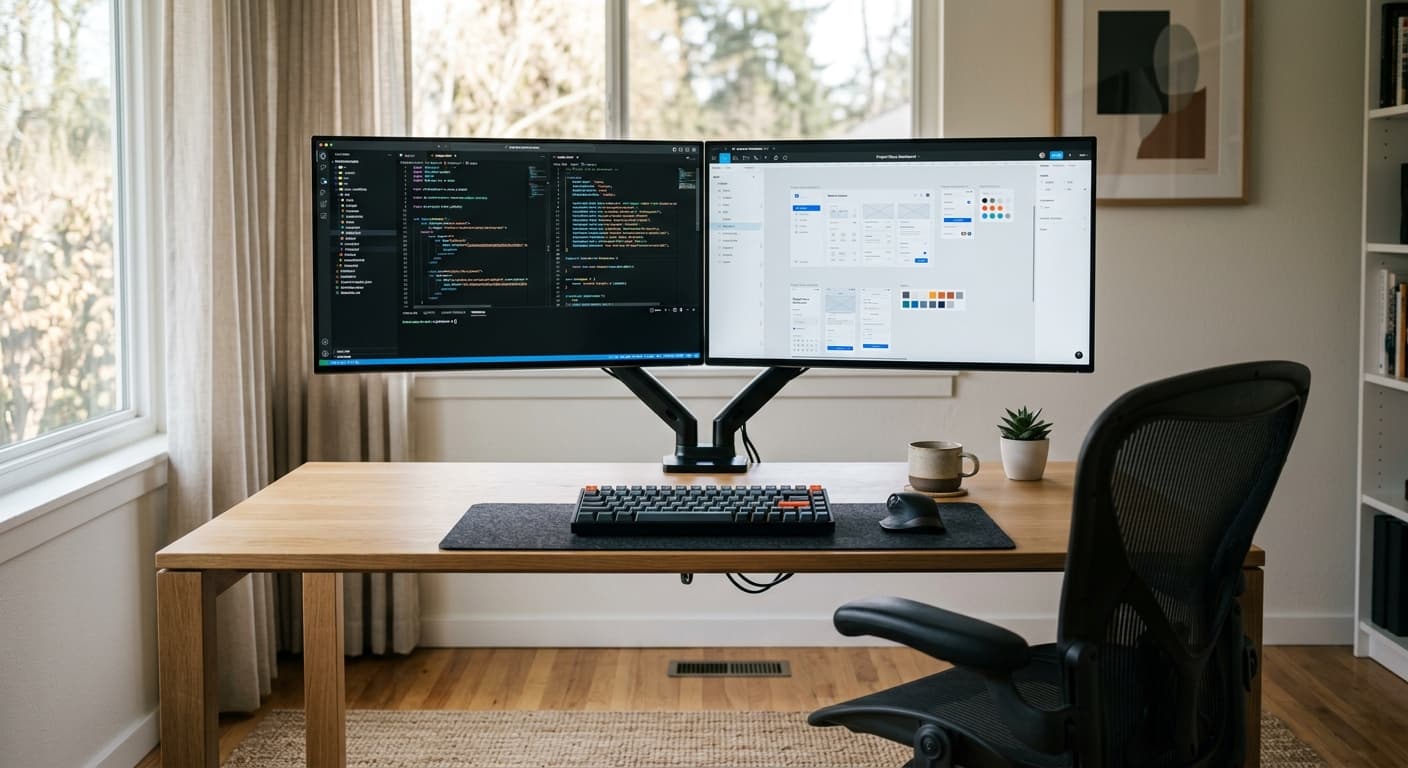
The best dual-monitor pairs, arms, and layouts ranked for WFH in 2026. Plus when a single 34-inch ultrawide actually beats two 27-inch screens.
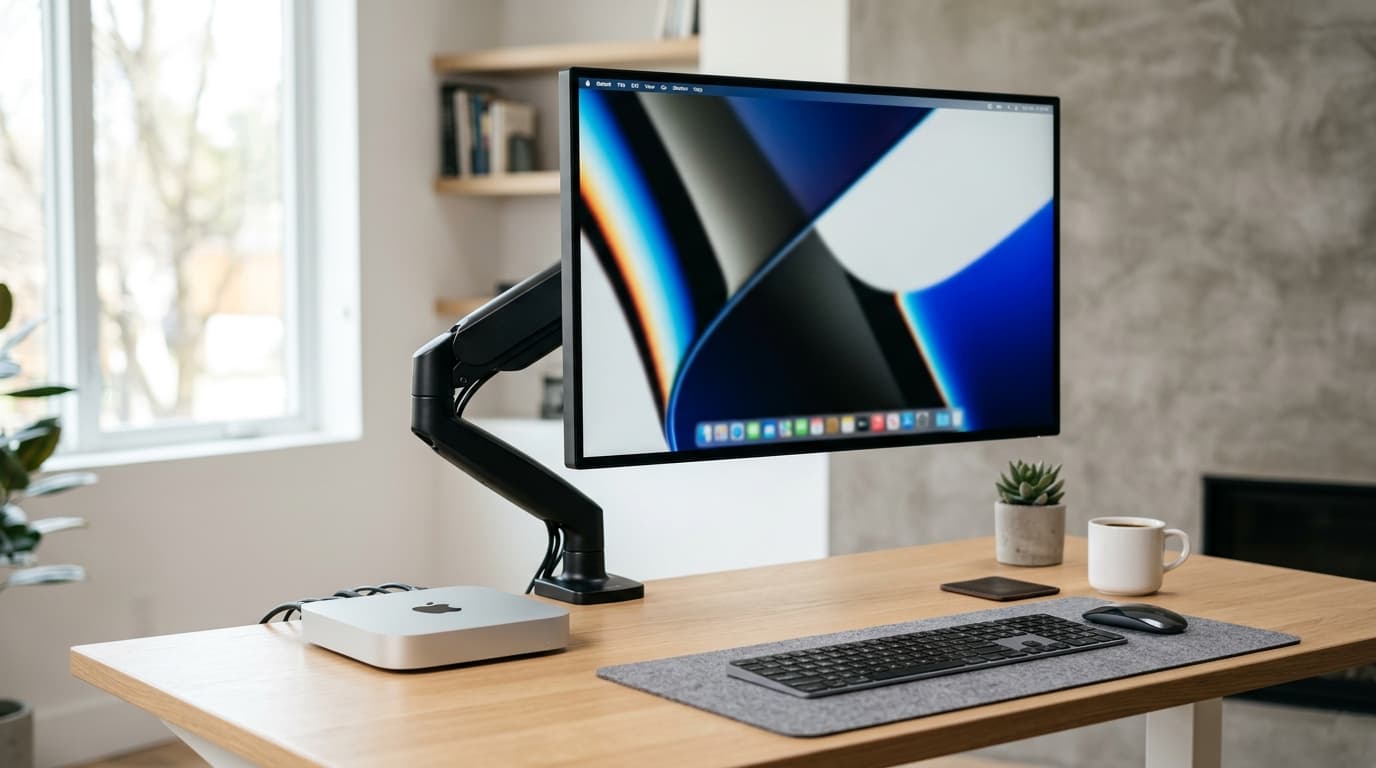
Four monitor arms ranked for Mac mini setups. Ergotron LX is the top pick, the Amazon Basics gas-spring arm the budget play. VESA and reach compared.
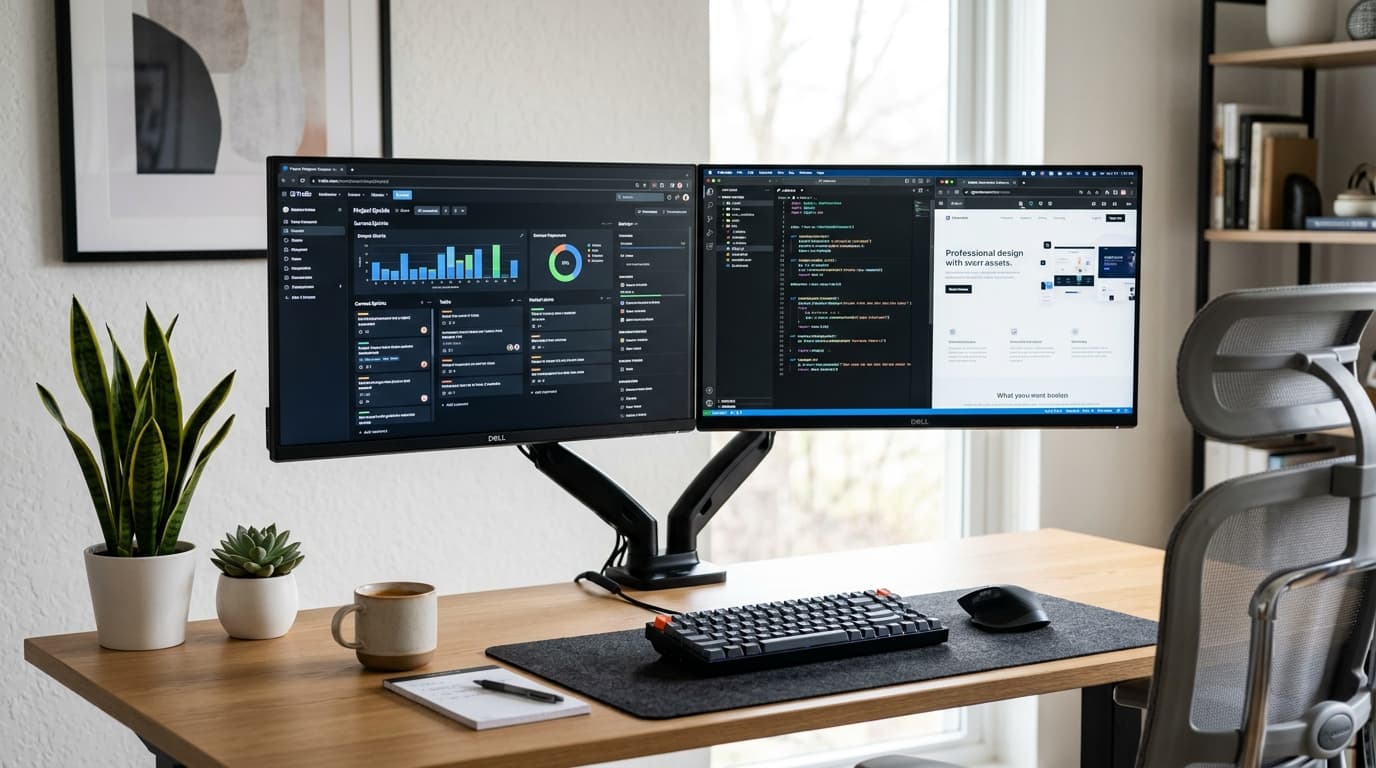
A full WFH dual-monitor walkthrough for 2026: check your laptop's display limit, pick the right cables, choose Extend and fix a missing screen.
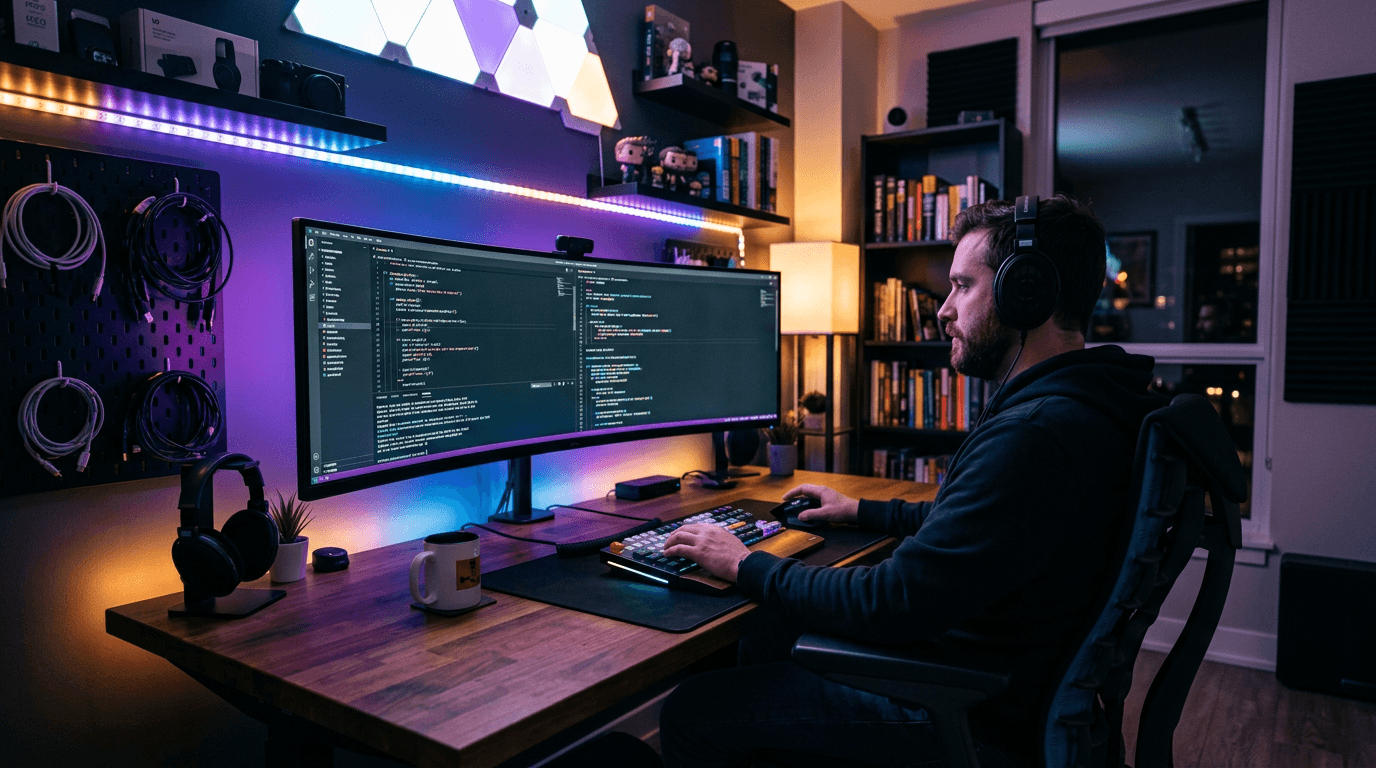
Programmers spend 8-10 hours at a keyboard. The right gear makes a real difference to productivity, eye strain, and wrist health. Here is the ideal setup.

Eye strain from screens affects nearly every remote worker. Here are the evidence-based solutions — from monitor settings to lighting — that actually work.